

 SK
 F4
 CP
 W3
 MC
 ETS2

Assetto Corsa · Visual effect
Clearer colors in Assetto Corsa: fixing washed-out, dark and over-bright images
Washed-out midday light, a cockpit that is too dark to read and bloom that swallows the track are almost always post-processing problems in Assetto Corsa. The PP filter you pick in Content Manager sets exposure, contrast, saturation and glare, and it must match your weather set. Get that pairing right and most color problems go away without any other mod.
01Part 1 of 7
What do bad colors look like in Assetto Corsa?
Color problems in this game tend to fall into four groups, and each has a different cause.
Washed out
At midday the sky is white, the track is pale gray and car paint looks dusty. This is usually exposure set too high or a filter meant for different lighting.
Too dark inside
The outside looks fine but the cockpit is so dark you cannot read the dash. This comes from how exposure adapts between the bright outside and the darker cabin.
Over-saturated
Grass looks neon, red cars glow and kerbs vibrate. A filter with strong saturation or contrast is the usual reason.
Blown out by glare
Bloom and glare spread light so much that sun-lit kerbs and white lines lose their edges.
Clearer colors means something specific here: the track, the cars and the sky look the way they would to your eye on a clear day, and you can still read the dashboard and the braking boards. It does not mean maximum saturation.
02Part 2 of 7
What are PP filters in Assetto Corsa?
A PP filter is a small config file that tells the game how to handle the final image. It sets exposure, gamma, contrast, saturation, color balance, glare, vignette and other effects. Filters live in the game's system/cfg/ppfilters folder, and Content Manager lets you pick one in its video settings. Post-processing has to be switched on for a filter to have any effect.
The game ships with a few default filters. The community has made many more, and the major weather sets ship their own. Filters are tuned to specific lighting. A filter made for stock Assetto Corsa expects stock light levels. A filter made for Sol or Pure expects that weather set's much wider range from bright noon to dark night.
That is why using a random filter from a screenshot thread often goes wrong. It may look great in that person's one track at one time of day and odd everywhere else. Choose filters by which weather set they were made for first, and by taste second.
For the idea behind this kind of post-processing in general, see how lighting mods work.
Screens
See the difference
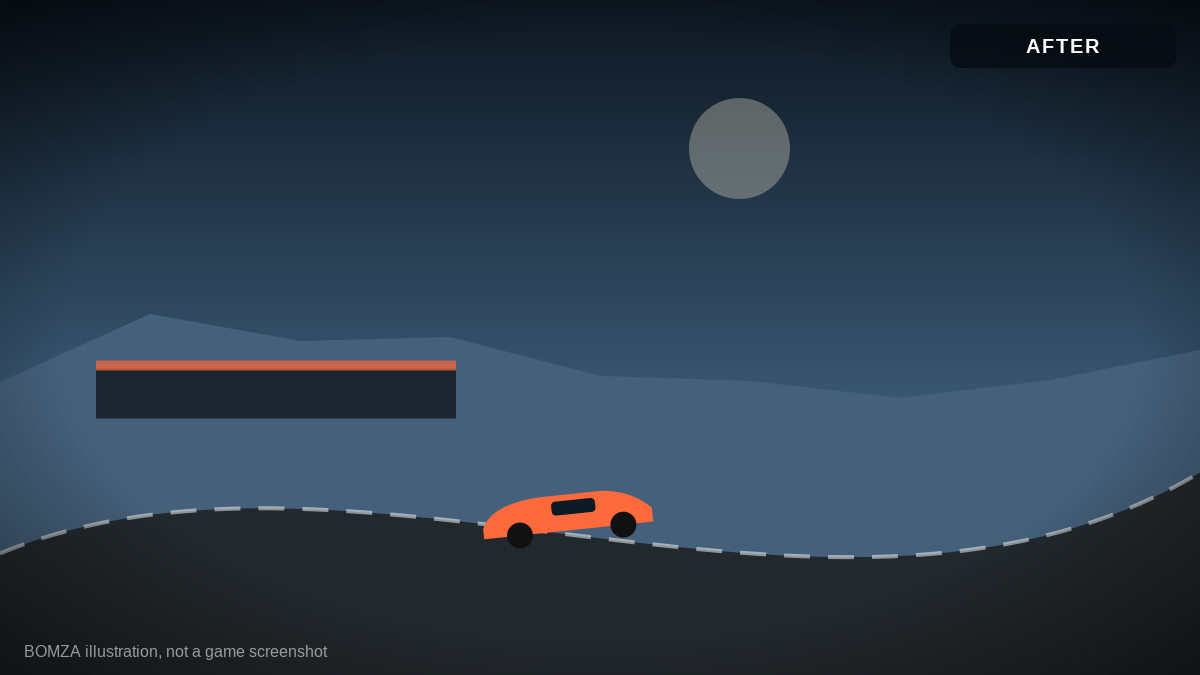
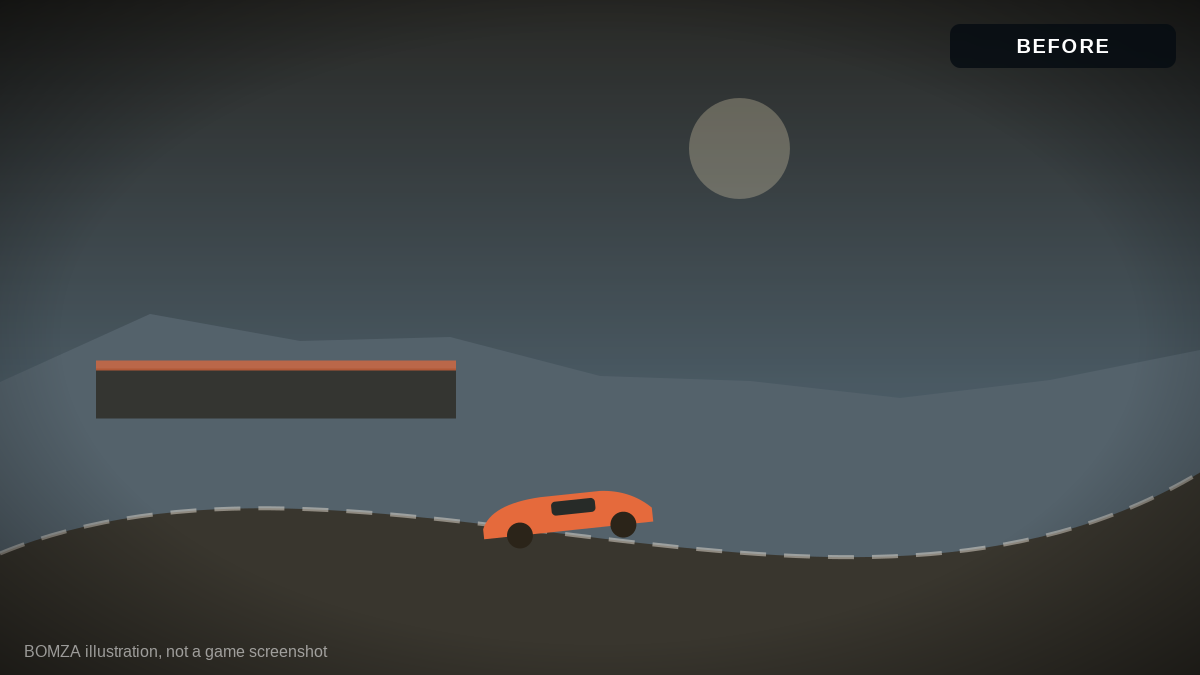
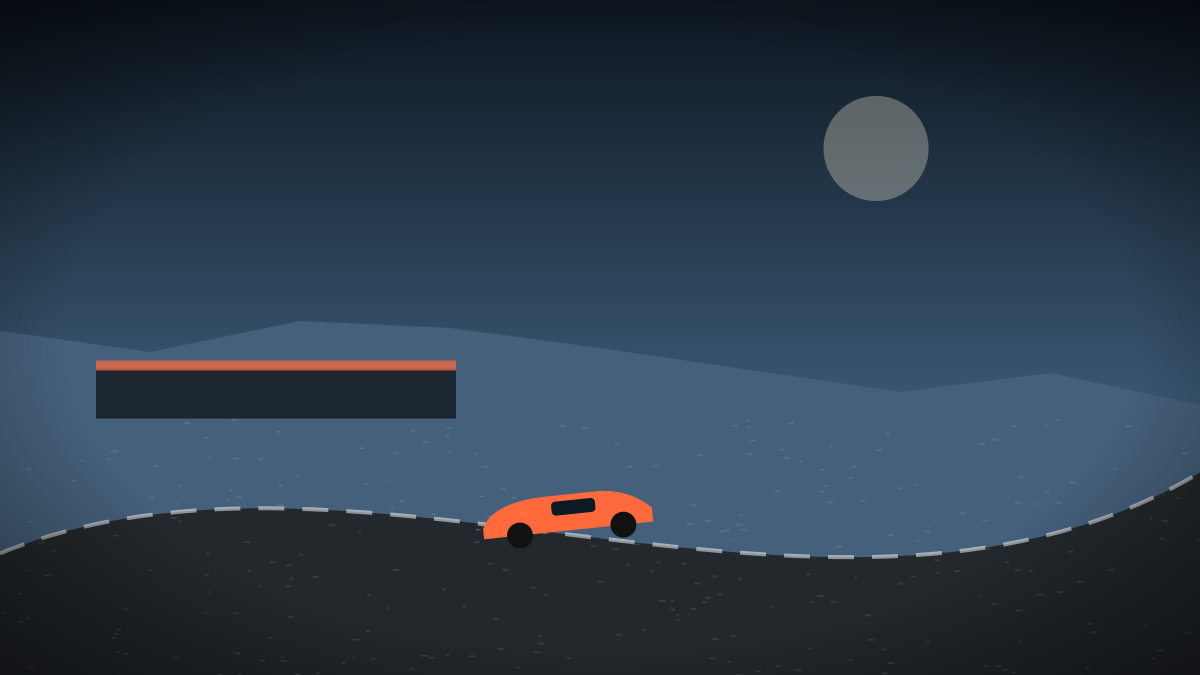
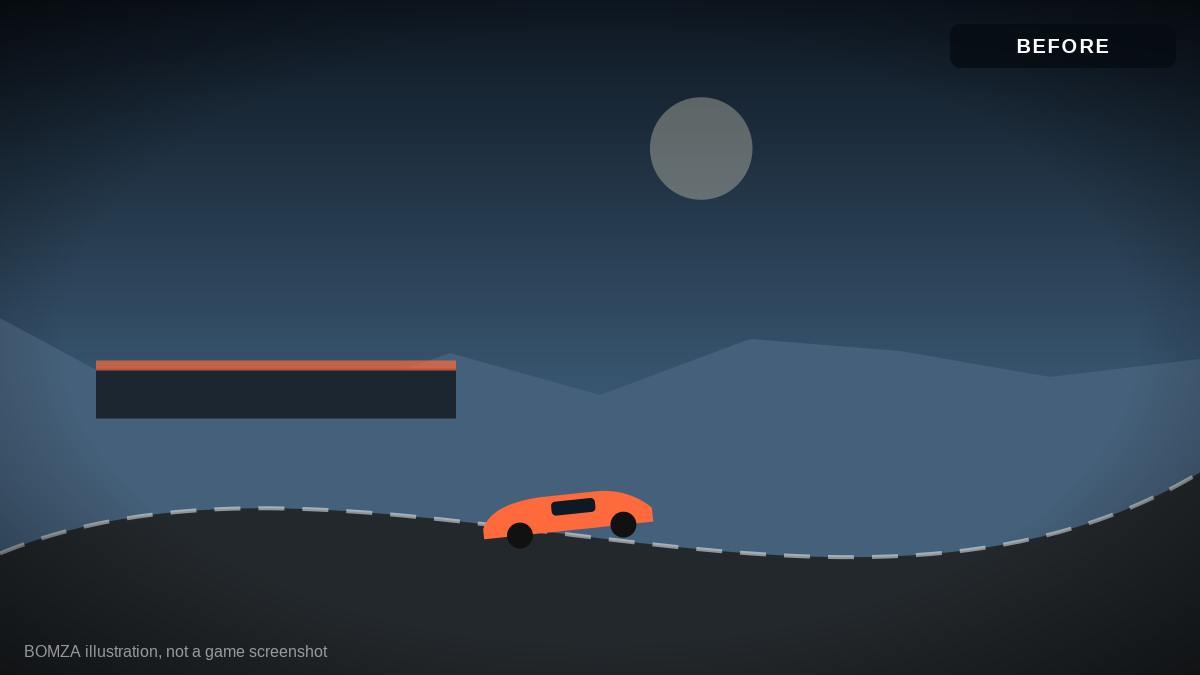
The same scene before and after, plus the spot we test this effect in.
- In gameA readable dash and an unblown sky in the same frame is the target for a good filter.
- BeforeThe base game look.
- AfterMidday straight with a mismatched filter, then with a filter matched to the weather set.
03Part 3 of 7
Why do my colors change when I install Sol or Pure?
Weather sets change the light itself: how bright the sun is, how blue the sky is, how much light bounces into shadows. Once they do that, the filter on top has to deal with very different input.
Under a modern weather set, noon can be many times brighter than dusk, much like real light. The filter's exposure and tonemapping turn that range into something your monitor can show. If the filter was made for the narrower range of stock lighting, you get blown-out daytime or murky evenings.
So the usual order is
Choose your weather set, Sol or Pure.
Use the filter it ships with or one made for it.
Adjust only after you have driven a few times of day with that pair.
Weather sets also expose their own brightness and color settings. Changing those and changing the filter can cancel each other out, so adjust one place at a time. Our dynamic weather page explains what the weather side controls.
04Part 4 of 7
Which values should I change for clearer colors?
Small changes go a long way. Move one value, drive the same lap at two times of day, then decide.
Exposure. The main brightness control. If midday is washed out on every track, lower it a little. If night is unreadable, the weather set's night brightness is often the better fix.
Contrast. More contrast gives a punchier image but crushes shadows under bridges and inside the cockpit. A gentle value keeps detail in both.
Saturation. Raise it slightly if colors look dusty. Stop before grass and red paint start to glow.
Color temperature or white balance. Some filters lean warm or cool. A neutral setting makes the track look like a real track. A warm one can look nice at sunset and wrong at noon.
Glare and bloom. Lower these if white lines and kerbs blur in sunlight. They are also a frequent source of eye strain in VR.
Auto exposure. Controls how fast and how far brightness adapts when you move between bright and dark areas, such as into a tunnel or from a bright outside view to the cabin.
05Part 5 of 7
How do I make the Assetto Corsa cockpit and dashboard easier to read?
A dark cockpit is one of the most common complaints, and it matters for driving, not just for looks. You need to read the gear, the revs and sometimes a delta time while looking far down the track.
The cause is usually auto exposure. The filter sets exposure for the bright outside, so the shaded cabin drops into near black. Raising the minimum exposure or slowing how strongly it adapts keeps the cabin lit without washing out the track.
Car quality plays a part. Official cars and well-made mod cars have materials that respond properly to light, and many carry CSP configs that let dash displays glow. A poor mod car may have a dash that is dark no matter what. Try an official car in the same conditions to see whether it is the filter or the car.
In VR, a darker cabin can feel natural, since your eyes adapt. On a monitor it often feels too dark. Many players keep a separate filter for each, and Content Manager makes switching easy with presets.
Sharpness and color interact here too. The sharper track textures page covers the blur side of the same filter.
06Part 6 of 7
Should I use ReShade for color in Assetto Corsa?
Some players add ReShade on top of the game's filter for color grading or sharpening. It can work, but it adds a second layer that changes the same things, and that makes problems harder to track down.
If you try it, keep a few rules
- Get a clean result from the PP filter first. ReShade should be a light touch on top, not a fix for a bad filter.
- Avoid stacking the same effect twice. Sharpening in both the filter and ReShade, or contrast in both, quickly looks harsh.
- Check menus and in-game apps. Some ReShade effects tint the user interface.
- Expect some performance cost, more in VR.
- Check league or server rules. Some leagues set rules on visual tools to keep visibility fair.
For most players, a good PP filter matched to the weather set is enough. The article on ReShade vs ENB explains how external post-processing tools differ from a game's built-in ones.
07Part 7 of 7
Are there free filters for clearer colors in Assetto Corsa?
Yes. The default filters, the filters that come with weather sets and many community filters are free. For most people the free filter that matches their weather set is the right starting point. Try it for a week of normal driving before you go looking for anything else. The free mods overview lists the main free options across games.
BOMZA does not sell a separate color filter for Assetto Corsa right now. Our dynamic weather pack touches the look of the light because that is part of weather, but it is not a color pack and is not listed as one here. If we add a color product later, it will appear in the Assetto Corsa shop and on the status page.
When you share a filter you made or edited, credit the original author and follow their sharing terms. Many filters start from someone else's work. Our note on crediting authors covers the basics.
Dial it in
Settings that change the look
- 01
Exposure
Overall brightness. Too high washes out noon and the sky. Too low makes shadows and cockpits murky.
- 02
Contrast
Gap between light and dark. High values look punchy but crush shadows under bridges and inside the car.
- 03
Saturation
Color strength. A small raise fixes dusty colors. Too much makes grass and red paint glow.
- 04
Glare and bloom
How light spreads around bright areas. Lower values keep white lines and kerbs crisp in sunlight.
- 05
Auto exposure limits
How far brightness adapts between bright and dark views. Raising the minimum keeps the cockpit readable.
- 06
White balance
Warm or cool tint across the image. Neutral looks most like a real track through the whole day.
Before you install
Compatibility
Works with
PP filters need post-processing switched on in the game's video settings and are picked in Content Manager. Filters are tuned for a specific lighting model, so match them to stock lighting, Sol or Pure. Weather set updates can change light levels enough that an older filter looks off. ReShade stacks on top of the filter and on top of any filter changes. Some leagues and servers set rules on visual tools, so check before race day.
Install steps are in Guides, and the current state of each pack is on the status page.
Limitations
- A filter cannot fix dark dashboards on cars with poor materials.
- No single filter looks right with every weather set and time of day.
- Strong contrast or saturation hides detail in shadows and bright areas.
- Filters tuned on one monitor can look different on another display or in VR.
Tested packs
Get this effect
No BOMZA pack covers this effect yet. You can still browse the Assetto Corsa shop for the packs that exist.
There is no BOMZA pack for this yet. The guide above covers the free ways to get the effect, and the free mods overview explains how to judge a mod page.
FAQ
Questions players ask
Short answers to what players ask us most. Open a question to read the answer.
Ask in our Discord. Include your game version and what you installed.
Open Discord01Why does everything look washed out after installing a weather mod?
Your PP filter was probably made for stock lighting. Switch to the filter that ships with your weather set, or one made for it, and check again at noon and at sunset.
02Where do I choose a PP filter?
In Content Manager's video settings. Post-processing has to be enabled in the game for the filter to apply.
03Can I make my own filter?
Yes. Filters are plain config files. Start from one made for your weather set, change one value at a time and credit the original author if you share it.
04Do colors affect performance?
Basic color values cost almost nothing. Effects in the same filter, such as glare, god rays and depth of field, do cost frames, more at high resolution and in VR.
Keep exploring
More Assetto Corsa effects
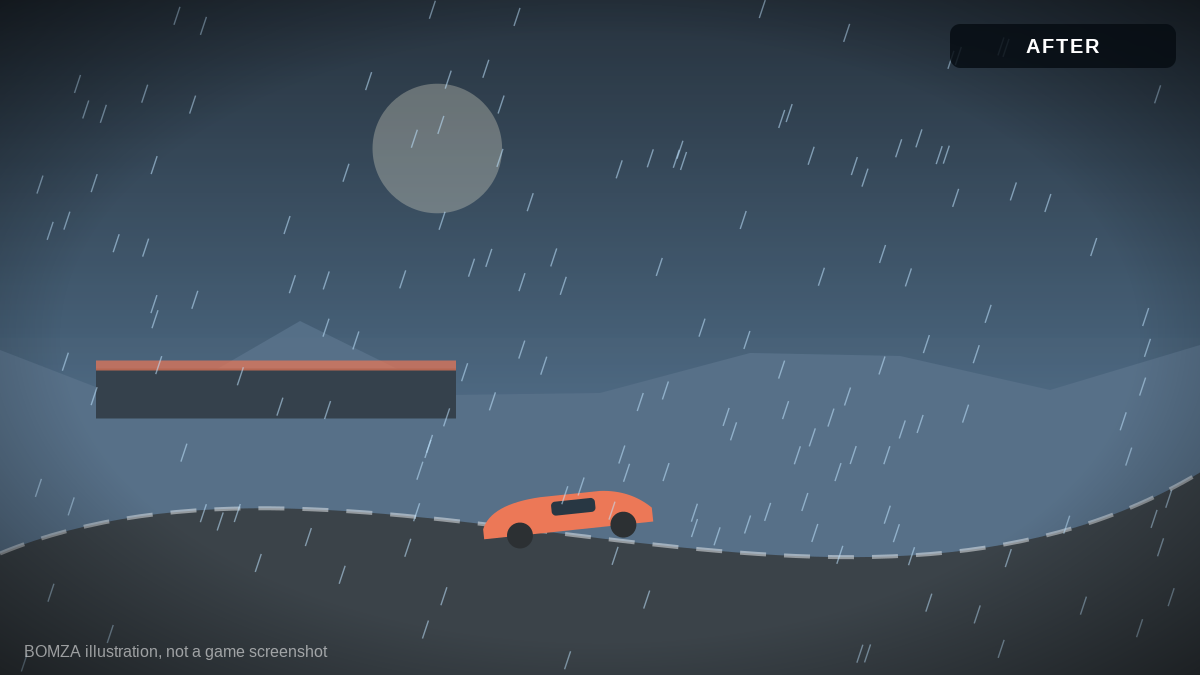
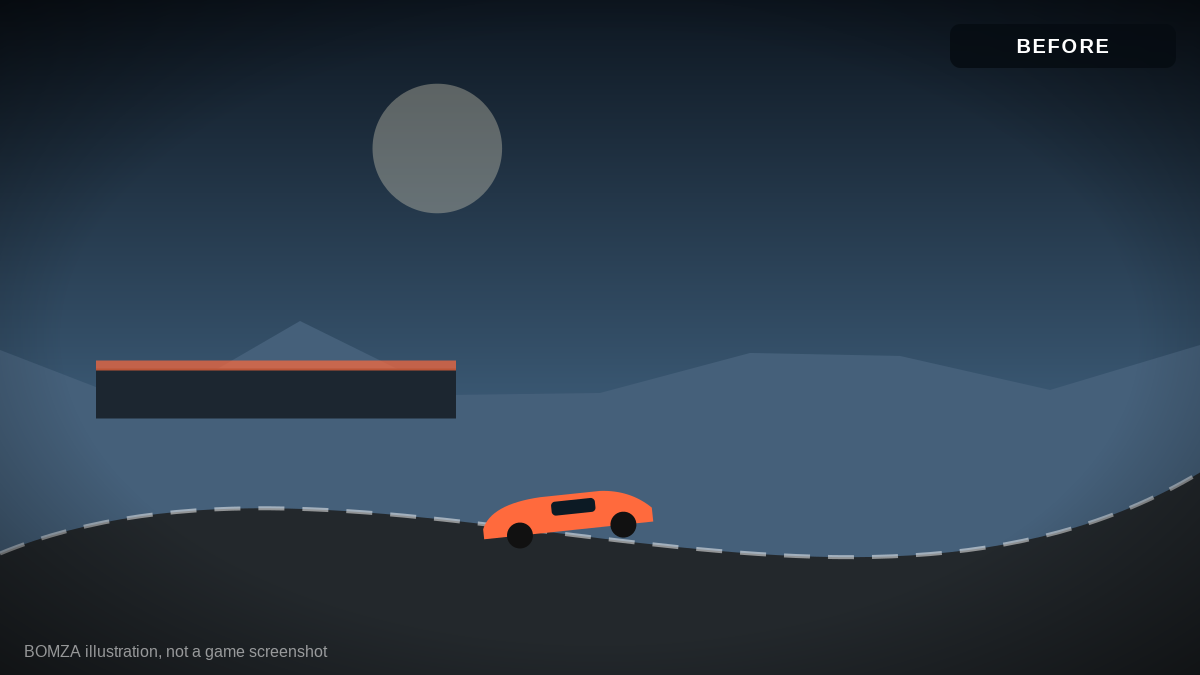 Dynamic weather in Assetto Corsa: rain, moving clouds and changing lightStock Assetto Corsa has fixed weather presets and no rain. With Custom Shaders Patch and a weather set such as Sol or Pure, clouds move, light shifts through the day, rain wets the track and conditions can change during a session. The look you get depends on the CSP build, the weather set, its PP filter and how well each track is configured.
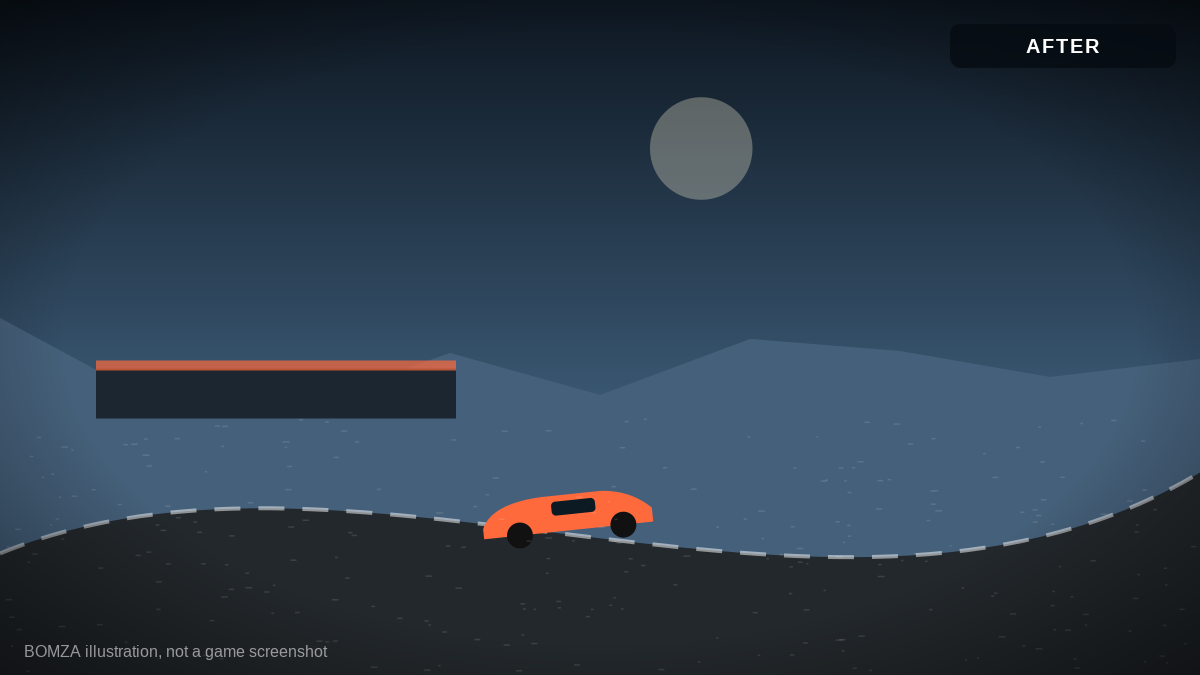
 Sharper track textures in Assetto Corsa: asphalt, kerbs and signs that hold detailBlurry asphalt and smeared kerbs in Assetto Corsa come from three places: the track's own texture work, the texture filtering and anti-aliasing settings you run, and post-processing that softens the image. You can fix the last two in settings and filters. The first depends on the track, so a good mod track with high-resolution textures matters more than any tweak.
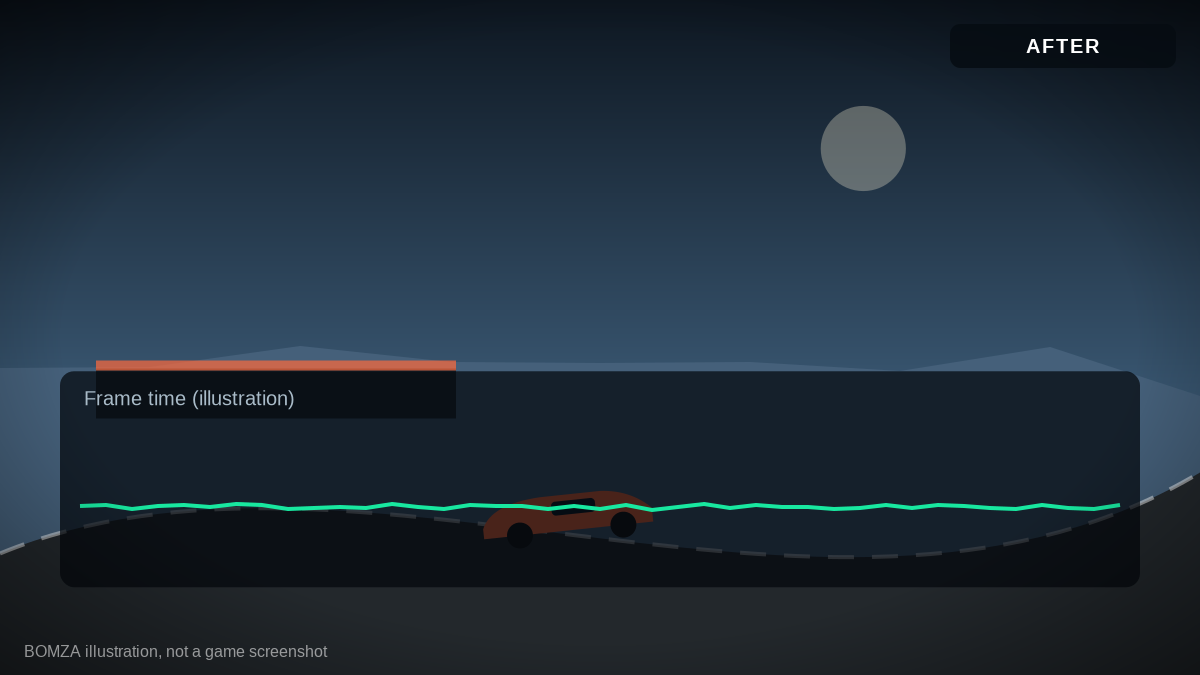
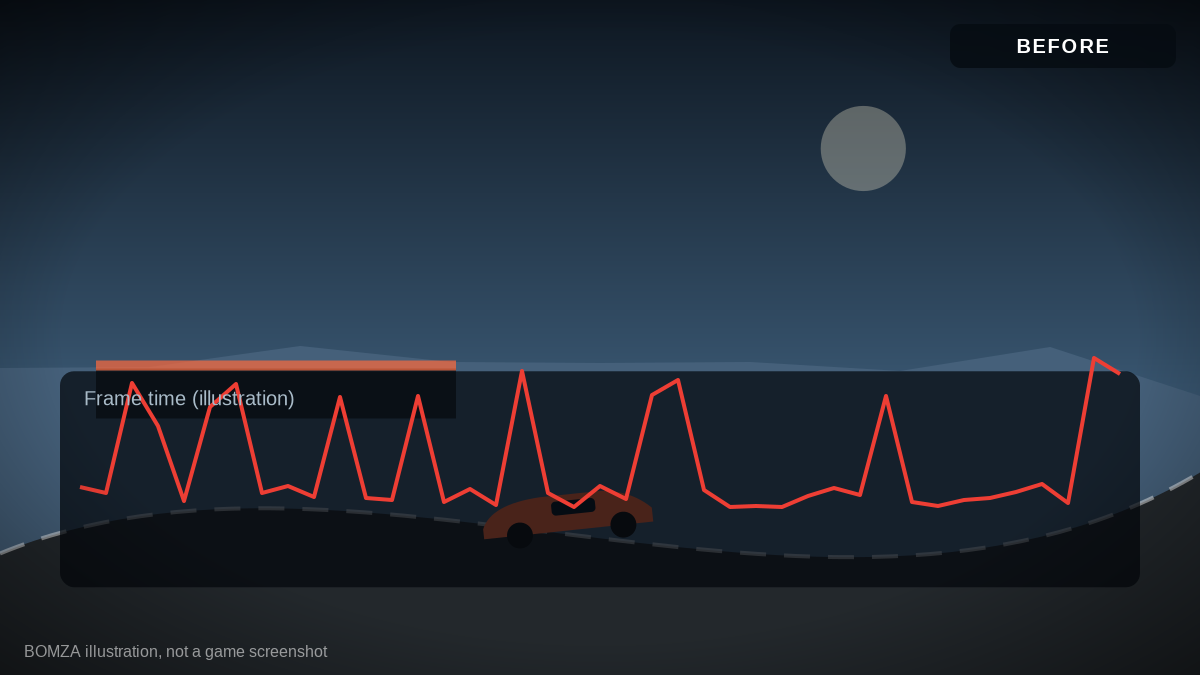 Assetto Corsa FPS boost: smoother frame rates with CSP, full grids and VRMost frame drops in modded Assetto Corsa come from reflections, shadows, mirrors, a big grid of cars and heavy CSP effects such as rain. Lowering reflection update rate, shadow resolution and mirror quality usually gains the most for the least visual loss. A full grid is a CPU problem that graphics settings only partly solve.
 Full Assetto Corsa mods guideEvery effect, what it costs in FPS, what breaks after updates and how we check our packs.
Assetto Corsa · clearer colors
Want a pack for this?
There is no BOMZA pack for this effect yet. The Assetto Corsa shop lists every pack we have for this game today.