 F4
 CP
 W3
 MC
 ETS2
 AC

Sky and star textures
- Typical cost
- Very low
- Why
- A few textures drawn once per frame

Show prices in
Prices in other currencies are approximate. Card payments are charged in South African rand (ZAR).
 Log in
Skyrim Special Edition visual and performance mods
Most Skyrim Special Edition visual mods fall into five groups: lighting, weather, sky, textures and performance. You get the biggest change for the least risk by picking one lighting mod and one weather mod that are known to work together, then adding textures and a light preset on top. Everything here is client side and single player.
The game itself is the weak point, not the mods. Steam updates can break SKSE64 and every plugin that depends on it, so the version you play on matters as much as the mods you choose. This page explains what each mod type changes on screen, what it costs in frame rate, which tools you need, and how BOMZA tells you whether a pack still works on the current build.
Pick an effect, drag the slider
Pick a mod to see what it changes, how it looks in game and how to set it up.
Effect 1 of 5
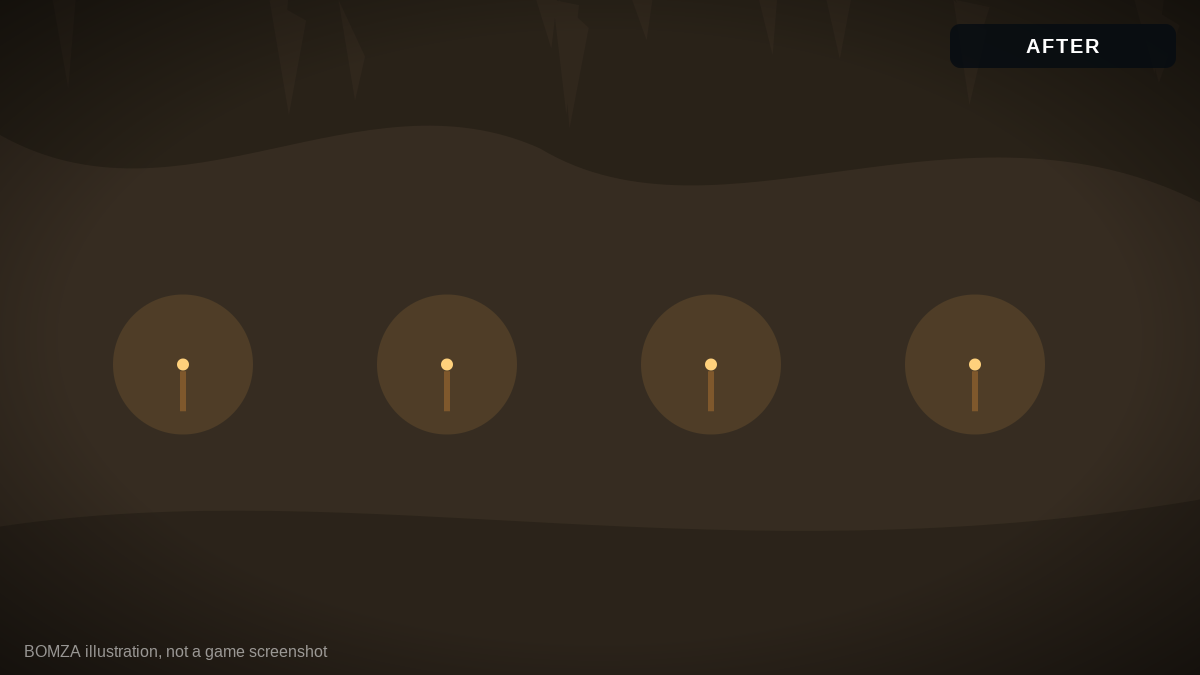
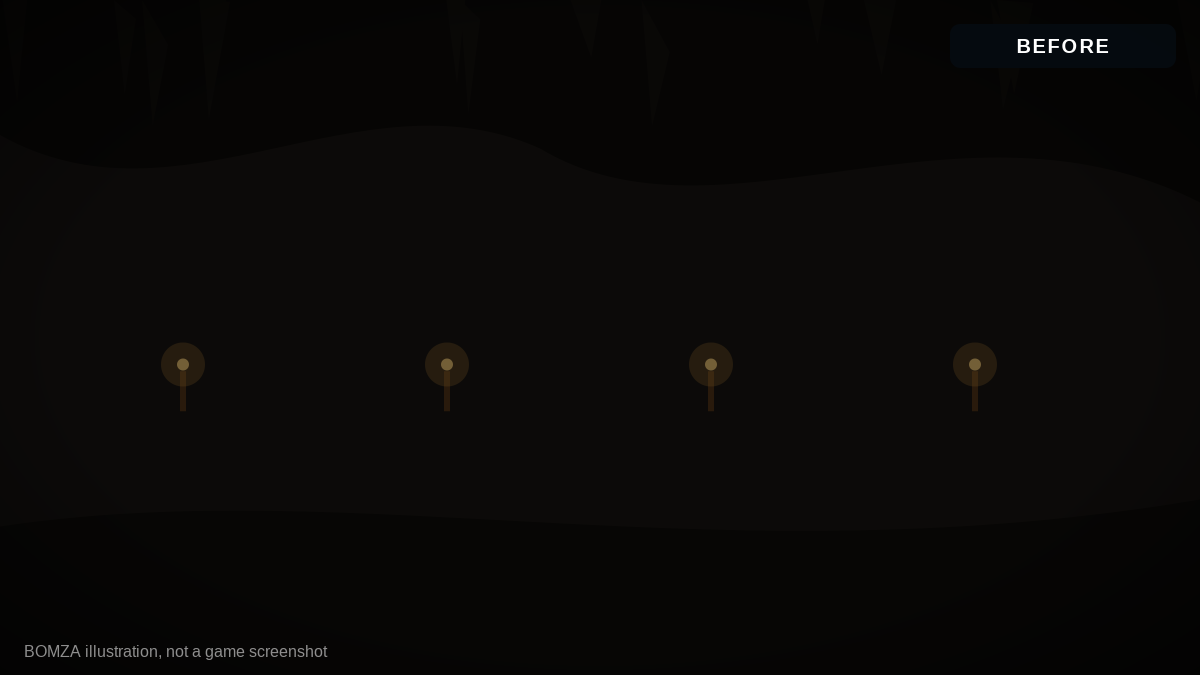
Skyrim caves look too dark because each interior cell has a fixed, very low ambient light and few real light sources. Lighting mods fix this by raising that ambient level a little and adding torches, braziers and light shafts that actually light the room. The goal is a cave you can read without a torch in hand, while the outside world keeps its normal day and night.
Effect 2 of 5
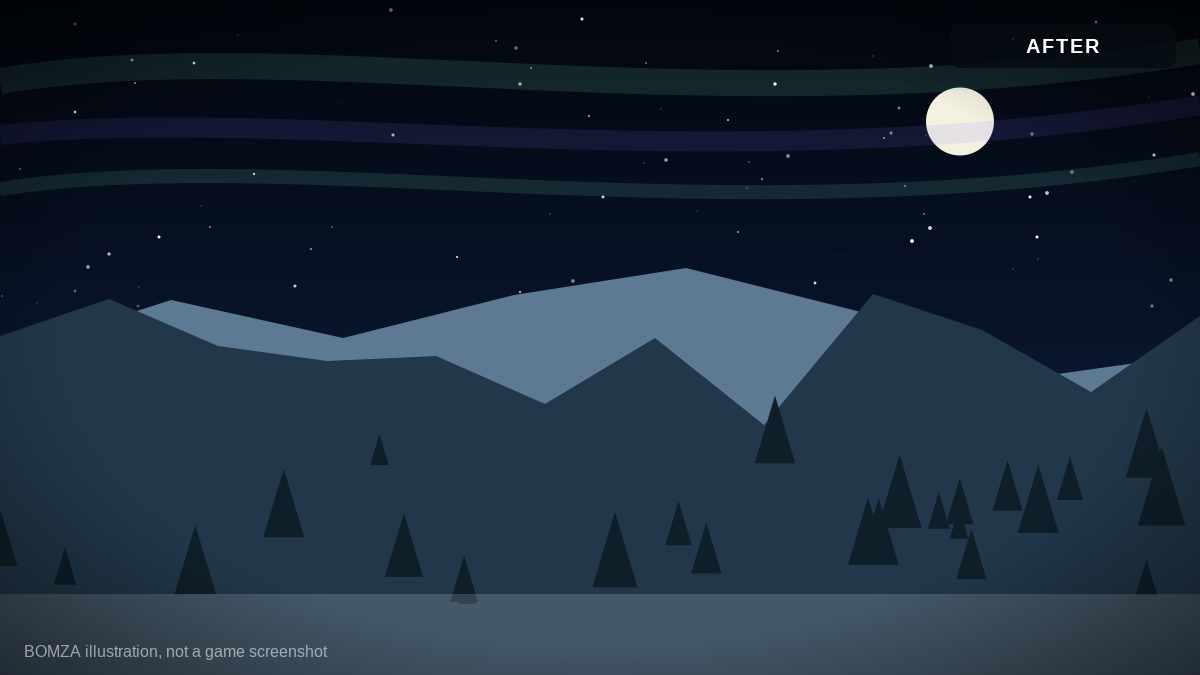
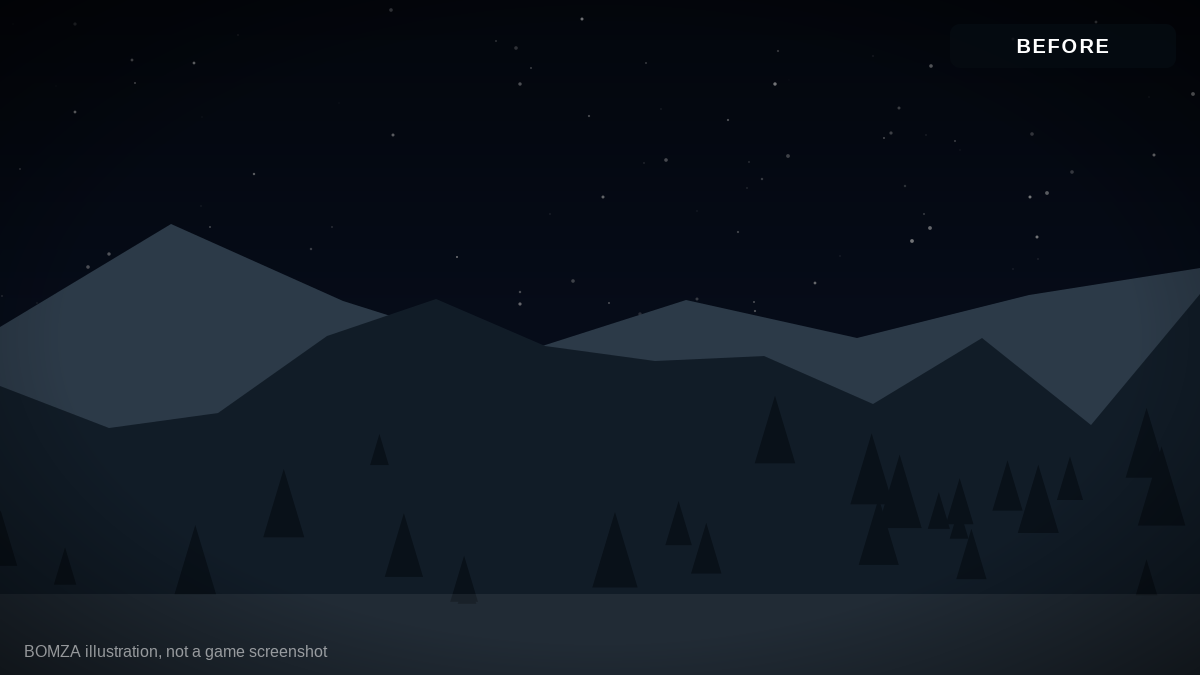
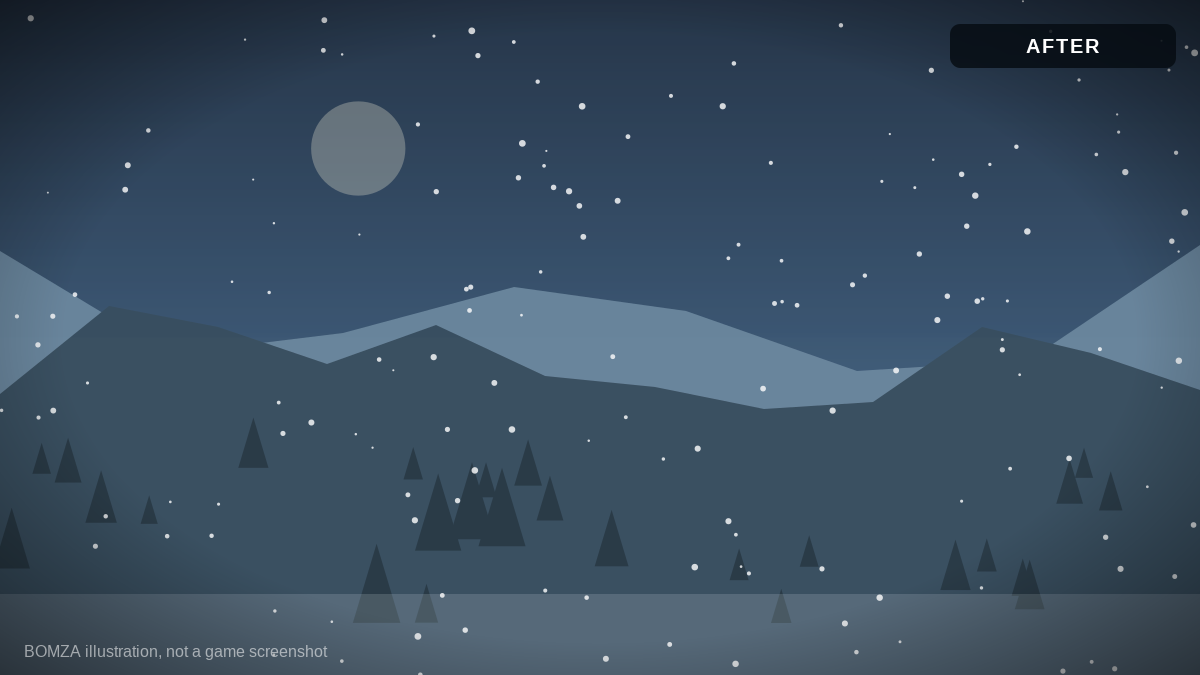
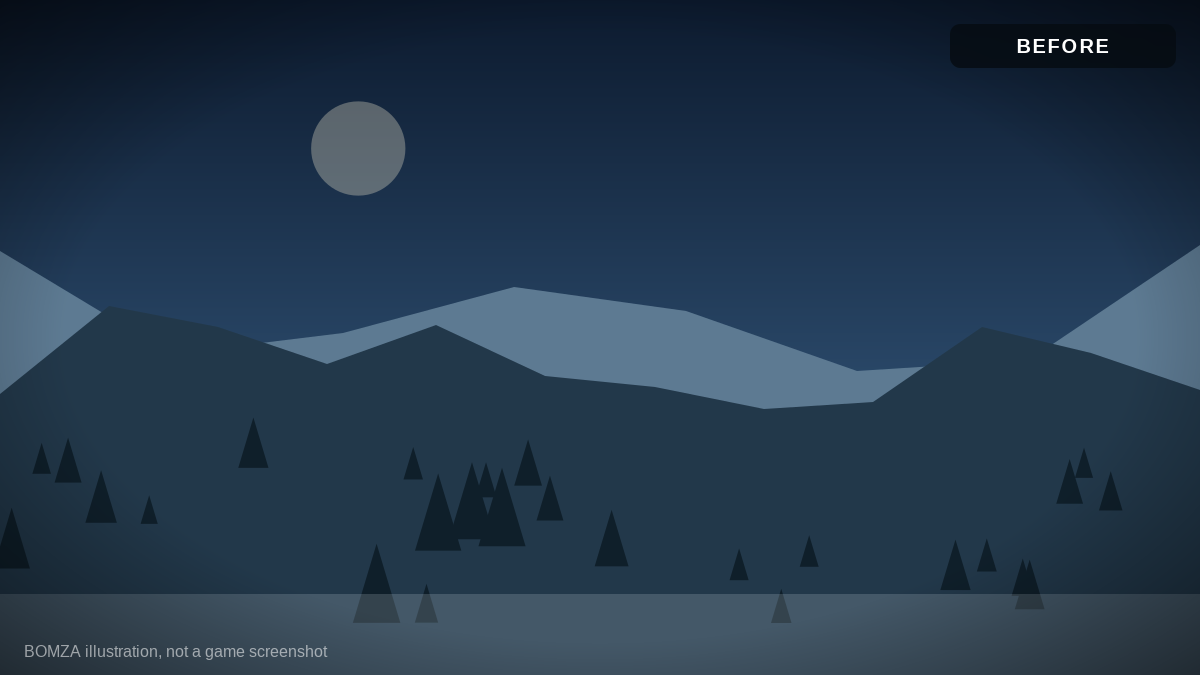
A night sky overhaul replaces the low resolution stars, the two moons Masser and Secunda and the aurora with sharper, denser textures, and often adjusts how bright the sky is after dark. It is one of the cheapest visual upgrades in Skyrim because it is mostly textures. How good it looks depends on your weather mod, since weather decides how dark the night is and how much cloud hides the stars.
Effect 3 of 5
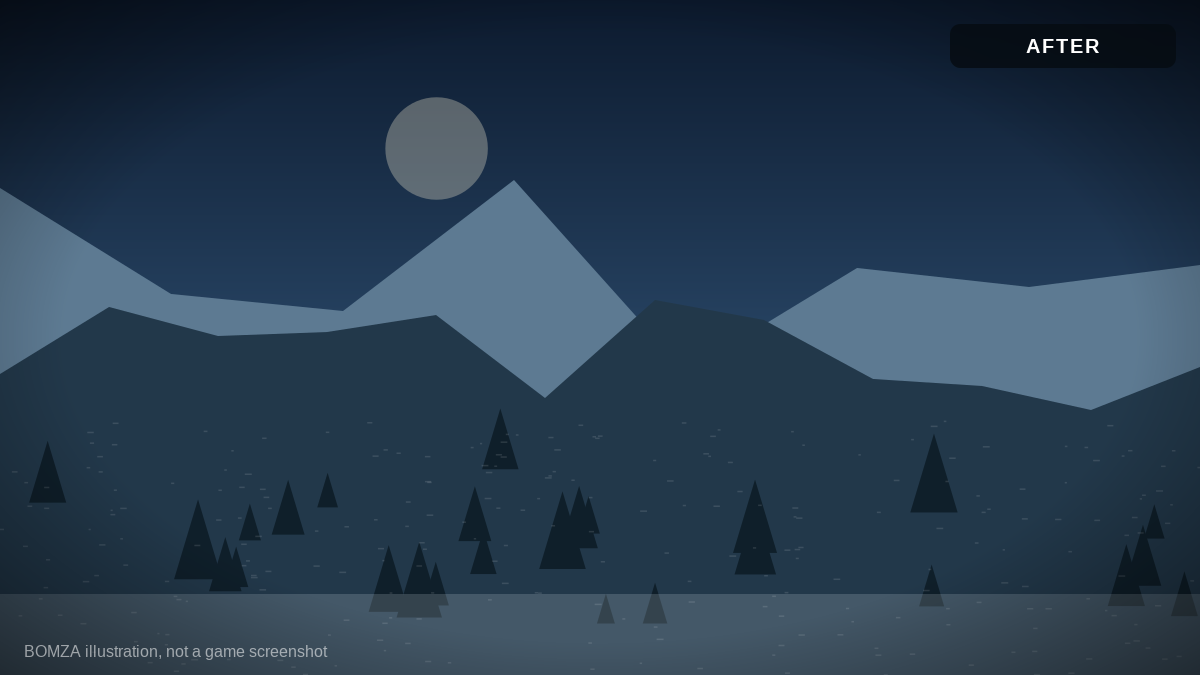
Skyrim weather mods replace the weather records that set sky color, cloud layers, fog, light and precipitation for each region. A good one gives you more distinct weathers, storms that darken the world, snow that cuts visibility and fog that settles in valleys. You should run only one full weather mod at a time, and match your ENB or Community Shaders preset to it.
Effect 4 of 5
Landscape texture mods replace the ground, rock, mountain, road and snow textures with sharper, higher resolution versions, so the world stops looking smeared when you stand close. For distant terrain to match, you also need updated LOD generated with tools such as xLODGen and DynDOLOD. The main cost is video memory, not raw GPU power, so pick a resolution your card can hold.
Effect 5 of 5
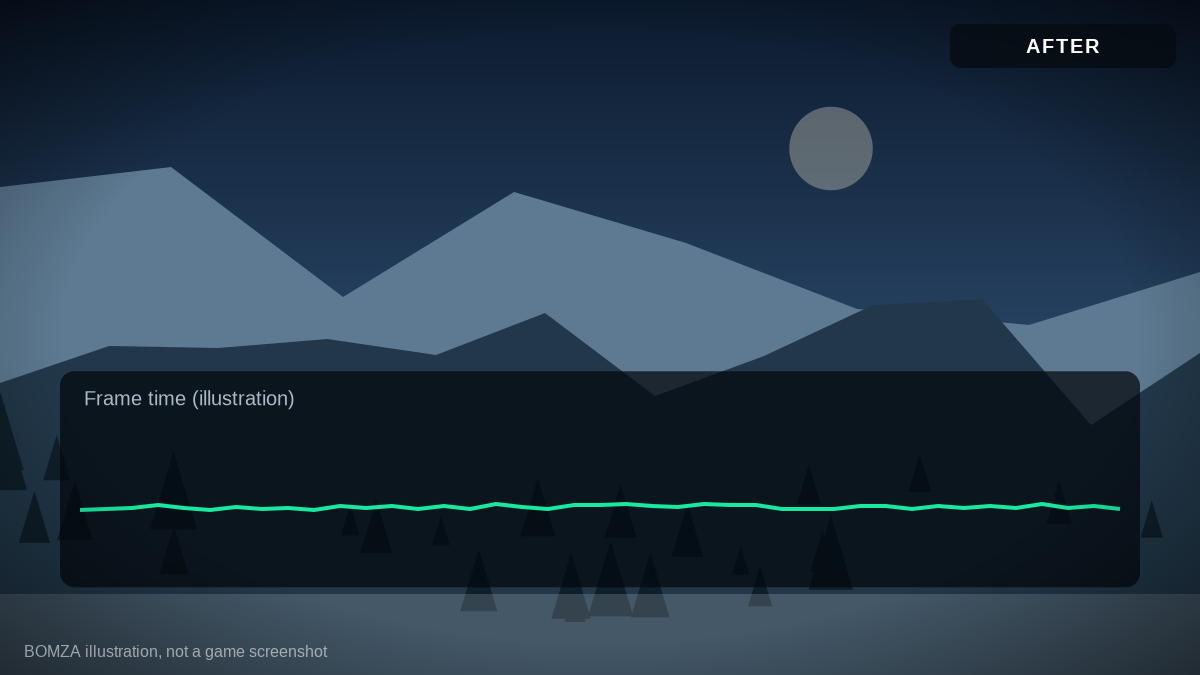
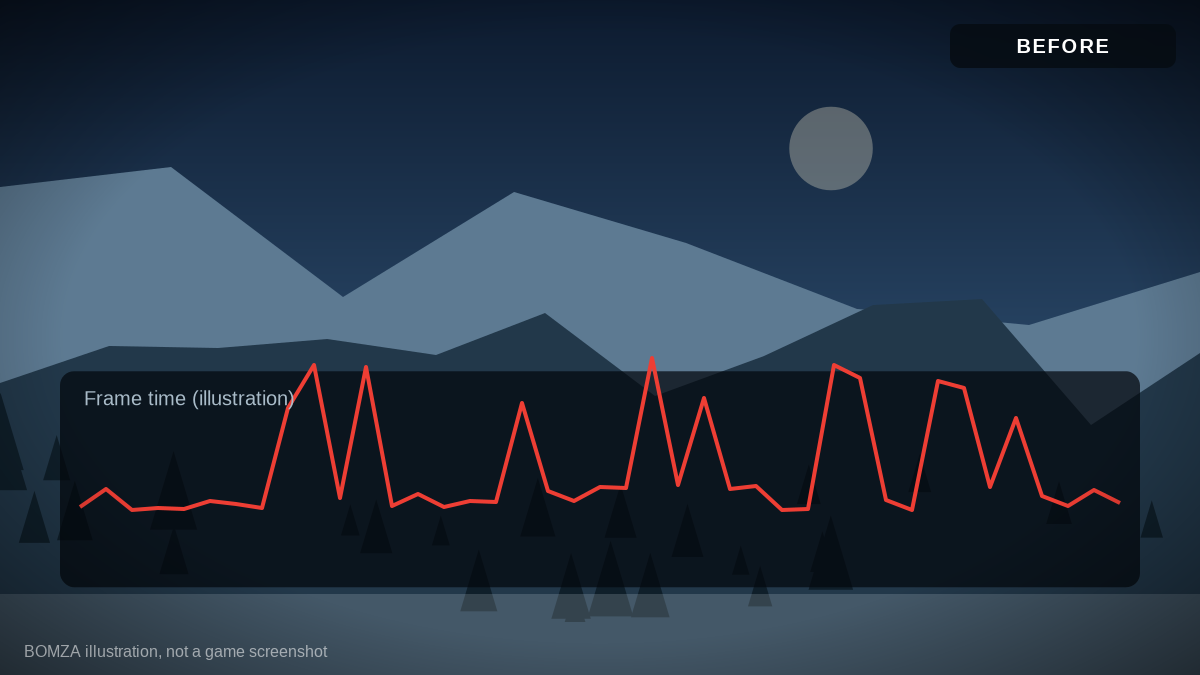
Skyrim frame rate drops mostly come from shadows, grass, draw calls in cities and heavy post processing, not from textures. The biggest wins are lowering shadow distance and grass density, using fix plugins such as Engine Fixes and Display Tweaks, and choosing lighter post processing. Raising the frame rate above 60 also needs a physics fix, or objects start to jump.
01Part 1 of 10
Skyrim has one of the deepest visual modding scenes of any game. It helps to sort mods by what they touch, because two mods that touch the same thing usually fight.
change light sources and cell lighting: torches, candles, braziers, window light, and the ambient light in caves and ruins. Known examples are Enhanced Lights and FX, Relighting Skyrim and the Lux family.
replace the weather records: sky colors, fog, rain, snow, storms and how bright day and night are. Cathedral Weathers, Obsidian Weathers, Azurite Weathers and NAT are common choices.
swap star, moon, aurora and nebula textures. They are small files with a big effect after dark.
replace the image files on landscape, rocks, mountains, roads and buildings. Some add parallax or complex material support.
means ENB, Community Shaders or ReShade. These change how the final image is drawn: ambient occlusion, bloom, color grading, depth of field, better shadows.
such as Engine Fixes and Display Tweaks. They do not make the game prettier, they make it run smoother and crash less.
A good visual setup usually has one mod from each of the first four groups and one post processing option, plus the fix mods. If you want a deeper explanation of how light is handled, read how lighting mods work.
02Part 2 of 10
We split Skyrim visuals into five visible effects. Each one has its own page with settings, examples and limits.
Caves and dungeons that are too dark. Vanilla interiors swing between flat gray and pitch black. Lighting mods add real light sources and fix the ambient level so you can see the room without the torch looking pointless. See brighter caves in Skyrim.
A dull night sky. The stock stars are low resolution and the aurora is faint. Sky mods replace stars, moons and the aurora with sharper textures. See Skyrim night sky overhaul.
Weather that all looks the same. Weather mods add more variety, thicker fog, darker storms and snow that actually reduces visibility. See Skyrim weather effects.
Blurry ground and mountains. Landscape texture mods sharpen dirt, grass ground cover, rock and snow, and LOD tools fix the gap between near and distant terrain. See sharper landscape textures.
Low or uneven frame rate. Skyrim drops frames in cities and dense forests and has a physics link to frame rate. Fix mods and sensible settings help more than most people expect. See Skyrim FPS boost.
BOMZA has two Skyrim packs that map onto these topics: the Brighter Caves Pack for interiors and the Atmosphere Overhaul for sky and weather. Free options for every topic are listed on free mods.
Tested packs
Built and tested by our team. Each pack shows the game version it was last confirmed on. Prices, options and checkout live in the Skyrim Special Edition shop.
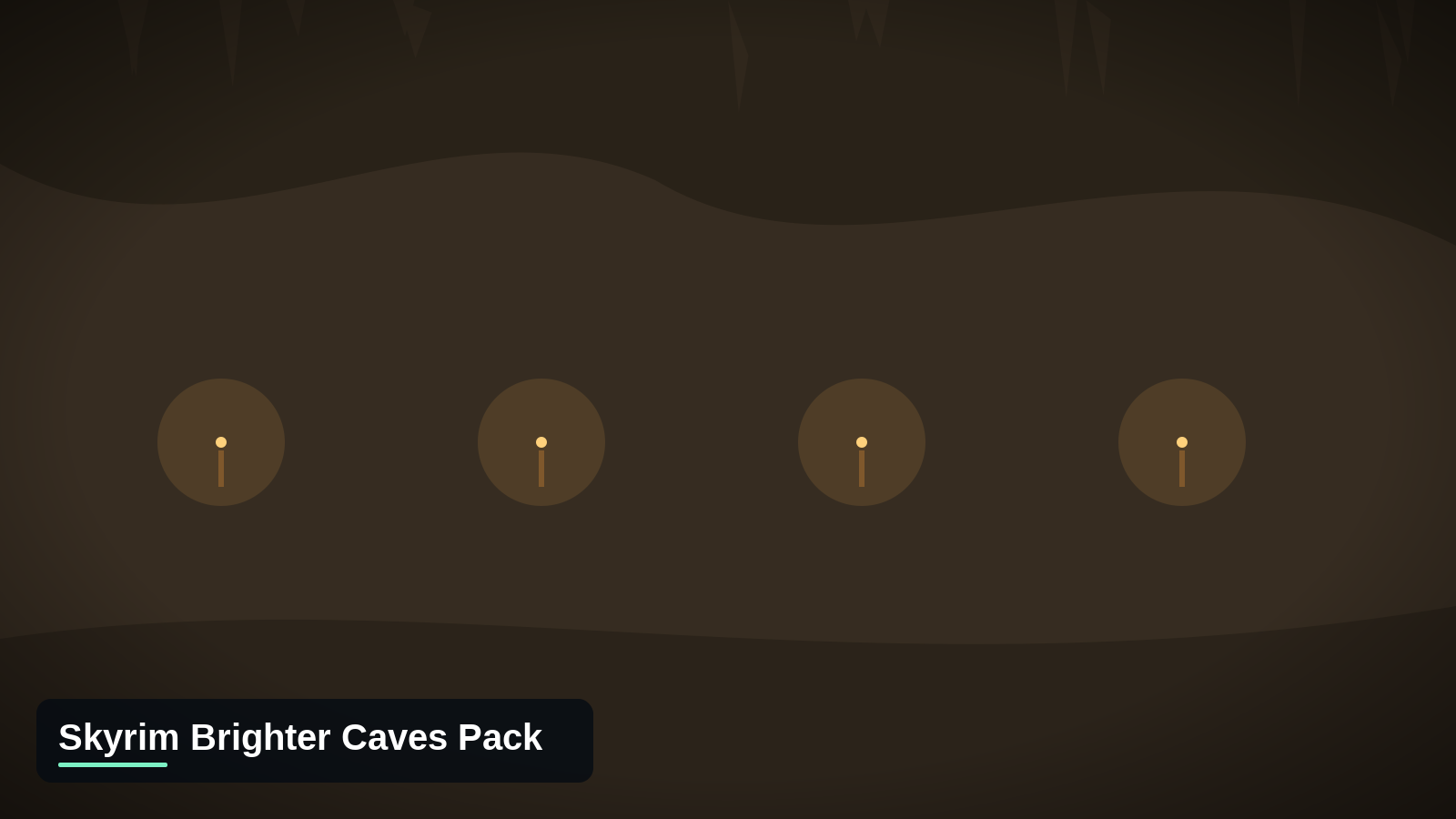 Skyrim Brighter Caves PackCaves, mines and Dwemer ruins get readable light. You can see the floor, the traps and the enemy in the corner without a torch in your hand all the time.
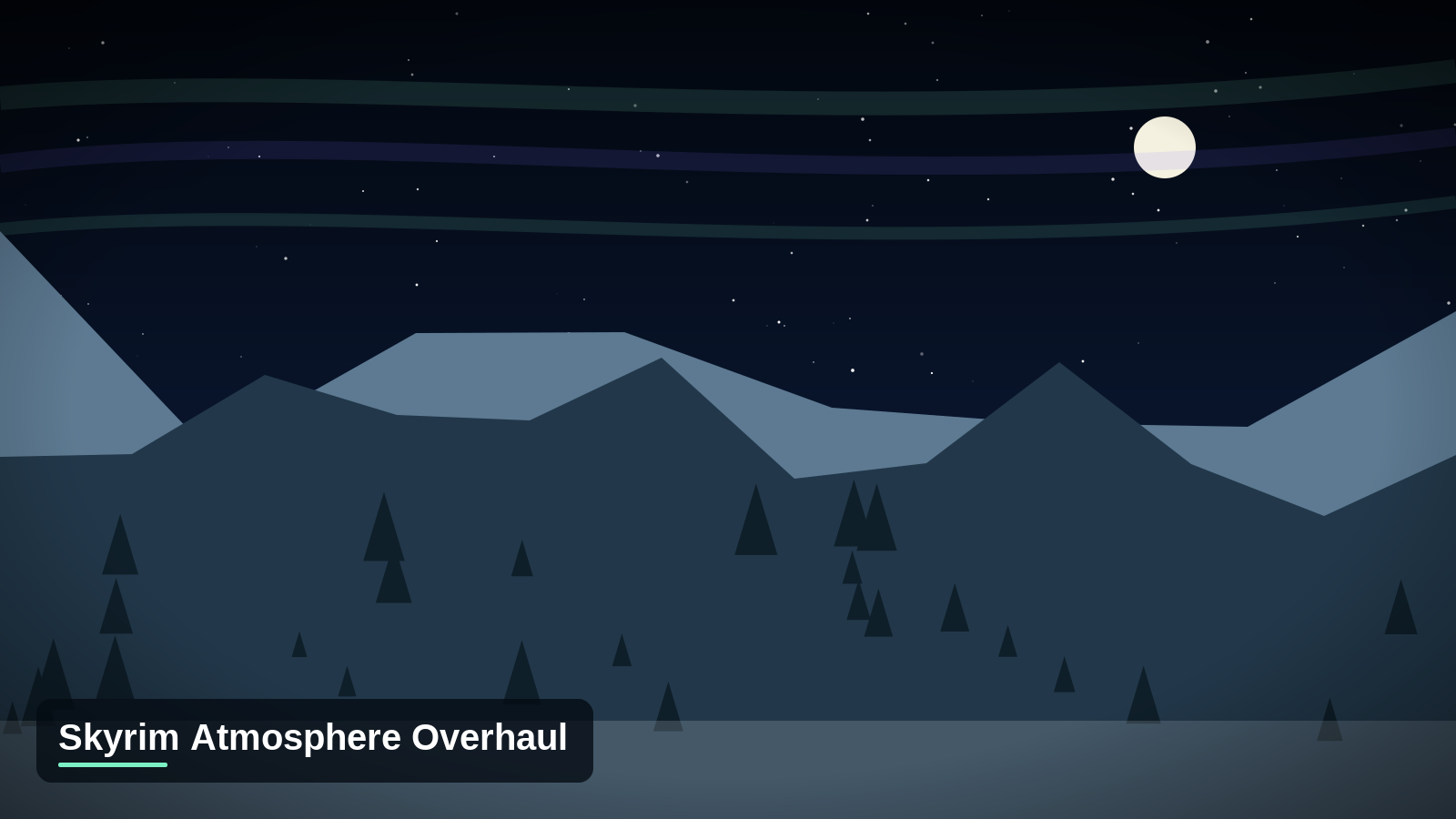 Skyrim Atmosphere OverhaulNew weather types, a clearer night sky with more stars and auroras, and sharper landscape textures for rock, grass and snow, installed as one tested set.
03Part 3 of 10
Start from the look you want, not from a list of popular mods. Ask yourself two things: do you want a bright, readable game or a dark, survival style game, and how much frame rate can you give up?
Weather sets the base brightness and color of the whole world. Everything else gets tuned against it.
Some lighting mods assume dark interiors and a light preset that brightens them. Others aim for a readable look without ENB. Read the lighting mod's page to see which weather mods it was tested with.
They replace the same parts of the renderer. Many ENB presets are built for one specific weather mod and look wrong with any other.
Textures rarely conflict with lighting. They mostly conflict with other textures and with LOD.
Avoid stacking two mods that do the same job. Two weather mods, two cell lighting mods or two complete texture overhauls will overwrite each other, and the one that loads last wins in some places but not others. That gives you a world where half the caves are bright and half are black.
If you are new to load order, this explainer on load order and conflicts covers how plugins and loose files overwrite each other. For the differences between ENB and ReShade, see ReShade vs ENB.
04Part 4 of 10
The cost depends far more on the type of mod than on the mod itself. Here is the rough order from cheapest to most expensive, based on how each one works.
The worst slowdowns in Skyrim are in cities like Whiterun, Solitude and Markarth, and in thick forests in the Rift and Falkreath Hold. Those spots are limited by the CPU and by draw calls, so a faster graphics card helps less than you would think. Grass density and shadow distance matter a lot there.
We do not publish invented FPS figures. When we test a BOMZA pack we use a fixed route and frame time capture, and we describe the method in how BOMZA measures FPS impact.
In game
One scene per effect. Open any of them for the full guide with a before and after slider.
brighter cavesA Nordic ruin hall: local light sources do most of the work, the ambient floor only fills the corners.night sky overhaulAurora over the northern coast. Weather and preset decide how bright it appears. weather effectsLow fog in the marshes of Hjaalmarch. Fog that follows the ground makes the landscape read better.
 sharper landscape texturesWith regenerated LOD, distant mountains share the color and detail of the ground you stand on.
 fps boostWhiterun market: a CPU and draw call heavy spot that shows real performance changes.
05Part 5 of 10
Most serious Skyrim visual setups rely on the same small set of tools. Get these right first and the rest is easy.
(Skyrim Script Extender) lets mods run native code plugins. Engine Fixes, Display Tweaks, Community Shaders and many lighting tools are SKSE plugins. Each SKSE64 build matches one exact game version.
lets plugins find game functions without being rebuilt for every patch. You need the file that matches your game version, Special Edition (1.5.97) or Anniversary Edition builds (1.6.x).
Mod Organizer 2 keeps every mod in its own folder and leaves the game folder clean, which makes testing and removing mods safe. Vortex installs into the game folder with hard links and is easier at first. Pick one and stay with it.
for checking conflicts, and a tool like LOOT for a starting load order.
ENB is different: its core files go into the game folder next to SkyrimSE.exe, not through the mod manager. ReShade also installs next to the executable.
You need a legal copy of the game. Anniversary Edition content does not change the requirements, but the Creation Club files it adds can show up as extra plugins in your load order. Step by step setup for each BOMZA pack lives in the Skyrim guides, not on this page.
06Part 6 of 10
Two builds matter today. Version 1.5.97 is the last Special Edition build before the Anniversary update. Version 1.6.1170, released in early 2024, is the current Steam build at the time of writing. Most actively maintained SKSE plugins support 1.6.1170, and many still ship a 1.5.97 file too.
Play on the current build unless a mod you cannot live without only exists for 1.5.97. Old mod lists and some abandoned plugins are the main reason people stay on 1.5.97. Downgrading is possible with community tools, but it adds a step you have to repeat if Steam updates the game again.
Steam has no true off switch for updates. The setting "Only update this game when I launch it" delays an update but does not stop it if you start the game through Steam. Common ways to stay safe are:
The 2023 Creations update showed what happens when you do not: a new executable shipped, SKSE and most plugins stopped loading, and it took days for authors to catch up. The background is in why game updates break script extenders.
07Part 7 of 10
Visual mods are among the safest mods you can add to Skyrim. Textures, meshes, ENB presets and most weather files do not write anything into your save. The danger comes from plugins with scripts and from removing mods mid playthrough.
Keep these habits and you will rarely lose a character
Saves live in DocumentsMy GamesSkyrim Special EditionSaves, unless your mod manager uses profile specific saves. Copy the whole folder, including the .skse co-save files.
Do not overwrite the save you made before installing something.
Make a real save from the menu.
Pure texture or ENB mods can come out any time. Plugins that run scripts may leave data in the save. Read the mod's removal notes first.
if you use Mod Organizer 2. Then a test setup never touches your main game.
Weather and lighting plugins edit records, not scripts, so swapping them on an existing save usually works. You may need to walk into a new cell or wait an hour in game before the new weather shows. For a longer checklist, see keeping a modded save safe.
08Part 8 of 10
A Skyrim update replaces SkyrimSE.exe. That single change decides what breaks.
until its author releases a build for the new executable. The game either refuses to start through SKSE or starts without it.
even after SKSE is updated, if they depend on an old Address Library or hard coded offsets. Engine Fixes, Display Tweaks and Community Shaders all fall into this group.
in some cases, because it hooks the renderer of a specific executable.
Plain data mods do not care about the executable version.
, which sometimes means patches built on old masters need a refresh.
So after an update you will often see the game load, but with no lighting tools, no frame cap and a missing post processing layer. That looks like a broken visual mod, when the real cause is the missing extender.
BOMZA marks a pack as updating while we check it on the new build, and as outdated if a dependency has not caught up yet. When a pack works again it goes back to up_to_date with the confirmed game version. If a pack is paused, we have stopped selling it until the problem is solved. You can see the current state on the status page and on each product page.
09Part 9 of 10
Mods change a lot, but the Creation Engine has limits that no texture or preset can remove.
The engine caps how many dynamic lights can hit one surface at once. Add too many and lights flicker or pop on and off as you move. Lighting mods work around this with careful placement, and newer shader options can raise the cap, but it never goes away.
Caves are their own cells. A weather mod cannot reach inside them unless you use a mod that shows exterior weather in interiors.
Even with 4K textures, some meshes are low poly, so a sharp rock can still have a blocky outline.
Skyrim physics are tied to frame rate. Above 60 FPS you can see objects jump or carts fly unless a fix plugin handles it.
Heavy texture packs make cell loading slower on a hard drive and can cause hitching when VRAM fills up.
Every BOMZA product page lists its own limitations next to the status. We would rather tell you what a pack cannot do than have you find out after paying. If a free mod does the job for you, the free mods page points to it.
10Part 10 of 10
Every BOMZA Skyrim pack has a status record. It shows one of four states, the game version we last confirmed it on, the date of that check and a short history.
A status only covers the exact build listed. If you play on 1.5.97 and the record says 1.6.1170, read the product's requirements and limitations before buying. Missing data is shown as not confirmed, never as compatible.
The status system is part of the new BOMZA 2.0 store format, explained in our store format announcement. Browse the Skyrim packs on the Skyrim shop page.
FAQ
Short answers to what players ask us most. Open a question to read the answer.
Ask in our Discord. Include your game version and what you installed.
Open DiscordTextures, ENB presets, sky files and most weather and lighting plugins do not write script data into your save, so they are low risk. Back up your save folder before any change and make a new save after installing.
No. Weather, lighting and texture mods change a lot on their own. ENB or Community Shaders add effects like ambient occlusion and better shadows on top. Use one of the two, not both.
Anniversary Edition runs on the same 1.6.x executable as current Special Edition. What matters is the game version number, not the edition name. Check the version on the product status before you install.
An update replaces SkyrimSE.exe, and SKSE64 plus its plugins only work with the exact executable they were built for. Wait for updated builds or restore a backup of your previous game version.
BOMZA packs are for the PC version only. Console versions use a separate mod system with its own limits, and SKSE64 or ENB do not exist there.
They mostly use video memory rather than raw GPU power. If your card runs out of VRAM you will get stutter and longer load times. 2K textures are a good middle ground on most cards.
It shows whether each pack is up_to_date, updating, outdated or paused, the game version it was last confirmed on, and the date of that check.
Keep going

Skyrim Special Edition on BOMZA
Our Skyrim Special Edition packs are built in-house and checked on a named game version. The shop has the options, requirements and current status for each one.
Quick answers from our FAQ. Not solved? Open a ticket on Discord.