

 SK
 F4
 CP
 W3
 MC
 ETS2

Assetto Corsa · Visual effect
Sharper track textures in Assetto Corsa: asphalt, kerbs and signs that hold detail
Blurry asphalt and smeared kerbs in Assetto Corsa come from three places: the track's own texture work, the texture filtering and anti-aliasing settings you run, and post-processing that softens the image. You can fix the last two in settings and filters. The first depends on the track, so a good mod track with high-resolution textures matters more than any tweak.
01Part 1 of 7
What does blurry track texture look like in Assetto Corsa?
The problem usually shows up in the same places. Asphalt a few car lengths ahead turns into a gray smear with no grain. Painted kerbs lose their edges and look like soft stripes. Braking boards and distance markers are readable only when you are almost on top of them. Grass beside the track becomes a flat green sheet. In cockpit view, all of this sits behind a sharp dashboard, which makes the contrast more obvious.
Two patterns are worth telling apart. If the blur gets worse the further away and the more sideways a surface is, that is texture filtering. If the whole image is soft, including the car and the sky, that is anti-aliasing, resolution scaling or a filter. If one track looks rough and others look fine with the same settings, that is the track itself.
Shimmer is a related problem. Fences, distant kerbs and thin lines can crawl or flicker as you drive. That is aliasing, and fixing it with heavy blur makes the textures look worse. The aim is a stable image that still shows grain in the asphalt.
02Part 2 of 7
Why do some Assetto Corsa mod tracks look sharper than others?
Track quality is the biggest factor, and it varies more in Assetto Corsa than in almost any other sim. The official Kunos tracks were laser-scanned and textured by a studio. Mod tracks range from careful laser-scan based work to quick conversions from older games with low-resolution textures.
Things that make a track look sharp
Texture resolution
Asphalt, kerb and grass textures need enough pixels to hold detail at the distance you look ahead while driving.
Detail and normal maps
A good track layers a fine detail texture over the base asphalt so grain stays visible up close, and uses normal maps so surfaces catch light.
Mipmaps
These are smaller versions of each texture used at distance. Badly made mipmaps make a track look soft or shimmer.
A CSP config
Many tracks use CSP configs to fix materials, add grass, improve reflections or adjust how surfaces react to light.
Before changing your settings, drive one official track and one mod track back to back. If the official track looks fine, your settings are not the main issue. Respect the track authors here: if a track has a known texture problem, report it on its mod page instead of reposting edited copies. The article on modding etiquette covers why that matters.
Screens
See the difference
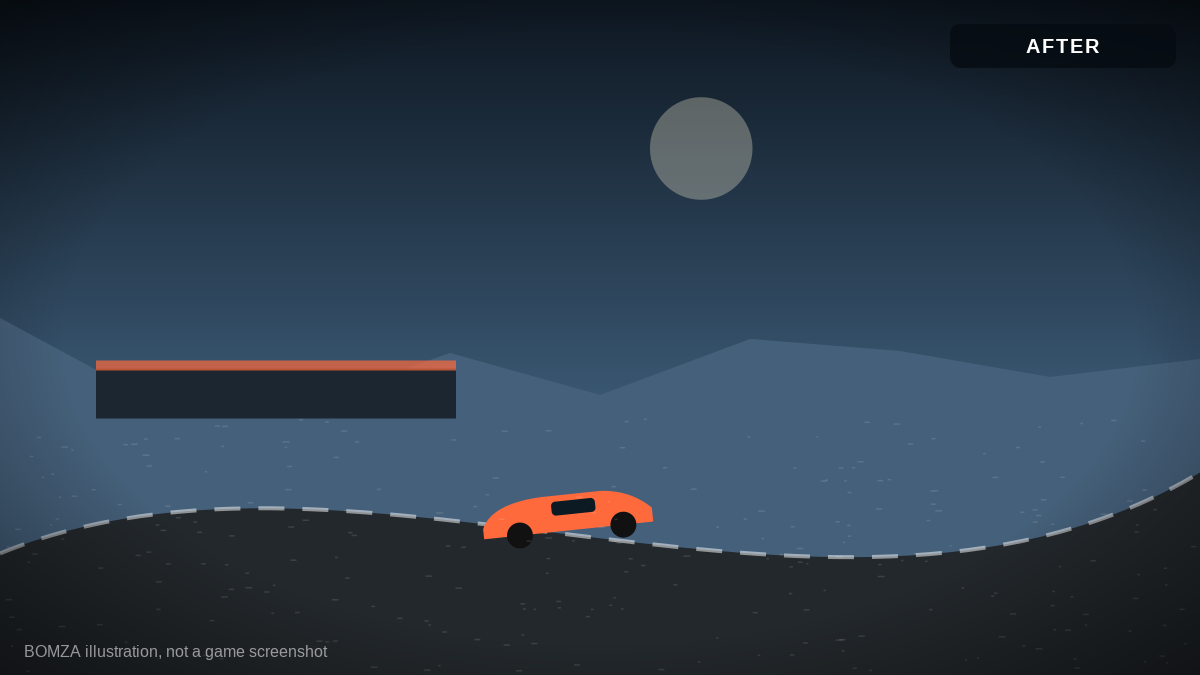
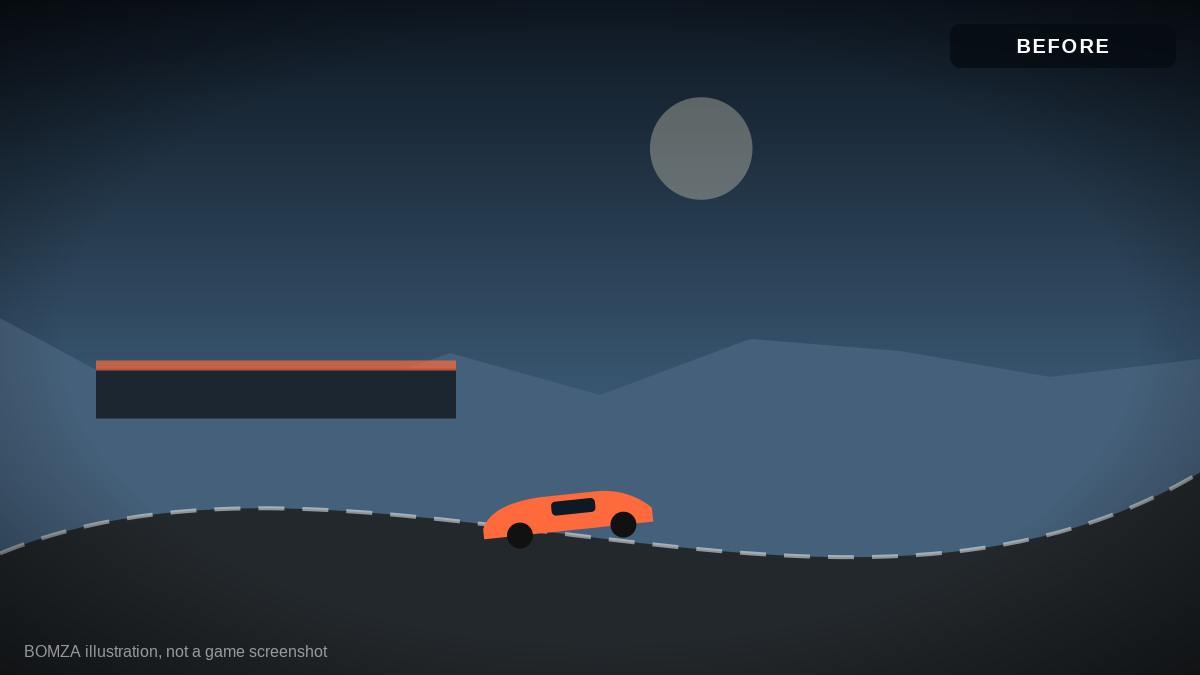
The same scene before and after, plus the spot we test this effect in.
- In gameA braking zone with boards and kerbs is the best place to judge texture sharpness.
- BeforeThe base game look.
- AfterThe same braking zone with low texture filtering and FXAA, then with full anisotropic filtering and a lighter filter.
03Part 3 of 7
Which video settings make Assetto Corsa textures sharper?
A few settings in Content Manager's video page decide most of the sharpness you can get from a given track.
Anisotropic filtering. This keeps textures sharp when you see them at a steep angle, which is exactly how you see the road. Setting it to the highest level is usually the single biggest improvement for asphalt and kerbs, and on modern graphics cards its cost is small.
Anti-aliasing. MSAA smooths edges without blurring textures, but it costs a lot at high resolution. FXAA is cheap and softens the whole image, including the road. Many players find low MSAA plus a little sharpening gives a cleaner road than FXAA alone.
Texture quality and world detail. Lower texture quality loads smaller textures. Lower world detail can remove trackside objects. If you lowered these for frame rate, they may be the reason a track looks bare.
Resolution and supersampling. Rendering above your display resolution gives a sharper image and costs a lot. Rendering below it and scaling up softens everything, including textures.
If you are short on frames, the FPS boost page explains which settings you can lower first without losing texture detail.
04Part 4 of 7
Does post-processing make Assetto Corsa textures blurry?
It can. A PP filter adds several effects that soften the image, sometimes on purpose. If you have tuned your textures and the road still looks soft, look at the filter next.
Depth of field
blurs parts of the image away from the focus point. In driving it often blurs the road ahead or the dashboard.
Glare and bloom
spread light over nearby pixels. On a bright day this washes out painted lines and kerbs.
Motion blur
softens everything that moves, which in a racing game is almost everything.
Chromatic aberration and lens effects
smear color at the edges of the screen.
Turning these down usually helps more than adding sharpening. Sharpening has its place, but too much creates bright halos around kerbs and makes shimmer worse. Some PP filters include a sharpening value, and ReShade offers sharpening shaders too. Use one, not both, and keep it light. The article on ReShade vs ENB explains how external post-processing stacks on top of a game's own.
The clearer colors page covers the color side of the same filter.
05Part 5 of 7
How do I get sharper track textures in VR?
VR changes the trade-offs. You are looking through lenses at a high-resolution display, and the headset expects a steady frame rate. Any blur from scaling down is obvious, and any shimmer feels worse because your head is always moving a little.
In VR, anisotropic filtering is still the easy win. Supersampling, either in the game or in your headset software, gives the biggest gain in sharpness and is also the fastest way to run out of performance. Raise it in small steps and test on a busy track.
Distant signs and braking boards are hard to read in many headsets regardless of settings, because of display resolution. Track texture quality still decides how much detail there is to see up close. A good track with clean mipmaps will hold up better in VR than a poor one will at any supersampling level.
Keep sharpening especially light in VR. Halos around kerbs and lines are more distracting in a headset than on a monitor. If you also see heavy shimmer on fences, a small amount of MSAA does more good than sharpening.
06Part 6 of 7
How does this compare with sharper textures in other games?
Assetto Corsa is different from most games on this site because track textures come from many independent authors. In a game like Skyrim or The Witcher 3, one texture pack can replace the textures of the whole world. In Assetto Corsa, every track is its own package, and you cannot apply one fix across all of them.
That is why this page focuses on settings, filters and choosing good content rather than on a single texture pack. A few tracks do get community texture updates or improved versions, and those are worth looking for on the tracks you drive most. Always check the license and the author's wishes first.
If you play other games too, you can compare approaches on our pages for Skyrim landscape textures, Witcher 3 textures and Euro Truck Simulator 2 road textures. ETS2 is the closest match, since its road surfaces suffer from the same viewing angle problem.
07Part 7 of 7
How can I tell if my texture changes actually helped?
Sharpness is easy to imagine. Drive the same short section before and after each change, on the same track, at the same time of day, with the same weather. Pick a spot with a long braking zone, painted kerbs and a distance board.
Take a replay or screenshot from cockpit view at the same point each time. Look at three things: how far ahead you can see grain in the asphalt, whether kerb edges stay crisp, and whether thin lines shimmer when the car moves. Compare at full size, not as a thumbnail.
Then check the frame rate in the same place. A change that gives a slightly sharper road and costs a big chunk of performance is rarely worth it in a race. Our article on how BOMZA measures FPS impact describes the repeatable route method we use, and you can copy it at home with free frame-time tools.
Write down each setting you changed. If a later update or a new filter softens the image again, you will know what to check first.
Dial it in
Settings that change the look
- 01
Anisotropic filtering
Keeps the road and kerbs sharp at steep viewing angles. The highest level usually gives the clearest asphalt.
- 02
Anti-aliasing mode
MSAA smooths edges without softening textures. FXAA is cheaper and blurs the whole image slightly, including the road.
- 03
Texture quality
Sets the size of textures loaded. Lower values make asphalt, grass and signs visibly softer.
- 04
Resolution scale or supersampling
Rendering above display resolution sharpens everything. Rendering below it softens textures across the board.
- 05
PP filter sharpening and depth of field
Light sharpening restores some edge detail. Depth of field and heavy glare blur the road and should be lowered first.
Before you install
Compatibility
Works with
Texture settings work on every track, but the result depends on the track's own textures and mipmaps. Many mod tracks have CSP configs that fix materials, and those configs expect a reasonably recent CSP build. ReShade sharpening stacks on top of the PP filter, so use only one sharpening source. On online servers, modified track files usually fail the content check; change settings and filters on your side rather than editing a server's track.
Install steps are in Guides, and the current state of each pack is on the status page.
Limitations
- Settings cannot add detail that a low-resolution mod track never had.
- Strong sharpening creates halos around kerbs and makes shimmer worse.
- Supersampling sharpens the most but is the most expensive option, especially in VR.
- Edited track files can fail online server content checks.
Tested packs
Get this effect
No BOMZA pack covers this effect yet. You can still browse the Assetto Corsa shop for the packs that exist.
There is no BOMZA pack for this yet. The guide above covers the free ways to get the effect, and the free mods overview explains how to judge a mod page.
FAQ
Questions players ask
Short answers to what players ask us most. Open a question to read the answer.
Ask in our Discord. Include your game version and what you installed.
Open Discord01Why is the road ahead blurry but the car is sharp?
That is classic texture filtering at a steep angle. Raise anisotropic filtering to its highest level and check that texture quality is not lowered.
02Is FXAA making my textures soft?
Often, yes. FXAA works on the whole image and softens fine detail like asphalt grain. A low MSAA level usually keeps the road sharper.
03Can a texture pack fix every Assetto Corsa track?
No. Each track is a separate package with its own textures. Some tracks get improved versions from their authors, but there is no single pack for all of them.
04Does BOMZA sell a texture pack for Assetto Corsa?
Not at the moment. This page explains the settings and content choices that matter. Our current packs for this game are listed in the Assetto Corsa shop.
Keep exploring
More Assetto Corsa effects
 Dynamic weather in Assetto Corsa: rain, moving clouds and changing lightStock Assetto Corsa has fixed weather presets and no rain. With Custom Shaders Patch and a weather set such as Sol or Pure, clouds move, light shifts through the day, rain wets the track and conditions can change during a session. The look you get depends on the CSP build, the weather set, its PP filter and how well each track is configured.
 Assetto Corsa FPS boost: smoother frame rates with CSP, full grids and VRMost frame drops in modded Assetto Corsa come from reflections, shadows, mirrors, a big grid of cars and heavy CSP effects such as rain. Lowering reflection update rate, shadow resolution and mirror quality usually gains the most for the least visual loss. A full grid is a CPU problem that graphics settings only partly solve.
 Clearer colors in Assetto Corsa: fixing washed-out, dark and over-bright imagesWashed-out midday light, a cockpit that is too dark to read and bloom that swallows the track are almost always post-processing problems in Assetto Corsa. The PP filter you pick in Content Manager sets exposure, contrast, saturation and glare, and it must match your weather set. Get that pairing right and most color problems go away without any other mod.
 Full Assetto Corsa mods guideEvery effect, what it costs in FPS, what breaks after updates and how we check our packs.
Assetto Corsa · sharper track textures
Want a pack for this?
There is no BOMZA pack for this effect yet. The Assetto Corsa shop lists every pack we have for this game today.