 SK
 F4
 CP
 W3
 ETS2
 AC

Fabric
- Good for
- Light setups, fast updates after a new Minecraft release
- Visual and performance options
- Sodium, Iris, Lithium, most client tweaks

Show prices in
Prices in other currencies are approximate. Card payments are charged in South African rand (ZAR).
 Log in
Minecraft Java Edition visual and performance mods
On Minecraft Java Edition, most visual and performance mods fall into four groups: performance mods like Sodium, a shader loader like Iris or OptiFine, shader packs that change light and shadows, and resource packs that change textures. Pick one mod loader first, match every file to your exact game version, and add one layer at a time.
This page covers which loader to pick, how shaders differ from texture packs, what each upgrade costs in frame rate, how to keep your worlds safe, and what to check before you join a server. Everything here applies to Java Edition only. Bedrock Edition has a different engine and a different add-on system.
Pick an effect, drag the slider
Pick a mod to see what it changes, how it looks in game and how to set it up.
Effect 1 of 4
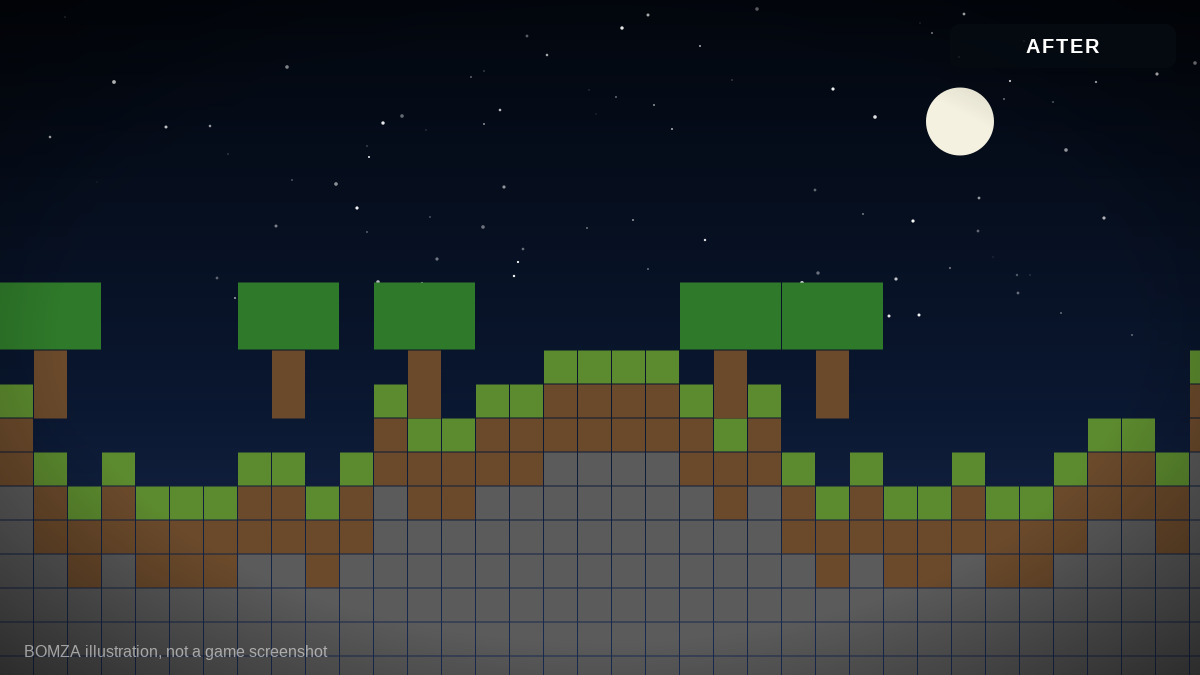
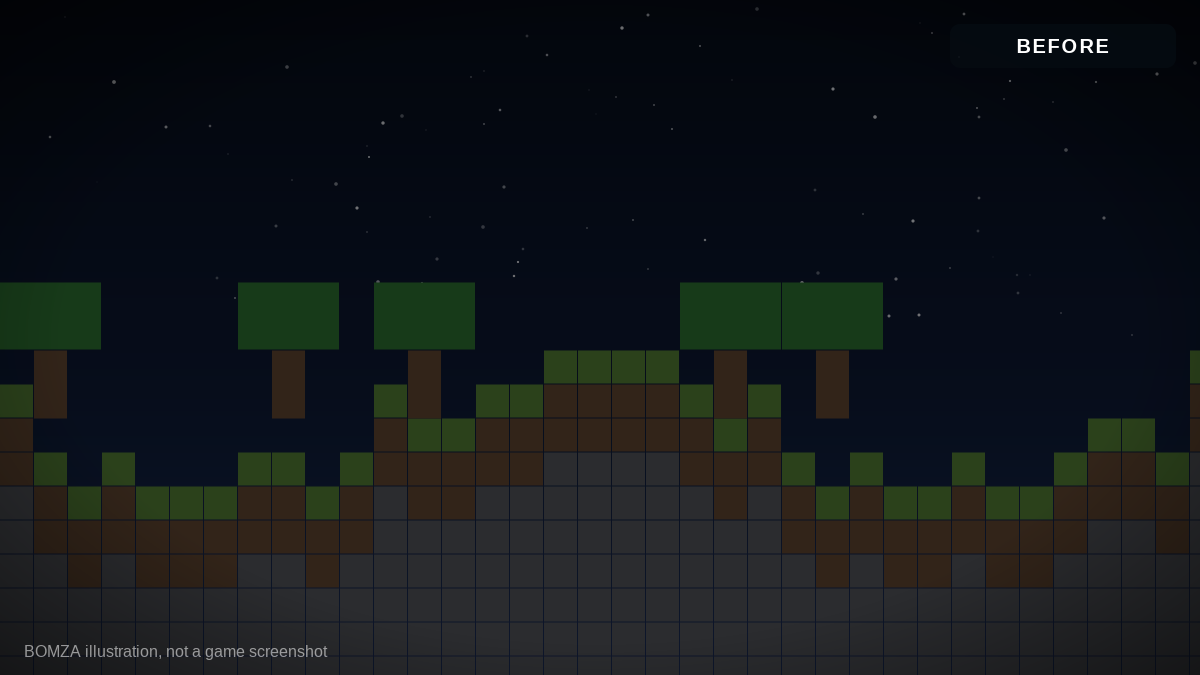
Realistic lighting in Minecraft comes from a shader pack loaded through Iris or OptiFine. It adds sun shadows, warm sunsets, light through leaves and water that reflects the sky, while your textures stay the same. The cost is GPU time, mostly from the shadow pass, so the right pack and profile depend on your graphics card.
Effect 2 of 4
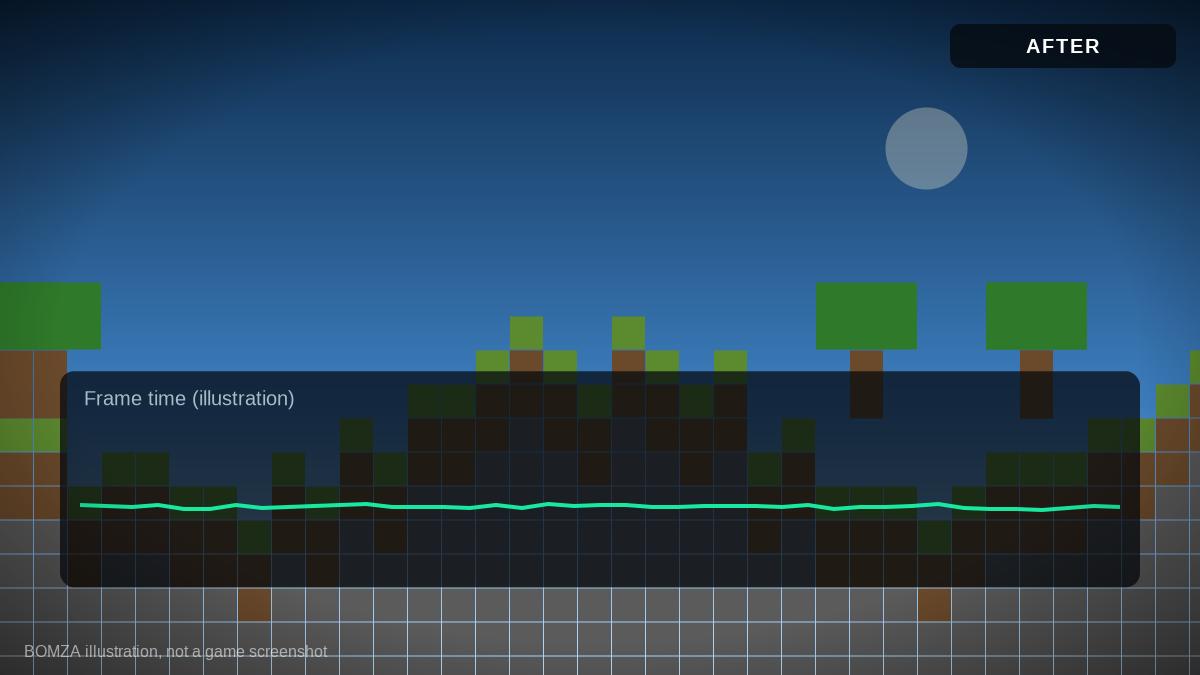
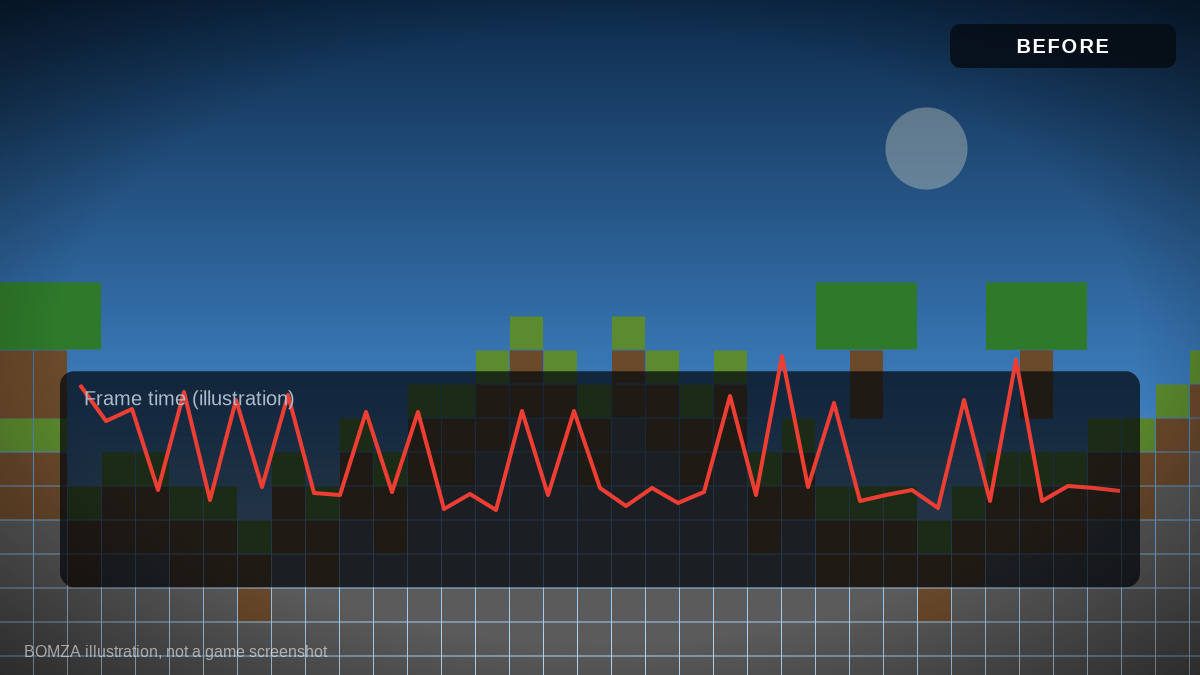
The biggest FPS boost in Minecraft Java comes from performance mods, not from lowering every setting. Sodium speeds up chunk rendering, Lithium speeds up game logic and FerriteCore cuts memory use, all without changing how the game looks. After that, render distance, simulation distance and a sensible memory setting do most of the remaining work.
Effect 3 of 4
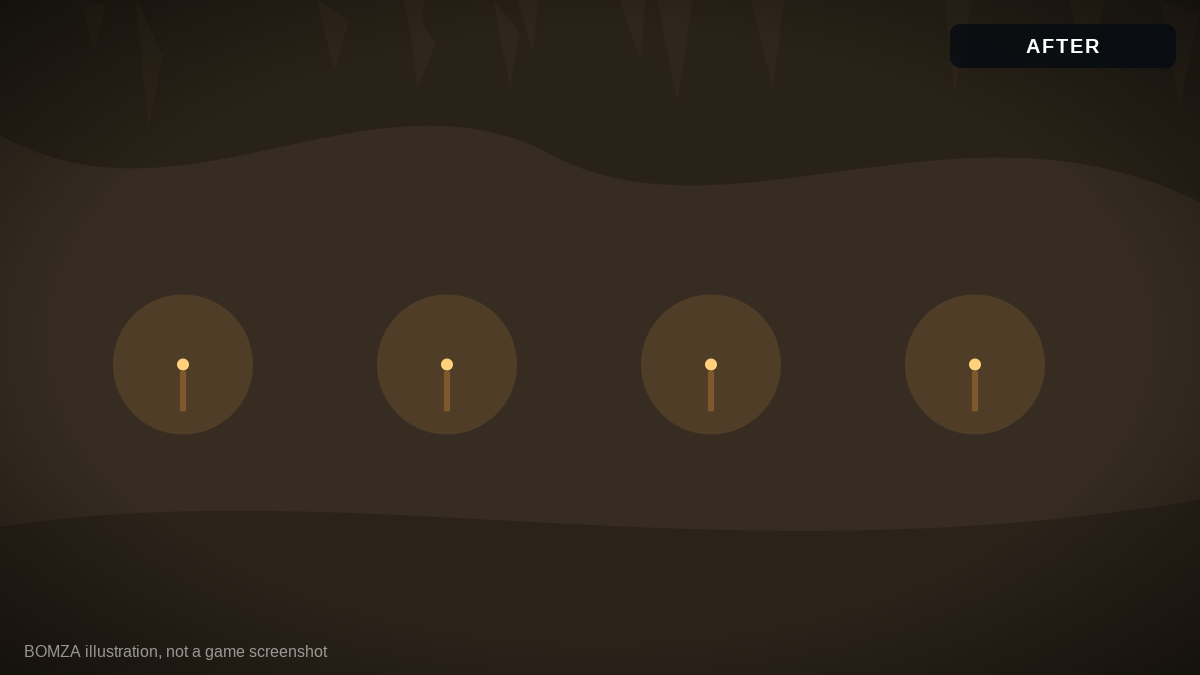
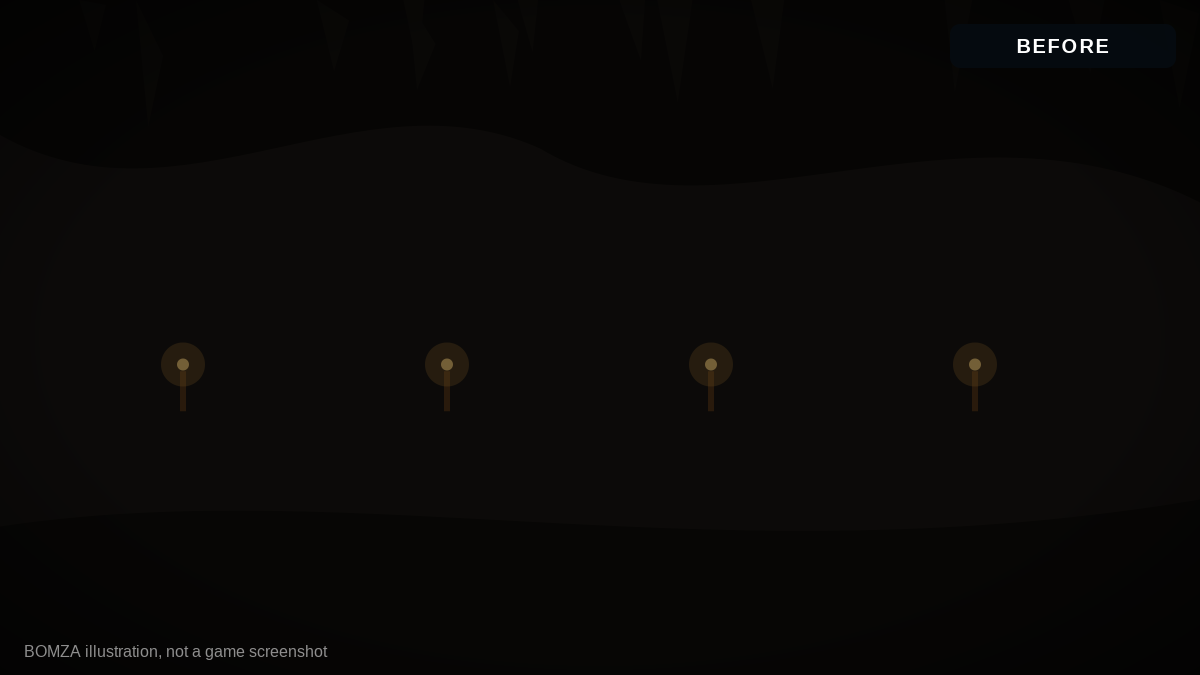
Brighter caves in Minecraft come from three things: a sensible brightness setting, a shader pack with a minimum light or exposure option, and dynamic lights so the torch in your hand actually lights the cave. The goal is readable darkness close to you, not seeing hidden blocks, and the surface should keep its normal look.
Effect 4 of 4
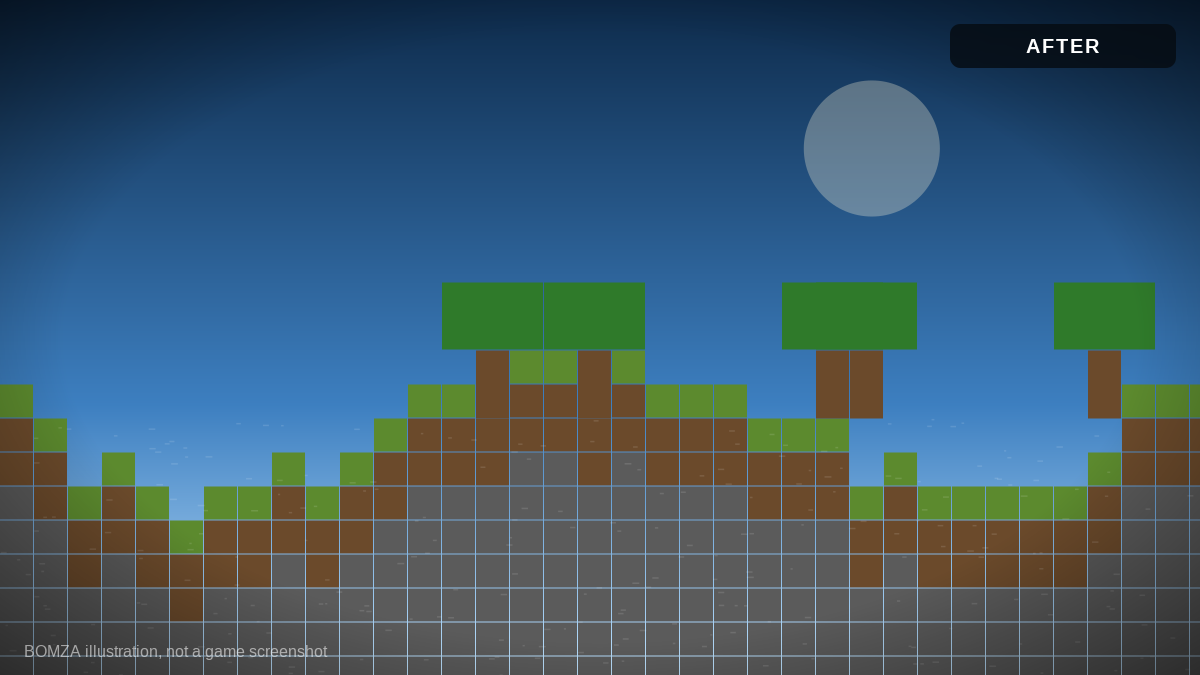
Sharper textures in Minecraft come from resource packs with a higher resolution than the default 16x, from 32x faithful upscales to 128x and 256x realistic sets. Higher resolution mostly costs video memory and load time, not raw frame rate, and packs with PBR maps need a supporting shader to show their surface detail.
01Part 1 of 11
Java Edition has the largest client mod scene of any version of the game, because the game runs on Java and the community has built open loaders around it. For looks and speed, you will mostly meet these kinds of mods:
Sodium rewrites the chunk renderer. Lithium speeds up game logic like mob AI and block ticking, which also helps in single-player because your PC runs an internal server. FerriteCore cuts memory use. These do not change how the game looks.
Iris (for Fabric, Quilt and NeoForge) and OptiFine (standalone or with Forge) let the game load shader packs.
Complementary, BSL, Sildur's, MakeUp Ultra Fast and others. They add real-time shadows, colored sky light, fog, water reflections and bloom.
They replace block and item textures, from faithful 32x upscales to 128x and 256x realistic sets. Some ship normal and specular maps that compatible shaders use for surface detail.
Dynamic light mods make a torch in your hand light the area around you.
Distant Horizons draws simplified terrain far past your normal render distance.
Most players end up with a performance mod, a shader loader, one shader pack and maybe one resource pack. That is enough to change the game a lot. Stacking five overlapping packs usually just costs frame rate.
02Part 2 of 11
A mod loader is the layer that lets mods run inside the game. Mods are built for one loader, sometimes two, so this choice decides what you can install. You cannot mix Fabric mods and Forge mods in one game folder.
If you only want better visuals and higher FPS on 1.21.x, Fabric is the simplest path. Sodium and Iris usually reach Fabric first after an update, and the setup stays small.
If you want a large content modpack with new machines, mobs or dimensions, the pack decides for you. Many current packs run on NeoForge, which split from Forge in 2023. Older packs often stay on Forge.
Third-party launchers like Prism Launcher, the Modrinth App or the CurseForge app create separate instances, each with its own loader and mod folder. That keeps a Fabric shader setup and a NeoForge modpack apart. The step-by-step setup lives in our Minecraft guides.
Tested packs
Built and tested by our team. Each pack shows the game version it was last confirmed on. Prices, options and checkout live in the Minecraft: Java Edition shop.
 Minecraft Realistic Lighting ShaderA shader pack for Iris that adds soft shadows, sunlight that changes color through the day, light that spreads from torches and lava, and water that reflects the sky.
 Minecraft FPS Boost PackA tested Fabric setup with settings profiles that keep Minecraft Java smoother at higher render distance, plus texture settings that keep blocks sharp at range.
03Part 3 of 11
Both load shader packs. They are built very differently, and on current versions most players now choose Iris.
Iris is open source and made to run alongside Sodium. You get Sodium's faster chunk rendering and shaders together. Iris reads the shader pack format that OptiFine made standard, so most popular packs work on both. It runs on Fabric and Quilt, and recent releases also run on NeoForge.
OptiFine is a single closed-source mod that does many jobs at once: shaders, connected textures, custom sky, zoom, extra video settings. It works on its own or with Forge. It does not officially support Fabric. Updates for new Minecraft versions tend to come later than Iris and Sodium updates, sometimes as preview builds first.
How to decide
Do not install both at once. They replace the same parts of the renderer and the game will usually crash or show broken lighting. Pick one per instance. For the bigger picture on how shaders change light, read how lighting mods work.
04Part 4 of 11
People mix these up all the time, and it leads to wrong expectations.
A resource pack swaps files: block textures, item icons, sounds, fonts, sometimes block models. It runs in vanilla with no mods at all. A 16x pack keeps the original pixel size. Packs at 32x, 64x, 128x or 256x pack more pixels into each block face, so stone, wood and leaves show finer detail. A resource pack alone does not add shadows or change how light falls.
A shader pack is a set of GPU programs. It changes how every frame is drawn: sun shadows, light that bleeds through leaves, water that reflects the sky, fog that thickens in valleys, glowing ores and lava. It needs Iris or OptiFine. It keeps whatever textures you already have.
Where they meet is PBR. Some resource packs include extra maps that tell a shader how rough, shiny or bumpy each surface is. A shader that supports the LabPBR format can then make wet stone glint and bricks show depth. Without a supporting shader, those maps do nothing.
So the order of thinking is simple. If the game looks flat and dark, you want a shader: start with realistic lighting. If blocks look blurry or too pixelated, you want a resource pack: see sharper textures. Many people want both, and that is fine, as long as your GPU has room for both.
In game
One scene per effect. Open any of them for the full guide with a before and after slider.
realistic lightingSunset over water is one of the quickest ways to judge a shader pack.fps boostFast flight over new terrain is where chunk rendering speed shows most.brighter cavesHeld light and a sensible minimum light keep caves readable without flattening them. sharper texturesPBR detail on stone and wood only shows with a shader that supports it.
05Part 5 of 11
We split the visual side into four topics. Each page explains one visible effect, what changes it, and what it costs.
Realistic lightingsun shadows, warm sunsets, light shafts through trees and water that reflects the sky. This is what most people mean by "shaders". Our Minecraft Realistic Lighting Shader sits in this group.Open the guide FPS boosthigher and steadier frame rate, longer render distance on the same hardware, and fewer stutters when you fly over new chunks. See the Minecraft FPS Boost Pack.Open the guide Brighter cavescaves and deep dark areas you can actually read, without turning the whole world gray. This is about comfort and visibility in single-player or where the server allows it.Open the guide Sharper textureshigher resolution resource packs, PBR surface detail, and how to avoid blurry or shimmering blocks at a distance.Open the guide If you are not sure where to start, start with FPS. A performance mod gives you headroom, and every visual upgrade after that has more room to run. Then add lighting, check the frame rate, and only then think about bigger textures.
Free options exist for every one of these. We list the honest free picks on free mods, so you can compare before you buy anything from the Minecraft shop.
06Part 6 of 11
Start from what you actually do in the game, then check what your PC can carry.
Builders stare at the same area for hours, often in daylight. A shader with good sun shadows and a texture pack with clean edges make the biggest difference. Render distance matters less than detail close up.
Explorers fly over new terrain with elytra. Chunk loading speed and render distance matter most. A performance setup and maybe a distance mod give more than heavy shadows that you barely see at speed.
Cave and mining players spend half their time underground. Readable darkness, good torch light and dynamic lights matter more than a pretty sky.
Then the hardware
performance mods first. If you want shaders, choose a light pack built for weak GPUs and keep shadows short.
most popular shader packs at their default or medium profile, with a 32x or 64x resource pack.
high shader profiles, long shadow distance, 128x textures, and a distance mod if you like big views.
RAM also matters. The launcher lets you set how much memory the game can use. Giving it everything your PC has does not help and can make pauses worse. Large texture packs and big modpacks need more, a plain shader setup needs less. Our product pages list what each pack expects in the requirements block.
07Part 7 of 11
There is no single number, because the cost depends on the shader pack, its settings, your render distance, your screen resolution and your GPU. What we can tell you is which parts cost the most, so you know where to look when the frame rate drops.
Usually the biggest cost in any shader. Every frame the GPU draws the world a second time from the sun's point of view.
More chunks means more geometry for both the normal view and the shadow pass. With shaders on, this cost grows faster than in vanilla.
Each adds per-pixel work, so they hit harder at 1440p and 4K than at 1080p.
128x and 256x packs mostly cost video memory. When VRAM runs out, you get stutters rather than a steady lower frame rate.
Performance mods move the other way. Sodium cuts the CPU and GPU work of drawing chunks, so the same world draws faster. Lithium reduces game logic work, which helps in busy farms and large bases.
When we publish a claim about frame rate for a BOMZA pack, it comes from a repeatable test, not a guess. We explain that method in how BOMZA measures FPS impact. Before you blame a mod, also check the basics on the Windows side in Windows settings that matter for game performance, like up-to-date GPU drivers and the game running on your dedicated GPU.
08Part 8 of 11
Every Java mod targets a specific Minecraft version and a specific loader. A mod built for 1.21.1 may not load on 1.21.4, even though both are 1.21.x. Point releases often change rendering code, and rendering mods touch exactly that code.
What you need for a typical visual setup
When Mojang ships an update, the official launcher moves the "Latest release" profile forward on its own. Your mods do not move with it. The fix is to play from an installation or instance pinned to the version your mods support, and to update only when every mod you use has a build for the new version. Sodium and Iris usually update quickly. Smaller mods can take weeks, and some never update.
Shader packs and resource packs are more forgiving. Many work across several versions, but new blocks added by an update may show default textures or odd lighting until the pack catches up.
Get mods from Modrinth, CurseForge or the author's own page. Avoid reupload sites that bundle files without credit. More on why that matters in modding etiquette and crediting authors.
09Part 9 of 11
Pure visual mods, like a shader loader, a shader pack or a resource pack, do not write anything into your world. Performance mods like Sodium and Lithium are also built to keep vanilla behavior. That makes them low risk. The real risks come from three other places.
Moving a world to a newer version converts it, and you cannot cleanly go back. The game warns you when you open a world saved in a newer version, so read that screen instead of clicking through.
If a mod adds blocks or items and you later remove it, those blocks vanish from the world. This is not a problem with visual packs, but it becomes one if you combine them with a content modpack.
Rare, but a crash while the game writes chunks can corrupt a region.
The habit that prevents all of this is simple. Copy the world folder from the saves directory before you change versions or loaders. Better still, test new mods in a separate instance with a copy of the world, and only move to your main instance once things run well. A second world made just for testing is even easier.
We go deeper on backup habits that work across games in keeping a modded save safe. If two mods fight over the same feature, load order and mod conflicts explained covers how to find the culprit.
10Part 10 of 11
Often yes, but the server's rules come first, every time. Server owners decide which client mods they accept, and they are allowed to say no to anything.
Shader packs, resource packs and performance mods like Sodium only change how your own computer draws the world. Many servers allow them, and some publish a list of approved client mods. Others are strict and allow only vanilla or a fixed modpack. Some competitive minigame servers block modified clients completely. If the rules are not clear, ask a moderator before you join with mods installed.
A few points to keep in mind
Every BOMZA Minecraft pack is built for visuals and performance in single-player and on servers that allow such mods. If you play mostly online, check your server's list before you buy anything.
11Part 11 of 11
Some honest limits first:
Every BOMZA product has a status record on the status page. The state is one of four
tested by us on the listed game version and mod version.
a game or mod update came out and we are testing.
it works on the listed version but not on the newest one yet.
we stopped sales or updates for now, with the reason written in the record.
Each record shows the exact game version, the pack version and the date we checked it, plus a short history. If the status says outdated, keep playing on the listed version until it changes. You can read the full idea behind this system in the BOMZA 2.0 store format and status system.
FAQ
Short answers to what players ask us most. Open a question to read the answer.
Ask in our Discord. Include your game version and what you installed.
Open DiscordNo. Iris, OptiFine and the shader packs that run on them are Java Edition only. Bedrock uses a different engine and has its own visual options. Everything on this page is for Java Edition.
For most players, Iris with Sodium. It runs most OptiFine format shader packs and keeps Sodium performance. Pick OptiFine only if a pack you rely on needs its specific features and you are fine waiting longer for updates.
Not in the same game folder. Each mod is built for a loader. Use separate instances in a launcher like Prism Launcher or the Modrinth App if you want both setups.
No. Shader packs and resource packs change only how the world is drawn. The risk to a world comes from changing game versions or removing content mods, so back up the world folder before you do either.
Many servers allow it because it only changes rendering on your PC. Some servers allow only vanilla or a fixed list. Always check the rules of the server you join and follow them.
The official launcher moves the latest release profile to the newest version, and mods target exact versions. Play from an installation pinned to the version your mods support until they all have builds for the new one.
Yes. Sodium, Iris and many shader and resource packs are free. We list honest free options on the free mods page so you can compare before you buy.
Keep going

Minecraft: Java Edition on BOMZA
Our Minecraft: Java Edition packs are built in-house and checked on a named game version. The shop has the options, requirements and current status for each one.
Quick answers from our FAQ. Not solved? Open a ticket on Discord.