

 SK
 F4
 CP
 W3
 MC
 AC

Euro Truck Simulator 2 visual and performance mods
Euro Truck Simulator 2 mods
Most Euro Truck Simulator 2 visual mods fall into four groups: night lighting, weather, road and terrain textures, and performance tweaks. The game loads them all the same way, as .scs packages you switch on per profile in the built-in mod manager. The real work is picking mods that do not fight each other and keeping them matched to your game version.
This page covers what each type of mod changes, what it costs in frame rate, how map combos and DLC change the picture, and how to keep your profile safe when SCS ships an update. Each feature has its own deeper page, linked below.
Pick an effect, drag the slider
All Euro Truck Simulator 2 mods
Pick a mod to see what it changes, how it looks in game and how to set it up.
Effect 1 of 4
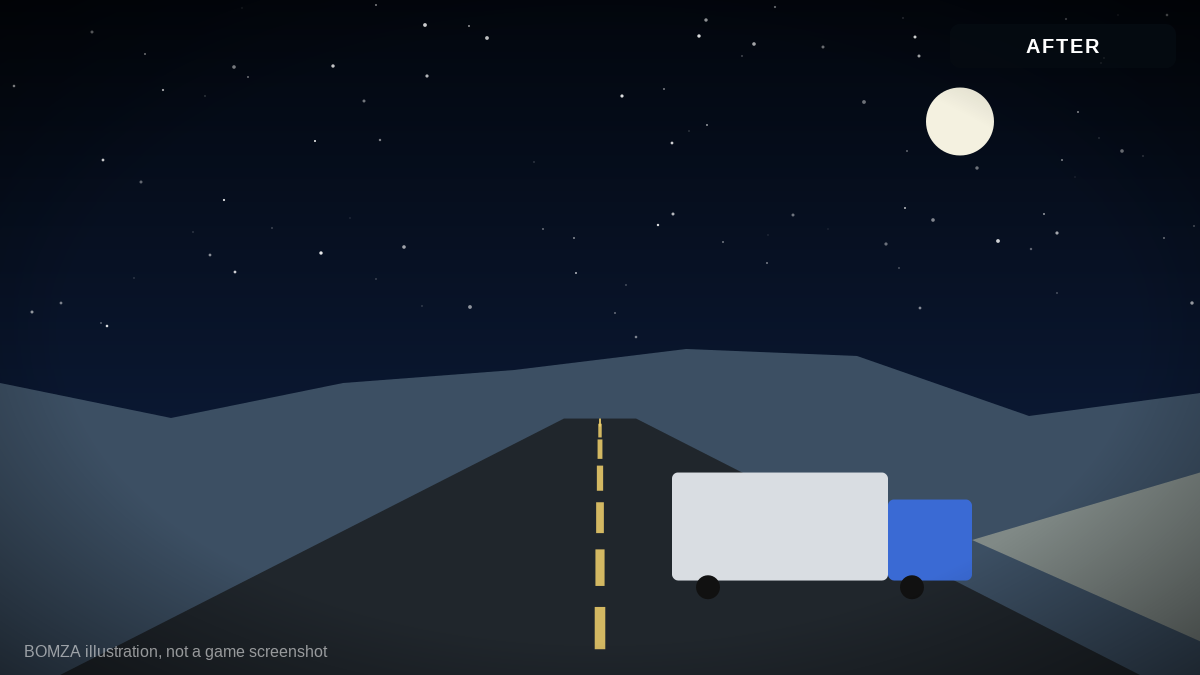
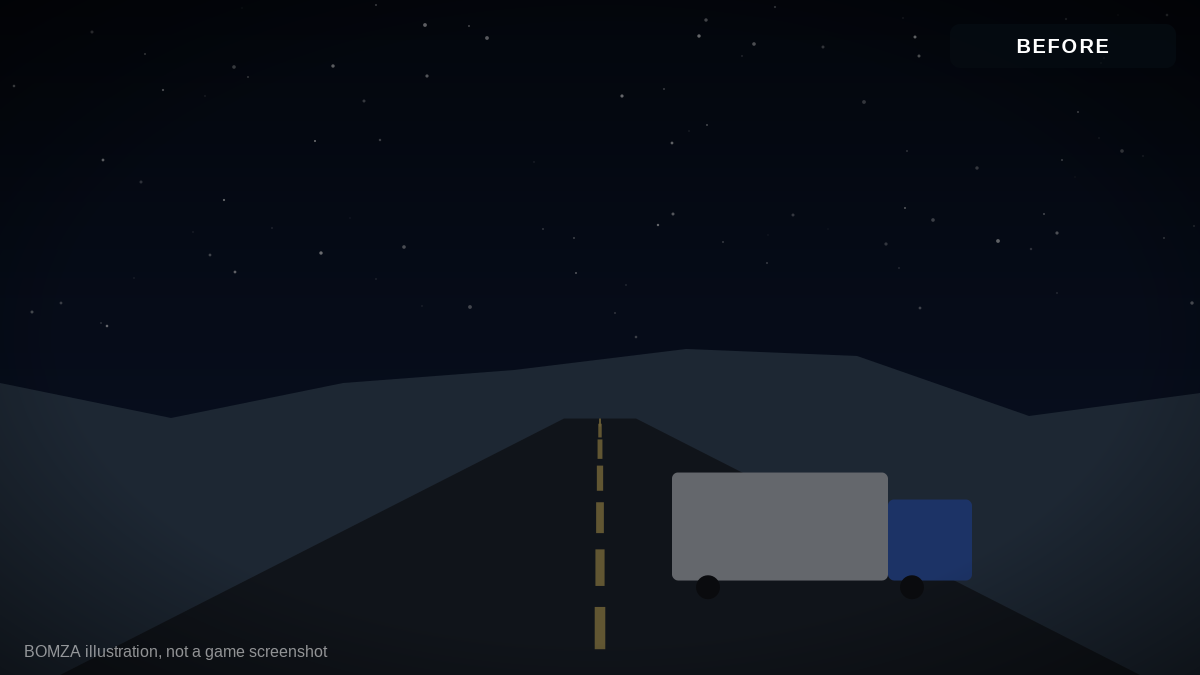
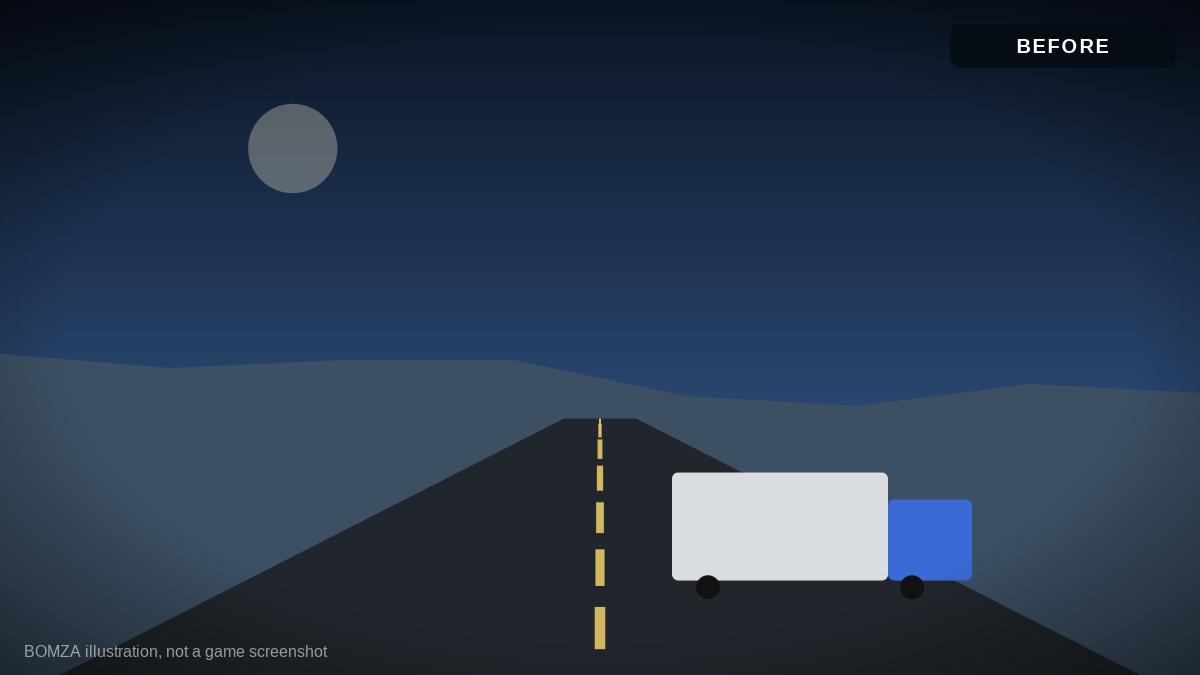
Night driving lighting mods for Euro Truck Simulator 2
Night driving lighting mods for ETS2 change how far and how wide your headlights reach, how street lamps and towns glow, and how dark the open road gets between them. A good setup makes the road ahead readable without turning night into a dim day, and it works with your weather mod instead of against it.
- 6 settings explained
- 4 honest limits
- 4 answers
Effect 2 of 4
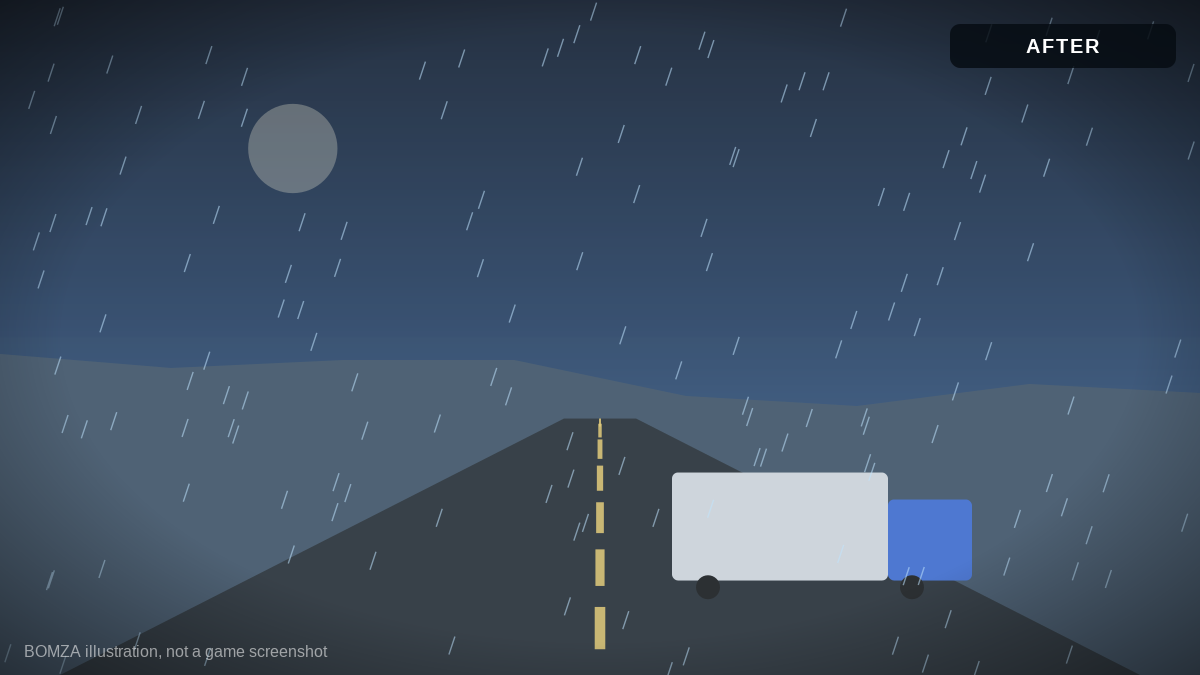
Weather effects mods for Euro Truck Simulator 2
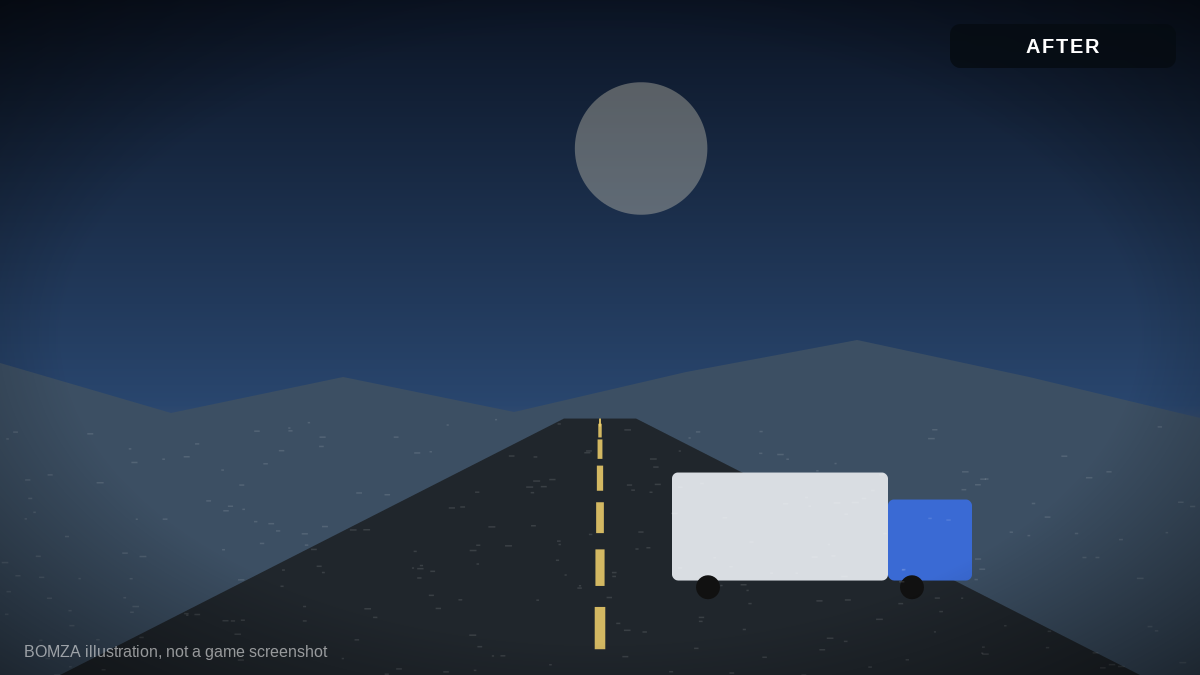
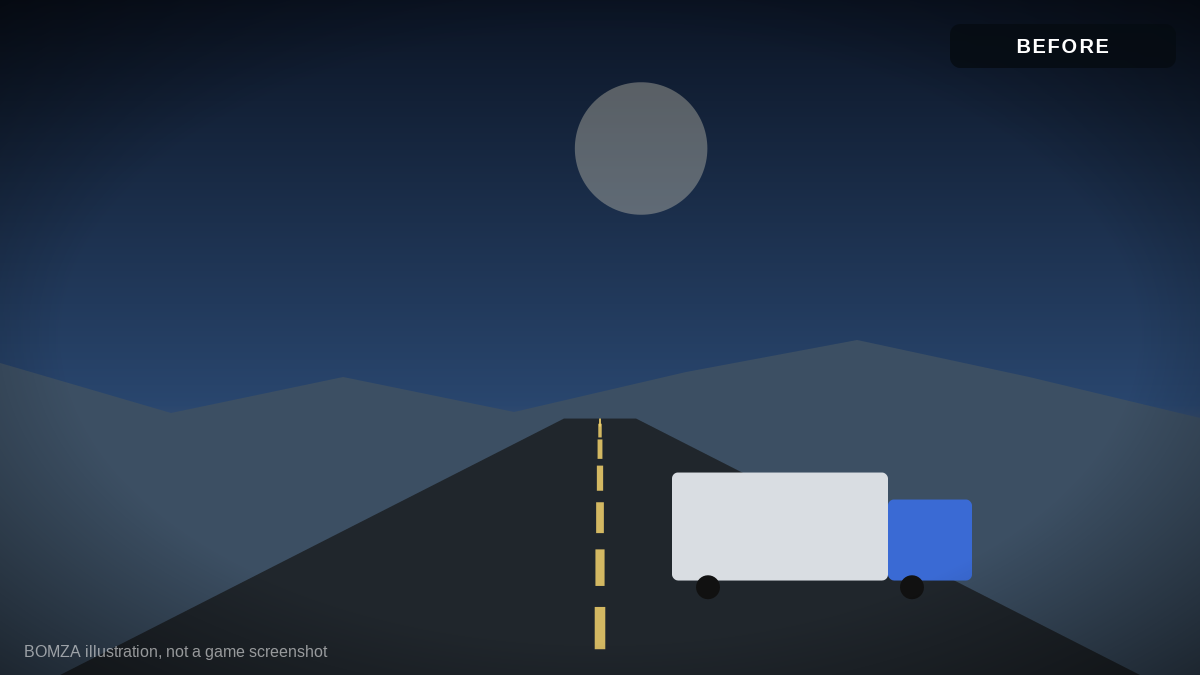
Weather mods for ETS2 widen the gap between a clear day and a storm: heavier rain, thicker fog, new cloud skies and different light by time of day. Most of them edit the same climate and sky files, so you pick one main weather mod and build the rest of your setup around it.
- 6 settings explained
- 4 honest limits
- 5 answers
Effect 3 of 4
Sharper road textures in Euro Truck Simulator 2
Sharper roads in ETS2 come from two places: texture mods that replace asphalt, markings and roadside ground with more detailed versions, and game settings like scaling and texture filtering that decide how clearly those textures reach your screen. Fix the settings first. Add a texture mod only if the surface itself still looks soft.
- 6 settings explained
- 4 honest limits
- 4 answers
Effect 4 of 4
How to get more FPS in Euro Truck Simulator 2
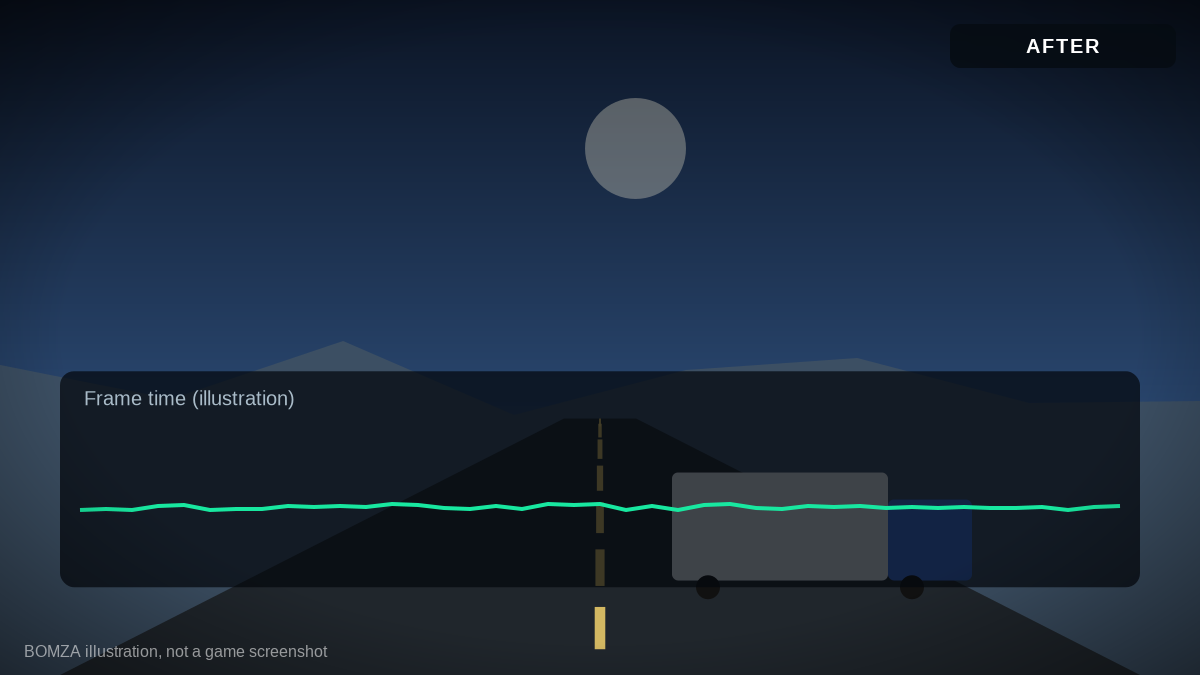
Most ETS2 frame rate problems come from a short list: scaling above 100%, mirror quality and distance, dense AI traffic, shadows, and heavy mods like traffic packs and big map combos. Find out whether your PC is limited by the CPU or the GPU first, then cut the settings that cost the most for what you actually see from the cab.
- 6 settings explained
- 4 honest limits
- 5 answers
01Part 1 of 10
What visual and performance mods exist for Euro Truck Simulator 2?
ETS2 has one of the calmer modding scenes around. SCS Software ships the game with a mod manager, supports Steam Workshop and publishes modding documentation. Mods are mostly data: textures, models, sounds and definition files packed into .scs archives. There is no script extender to keep in sync, which removes a whole class of problems you see in Skyrim or Fallout 4.
Visual and performance mods usually fit one of these groups
Lighting mods
change headlight beams, light flares, street lamps and how dark the night gets.
Weather and sky mods
replace cloud textures, rain and fog settings, and the color of the sky across the day.
Texture mods
swap road surfaces, lane markings, terrain and vegetation for sharper or more regional versions.
Color and post-processing
setups, often done with ReShade on top of the game, shift contrast and saturation.
Performance tweaks
are mostly settings and config edits, plus lighter alternatives to heavy traffic or vegetation packs.
Next to these sit things that are not visual mods but still change how the game looks and runs: map expansions such as ProMods, AI traffic packs and truck mods. A big traffic pack can cost more frame rate than any weather mod, and a map mod often ships its own road textures. Keep that in mind when you plan a setup. The visual layer has to fit around the map and traffic mods you already run, not the other way around.
02Part 2 of 10
Which ETS2 visual upgrades make the biggest difference?
Four changes do most of the work for how the game feels from the cab. Each one has its own page with settings, compatibility notes and limits.
Night driving. Stock nights can feel flat. Headlights light a short patch of road and rural stretches turn into a gray blur. Lighting mods reshape the low and high beam, adjust flares, and change how bright street lamps and towns read at a distance. Read more on night driving lighting for ETS2.
Weather. The base game has rain, storms and fog, but the range is narrow. Weather mods add heavier rain, denser fog, new cloud sets and different sky colors, and some add winter conditions. Read more on ETS2 weather effects.
Road textures. Asphalt is what you look at most, and from a low cab angle it can shimmer or look smeared. Texture mods and the right filtering settings fix a lot of that. Read more on sharper road textures.
Frame rate. ETS2 tends to load the CPU in cities and the GPU with high scaling and mirror settings. Most gains come from knowing which setting costs what. Read more on ETS2 FPS boost.
If you want a ready setup for the first two, BOMZA has the Night Drive Lighting and Real Weather Pack products. Check each product page for the game version it is confirmed on before you buy, and browse the rest of the ETS2 shop if you want to compare.
Tested packs
BOMZA packs for Euro Truck Simulator 2
Built and tested by our team. Each pack shows the game version it was last confirmed on. Prices, options and checkout live in the Euro Truck Simulator 2 shop.
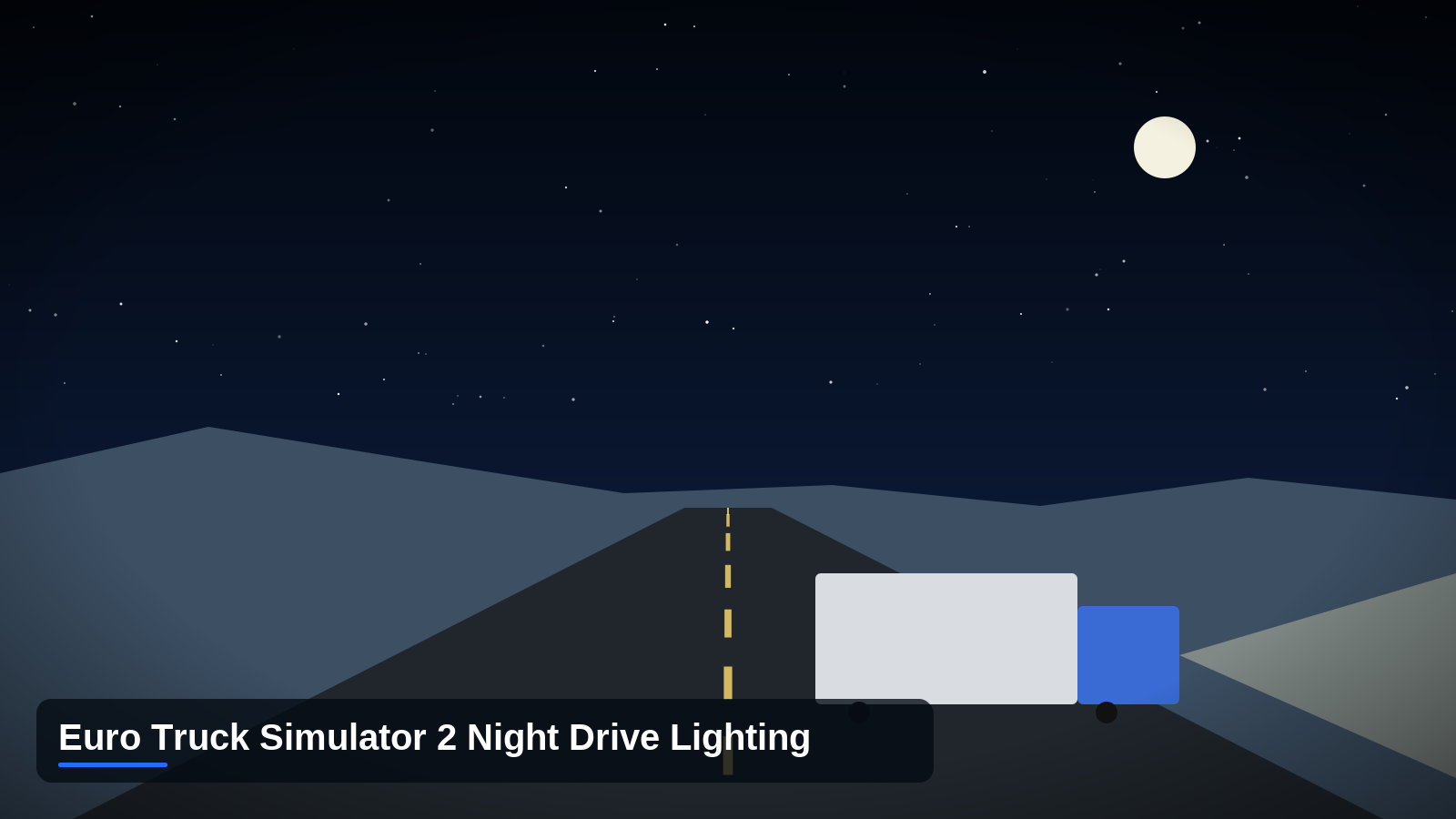 Euro Truck Simulator 2 Night Drive LightingHeadlights that light the road further and wider, darker nights away from towns, and street lights with a warmer color, so night driving feels like night driving.
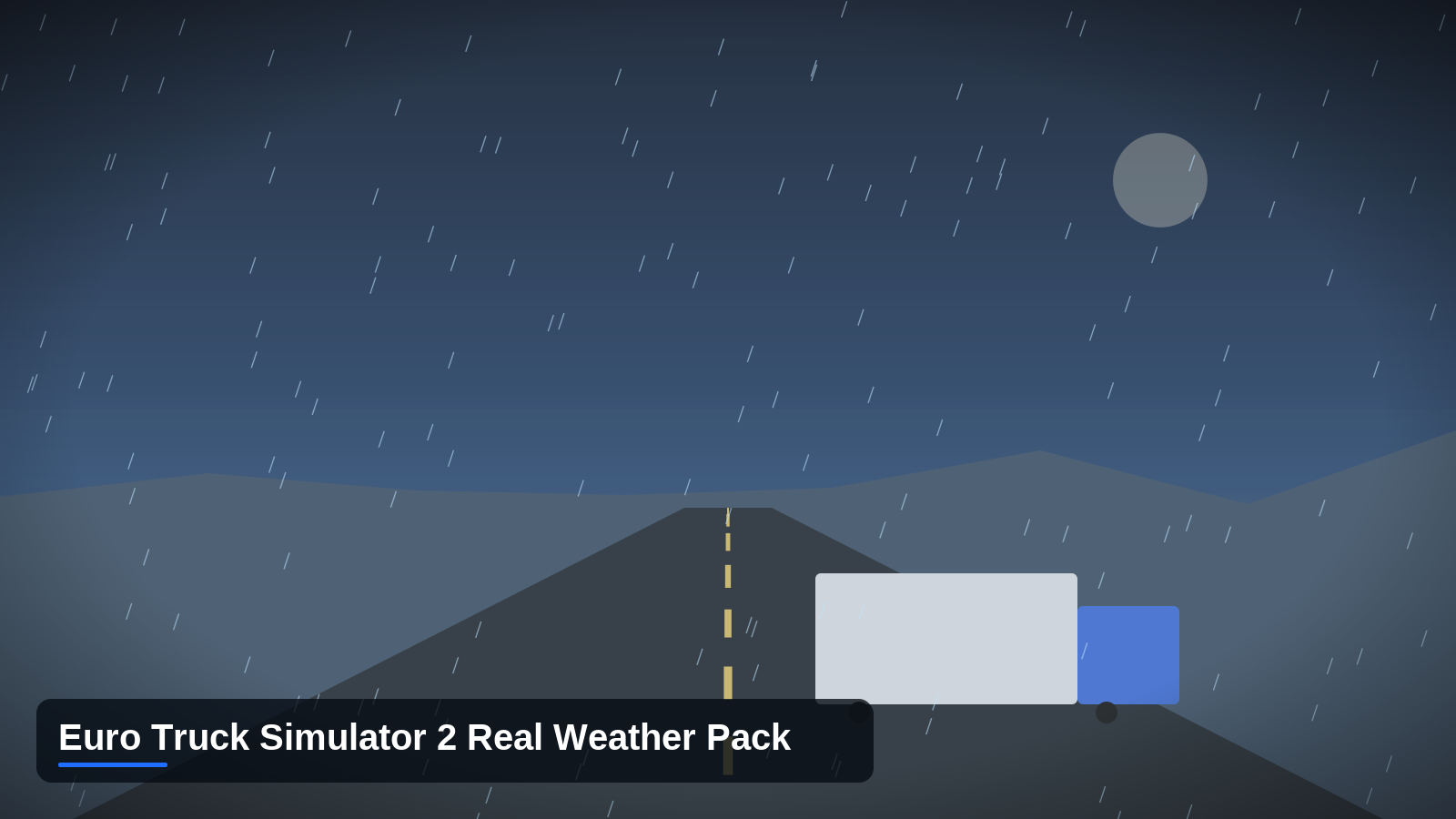 Euro Truck Simulator 2 Real Weather PackHeavier rain with spray from trucks, low fog in valleys and storm skies that build over the route. Currently marked outdated for the latest game version.
03Part 3 of 10
How do you choose ETS2 mods that work together?
Start from the map. If you run ProMods or another large map mod, every visual mod you add has to sit next to it in the priority list, and some need a separate compatibility version. If you play the base map with official DLC only, you have far more freedom.
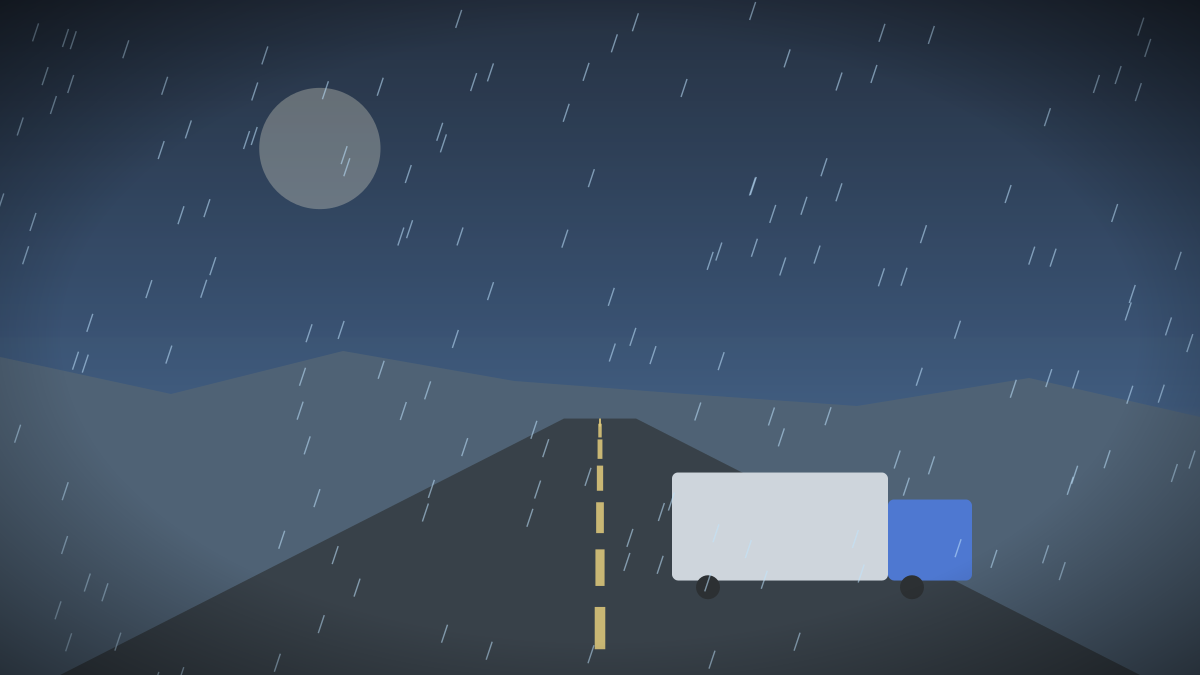
Then pick one mod per job
One weather or sky mod. Two weather mods almost always edit the same climate files, and the one higher in the list wins, so the other one is dead weight.
One lighting mod for headlights and flares, chosen to match the trucks you drive. Some headlight mods only cover certain brands or models.
Texture mods only where they do not clash with your map mod's own textures.
ReShade or another color layer last, once the in-game look is settled. Otherwise you end up tuning a filter against a sky you replace next week.
Read the mod page for three things: the game versions it lists, the DLC it expects and any known conflicts. Good authors state them plainly. If a mod page says nothing about versions or has not been touched in a long time, treat it as untested on your build.
Then change one thing at a time. Add a mod, drive the same stretch you know well by day and by night, and only then add the next one. When something breaks, you know which mod did it. Our article on load order and mod conflicts explains the general rule in more detail.
04Part 4 of 10
How much FPS do ETS2 graphics mods cost?
It depends far more on what a mod adds than on what it is called. A sky texture swap costs almost nothing. A weather mod that adds denser fog or extra rain particles costs a little more. ReShade effects such as ambient occlusion or depth of field can cost a lot, because they run on every frame on top of the game's own rendering.
The biggest frame rate costs in ETS2 usually are not visual mods at all
Scaling
above 100% renders the image at a higher resolution and then scales it down. It sharpens everything and hits the GPU hard.
Mirrors
draw the world again for each mirror. Higher mirror quality and distance multiply that work.
Traffic density and traffic packs
add vehicles the CPU has to simulate and draw. Big cities and toll gates are where you feel it.
Shadows, reflections and vegetation
scale with their quality settings and with how dense the map is.
Lighting mods sit in the middle. Longer headlight range and more light sources mean more lit area to shade. That matters most on a busy night highway full of AI cars with their own lights.
We do not quote fixed FPS numbers for mods, because results swing with your CPU, GPU, map and traffic setup. If you want to know how we test, read how BOMZA measures FPS impact. For practical tuning, go to the FPS boost page.
In game
What these Euro Truck Simulator 2 mods change
One scene per effect. Open any of them for the full guide with a before and after slider.
- night driving lightingYour headlights, street lamps and AI traffic all have to balance.
- weather effectsDense fog changes how you drive, not just how the road looks.
- sharper road texturesVariation in wear and patches matters as much as texture resolution.
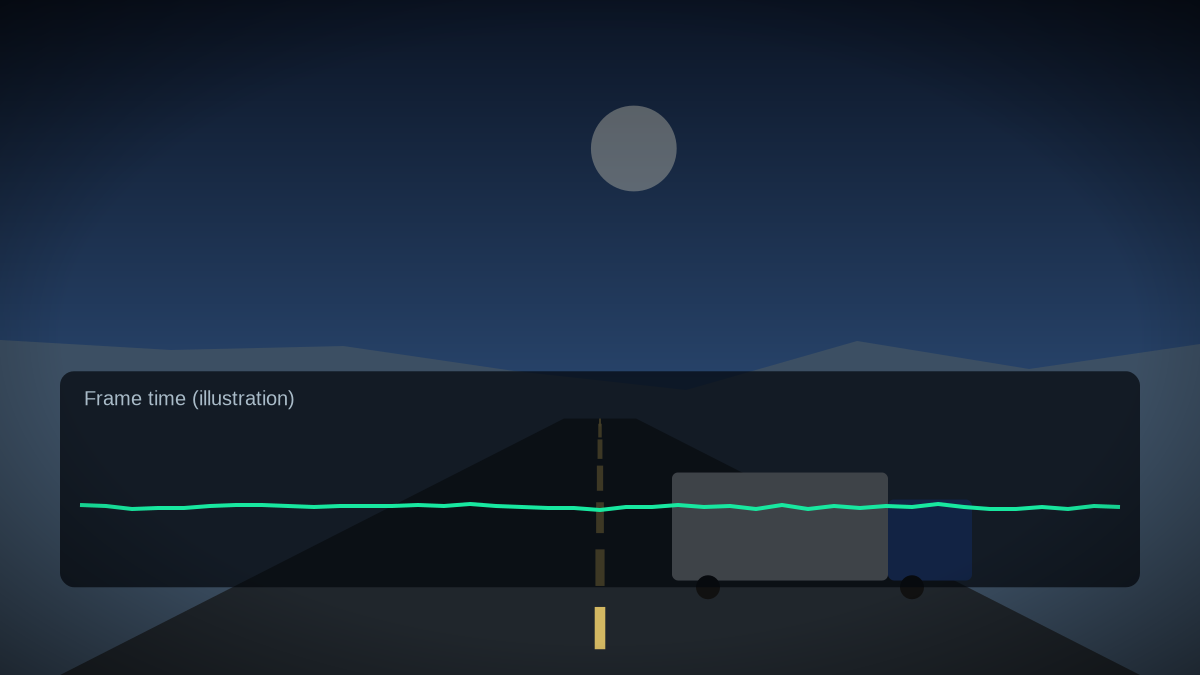 fps boostBusy cities are where ETS2 usually runs into CPU limits.
05Part 5 of 10
How do the ETS2 mod manager, .scs files and mod priority work?
ETS2 reads mods from the mod folder inside Documents\Euro Truck Simulator 2, plus anything you subscribe to on Steam Workshop. Most mods are .scs files, which are archives of game data. Some come as .zip, which the game can also read. Nothing is active until you enable it in the in-game mod manager, which you open from the profile screen.
The mod manager has two lists: available mods and active mods. The active list is an order. Mods higher in the list have higher priority, so when two mods change the same file, the one above wins. That is why mod pages say things like "place above the map mod" or "keep below the sound pack".
A few points that save time
- Active mods are saved per profile. You can keep a clean profile and a modded one side by side.
- Workshop mods update on their own when the author pushes a change. Mods from other sites stay as they are until you replace the file.
- The manager shows a warning next to mods that are not marked for your game version. That is a flag, not a verdict, as the next section explains.
- Mods that only change their own files rarely care where they sit. Map mods and their road connection patches care a lot.
The ETS2 guides cover installing BOMZA products step by step, including where each one belongs in the priority list.
06Part 6 of 10
Why does ETS2 say a mod is not compatible after an update?
Every mod carries a small manifest file, and in it the author can list which game versions the mod is made for. When SCS releases a new major version, the game checks that list. If your version is not on it, the mod manager marks the mod and the game asks you to confirm before loading.
That warning does not always mean the mod is broken. A sky texture swap often keeps working through several updates. Mods that change definition files, like weather, lighting and map mods, are more fragile, because SCS changes how those files are laid out from time to time. When that happens, the result can be anything from a mod that silently does nothing to a profile that will not load.
What to do after an update
Back up your profile before you launch the new version. The section on saves below explains how.
Check each mod page for an update or a note from the author.
Test on a copy of your profile first, not your main career.
If you rely on a big map combo, wait. Map authors often need time to catch up.
SCS usually keeps earlier major versions available as beta branches in the game's Steam properties, so you can stay on the version your mods support for a while. That is a trade between new features and a working mod list, and it is a normal part of playing a modded ETS2. On the BOMZA status page, every product shows the game version it was last confirmed on.
07Part 7 of 10
How do map combos and DLC requirements affect visual mods?
Map mods are the heaviest thing most ETS2 players install, and they shape everything else. ProMods, for example, is a free map expansion that needs certain official map DLCs and lists them on its own site. Other map mods have their own lists. Combining several maps into one map combo usually needs extra road connection mods and a strict order.
For visual mods this matters in three ways
Overlapping textures
Map mods often include their own road, terrain and sign textures. A road texture mod placed above them can cover their work, or fail to show in their regions.
Climate and look per region
A weather mod built for the base map may look wrong, or not apply at all, in a region added by a map mod.
Load and memory
A large combo adds loading time and RAM use, and leaves less headroom for heavy texture packs.
DLC matters too. Some visual mods expect a specific map DLC because they edit its files. Without it they may log errors or do nothing in those areas. Each map DLC also has its own visual style, so a mod tuned on the base Europe map can look different in Scandinavia or Iberia.
If you run a combo, check whether each visual mod lists it as tested. If nobody mentions it, try the mod on a separate profile first and drive through a border crossing between base map and mod map, where problems show up fastest.
08Part 8 of 10
How do you keep ETS2 profiles and saves safe while modding?
Your profile holds your career: money, trucks, garages, skills and the list of active mods. It lives in Documents\Euro Truck Simulator 2, in the profiles folder, or in steam_profiles if Steam Cloud sync is on for that profile. Each profile has a save folder with autosaves and manual saves.
Visual mods are the low risk end. Lighting, sky and weather mods do not add anything your save has to remember, so removing them later usually just brings back the stock look. The real risk comes from mods that add things the save tracks: trucks, trailers, cargo, map areas and company depots. Remove one of those and the game warns about missing content when you load. A missing map mod can leave your truck parked on a road that no longer exists.
A few habits that keep a long career alive
- Copy the whole profile folder before you add or remove a major mod and before every game update.
- Keep a test profile for new mods. Active mods are per profile, so it costs nothing.
- Make a manual save, not just an autosave, before testing.
- If Steam Cloud is on, remember that a broken save syncs too. A local copy is your real backup.
Our article on keeping a modded save safe covers the same idea across all seven games we support.
09Part 9 of 10
Can you use visual mods in Convoy or TruckersMP?
Single-player is where visual mods belong, and it is where BOMZA products are made and tested. Online play has its own rules, and you should follow them.
The game's built-in Convoy mode lets you drive with friends in a shared session. Sessions go smoother when everyone runs a matching set of mods, and map mods in particular have to line up between players. SCS changes how Convoy handles mods from time to time, so check the current notes from SCS before you plan a modded session.
TruckersMP is a separate, community-run multiplayer project with its own servers, rules and staff. It decides which kinds of mods are allowed on its servers, and that list changes over time. Some visual mods may be fine there and others not. Read their rules and stick to them. Do not try to get around any server's mod rules, and do not expect BOMZA support to help with that.
If you split your time between single-player and online, keep separate profiles. Your modded career stays modded, your online profile stays within the server's rules, and you do not have to re-sort the mod list every time you switch. It also means a broken mod in one profile never touches the other.
10Part 10 of 10
What can ETS2 visual mods not do, and how does BOMZA status work?
Visual mods change data the game already uses. They cannot add features the engine does not have. A weather mod can make rain heavier and fog thicker, but it cannot add physics the game does not simulate. A lighting mod can reshape a beam, but light still behaves the way the renderer handles it. Expect better versions of what the game already does, not a different game.
Other limits to keep in mind
- Truck mods with their own lights may ignore a general headlight mod.
- Map mod regions may not pick up weather or texture changes made for the base map.
- Game updates can break definition-based mods until the author updates them.
- Screenshots on mod pages are often taken with ReShade or high scaling. Your result at default settings will look different.
BOMZA tracks each product with a status record. Up to date means we confirmed it on the listed game version. Updating means a new game version is out and we are checking or fixing the product. Outdated means it is known not to work on the current version yet. Paused means we have stopped selling it for now. Each record shows the game version, the mod version, known limitations and the date of the last check, all on the status page. The status system article explains how we pick each state. If you would rather start with free options, see free mods.
FAQ
Euro Truck Simulator 2 mods: FAQ
Short answers to what players ask us most. Open a question to read the answer.
Ask in our Discord. Include your game version and what you installed.
Open Discord01Do ETS2 visual mods from Steam Workshop work the same as .scs files?
Yes. Workshop mods show up in the in-game mod manager next to the .scs files in your mod folder, and you sort them in the same priority list. The main difference is updates: Workshop mods update when the author pushes a change, while files from other sites stay as they are until you replace them.
02Which mod wins when two mods change the same thing?
The one higher in the active list of the mod manager. Higher means higher priority. If a weather mod and a graphics pack both replace the sky, the sky you see comes from whichever sits above.
03Can a lighting or weather mod break my save?
Rarely. These mods do not add anything your save has to track, so removing them usually just brings back the stock look. Mods that add trucks, trailers, cargo or map areas are the risky ones. Back up your profile folder before big changes either way.
04What should I do when ETS2 updates and my mods show a warning?
Back up your profile, check each mod page for an update, and test on a copy of your profile. Texture mods often keep working, while weather, lighting and map mods may need an update. You can also stay on an earlier version through the Steam beta branches SCS usually provides.
05Do I need DLC to use weather or lighting mods?
Most work on the base game. Some mods edit files from map DLCs and expect them to be installed, and map mods like ProMods have their own DLC lists. The mod page should say which DLC it needs.
06Does ReShade work with Euro Truck Simulator 2?
ReShade supports DirectX 11 and OpenGL, which are the renderers ETS2 uses on Windows, so it generally works. Effects that need depth information may need extra setup, and heavy effects cost frame rate. Treat it as a separate layer on top of your mods.
07Can I use BOMZA ETS2 products on TruckersMP?
BOMZA products are made and tested for single-player. TruckersMP sets its own rules about which mods are allowed on its servers, and those rules change. Check their current rules and follow them. Keeping a separate profile for online play is the simplest approach.
Keep going
Where to go next
- Start hereETS2 modding basics
- Install and setupAll Euro Truck Simulator 2 guides
- Free optionsFree mods: what they cover and how to judge a source
- From the blogHow BOMZA measures the FPS impact of a mod pack
- From the blogBOMZA 2.0: the new store format and how product status works
- From the blogModding etiquette: crediting authors and asking the right way

Euro Truck Simulator 2 on BOMZA
Ready for a cleaner Euro Truck Simulator 2?
Our Euro Truck Simulator 2 packs are built in-house and checked on a named game version. The shop has the options, requirements and current status for each one.