 SK
 F4
 CP
 MC
 ETS2
 AC

Active mod updates
- Next-gen 4.04
- Most maintained mods target it
- Classic 1.32
- Large back catalog, many mods no longer updated

Show prices in
Prices in other currencies are approximate. Card payments are charged in South African rand (ZAR).
 Log in
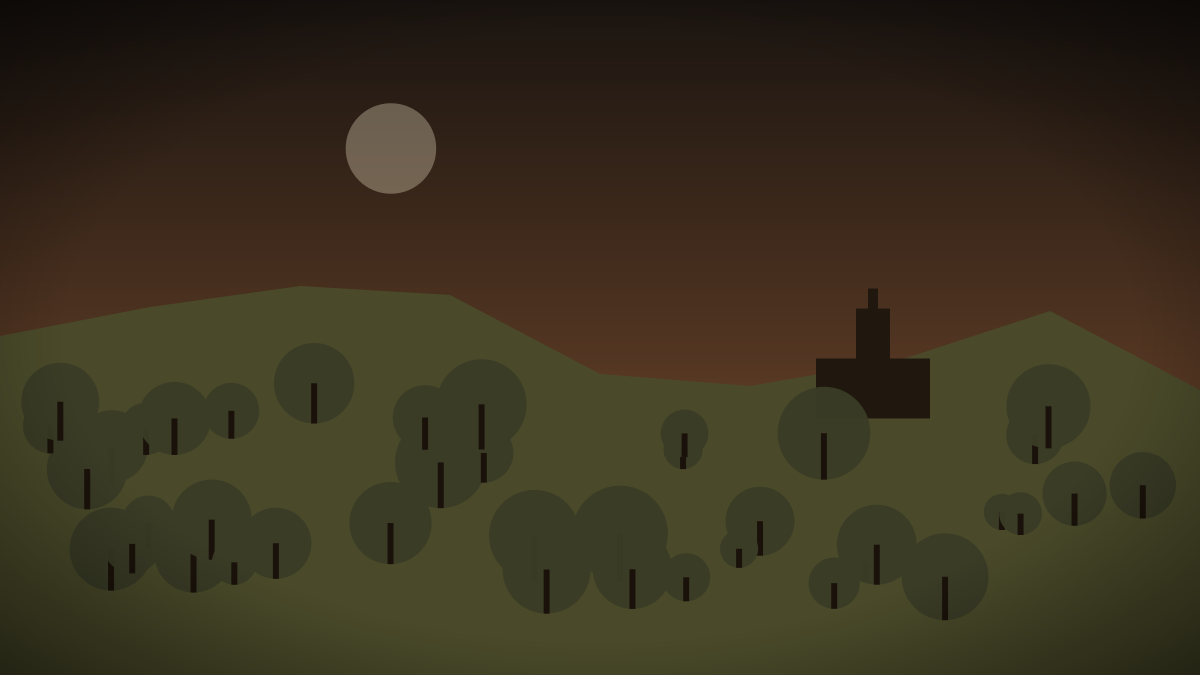
Witcher 3 mods for better visuals and smoother performance
The Witcher 3 takes visual mods well. Most of them are texture swaps, edits to the environment files that control light, fog and sky, foliage changes, weather changes and post-processing presets. On the current next-gen version, 4.04, they go in a Mods folder, and the game decides which one wins a conflict by priority. Script Merger fixes conflicts between mods that edit the same scripts.
The main choices are which game version you mod (next-gen 4.04 or classic 1.32), which single lighting or color base you build on, and how much video memory you can give to textures. This page covers each of those, explains what costs frames and what does not, and links to one deep page per effect: foliage, nights, weather and textures.
Pick an effect, drag the slider
Pick a mod to see what it changes, how it looks in game and how to set it up.
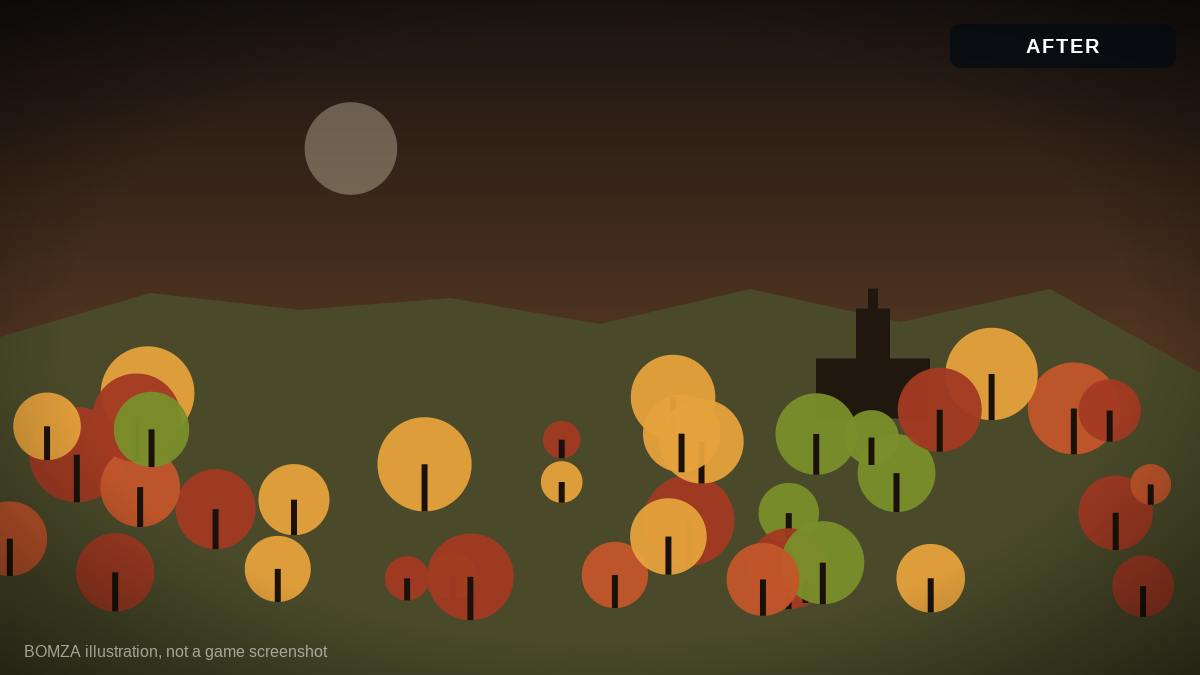
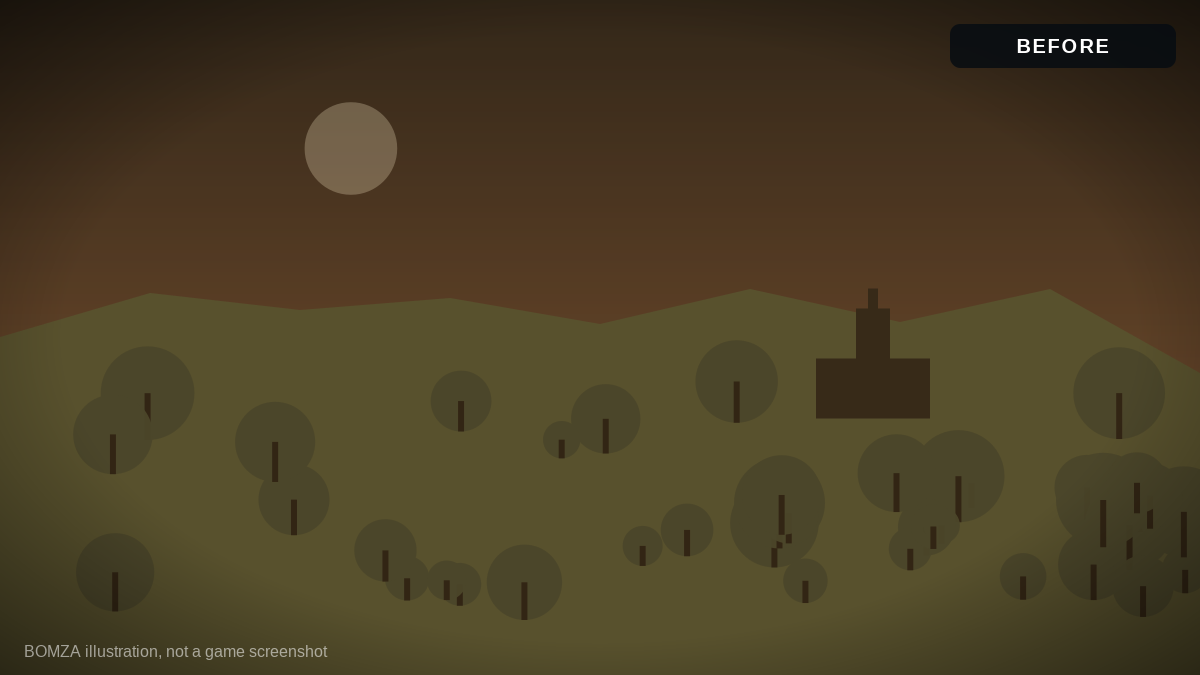
Effect 1 of 4
Foliage mods for The Witcher 3 change three things: how much grass and how many plants the game draws, how far it draws them, and what color they turn under each light. The best results come from moderate density with a careful color base, not from maximum values. Density and range cost frames; color changes cost almost nothing.
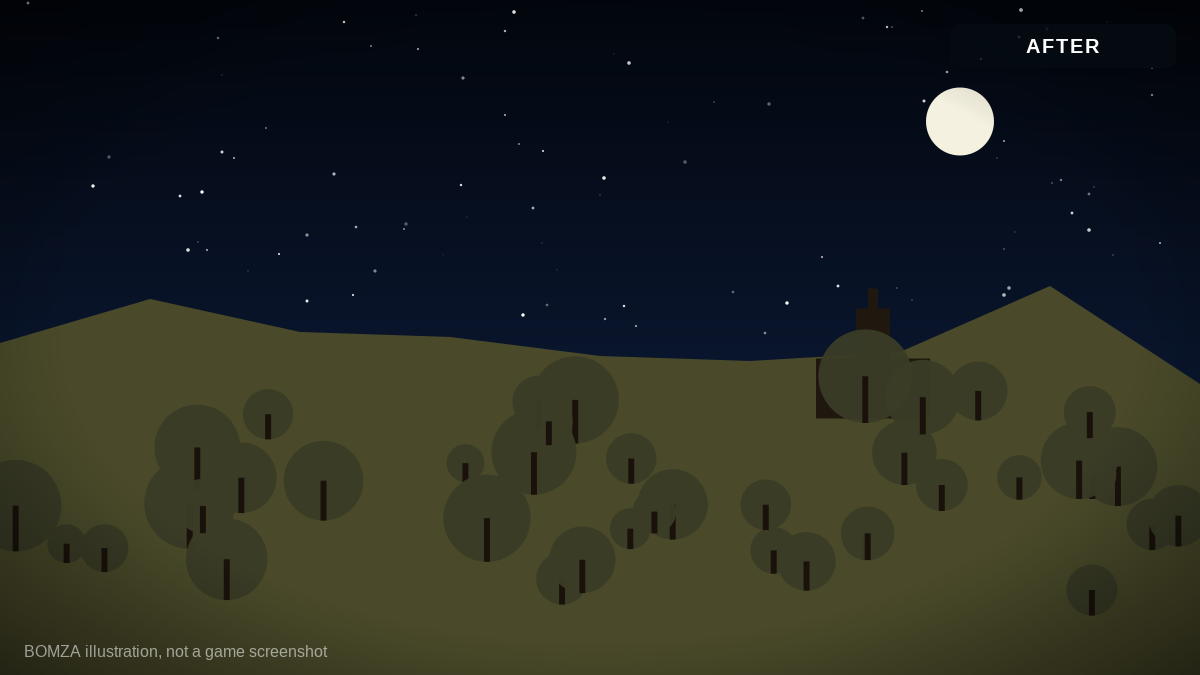
Effect 2 of 4
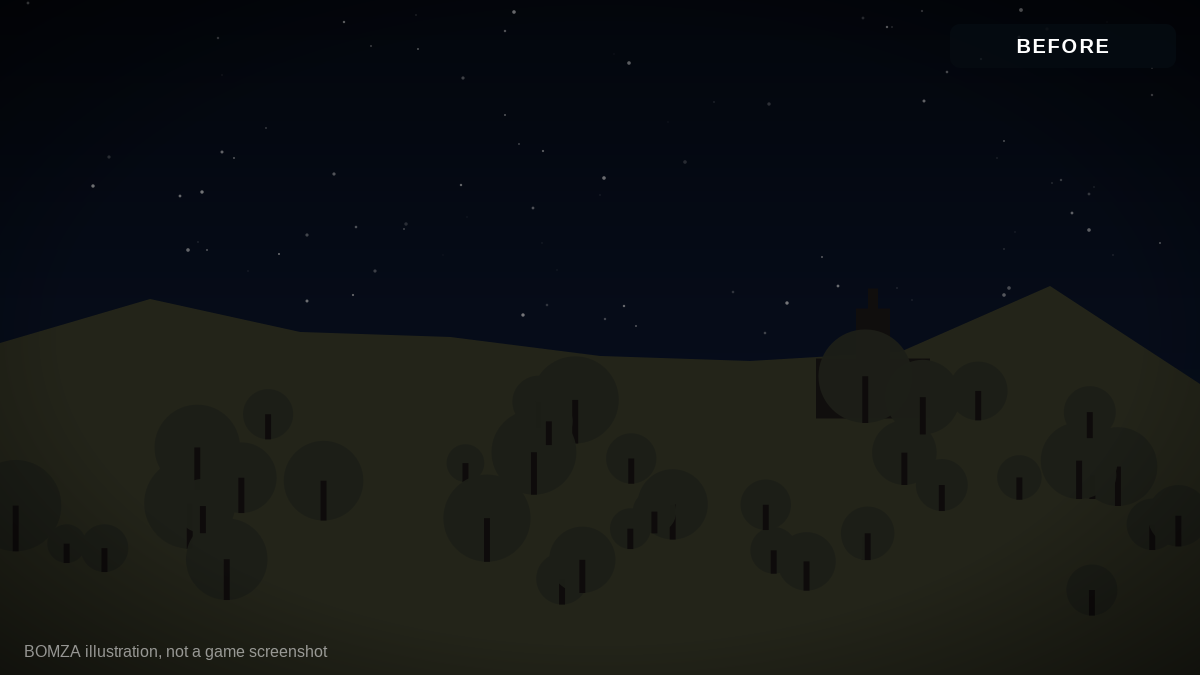
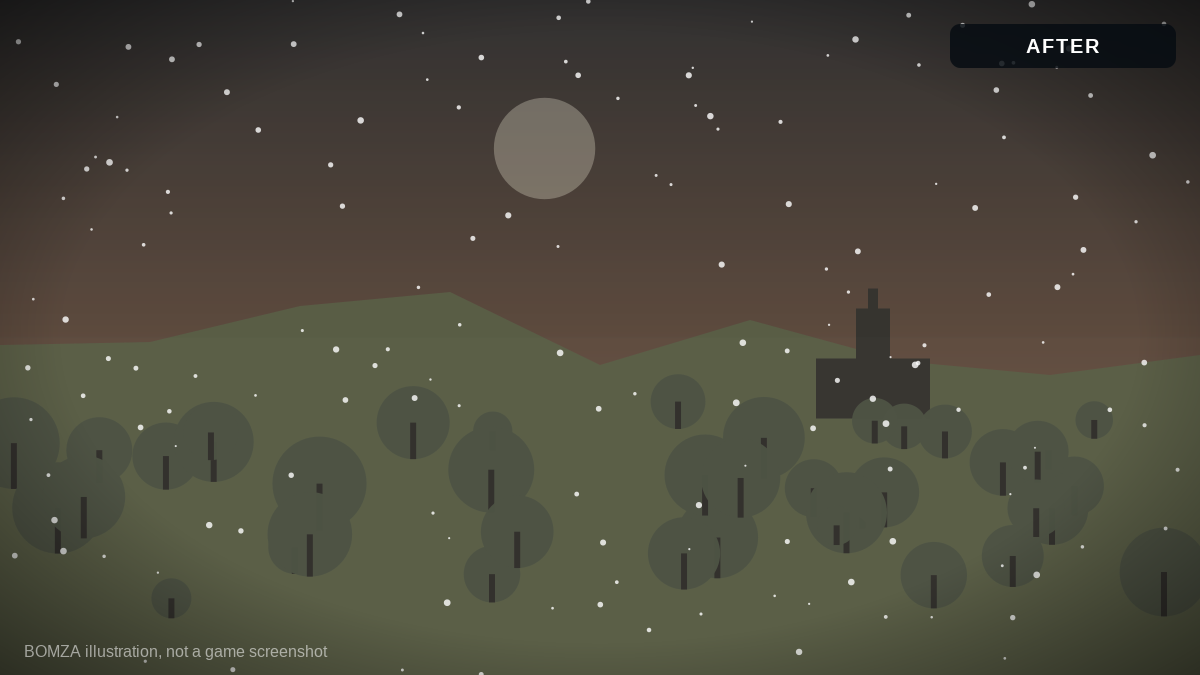
Night lighting mods for The Witcher 3 change how bright the night sky and moonlight are, how much ambient light fills the shadows, and how far lanterns, torches and campfires reach. A good one makes nights clearly darker than vanilla while keeping roads, enemies and the horizon readable. Most of the change is in the env files, so it costs very little performance.
Effect 3 of 4
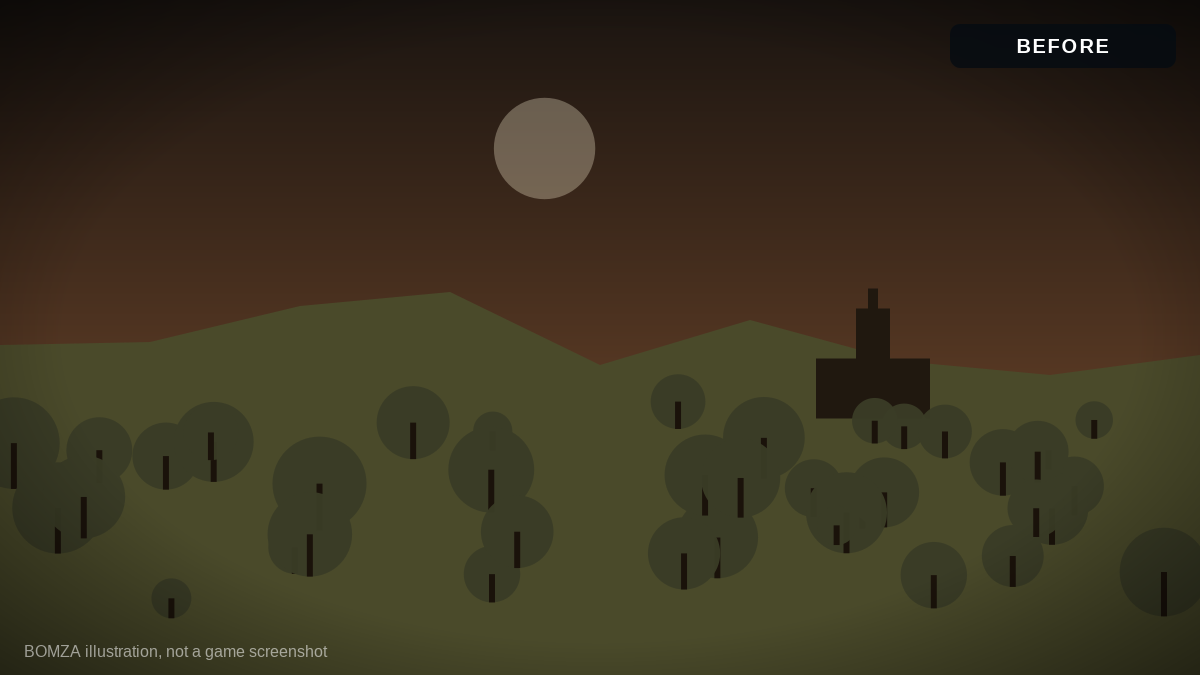
Weather mods for The Witcher 3 change which weather each region gets, how often it changes, and how heavy rain, fog, wind and storms look. They mostly edit the weather and environment definitions, so the cost is low in clear weather and higher during storms. The main thing to watch is overlap with lighting mods, because both edit the same environment entries.
Effect 4 of 4
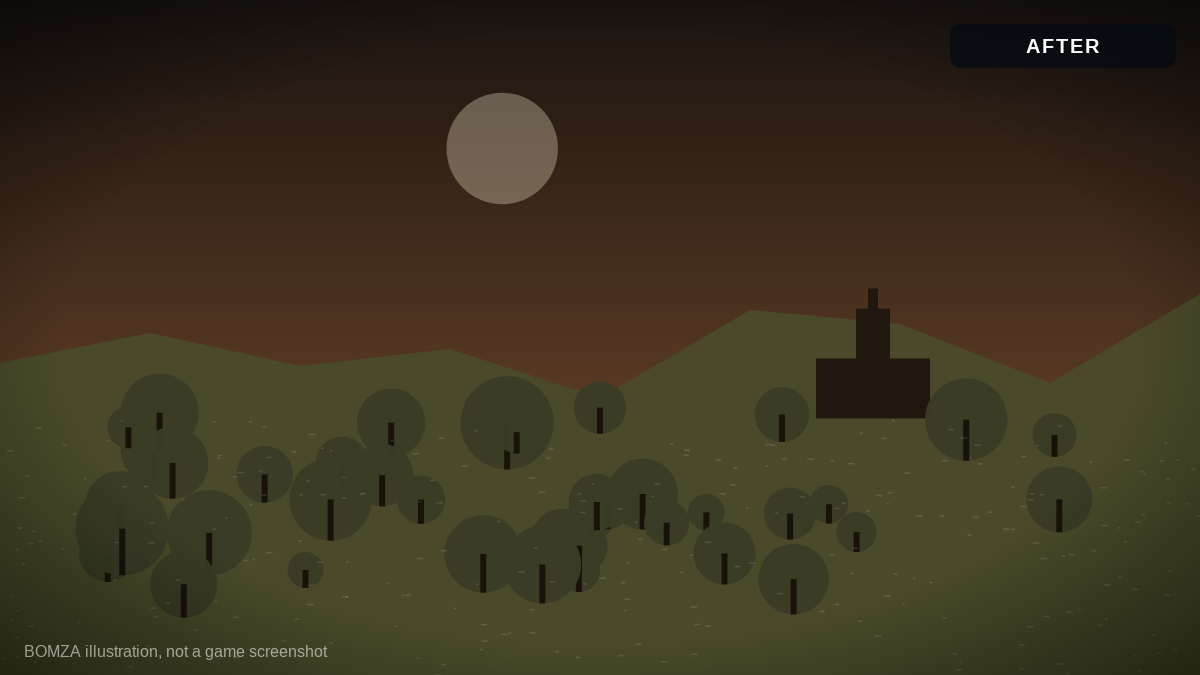
The next-gen update already replaced many blurry Witcher 3 textures, partly with work from community texture mods, so on 4.04 you need fewer texture packs than on classic 1.32. What still helps are packs for specific surfaces like rock, ground and distant buildings, plus the right upscaler and sharpening settings. The main cost is video memory, which shows up as stutter rather than a lower average frame rate.
01Part 1 of 10
Witcher 3 visual mods fall into a handful of groups, and most good setups use two or three of them, not all at once.
replace the game's textures with sharper or redrawn versions: cliffs, bark, road stones, plaster walls, armor and clothing. HD Reworked Project is the best known one, and parts of it went into the next-gen update itself.
edit the env files. These are the definitions that set sun color, ambient light, fog, sky color and night brightness for each region and each weather type.
change how often rain, storms and fog appear, how long they last and how heavy they look.
change grass and tree density, leaf color, and how far vegetation draws before it turns into low detail models.
, mostly ReShade, change color, contrast, sharpening and shading on top of the finished frame.
edits to the settings files, lighter foliage values, and the right upscaler mode for your card.
All of these work on your own PC and change only what you see. The Witcher 3 is a single-player game, so there is no online service involved. What goes wrong is local and predictable: two mods editing the same file, a mod built for the other game version, or a texture pack that runs your graphics card out of video memory. The rest of this page is about avoiding those three problems.
02Part 2 of 10
We split the visible changes into four pages, one effect each. Every page explains what the effect looks like in the unmodded game, what mods change, the settings involved and what it costs in frames.
Vivid foliagethicker grass in the Velen fields, greener vineyards in Toussaint, trees that keep their shape in the distance instead of turning into flat shapes. It also covers the opposite risk: too much saturation and the game starts to look like a cartoon.Open the guide Night lightinghow dark nights should be, moonlight color, how far lanterns and campfires reach, and why Crookback Bog after midnight is the best place to judge a night mod.Open the guide Weather effectsstorm frequency around Skellige, rain density, morning fog in Velen, wind on trees and on the sea.Open the guide Sharper textureswhat the next-gen update already fixed, where blur still shows, and how much video memory the large packs ask for.Open the guide If you prefer a packaged option, BOMZA has two Witcher 3 products. Witcher 3 Living Seasons is the landscape and foliage pack, and Witcher 3 Storm and Night Pack is the weather and night pack. Each product page lists the game version it was checked on, and the status page shows whether it is up to date today. If you would rather build your own setup from community mods, start with our free mods overview.
Tested packs
Built and tested by our team. Each pack shows the game version it was last confirmed on. Prices, options and checkout live in the The Witcher 3: Wild Hunt shop.
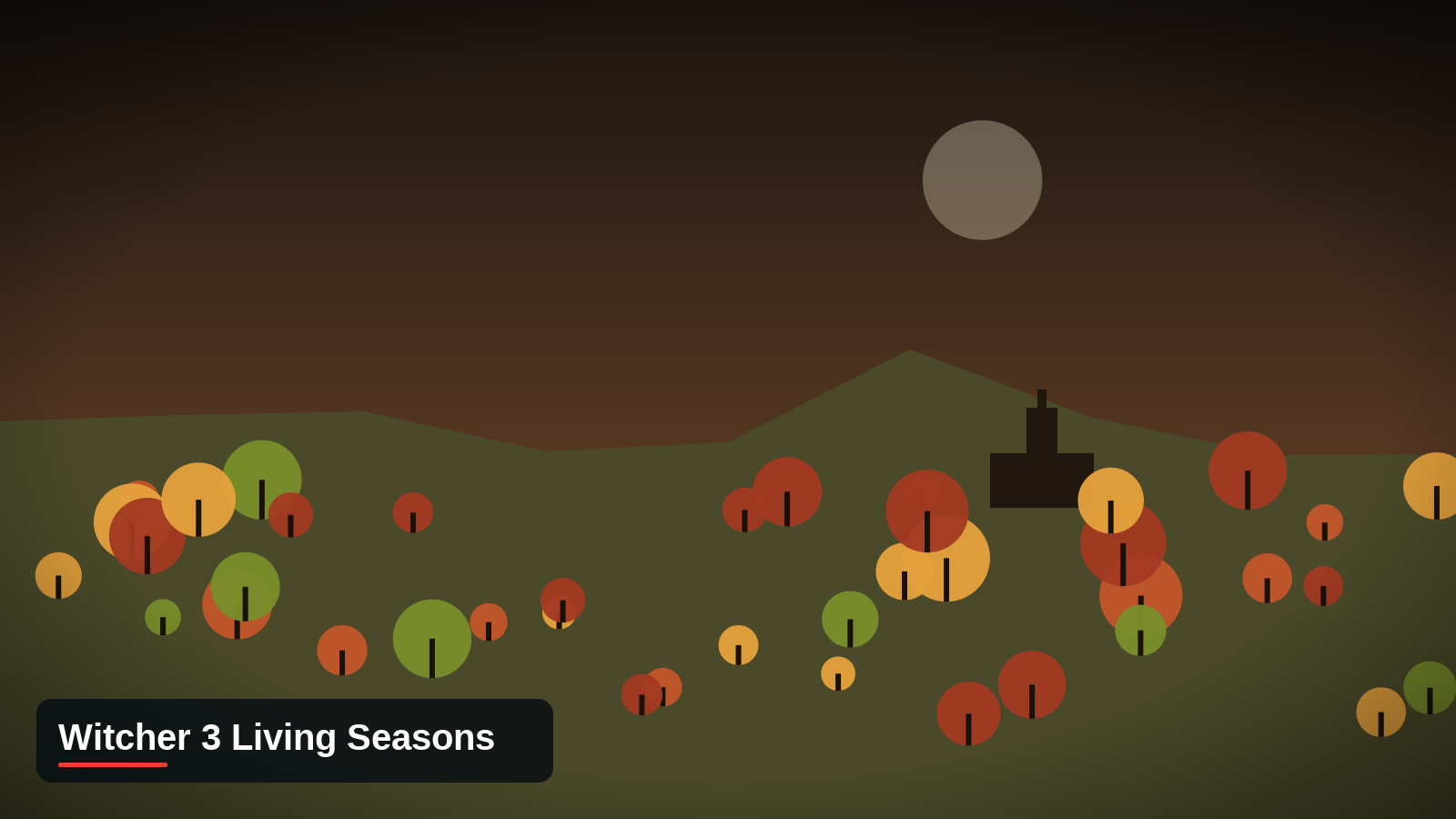 Witcher 3 Living SeasonsFoliage in Velen, Toussaint and Skellige gets autumn and early spring color shifts, and weather varies more between regions, so the long ride between quests looks less the same.
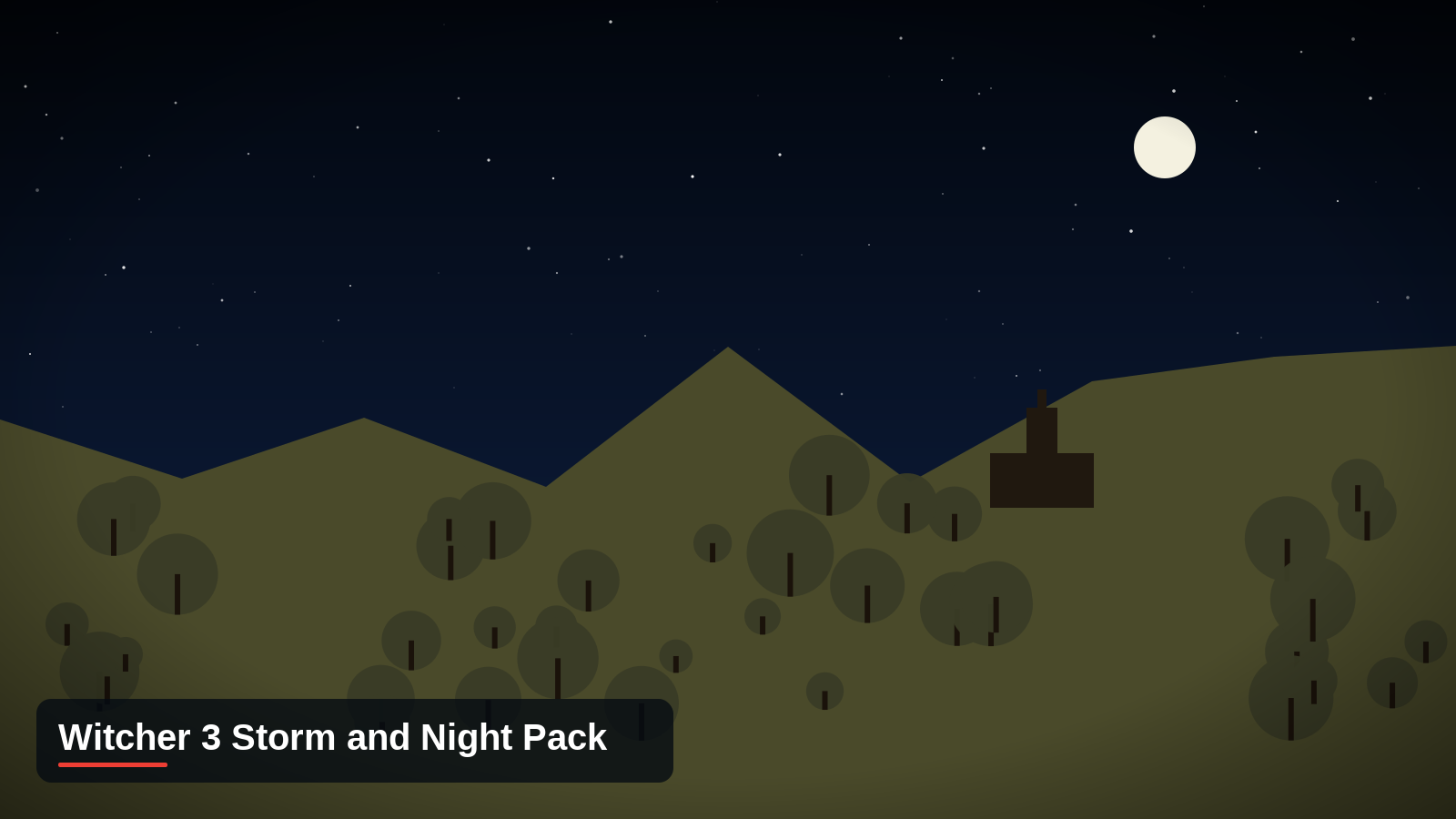 Witcher 3 Storm and Night PackDarker, moonlit nights, heavier storms with real wind in the trees, and sharper textures on roads, rocks and buildings, tested as one set.
03Part 3 of 10
For most players the answer is next-gen 4.04. Stay on classic 1.32 only if a mod you really want was never updated.
CD Projekt Red released the free next-gen update, version 4.0, in December 2022. It added a DirectX 12 mode with ray traced global illumination, reflections, shadows and ambient occlusion, DLSS and FSR upscaling, an Ultra+ preset that pushes foliage and view distance further, and better textures, some of them based on community mods made with the authors. Patch 4.04 followed in 2023 and is the version current mods target. The DirectX 11 mode is still there and runs better on older cards.
The old game is still available too. On Steam and GOG you can switch to a classic branch that installs 1.32, the last version before next-gen.
Whichever you pick, write the version number down and check that every mod you add lists it. A 1.32 script mod dropped into 4.04 is the most common reason the game stops at a script error after modding.
04Part 4 of 10
Most Witcher 3 mods are folders whose names start with "mod", placed in a Mods folder inside the game directory. The game reads every one of them at launch. Some mods also ship a second folder that goes into the game's DLC directory. That part adds new content the game loads like official content, for example extra items or new environment definitions. The mod page tells you which folder goes where. Follow it exactly, because a DLC part placed in Mods, or the reverse, simply does nothing and gives you no error.
When two mods change the same file, only one wins. In the classic game the winner is decided by folder name: names that sort first alphabetically win. That is why you see folders called mod0000_MergedFiles or modAAA_Something. Next-gen added a mods.settings file in your DocumentsThe Witcher 3 folder, where each mod has an on or off switch and a priority value. Mod managers such as Vortex write that file for you, so check how your manager orders mods before you edit it by hand.
Texture mods and env mods rarely clash with script mods, but they clash with each other a lot. Two lighting overhauls that edit the same region's env file do not blend. You get one or the other, or an odd mix where the sky comes from one and the fog from the other. Pick one lighting base and treat everything else as an add-on its author says is compatible. Our explainer on load order and mod conflicts covers the idea across games.
In game
One scene per effect. Open any of them for the full guide with a before and after slider.
vivid foliageToussaint vineyard at noon, a good place to check that foliage color is not overdone.night lightingCrookback Bog after dark, the hardest place to keep a night both dark and playable. weather effectsMorning ground fog in the Velen fields, a good test for fog density.
 sharper texturesSkellige cliffs, where stretched rock textures are most visible.
05Part 5 of 10
Script Merger is a free community tool. It scans your Mods folder for mods that change the same script files (.ws), the same XML files or the same packed bundle files, and combines the changes into one new mod folder, usually named mod0000_MergedFiles. Because that name sorts first, the merged version wins over the original files.
You need it when two or more of your mods edit scripts or menus. Pure texture mods and most env lighting mods do not touch scripts, so Script Merger usually finds nothing to do with them. Mods that add their own settings menu, change the camera, change the HUD or change game systems do touch scripts. A typical setup that needs a merge is a HUD mod, a camera mod and a weather mod with its own options page.
Things that save you time
If the game shows a script compilation error at launch, read it. The error names the file and usually the mod folder. It almost always points to a version mismatch or an unmerged conflict, not to a damaged game install.
06Part 6 of 10
Start from the problem you see on screen, not from a list of popular downloads.
Washed out daytime, nights that look like daytime with a blue filter, blurry cliffs, thin grass, storms that never come. Each of these has a different fix, and some of them are settings, not mods.
An env lighting mod, a ReShade preset and a color mod all change the final look. Two of them stacked usually doubles the contrast and crushes shadows to black.
The mod page should say next-gen or 4.04 if you are on next-gen. "Works on all versions" is fine for textures, less fine for anything with scripts.
Reports from players on 4.04 tell you more than the description.
A preset tuned for sunny Toussaint can look grey and flat under the clouds of Velen.
Load a save in a spot you know, look at it at noon and at night, then add the next mod.
A note on ReShade: it works with both the DirectX 11 and DirectX 12 modes, but effects that need depth, such as ambient occlusion or depth of field, depend on ReShade finding the right depth buffer. Some of them misbehave with upscaling or in menus. Color, contrast and sharpening effects are the safe ones. The difference between ReShade and engine-level lighting is explained in ReShade vs ENB.
07Part 7 of 10
It depends on what the mod changes. Some mods only change values the game already computes, so they cost almost nothing. Others add work for your graphics card or processor.
If you are short on frames, the built-in settings matter more than any mod. Ray tracing is the largest single cost in next-gen. Grass density and foliage visibility range come next, then shadow quality. Lowering two of those often pays for a texture pack or a weather mod. DLSS or FSR on a quality setting gives back a lot on most cards.
Measure in a fixed spot, at the same time of day, with the same weather, before and after a change. Our testing method describes how we do it, and Windows settings that matter covers the system side.
08Part 8 of 10
Back up before you change anything. Your saves are in DocumentsThe Witcher 3gamesaves. Copy that folder somewhere outside Documents, along with your settings files (user.settings, plus dx12user.settings if you use the DirectX 12 mode). It takes a minute and turns most problems into a non-event.
Visual mods are the low-risk kind. Texture packs, env lighting edits and ReShade presets do not write anything into your save. You can remove them later and the save loads as before, just with the old look.
Mods with scripts are different. A mod that adds items, changes the inventory or changes game systems can leave traces in the save. Removing it in the middle of a playthrough can cause missing items or odd behavior. Read the mod page for removal notes before you install it, not after.
Two more traps
Next-gen loads saves made in 1.32. Going back to classic with a save made on 4.04 is not something to count on. If you want to try next-gen, keep a copy of your classic saves first.
Steam Cloud and GOG Galaxy can replace local saves with the cloud copy. That is why your backup should live outside the save folder.
Keep a copy of your working Mods folder too, after every change that works. Then a bad update is a folder swap, not an evening of troubleshooting. Our article on keeping a modded save safe goes into more detail.
09Part 9 of 10
A Witcher 3 patch can break mods in three ways. It can change the game's scripts, so script mods and merges stop compiling. It can change bundle files a mod replaced, so the mod overwrites newer content with old content. And it can change the settings files, so tweak mods set values that mean something else now.
The 4.0 update broke most script mods made for 1.32, which is why so many mod pages have a separate next-gen file. Later next-gen patches caused smaller breaks. Texture mods usually survive updates, since the game still reads the same texture names. Env lighting mods often survive too, unless the patch changed the same environment files.
The Witcher 3 does not rely on one big script extender the way Skyrim relies on SKSE64, so a patch usually breaks some mods, not the whole setup. The general reasons are covered in why game updates break mods.
What to do
10Part 10 of 10
Visual mods change what the engine draws. They do not rebuild the engine, so some things stay as they are:
For our own products we publish a status, so you do not have to guess. Each product shows one of four states
checked on the game version shown on the product page.
a game patch came out and we are rechecking it.
known not to work on the current game version yet. Stay on the listed version or wait.
not being maintained for now, with the reason given.
Each state comes with the game version, the date it was confirmed and a short history, so you can see what changed and when. You can find all of it on the status page, and the store format announcement explains how we decide each state. Step by step help lives in the Witcher 3 guides.
FAQ
Short answers to what players ask us most. Open a question to read the answer.
Ask in our Discord. Include your game version and what you installed.
Open DiscordYes, as long as the mod lists next-gen or 4.04 support. Texture mods usually work on both versions. Mods with scripts often have a separate next-gen file, and you need the next-gen build of Script Merger.
Yes. Steam and GOG both offer a classic branch with version 1.32. Back up your saves first, because saves made on 4.04 should not be expected to load in 1.32.
Usually not. Script Merger is for mods that edit the same scripts, XML or bundle files. Pure texture packs and most env lighting mods have nothing to merge, but run it anyway if you also use script mods.
Visual mods do not write into saves, so removing them is safe. Mods that add items or change game systems can leave traces. Back up your gamesaves folder before every change.
ReShade only changes the image on your own PC and works with both renderer modes. Keep to one preset, and remember that depth based effects can misbehave with upscaling. Color and sharpening effects are the safest to start with.
Large texture packs on cards with little video memory, higher grass density and foliage range, and heavy ReShade effects like ambient occlusion. Env lighting edits usually cost close to nothing. The built-in ray tracing costs more than any of them.
Check the status page. Each product shows up to date, updating, outdated or paused, with the game version and the date we last confirmed it.
Keep going

The Witcher 3: Wild Hunt on BOMZA
Our The Witcher 3: Wild Hunt packs are built in-house and checked on a named game version. The shop has the options, requirements and current status for each one.
Quick answers from our FAQ. Not solved? Open a ticket on Discord.