SK
 F4
 CP
 W3
 MC
 ETS2

Reflections update rate and resolution
- Why it costs
- The scene is rendered again for car reflections
- What you lose by lowering it
- Less accurate paint and wet road reflections

Show prices in
Prices in other currencies are approximate. Card payments are charged in South African rand (ZAR).
 Log in
Assetto Corsa · Visual effect
Most frame drops in modded Assetto Corsa come from reflections, shadows, mirrors, a big grid of cars and heavy CSP effects such as rain. Lowering reflection update rate, shadow resolution and mirror quality usually gains the most for the least visual loss. A full grid is a CPU problem that graphics settings only partly solve.
01Part 1 of 7
Low performance in Assetto Corsa rarely means a steady low number. It usually looks like one of these:
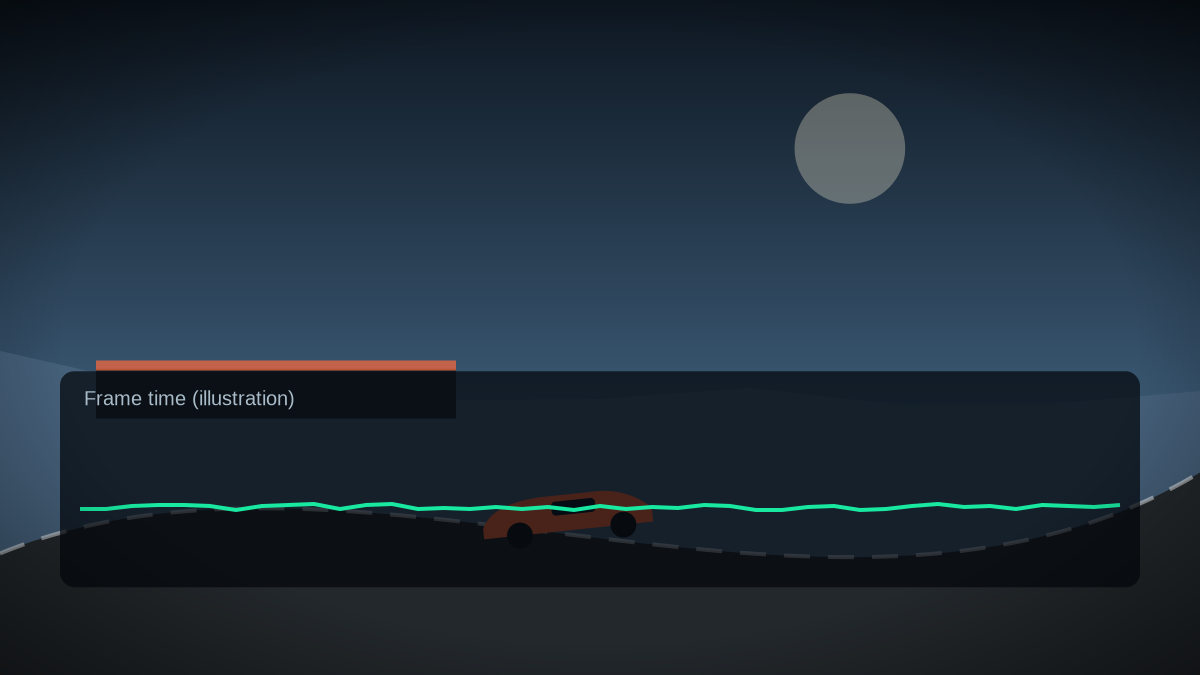
Each pattern points to a different cause. Drops with many cars point at the CPU. Hitches at specific places often point at shadows, reflections or loading. Drops in rain point at particles and wet reflections. Knowing which one you have saves you from lowering settings that were never the problem.
The fix for smoothness is often frame-time stability, not the average frame rate. A setup that holds a steady number feels better to drive than one that averages higher and spikes. Frame-time tools show this far better than an FPS counter.
02Part 2 of 7
Without inventing numbers, here is the order in which settings usually matter on a modded install, from most to least expensive in typical use.
Reflections are the first place we look. Dropping the update rate so reflections refresh less often keeps most of the look and gives back a lot of frame time. Shadows come next. Mirrors are easy to forget, especially in cars with three mirrors visible from the cockpit.
Screens
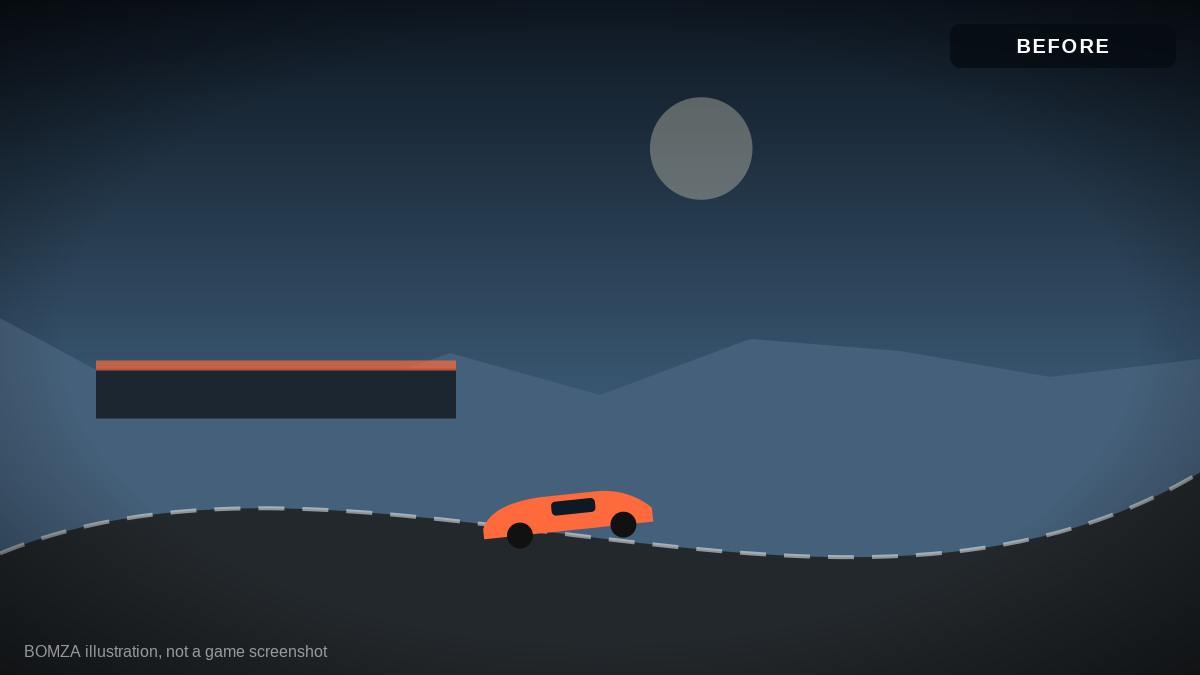
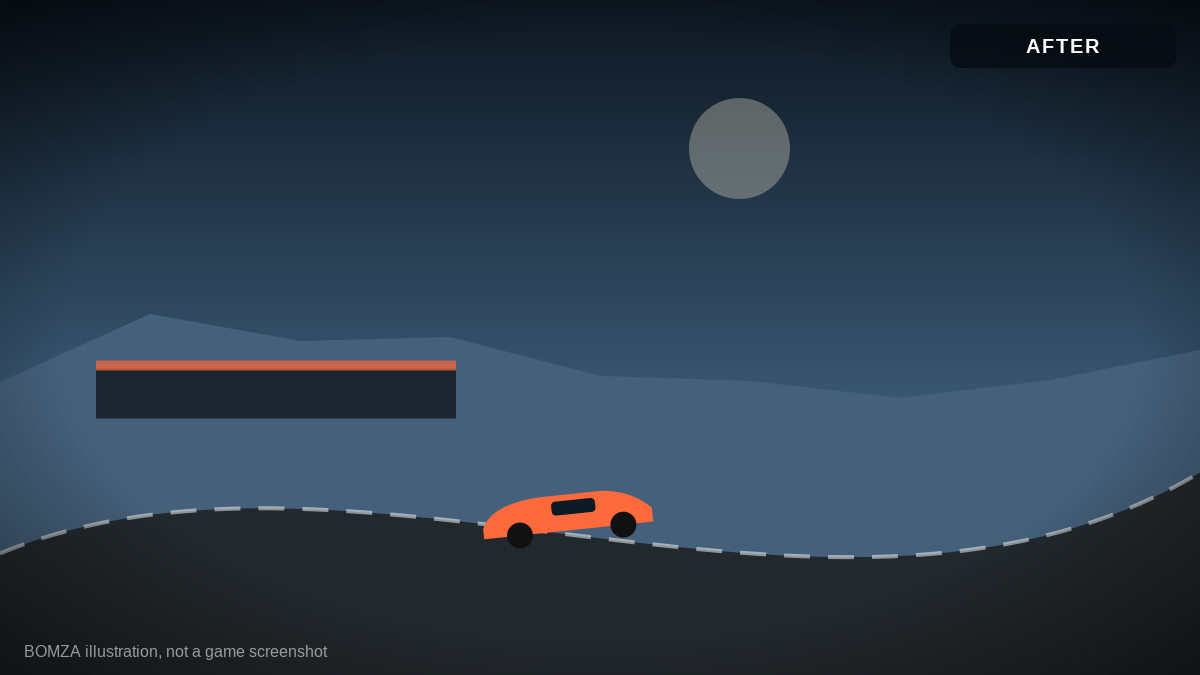
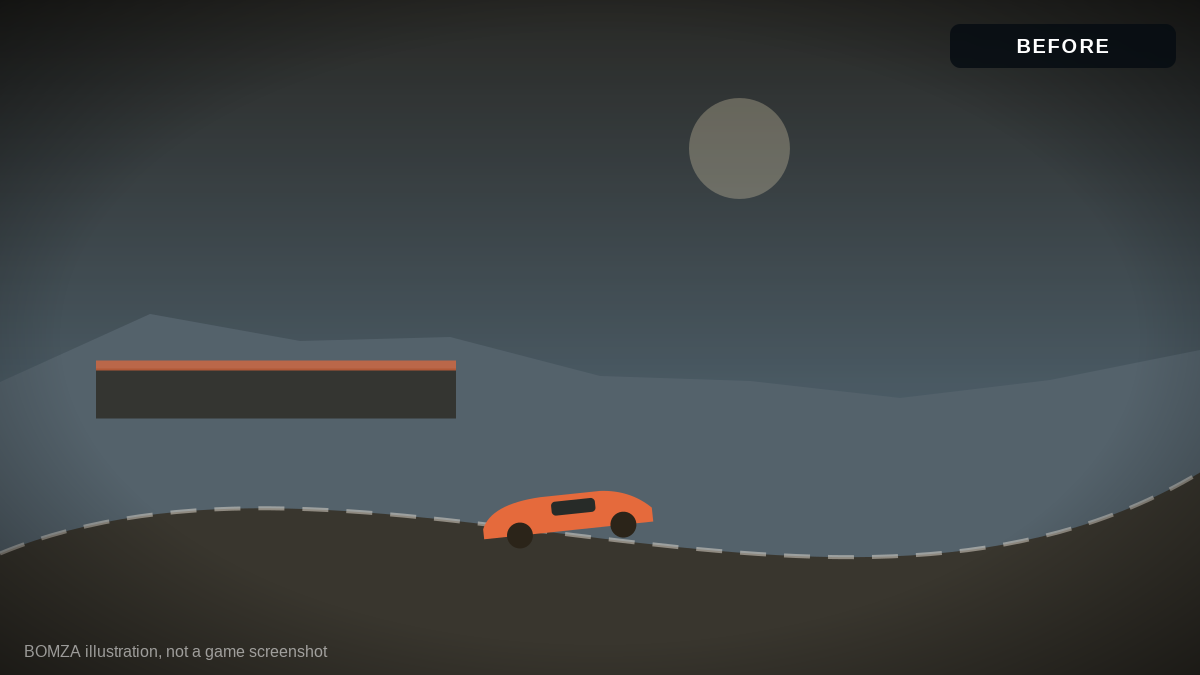
The same scene before and after, plus the spot we test this effect in.
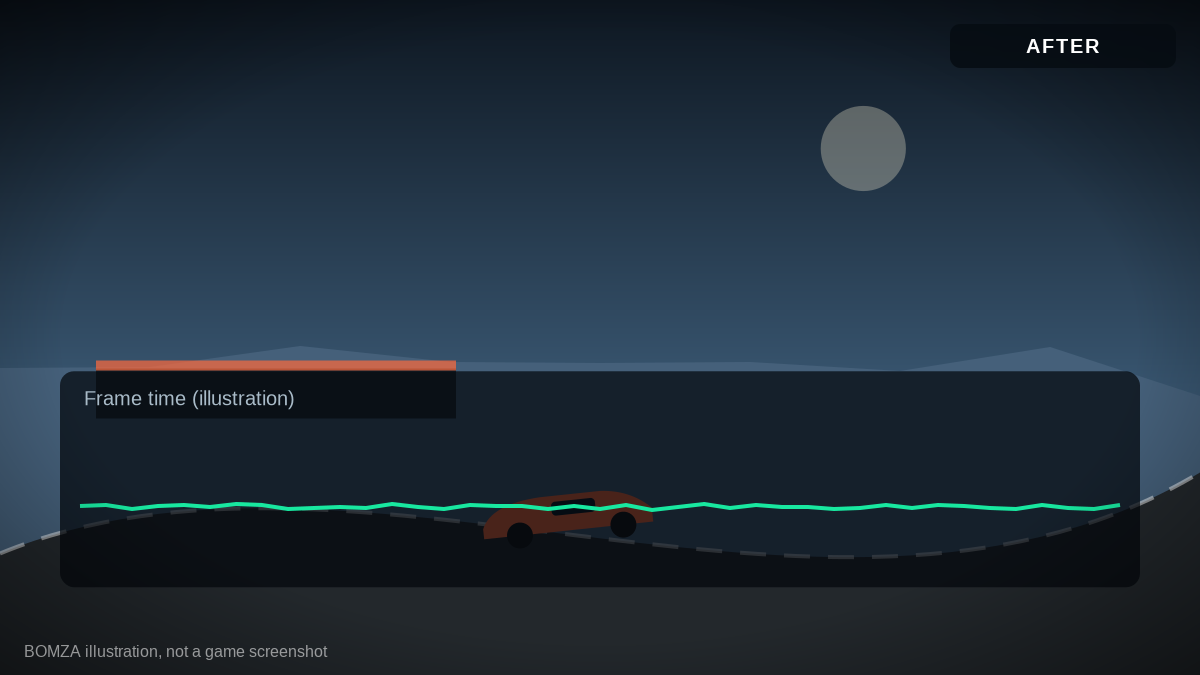
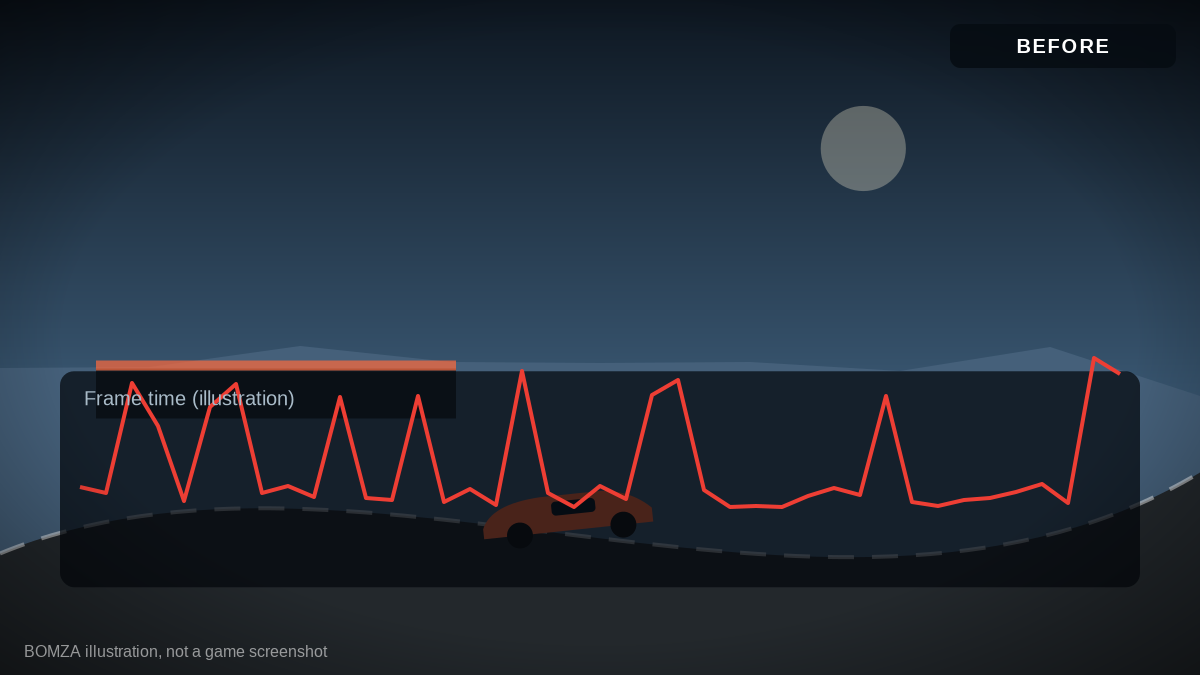
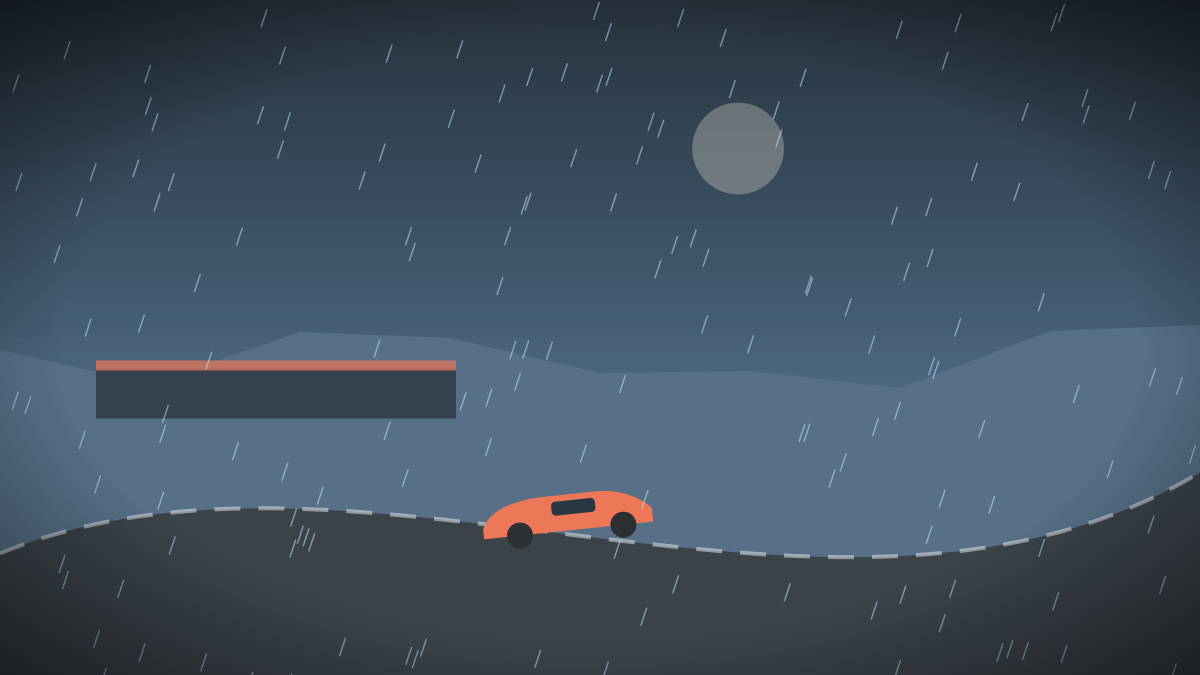
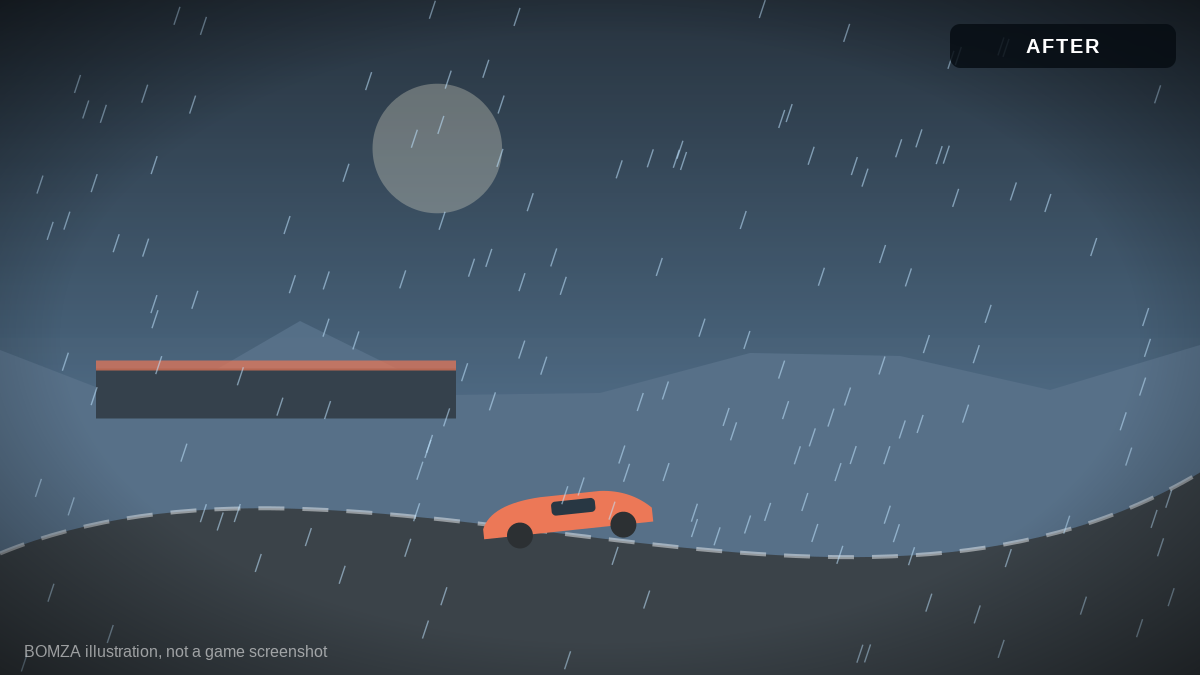
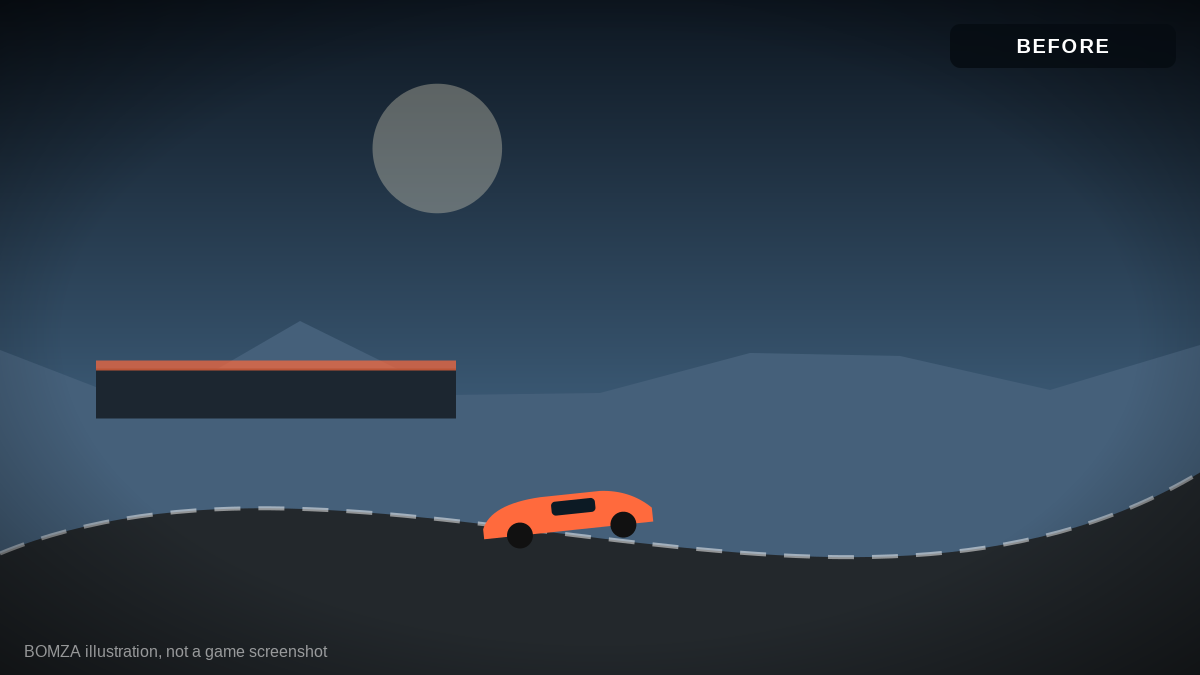
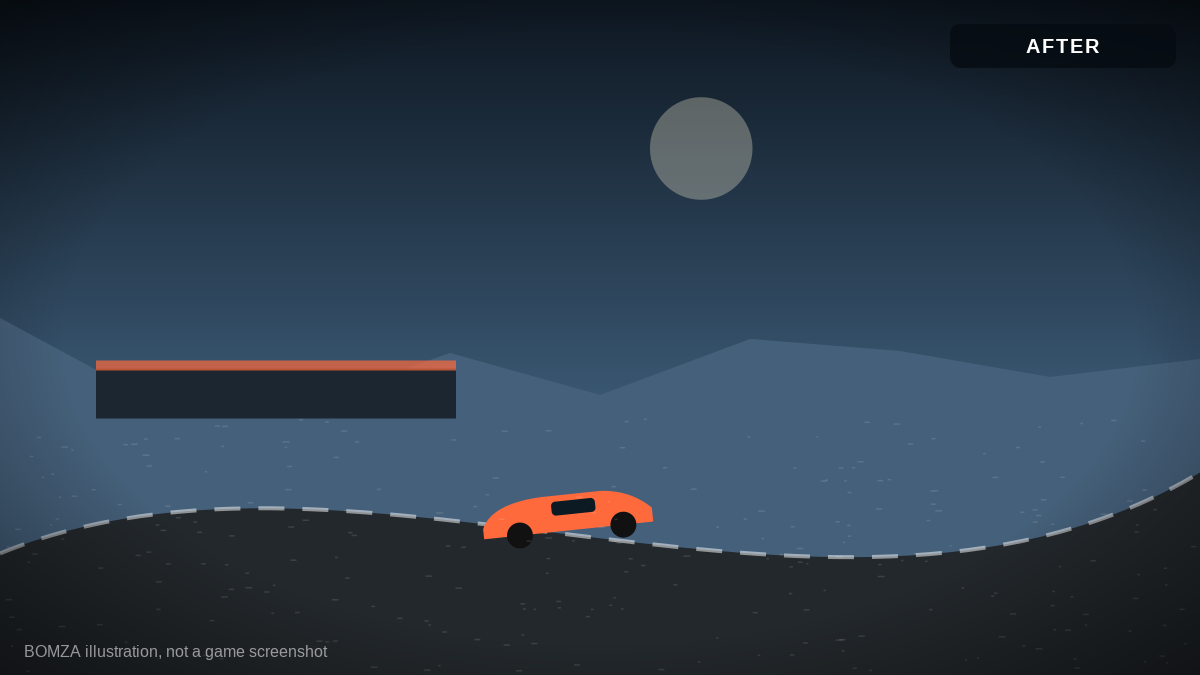
In gameA full grid in turn one is the scene to test performance settings against.BeforeThe base game look.AfterFrame-time graph style comparison at a race start: spiky before tuning, flatter after.Video coming soonA gameplay capture will be added here.03Part 3 of 7
Assetto Corsa does much of its work on one main thread. Each car adds physics, AI, sound and draw work. When twenty or more cars are close together, your CPU can become the limit even if your graphics card is far from busy.
You can tell this is the case when lowering resolution or graphics quality barely changes the frame rate at a race start. Things that help
Windows settings can help a little at the edges. Our article on Windows settings that matter for performance covers Game Mode, graphics drivers and background apps without touching any security setting.
04Part 4 of 7
CSP is a set of modules, and you can turn most of them on or off in Content Manager. That makes it easy to see which one costs you frames. The usual suspects are rain and its spray particles, dynamic car lights at night with many cars, grass on tracks that have it, and extra screen-space effects.
Two habits help. First, test with the scene that hurts. Rain at night with a full grid is the worst case for most PCs, so a dry hotlap tells you nothing about it. Second, change one module at a time and drive the same lap, so you know which change made the difference.
CSP also adds features that can save performance, and newer builds sometimes change how expensive an effect is. That means a setting you tuned months ago might be worth checking again after an update. If our preset is marked updating on the status page, that is usually why.
Weather sets on their own are usually not the big cost. The sky model is light work. What they enable, such as rain, fog and many dynamic lights, is where frames go. The dynamic weather page explains those effects.
05Part 5 of 7
VR is the hardest case because the game renders two views at a high resolution and the headset needs a steady frame rate. A setup that is fine on a monitor often needs real cuts in VR.
Start with resolution. Headset supersampling has the biggest effect on both sharpness and cost. Find a level that holds steady on a busy track, then tune the rest. After that, mirrors are often the cheapest gain: lower their resolution or turn off the ones you do not use. Reflections and shadows come next, the same as on a flat screen.
Post-processing behaves differently in a headset. Effects like glare, depth of field and lens effects cost more at headset resolution, and many players turn them down anyway for comfort.
CSP includes several options aimed at VR. Some trade a little image quality at the edges of the view for performance. They are worth trying, but test each one on your own headset, since the result depends on the device and its software. For sharpness in VR, see the sharper track textures page.
06Part 6 of 7
Often, yes. A cap just below what your PC can hold in the hardest scene gives smoother frame times than letting the game swing between high and low values. Content Manager exposes an FPS limit, and your graphics driver can also cap frames.
On a monitor with variable refresh rate, a cap a little under the display's refresh rate keeps you inside its range. On a fixed refresh monitor, matching the refresh rate with vertical sync avoids tearing at the cost of some input delay. Which feels better is a personal choice.
A cap also lowers heat and fan noise in menus and in easy scenes, which matters during long sessions. In VR the headset software handles timing, so follow its own recommendations rather than adding a game cap on top.
The main point is to choose the cap after you know what your PC holds at a race start with your usual grid size. A cap set from a hotlap number will be too high when the race begins.
07Part 7 of 7
The Assetto Corsa FPS boost preset is a tuned set of settings and choices aimed at stable frame times on the hardware classes listed on its product page. It works inside Content Manager and CSP. It does not replace either, and it does not change car physics or online server content.
The product page lists which CSP build it was checked with, whether a VR variant was tested, and the known limits, for example that it cannot remove the CPU load of a very large grid. The status page shows whether it is up to date right now. If it says updating, a new CSP build came out and we have not finished the retest yet.
If you want to tune by hand instead, everything on this page applies, and the free mods overview lists free tools that help. Install and setup steps are in the Assetto Corsa guides. Our method for checking frame time is in how BOMZA measures FPS impact.
Dial it in
How often car and road reflections refresh. Lower values keep most of the look and free up a lot of frame time.
Sharpness of shadows. Lower values make shadow edges softer and reduce flicker on fine objects at some cost to detail.
Detail in rear and side mirrors. Lower values blur mirrors slightly and help a lot in VR and with full grids.
Grid size offline. Fewer cars lowers CPU load at race starts, the most common place for big drops.
Rain particles, dynamic lights and grass. Turning some off simplifies wet and night scenes and steadies frame times.
Caps frame rate below what your PC holds in the hardest scene, giving steadier frame times and less heat.
Before you install
Works with
Performance settings apply through Content Manager and CSP. Presets tuned for one CSP build can behave differently on another, since builds change how effects are rendered. A preset made for a flat screen may need lighter values in VR. Weather sets and PP filters change the cost of some effects, so check the combination listed on the product page. Online servers may require a specific CSP version, and server weather can turn on rain you did not choose.
Install steps are in Guides, and the current state of each pack is on the status page.
Limitations
Tested packs
These BOMZA packs include this effect. Each one shows the game version it was last confirmed on. Options and checkout are in the shop.
FAQ
Short answers to what players ask us most. Open a question to read the answer.
Ask in our Discord. Include your game version and what you installed.
Open DiscordA bunched grid puts the most load on the main CPU thread. Lowering graphics helps less here. Fewer AI cars, modest mirrors and lighter car models help more.
Content Manager is a launcher and settings tool. It does not speed the game up on its own, but it makes the settings that do much easier to reach and save as presets.
Not on its own. Some of its effects cost frames, and you can turn them off one by one. Many players run CSP with a light set of modules and keep good frame rates.
No. Visual settings do not change physics. A steady frame rate may even make it easier to judge braking points.
It changes your local settings only, so it is fine on servers that allow standard CSP setups. Follow each server's CSP version and content rules.
Keep exploring
 Dynamic weather in Assetto Corsa: rain, moving clouds and changing lightStock Assetto Corsa has fixed weather presets and no rain. With Custom Shaders Patch and a weather set such as Sol or Pure, clouds move, light shifts through the day, rain wets the track and conditions can change during a session. The look you get depends on the CSP build, the weather set, its PP filter and how well each track is configured.
 Sharper track textures in Assetto Corsa: asphalt, kerbs and signs that hold detailBlurry asphalt and smeared kerbs in Assetto Corsa come from three places: the track's own texture work, the texture filtering and anti-aliasing settings you run, and post-processing that softens the image. You can fix the last two in settings and filters. The first depends on the track, so a good mod track with high-resolution textures matters more than any tweak.
 Clearer colors in Assetto Corsa: fixing washed-out, dark and over-bright imagesWashed-out midday light, a cockpit that is too dark to read and bloom that swallows the track are almost always post-processing problems in Assetto Corsa. The PP filter you pick in Content Manager sets exposure, contrast, saturation and glare, and it must match your weather set. Get that pairing right and most color problems go away without any other mod.
 Full Assetto Corsa mods guideEvery effect, what it costs in FPS, what breaks after updates and how we check our packs.
Assetto Corsa · fps boost
Our pack for this effect is tuned and tested by our team on a named game version, with setup guides and support on Discord.
Quick answers from our FAQ. Not solved? Open a ticket on Discord.