 SK
 CP
 W3
 MC
 ETS2
 AC

Imagespace color mod
- Typical cost
- Close to none
- Where you feel it
- Nowhere, it only changes grading values

Show prices in
Prices in other currencies are approximate. Card payments are charged in South African rand (ZAR).
 Log in
Fallout 4 visual and performance mods
Fallout 4 mods for looks and speed fall into five groups: color and image fixes, interior lighting, weather, textures, and performance tweaks. Most players get the biggest visible change from a color fix and a weather mod, and the biggest speed change from repaired precombines and sane shadow settings.
Before you install anything, check which game version you run. The April 2024 next-gen update changed the executable, and every mod that needs F4SE has to match it. This page explains what each mod type does, what it costs in frame rate, and what tends to break.
Pick an effect, drag the slider
Pick a mod to see what it changes, how it looks in game and how to set it up.
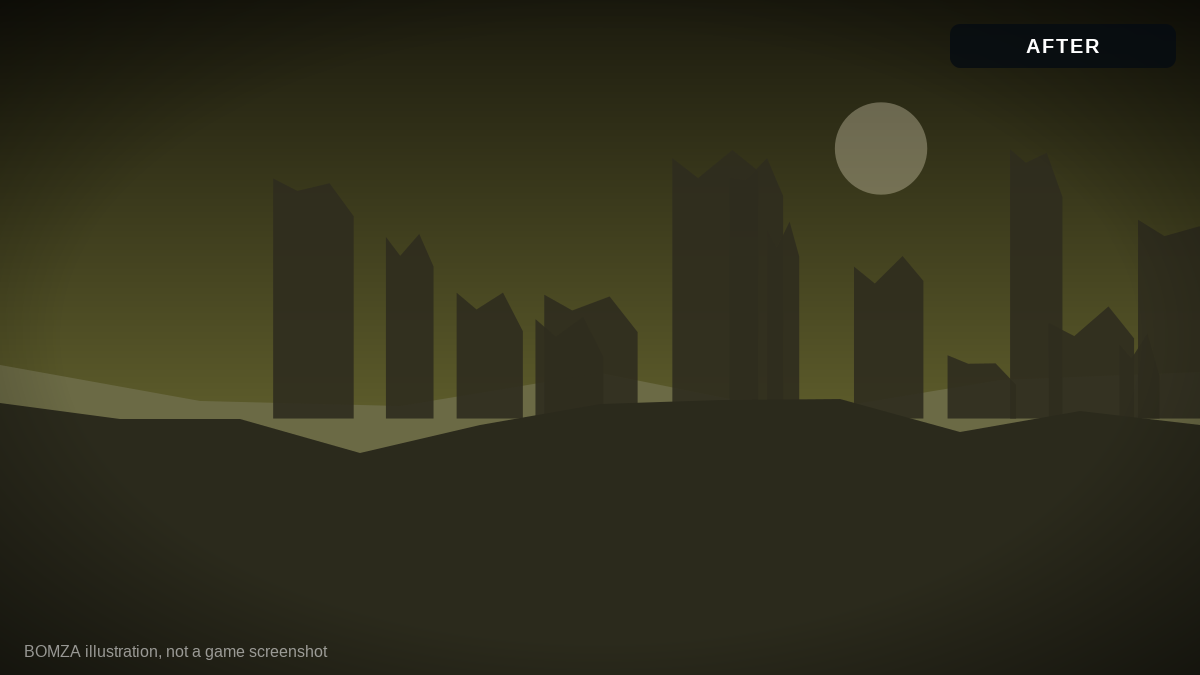
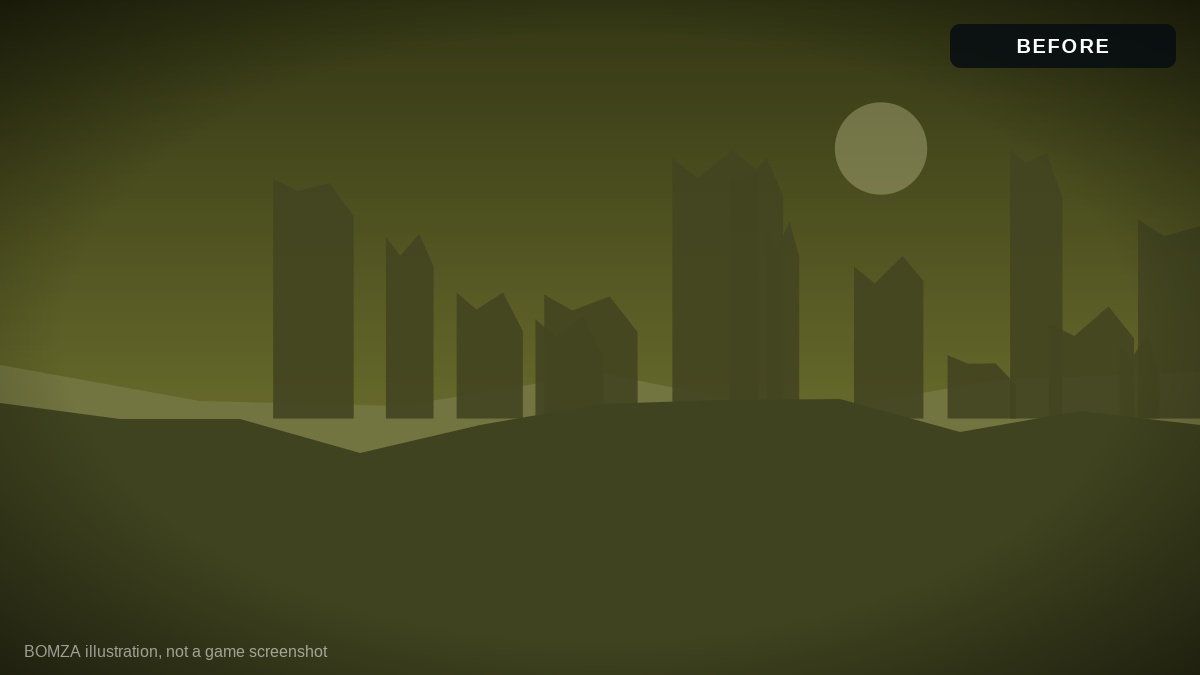
Effect 1 of 4
Fallout 4 grades almost every outdoor scene toward yellow, green or gray, which makes the Commonwealth look washed out and hazy. Color mods change the imagespace records behind that grading, so skies turn blue again, foliage reads as foliage and shadows keep detail. You can do it with plain plugin edits, an ENB preset or a ReShade preset, and the plugin route costs almost no FPS.
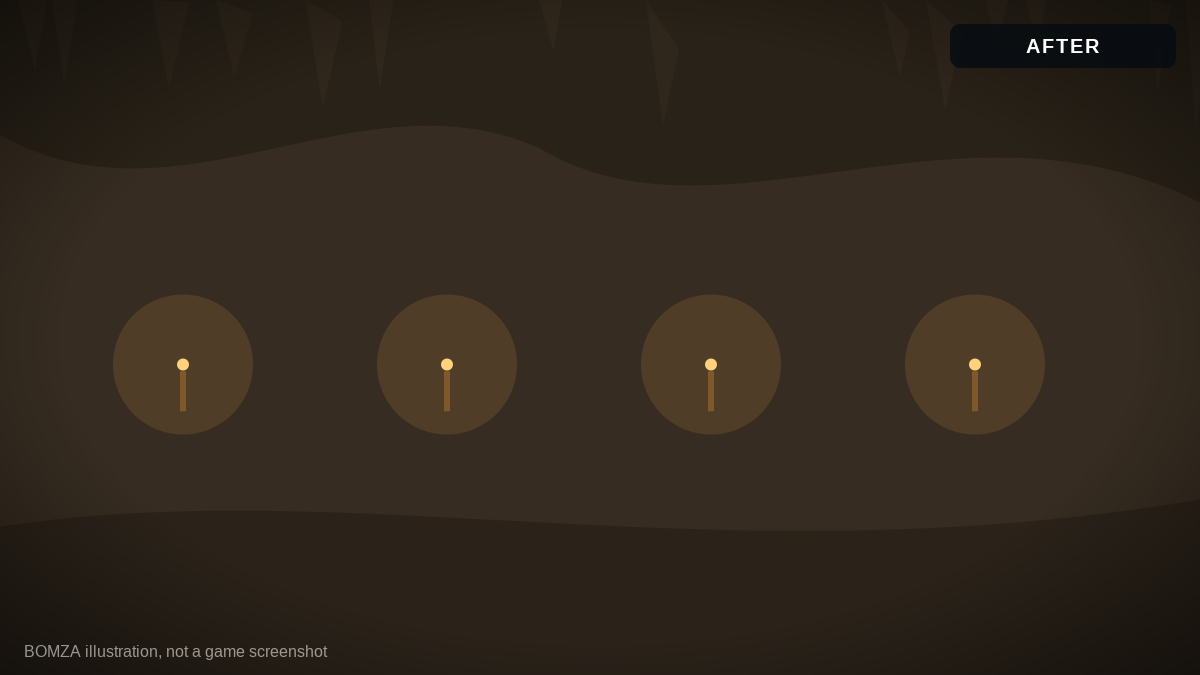
Effect 2 of 4
Many Fallout 4 interiors are lit by a flat ambient value and a handful of lamps, so rooms look either gray and murky or pitch black in the corners. Interior lighting mods add or rebalance light sources and edit each cell's lighting template, so you can see the room without losing the darkness that makes places like Dunwich Borers feel dangerous. Most of the cost comes from extra shadow casting lights.
Effect 3 of 4
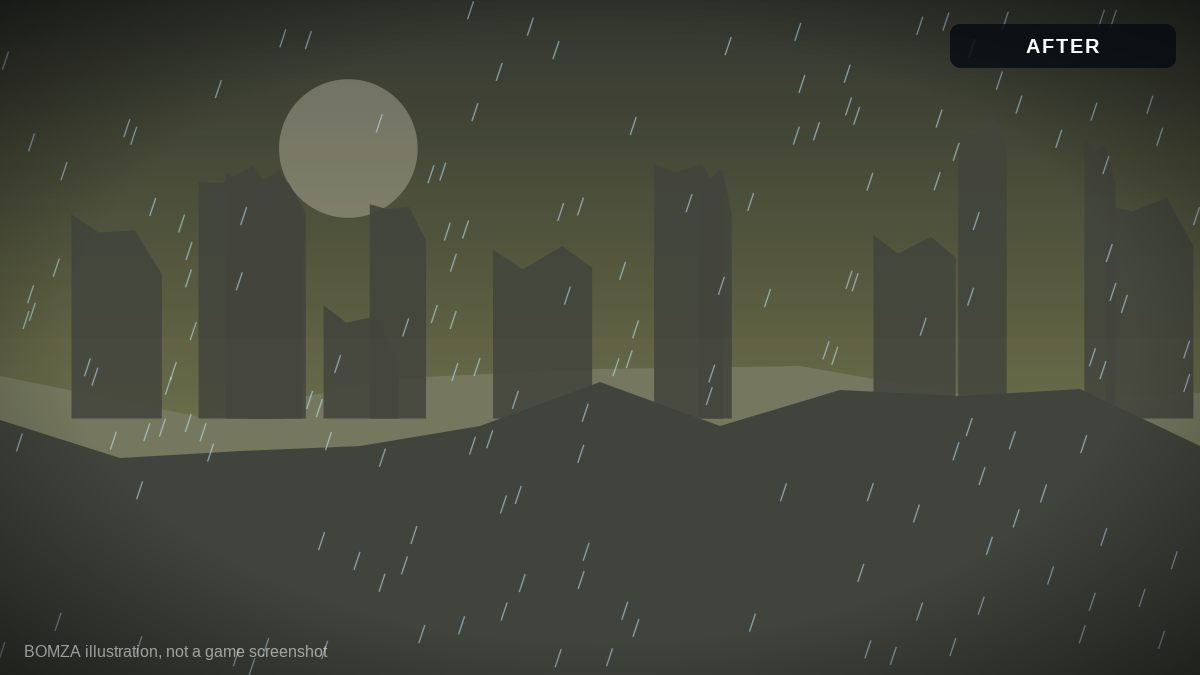
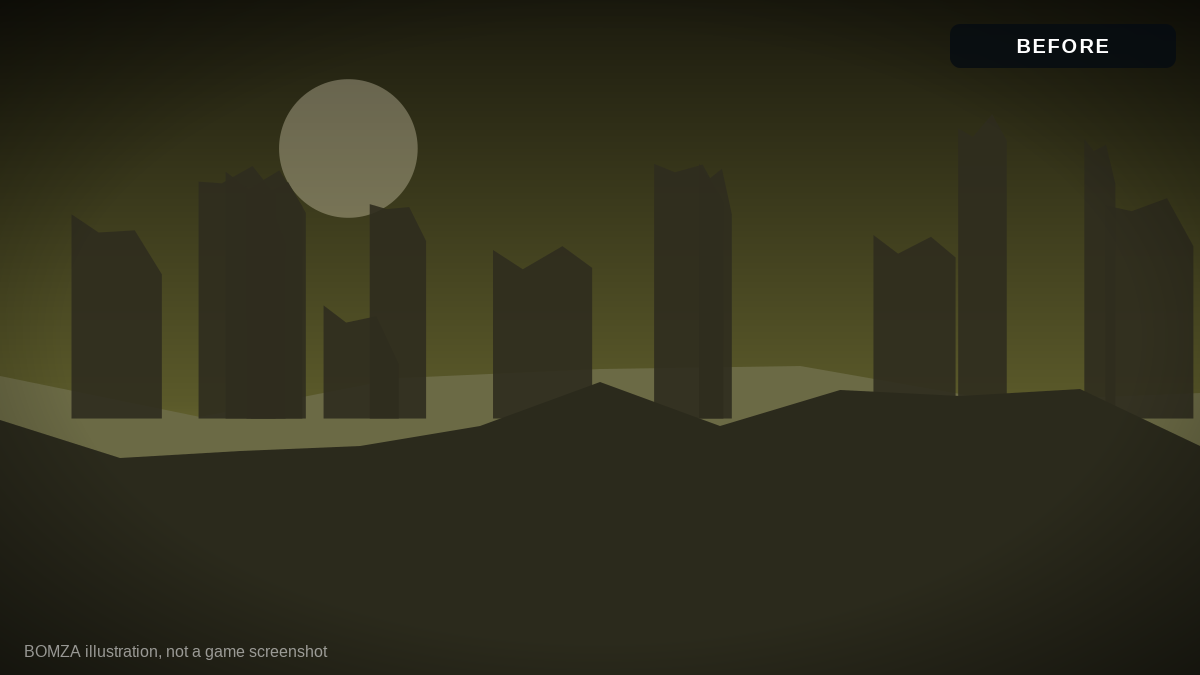
Fallout 4 has only a small set of weathers, and its rain and fog are light compared with what the setting suggests. Weather mods add new weather types, denser rain, thicker fog, new cloud layers and stronger radstorms, and some change the sky color for every hour of the day. They are plugins, they usually work on every game version, and their frame cost shows up mainly in heavy rain and fog.
Effect 4 of 4
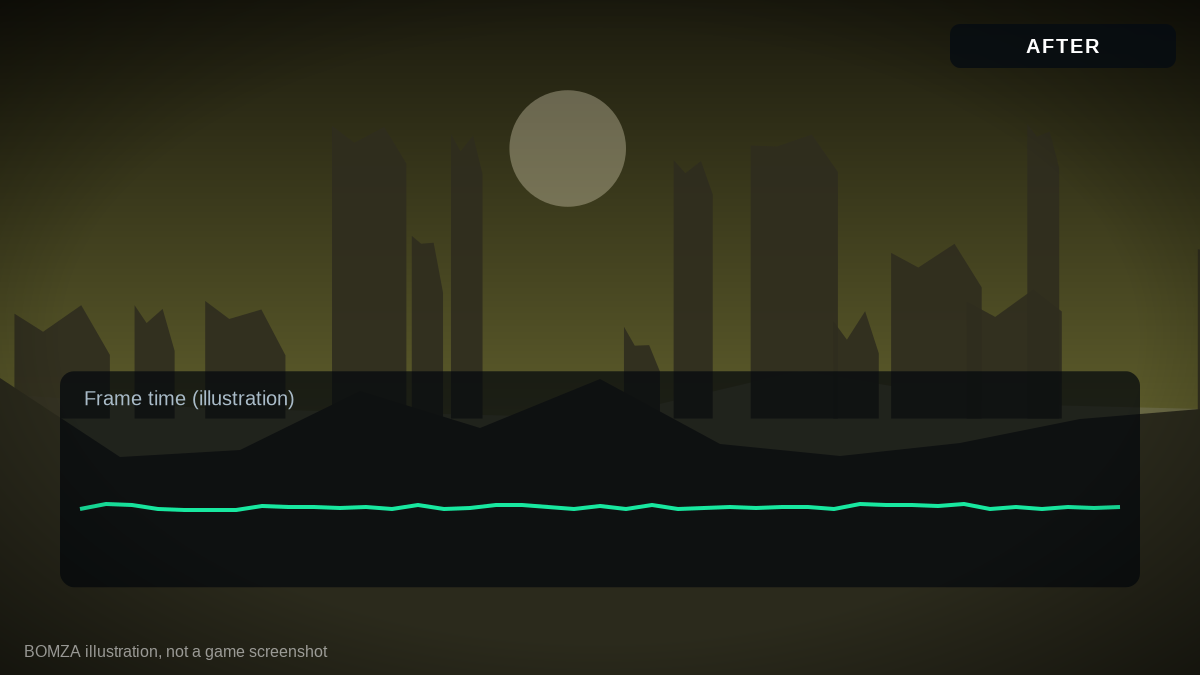
Fallout 4 loses frame rate mostly in downtown Boston and in big settlements, and the cause is usually draw calls and shadows, not your graphics card. The biggest gains come from intact or repaired precombined meshes and previs data, a shorter shadow distance, lower godrays and fixes for the engine's frame rate tied physics. Texture packs and color mods matter far less than people think.
01Part 1 of 10
Fallout 4 runs on the Creation Engine, the same family as Skyrim, so the modding scene works the same way: plugin files (.esp, .esm and the lighter .esl), loose files or archives, and optional script extender plugins. Visual and performance mods sort into a few clear groups.
These change the imagespace records that grade the picture. They remove or soften the yellow and green cast the base game puts over the Commonwealth, and fix flat contrast.
ENB and ReShade sit on top of the game and add their own color grading, sharpening, ambient occlusion or depth of field. ENB also changes how lighting is calculated. See ReShade vs ENB explained.
They edit light sources and lighting templates in interior cells so vaults, factories and subway tunnels read better.
New cloud textures, rain and fog density, more weather types, better radstorms.
Higher resolution or cleaner textures for terrain, buildings, armor and props.
Rebuilt precombined meshes and previs data, engine fixes through F4SE plugins, and tuned ini presets.
You do not need one of each. A small, well chosen set looks better and breaks less often than a long list.
02Part 2 of 10
Start with what bothers you when you play. These four pages each cover one visible effect in depth, with the settings that matter and what to watch out for.
Clearer colorshow to get rid of the heavy color filter without making the wasteland look like a cartoon. This is the change most people notice in the first minute.Open the guide Brighter interiorsvaults, offices and metro stations that are hard to read in the base game, and how lighting mods fix that without killing the mood of places that should be dark.Open the guide Weather effectsheavier rain, real fog banks, louder thunder and radstorms that actually feel dangerous.Open the guide FPS boostwhy downtown Boston drops frames, what precombines and previs are, and which settings cost the most.Open the guide If you want a ready made option, BOMZA has two packs for this game: Clear Wasteland Colors for the color side and Fallout 4 Performance Pack for frame rate. Each product page lists its requirements and the game version it was last confirmed on. You can browse both in the Fallout 4 shop. If you prefer to build your own setup from community mods, the free mods overview explains where to look and how to judge a mod page.
Tested packs
Built and tested by our team. Each pack shows the game version it was last confirmed on. Prices, options and checkout live in the Fallout 4 shop.
 Fallout 4 Clear Wasteland ColorsRemoves the heavy green and brown tint from the Commonwealth. Skies turn blue again, metal looks gray and interiors are easier to read.
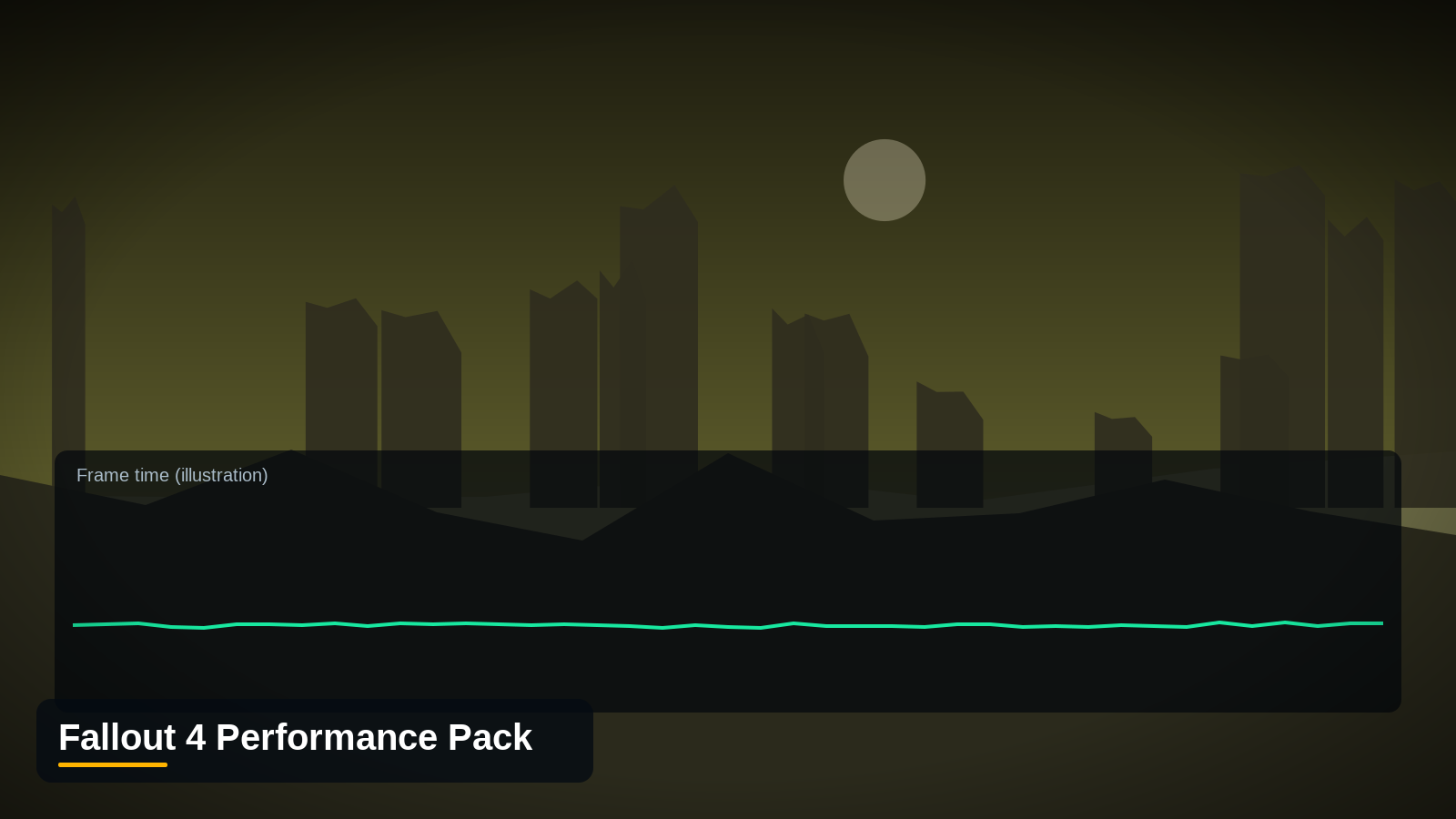 Fallout 4 Performance PackSteadier frame times in Boston and big settlements. Lighter fog and shadow settings, cleaned up god rays and a guide to the launcher options that cost the most.
03Part 3 of 10
Pick mods in this order and you avoid most problems.

Choose a single color approach: an imagespace mod, an ENB preset or a ReShade preset. Stacking two grading layers usually gives crushed blacks and odd skin tones.
Many weather mods ship their own imagespaces. If yours does, a separate color mod may fight it. Read the weather mod page for listed compatible presets.
On a card with 4 to 6 GB of video memory, stay with 1K or 2K packs. 4K terrain and architecture on a small card causes stutter when you move between cells, not just lower average FPS.
A precombine repair mod has to load late and conflicts with mods that move objects in the world. Add it before you build a long list, not after.
A mod page that says "requires F4SE" must also say which game version it supports.
Keep a short text file with what you installed and why. When something breaks after an update, that list saves an evening. Our article on load order and mod conflicts explains how plugins overwrite each other.
04Part 4 of 10
It depends far more on the type of mod than on the number of mods. Here is the rough order from cheap to expensive.
The base game is already heavy in downtown Boston because of dense buildings and the way the engine hides what you cannot see. Any mod that edits objects there can break that hiding and cost more than every visual mod combined. That is the precombine problem, and the FPS boost page covers it.
We do not publish made up FPS figures. When BOMZA lists an impact for a pack, it comes from a repeatable test route, described in how BOMZA measures FPS impact.
In game
One scene per effect. Open any of them for the full guide with a before and after slider.
clearer colorsDiamond City is a good test for whether colors stay separate after a grading change.brighter interiorsMetro tunnels are where a better Pip-Boy light makes the biggest difference. weather effectsRadstorms should stay green and menacing with any weather overhaul.
 fps boostBig settlements are the second place where Fallout 4 frame rate drops.
05Part 5 of 10
Plain plugin mods only need the game. Anything with engine level changes needs extra tools, and those tools must match your exact game version.
Adds functions the base scripting system lacks and lets DLL plugins load. Each F4SE build targets one game executable. A mismatch means F4SE refuses to start or its plugins stay off.
A shared lookup file many DLL plugins use so they do not need a rebuild for every patch. If a plugin lists it, install the version made for your game version.
Mod Organizer 2 keeps every mod in its own folder and builds a virtual Data folder at launch, so your game folder stays clean. Vortex installs into the real Data folder using links and is simpler to start with. Both handle load order and both work well. Pick one and stay with it.
Fallout 4 writes its ini files the first time you open the launcher. Run it before modding so the files exist.
ENB needs its own binary build for Fallout 4, and ReShade needs the DirectX 11 option at setup. Neither is a mod manager mod in the usual sense, since both live next to the game executable.
Step by step setup for BOMZA packs is in the Fallout 4 guides. Each pack page lists its own requirements, including whether F4SE is needed at all. Many color and weather packs work without it.
06Part 6 of 10
Yes, for a while, and it still matters. Bethesda released the next-gen update in April 2024. It added native widescreen support, fixes, and some Creation Club content, and it changed the game executable. Every F4SE build made for the old version stopped working the same day, and with it every DLL plugin that depended on it.
F4SE was updated for the new executable, and many popular plugins followed. Some did not. A number of older plugins were never updated because their authors had moved on. That is why many mod lists still target the pre next-gen version, 1.10.163, and why community downgrade tools exist to roll a Steam install back to it.
What this means for you
The longer story, including what changed for the Creation Kit, is in the Fallout 4 next-gen update and mods. For why this keeps happening across Bethesda games, read why game updates break script extenders.
07Part 7 of 10
Visual mods are the safest kind to add or remove. Most color, ENB, ReShade and texture mods write nothing into your save. Weather and lighting plugins are usually safe too, but they are plugins, and Fallout 4 does record which plugins a save was made with.
The risky ones are mods with scripts and mods that add items or NPCs. Remove one mid playthrough and the save can keep orphaned script data, or you lose things you were carrying. Performance mods that rebuild precombines are not script heavy, but they replace a lot of world data, so changing them halfway through can leave odd results in settlements you already built.
Simple habits that work
Mod Organizer 2 users can turn on profile specific saves so each mod setup keeps its own saves. That alone prevents most "this save loaded with the wrong list" accidents. More detail in keeping a modded save safe.
08Part 8 of 10
When Steam updates Fallout 4, three things can happen, depending on the mod.
Texture mods, ReShade presets, imagespace color mods and most weather mods keep working. They do not touch the executable.
The script extender checks the exact game version. If it does not match, it will not run, and every F4SE plugin and every mod that needs it goes quiet. Menus from those mods vanish and some features fail without a clear error.
ENB hooks into the renderer and sometimes needs a new build after an executable change.
Updates can also bring new official plugin files. Your mod manager then has to sort them into the load order. Mods that edited the same records may need patches.
The calm way to handle it: do not start the game right after an update with a big list active. Check the F4SE page and your key mods first. If they are not ready, play unmodded for a few days or restore your backup of the old game folder.
BOMZA marks packs as updating while we retest after a patch, and moves them back to up to date only after the pack runs on the new version on our test setup. You can check that on the status page before you launch.
09Part 9 of 10
Some limits come from the engine, and no preset changes them.
Fallout 4 physics and some timings are tied to frame rate. Running far above 60 FPS without a fix can make terminals scroll too fast, objects jitter, and some scripted scenes misbehave. Community engine fixes exist, but they are F4SE plugins with all the version rules above.
You can shorten some of them with engine fixes, but interiors and exteriors are still separate cells with load breaks.
Body and face mods can improve them, but faces still animate the way the 2015 animation system allows.
Distant objects use LOD models. Better LOD needs generated files and tools, which is a bigger project than a visual pack.
Scrapping objects breaks precombines in that area. No preset brings that frame rate back fully.
Visual mods also cannot fix a weak GPU. They change where the frame time goes, not how much your hardware has. If your PC struggles in the base game, start with the FPS boost page and our article on Windows settings that matter for performance before you add anything that looks nicer.
10Part 10 of 10
Every BOMZA pack has a status record you can check on the status page and on the product page. It shows one of four states and the game version the pack was last confirmed on.
the pack ran on the listed game version on our test setup.
a game patch or a dependency change landed and we are retesting.
the pack is known not to work on the current game version yet. You can still use it on the version it lists.
we stopped work on the pack for now, for example while a required tool has no build for the current game.
For Fallout 4 the version line matters more than in most games because of the split between pre and post next-gen installs. If a pack needs F4SE, the status record names the version it was confirmed on. If it does not need F4SE, it says so in the requirements.
Status also carries known limitations, written in plain terms, such as a weather mod it conflicts with. We would rather tell you about a conflict up front than have you find it in game. The history list shows past state changes with dates, so you can see how quickly a pack came back after the last patch. More on how this works in the BOMZA 2.0 store format and status system.
FAQ
Short answers to what players ask us most. Open a question to read the answer.
Ask in our Discord. Include your game version and what you installed.
Open DiscordNot always. Imagespace color mods, weather mods, texture packs, ENB and ReShade all work without F4SE. You need it for DLL plugins, such as many engine fixes and some interface mods. Each BOMZA product page states whether F4SE is required.
It depends on your mod list. If you rely on F4SE plugins that were never updated after the April 2024 next-gen update, many players stay on 1.10.163. If every plugin you use has a next-gen build, the current version is fine. Check each plugin page for its supported version.
Both work. Mod Organizer 2 keeps the game folder untouched and makes it easy to test setups in separate profiles. Vortex is simpler for a first setup. Do not mix them on one install.
An imagespace color mod costs close to nothing because it only changes grading values the game already uses. ENB and ReShade presets cost more, mostly from ambient occlusion and depth of field.
Texture, ENB and ReShade changes can come and go freely. For plugin mods such as weather or lighting, make a backup save first, remove the mod, load the save in an interior and check that nothing looks broken.
Downtown Boston is dense, and the game depends on precombined meshes and previs data to skip what you cannot see. Mods that move objects there break those systems. Shadow distance and godrays also hit hard in that area.
Check the requirements on each product page. Packs that need F4SE follow F4SE support, which targets specific releases. Packs without F4SE are less tied to the store version, but the product page lists what we actually confirmed.
Keep going

Fallout 4 on BOMZA
Our Fallout 4 packs are built in-house and checked on a named game version. The shop has the options, requirements and current status for each one.
Quick answers from our FAQ. Not solved? Open a ticket on Discord.