

 SK
 F4
 CP
 W3
 MC
 ETS2

Assetto Corsa visual and performance mods: what to use and what to skip
Assetto Corsa mods
Most of what makes a modern Assetto Corsa setup look different from the 2014 release comes from three pieces: Content Manager as the launcher, Custom Shaders Patch (CSP) as the graphics extension, and a weather and lighting set such as Sol or Pure that runs on top of CSP. Post-processing filters, track and car mods, and a few careful video settings do the rest. Get those three right first and almost everything else on this page becomes a small tweak.
This hub explains what each category of mod changes on screen, what it costs in frame rate, what has to be installed before it works, and what tends to break when CSP or a mod updates. Each feature has its own deeper page, and our packs list their current state on the status page so you can see what has been checked before you spend anything.
Pick an effect, drag the slider
All Assetto Corsa mods
Pick a mod to see what it changes, how it looks in game and how to set it up.
Effect 1 of 4
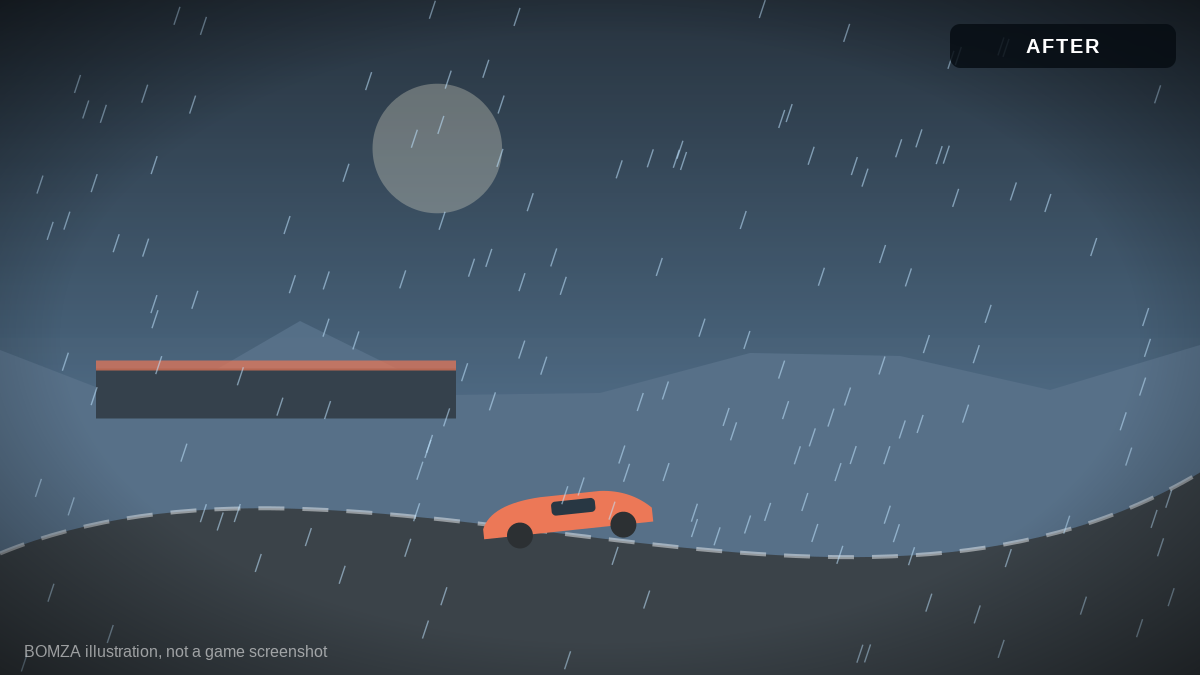
Dynamic weather in Assetto Corsa: rain, moving clouds and changing light
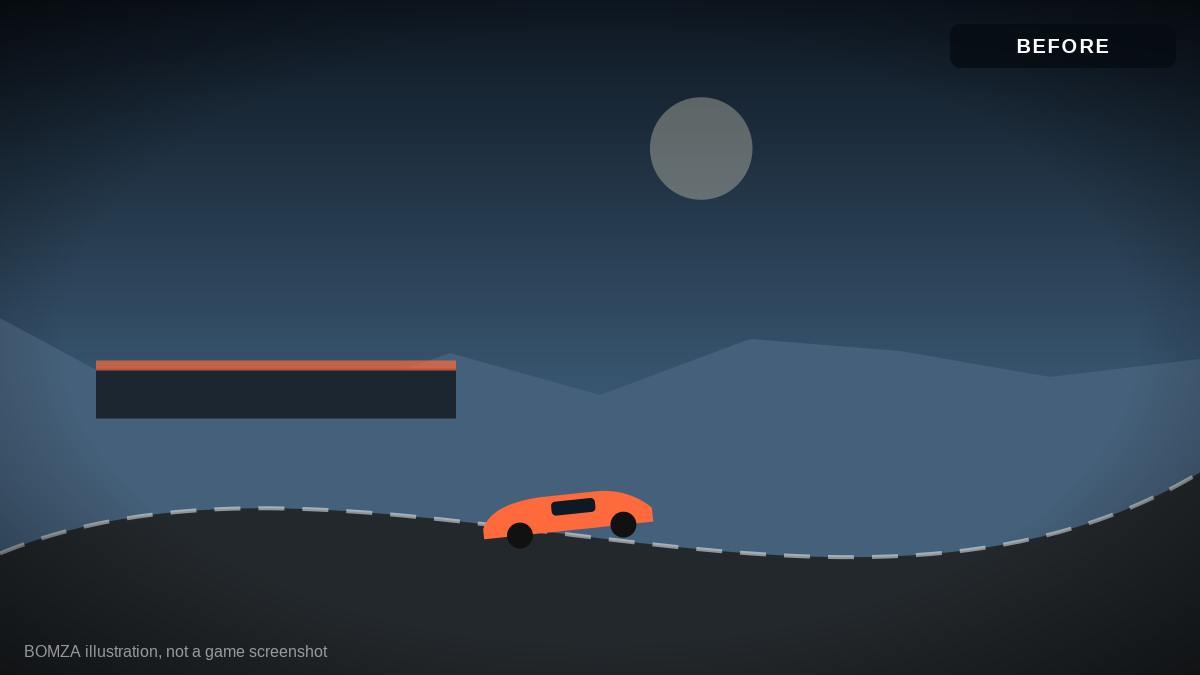
Stock Assetto Corsa has fixed weather presets and no rain. With Custom Shaders Patch and a weather set such as Sol or Pure, clouds move, light shifts through the day, rain wets the track and conditions can change during a session. The look you get depends on the CSP build, the weather set, its PP filter and how well each track is configured.
- 6 settings explained
- 4 honest limits
- 5 answers
Effect 2 of 4
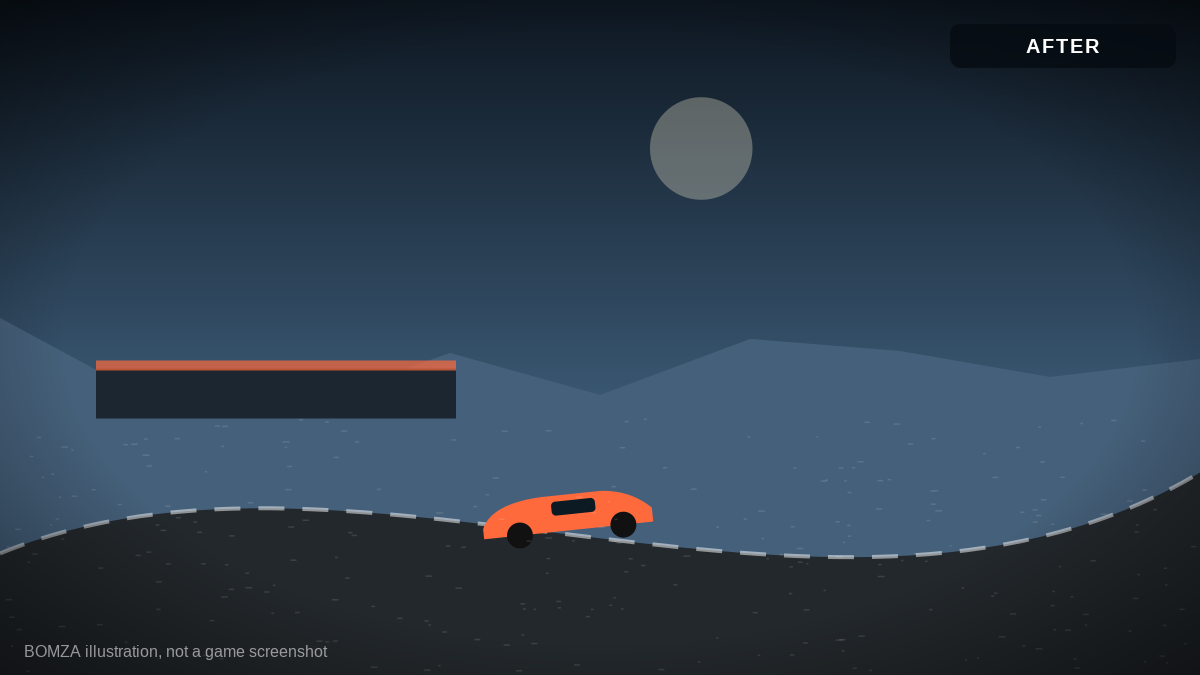
Sharper track textures in Assetto Corsa: asphalt, kerbs and signs that hold detail
Blurry asphalt and smeared kerbs in Assetto Corsa come from three places: the track's own texture work, the texture filtering and anti-aliasing settings you run, and post-processing that softens the image. You can fix the last two in settings and filters. The first depends on the track, so a good mod track with high-resolution textures matters more than any tweak.
- 5 settings explained
- 4 honest limits
- 4 answers
Effect 3 of 4
Assetto Corsa FPS boost: smoother frame rates with CSP, full grids and VR
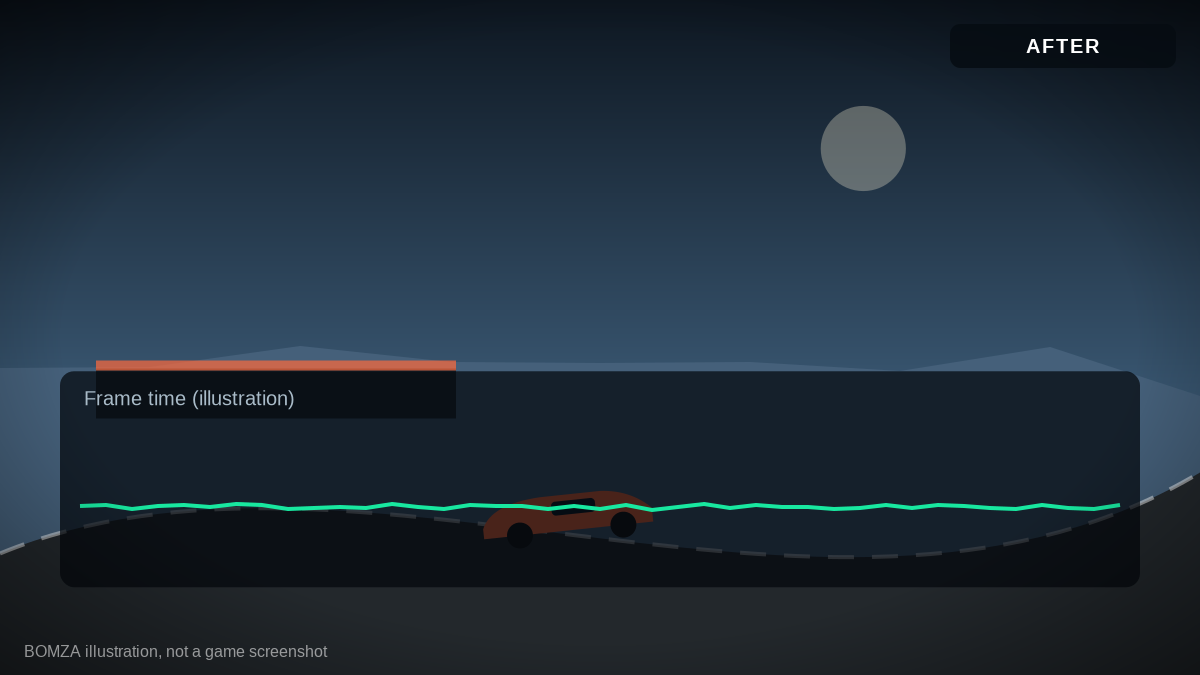
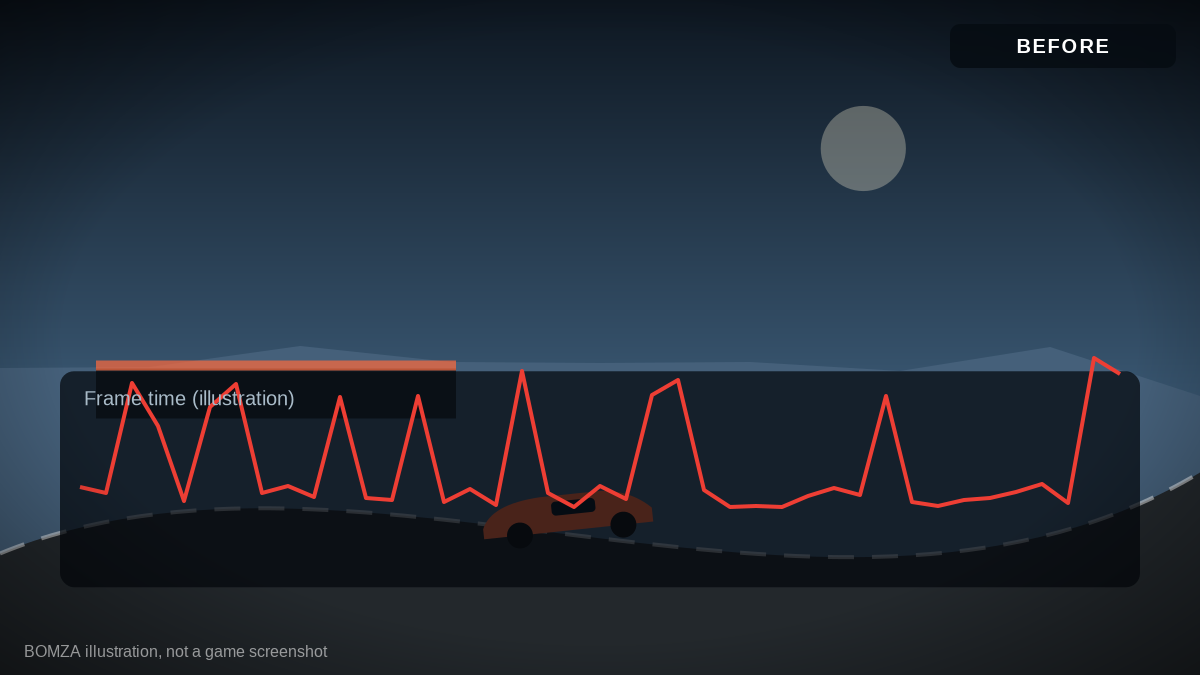
Most frame drops in modded Assetto Corsa come from reflections, shadows, mirrors, a big grid of cars and heavy CSP effects such as rain. Lowering reflection update rate, shadow resolution and mirror quality usually gains the most for the least visual loss. A full grid is a CPU problem that graphics settings only partly solve.
- 6 settings explained
- 4 honest limits
- 5 answers
Effect 4 of 4
Clearer colors in Assetto Corsa: fixing washed-out, dark and over-bright images
Washed-out midday light, a cockpit that is too dark to read and bloom that swallows the track are almost always post-processing problems in Assetto Corsa. The PP filter you pick in Content Manager sets exposure, contrast, saturation and glare, and it must match your weather set. Get that pairing right and most color problems go away without any other mod.
- 6 settings explained
- 4 honest limits
- 4 answers
01Part 1 of 11
What kinds of visual and performance mods exist for Assetto Corsa?
Assetto Corsa has one of the busiest modding scenes of any racing sim, and most of it falls into a handful of groups. Knowing which group a mod belongs to tells you what it can and cannot fix.
Graphics extension
Custom Shaders Patch replaces and extends the game's renderer. It adds dynamic lights, rain and wet surfaces, better reflections, grass, extra post effects and many per-track fixes. Nearly every other visual mod today expects it.
Weather and lighting sets
Sol and Pure style packages control the sky, sun, clouds, fog, light levels across the day and night, and weather transitions. They run as CSP weather scripts.
Post-processing filters
PP filters are small config files that set exposure, contrast, saturation, glare and tonemapping. You pick them in Content Manager.
Track and car mods
New content, from laser-scanned conversions to fictional circuits and road layouts. Quality varies a lot, and texture work on a track decides how sharp it looks more than any setting does.
Performance presets
Tuned combinations of video settings, CSP module choices and filter choices aimed at a stable frame rate on a given class of hardware, flat screen or VR.
ReShade
An external post-processing layer some players add for sharpening or color work. It stacks on top of the game's own filter, so it needs care.
Skins, sound packs and physics edits are also popular, but they are outside this hub. Here we stick to what you see and how smoothly it runs.
02Part 2 of 11
Which Assetto Corsa visual upgrades make the biggest difference?
Four changes account for most of the "how does your game look like that" questions on forums. Each has its own page with settings, limits and compatibility notes.
Dynamic weather. Stock Assetto Corsa has fixed weather presets and no rain. With CSP and a weather set, clouds move, light changes through the day, rain wets the track and puddles form. Weather can shift during a session. Read the full breakdown on dynamic weather in Assetto Corsa.
Sharper track textures. Blurry asphalt, smeared curbs and fuzzy trackside signs usually come from a mix of low-resolution textures in a mod track, filtering settings and anti-aliasing choices. The page on sharper track textures explains which part is the track's fault and which part you can fix.
FPS boost. Assetto Corsa is an older DirectX 11 game, but a full grid, CSP effects, high-frequency reflections and VR can still bring a strong PC down. See Assetto Corsa FPS boost for which settings cost the most and what you give up by lowering them.
Clearer colors. Washed-out midday images, crushed shadows in cockpit view and over-strong bloom are mostly a post-processing problem. The page on clearer colors covers PP filters, exposure and how weather sets change the look.
If you want to start without paying, the free mods overview lists the free options for each of these areas.
Tested packs
BOMZA packs for Assetto Corsa
Built and tested by our team. Each pack shows the game version it was last confirmed on. Prices, options and checkout live in the Assetto Corsa shop.
 Assetto Corsa Dynamic Weather PackWeather presets for Custom Shaders Patch that change over a session, from clear to cloudy to rain, plus color filters that keep tracks looking natural in every light.
 Assetto Corsa FPS Boost PresetContent Manager video presets and Custom Shaders Patch settings that keep frames steady in full grids and at night, with sharper track textures where it counts.
03Part 3 of 11
How do I choose the right Assetto Corsa mods for my setup?
Start from how you drive, not from screenshots. A night endurance fan, a VR hotlapper and someone who cruises open-world road maps need different setups.
Decide your display
Flat screen, triple screens or VR. VR renders the scene twice at a high resolution, so effects that are cheap on a monitor can be expensive in a headset.
Pick one weather and lighting set
Do not run two. Sol and Pure both take over the same CSP weather slot, and their PP filters are tuned to their own light levels.
Match the filter to the weather set
A filter made for stock lighting will look wrong under Sol or Pure, usually too bright or too flat.
Check the content you drive most
If your favorite mod track has poor textures or no CSP config, no amount of graphics work will make it look like a Kunos laser-scanned circuit.
Leave headroom
Aim for a frame rate that holds at the start of a race with a full grid, not one that looks fine in a hotlap alone.
A simple rule we follow: change one thing at a time and drive the same lap after each change. It is slow, but it is the only way to know which mod caused a stutter or a strange color shift. Our Assetto Corsa guides walk through checks in that order, and the Assetto Corsa shop lists what each pack is meant for.
04Part 4 of 11
What do I need installed before adding Assetto Corsa graphics mods?
Almost every visual mod for Assetto Corsa now sits on the same base. If that base is missing or out of date, mods fail in confusing ways: black skies, missing rain, lights that never switch on.
A clean Steam copy of Assetto Corsa. Most players own the base game plus the DLC packs. Some mod tracks and cars use DLC assets, so check the mod page.
Content Manager. This replacement launcher handles content, settings, presets and filters. It has a free version and a paid full version with extra features. Most guides, including ours, assume you launch through it. It also installs and updates CSP from its settings.
Custom Shaders Patch. CSP is the engine extension. It comes in public builds that anyone can use and preview builds that reach supporters earlier. Weather sets often list a minimum CSP version, so the build you run matters.
A weather script. Sol or Pure, or the default weather that ships with CSP. Each needs its matching PP filter and sometimes its own config app in game.
Content Manager
- What it does
- Launcher, settings, filters, content
- Typical failure if missing or mismatched
- Settings and filters not applied
CSP
- What it does
- Renderer extension
- Typical failure if missing or mismatched
- No rain, no dynamic lights, broken weather
Weather set
- What it does
- Sky, sun, clouds, light levels
- Typical failure if missing or mismatched
- Dark or overbright scenes, flat sky
PP filter
- What it does
- Exposure and color
- Typical failure if missing or mismatched
- Washed-out or crushed image
In game
What these Assetto Corsa mods change
One scene per effect. Open any of them for the full guide with a before and after slider.
- dynamic weatherLow sun, wet asphalt and spray: the scene where weather sets and filters show their differences.
- sharper track texturesA braking zone with boards and kerbs is the best place to judge texture sharpness.
 fps boostA full grid in turn one is the scene to test performance settings against.
 clearer colorsA readable dash and an unblown sky in the same frame is the target for a good filter.
05Part 5 of 11
Should I use a public or preview build of Custom Shaders Patch?
CSP moves fast. New builds add features such as better rain, new lighting options and fixes for specific tracks, and they also change things other mods rely on. That is why the question of which build to run comes up so often.
Public builds are the safe default. They are what most track, car and weather authors test against, and they are what you get when you install CSP from Content Manager. If you mostly drive and do not want to troubleshoot, stay here.
Preview builds arrive earlier for people who support the CSP author. They can include features a weather set or a new track needs, but they can also carry bugs that are fixed later. Some mods ask for a preview build on release and then work on the public build once it catches up.
A few habits keep this manageable
- Write down which CSP build you run before you update. Content Manager shows it in the CSP settings page.
- Read the requirement line of a weather set or track before you update CSP for it.
- Do not update CSP the night before a league race. Update, test a session, then race.
- If something breaks after an update, roll back to the build you noted. Content Manager keeps earlier versions available for this.
Our packs list the CSP build they were checked with on their product page and the status page. If a pack says updating, we are retesting against a newer build. The article on why updates break game extensions explains the general reason this happens.
06Part 6 of 11
How much do Assetto Corsa visual mods affect FPS?
There is no single number. The cost depends on the track, the number of cars on screen, your resolution, flat screen or VR, and which CSP modules are on. What we can say with confidence is where the cost usually comes from.
Reflections
The cubemap that cars reflect is rendered again and again. Higher resolution and higher update frequency both cost frames, and this is often the largest single setting.
Shadows
Shadow map resolution and the distance shadows reach weigh heavily on both CPU and GPU, more so on tracks with lots of trees and buildings.
Car count
Assetto Corsa leans on one main thread. A full grid at the start can drop well below what you see in a hotlap. CPU speed matters here more than the graphics card.
CSP extras
Rain, dynamic car lights, grass and extra screen-space effects all add work. Each one is small on its own and the total adds up.
Mirrors
Every mirror is another view of the scene. Mirror resolution and the number of mirrors rendered make a noticeable difference, especially in VR.
PP filter effects
Glare, god rays and depth of field are cheap on a monitor and heavier at VR resolution.
Weather sets themselves are mostly about how light is calculated, so the sky alone rarely ruins performance. Heavy rain with spray and many cars is a different story. For how we measure this on our own test bench, read how BOMZA measures FPS impact. For the settings themselves, see Assetto Corsa FPS boost.
07Part 7 of 11
What should VR players know about Assetto Corsa mods?
Assetto Corsa runs in VR through Oculus and OpenVR, and a lot of players stay with it for exactly that reason. VR changes how you should treat every mod on this page.
First, a headset needs a high and steady frame rate. A dip that you would barely see on a monitor shows up as judder or reprojection in a headset. That makes headroom more important than peak image quality.
Second, some effects look different in VR. Strong depth of field, heavy vignette and chromatic aberration from a PP filter can feel uncomfortable when your eyes are inches from the lenses. Many VR players use a lighter filter or a VR-specific version of it.
Third, mirrors and reflections cost more. Every rendered mirror is drawn at headset resolution. Lowering mirror resolution is often the cheapest way to gain frames without losing much you will notice while driving.
CSP includes several options aimed at VR, and some weather sets ship separate settings for it. Treat these as starting points and test them on a busy track with a full grid. A setup that holds in an empty hotlap can fall apart at the first corner of a race.
Where one of our presets has a VR variant, the product page says so and lists what was checked. If it does not mention VR, assume it was tuned for a flat screen. You can compare the FPS boost preset page for this kind of detail.
08Part 8 of 11
Can I use Assetto Corsa visual mods on online servers?
Visual mods are client-side: they change what your own screen shows. Most servers do not mind a weather set or a PP filter on your machine. Online play still has rules, and you need to follow them.
Content checks
Servers often check that your car and track files match theirs. A modified track or car file can stop you joining. That is the server doing its job, and the fix is to use the exact content the server lists.
CSP requirements
Many servers ask for a minimum CSP version, and some ask for a specific one because the track uses newer features. The server description in Content Manager usually says which.
Server-side weather
On some servers the weather and time come from the server, not from your settings. Your weather set still renders it, but you do not pick it.
League rules
Organized leagues sometimes set rules on filters or settings to keep visibility fair for everyone. Read them before race day.
Our packs are built for offline driving and for servers that allow standard CSP setups. We do not support or describe ways around a server's content rules. If a server rejects your setup, switch to what it requires. For general compatibility habits, the article on mod conflicts is a useful read.
09Part 9 of 11
How do I keep my Assetto Corsa setup safe through updates?
Assetto Corsa itself barely changes now. The things that update are CSP, Content Manager, weather sets, filters and individual tracks and cars. That means most breakage comes from mods updating, not from the game.
Before any change, back up a few folders. The Assetto Corsa folder in your Documents keeps your settings, setups, replays and Content Manager data. Inside the game folder, the extension folder holds CSP and its configs, system/cfg/ppfilters holds your filters, and content holds cars, tracks and weather. Copy what you are about to touch.
Content Manager also lets you save presets for video and CSP settings. Save one before you experiment and name it plainly, for example "working before CSP update". Rolling back then takes a minute.
When something changes, look out for these common signs
- A weather set update needs a newer CSP build. Rain or clouds may vanish until CSP matches.
- A CSP update changes how a track config behaves. Lights at a mod track may switch off or look too strong.
- A filter tuned for an older weather version looks too bright or too dark.
There are no career saves to lose in the usual sense, but setups, replays and settings take time to rebuild. The article on keeping a modded setup safe covers backup habits in more detail.
10Part 10 of 11
What can Assetto Corsa mods not fix?
Mods have pushed this game far beyond what it looked like at launch, but some limits are built into the engine and the content.
Low-quality source content
A track with low-resolution textures, missing normal maps or poor geometry will still look rough. Filters and sharpening can hide some of it and can also make it worse.
CPU limits with full grids
The main-thread load from many AI or online cars does not go away with graphics tweaks. You can reduce it, not remove it.
Uneven CSP support
Not every mod track has a CSP config for lights, rain or grass. Without one, those features may look wrong or not work at that track.
Physics and AI
Visual mods do not change tire behavior, AI racecraft or force feedback.
Matching every screenshot
Many shared images use custom filters, photo mode tricks and settings no one drives with. Expect a driving setup to look calmer.
We list known limits for each of our packs on the product page. Packs that are not checked against the current CSP public build show that on the status page.
11Part 11 of 11
How does BOMZA show whether an Assetto Corsa pack works right now?
Every BOMZA pack carries a status record that we update by hand after testing. It shows one of four states:
Up to date
Checked against the listed CSP build, weather set version and game version. The date of the last check is shown.
Updating
A new CSP build or weather set version came out and we are retesting. The pack may still work, but we have not confirmed it.
Outdated
Something changed and the pack does not behave as described with current versions. The product page explains what is affected.
Paused
Sales or updates are on hold, for example while we confirm a policy question or rework the pack.
The status record also lists limitations and a short history, so you can see what changed and when. For Assetto Corsa that usually means notes about CSP builds, Sol or Pure versions and VR. You will find our two Assetto Corsa packs, the dynamic weather pack and the FPS boost preset, on the status page with everything else. The article on the BOMZA 2.0 status system explains how we decide each state.
FAQ
Assetto Corsa mods: FAQ
Short answers to what players ask us most. Open a question to read the answer.
Ask in our Discord. Include your game version and what you installed.
Open Discord01Do I need Content Manager to use Assetto Corsa graphics mods?
Strictly speaking, no, but almost every modern guide and mod assumes it. Content Manager installs and updates Custom Shaders Patch, manages PP filters and saves settings presets, so going without it makes everything harder.
02Is Custom Shaders Patch free?
Public builds of CSP are free and are installed from Content Manager. Preview builds reach supporters earlier. Most mods work with the public build, though some new weather sets and tracks ask for a recent one.
03Can I run Sol and Pure at the same time?
No. Both take over the same CSP weather slot. Pick one, use its matching PP filter, and remove or disable the other so their settings do not mix.
04Why does my mod track look worse than the Kunos tracks?
Mod track quality varies a lot. Laser-scanned official tracks have carefully made textures and CSP configs. Many mod tracks use lower-resolution textures or have no CSP config for lights and rain, and settings cannot fully make up for that.
05Will a visual mod get me kicked from an online server?
Weather sets and PP filters on your own PC are usually fine. Modified car or track files can fail the server content check, and some servers require a specific CSP version. Follow the server rules and use the content it lists.
06Do BOMZA packs work in VR?
Only where the product page says a VR variant was checked. If VR is not mentioned, the pack was tuned for a flat screen and may need lighter settings in a headset.
07What happens to my pack when CSP updates?
We retest it and set its status to updating while we do. If it still works, it returns to up to date with the new build listed. If not, it is marked outdated with notes until we ship a fix.
Keep going
Where to go next
- Start hereAssetto Corsa modding basics
- Install and setupAll Assetto Corsa guides
- Free optionsFree mods: what they cover and how to judge a source
- From the blogHow BOMZA measures the FPS impact of a mod pack
- From the blogBOMZA 2.0: the new store format and how product status works
- From the blogModding etiquette: crediting authors and asking the right way

Assetto Corsa on BOMZA
Ready for a cleaner Assetto Corsa?
Our Assetto Corsa packs are built in-house and checked on a named game version. The shop has the options, requirements and current status for each one.