

 SK
 F4
 CP
 MC
 ETS2
 AC

The Witcher 3: Wild Hunt · Visual effect
Witcher 3 night lighting: darker nights you can still play in
Night lighting mods for The Witcher 3 change how bright the night sky and moonlight are, how much ambient light fills the shadows, and how far lanterns, torches and campfires reach. A good one makes nights clearly darker than vanilla while keeping roads, enemies and the horizon readable. Most of the change is in the env files, so it costs very little performance.
01Part 1 of 6
What do nights look like in the unmodded Witcher 3?
Vanilla nights in The Witcher 3 are bright. Under a clear sky the landscape takes on a strong blue tint, but you can still see the trees on the next hill and the shape of the road far ahead. Many players describe it as daytime with a blue filter. It is a deliberate choice: the game wants you to keep exploring after dark without fumbling around.
It changes with region and weather. Under heavy cloud in Velen, nights get much darker, and in places like Crookback Bog they can get close to black. Novigrad at night is lit by street lanterns and windows, so the city reads warm against the cold sky. Skellige nights by the coast are cold and blue, with the moon on the water. Toussaint nights are softer and warmer.
The game also gives you its own tools for the dark. Geralt can carry a torch, and the Cat potion lets him see clearly in darkness for a while. Witcher Senses highlight clues. These matter, because a darker night mod makes them useful again. In vanilla, most players never drink a Cat potion outside caves.
So the question is rarely "brighter or darker" in general. It is about the balance between a sky that feels like night, shadows you can still read, and light sources that actually push the dark back.
02Part 2 of 6
What do Witcher 3 night lighting mods change?
Night is controlled by the environment definitions, the env files, which set lighting per region, per weather and per time of day. Night mods edit these values. The main ones:
Moonlight intensity and color
Lower intensity darkens the landscape. A shift from saturated blue to a paler, greyer blue makes the night look less like a filter.
Ambient light at night
The base light that fills every shadow. This decides whether a forest at night is dark grey or pure black. It is the most sensitive value of all.
Sky and stars
How dark the sky is near the horizon and how visible stars are. A darker sky with clear stars reads as night even if the ground is not much darker.
Fog at night
Thin night fog catches lantern light and gives depth. Too much turns everything into grey soup.
Point lights
Some mods also raise the radius or brightness of torches, lanterns, campfires and braziers, so dark nights still have warm pools of light.
A mod that only drops the ambient value gives you black nights where you cannot see the road. A good mod lowers ambient and moonlight together, then compensates with stronger light sources and a clearer sky. Our explainer on how lighting mods work covers the general principle across games.
Screens
See the difference
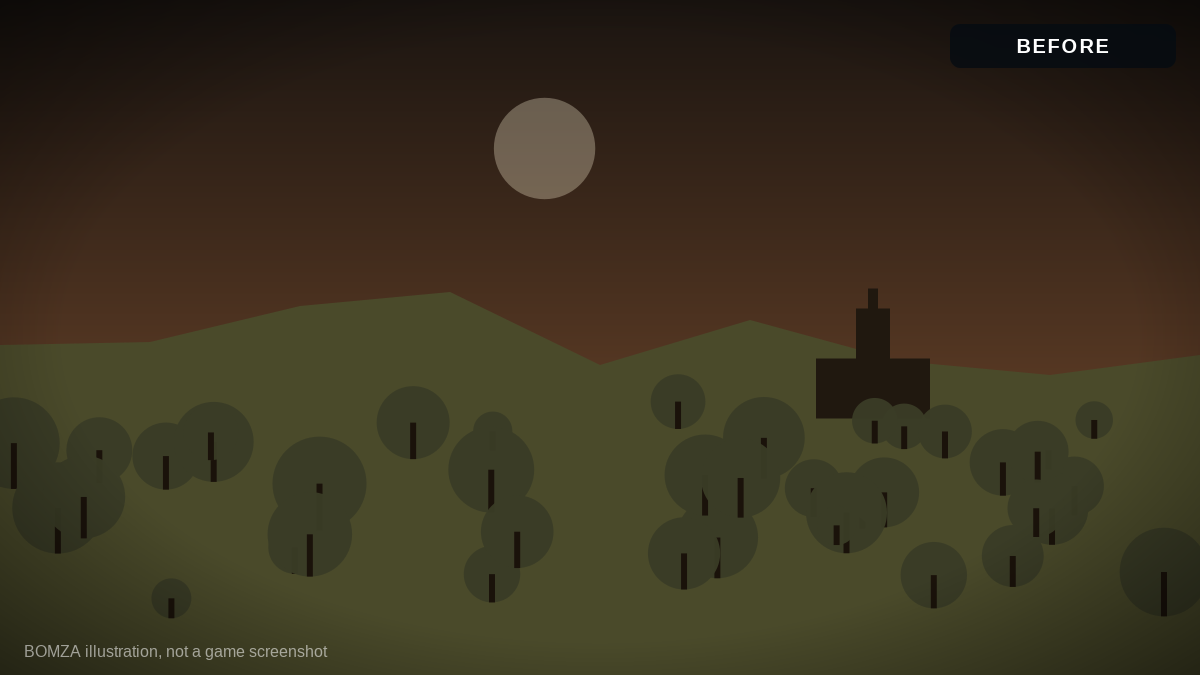
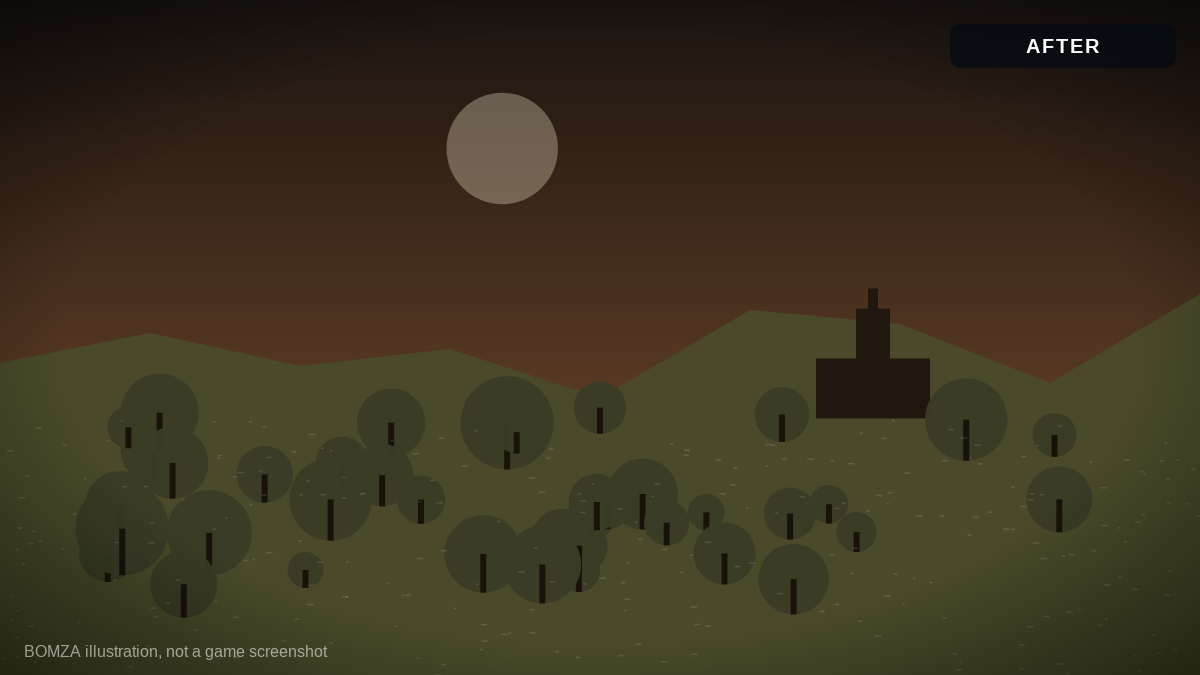
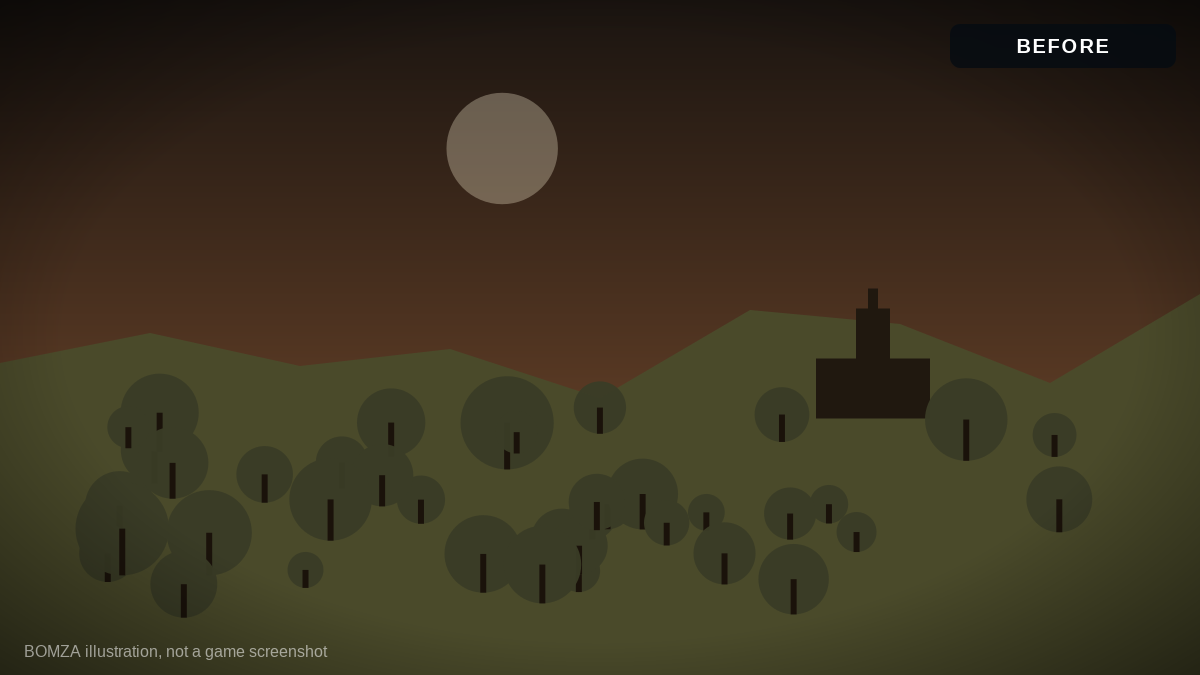
The same scene before and after, plus the spot we test this effect in.
- In gameCrookback Bog after dark, the hardest place to keep a night both dark and playable.
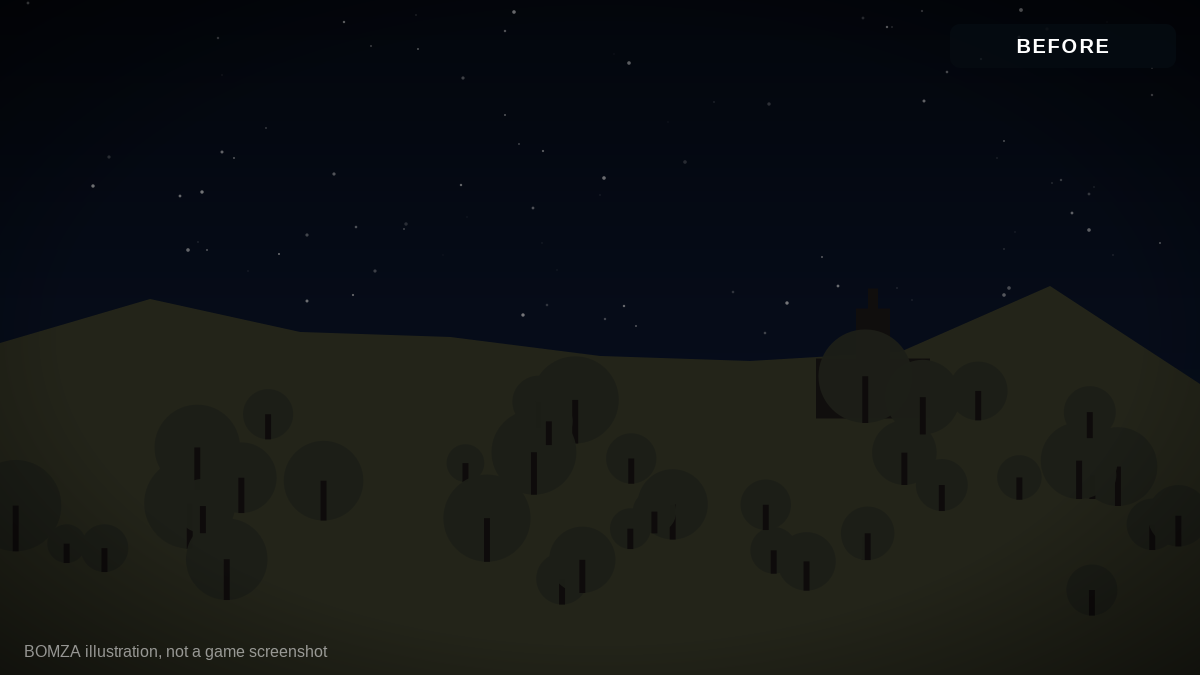
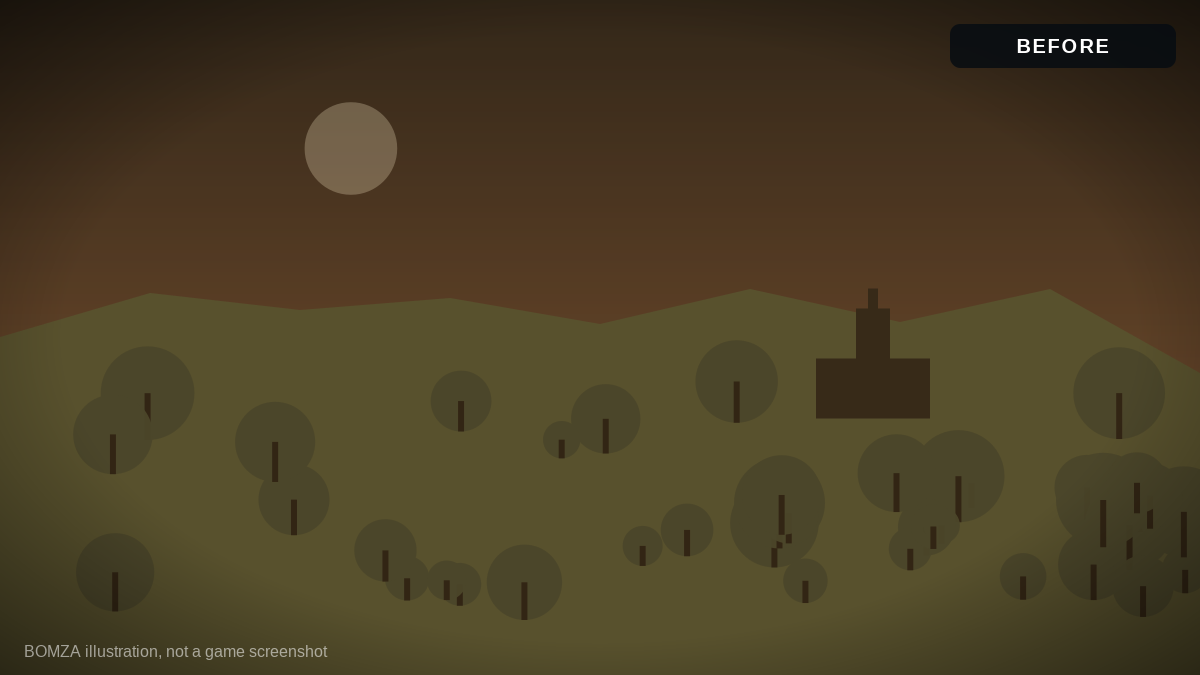
- BeforeThe base game look.
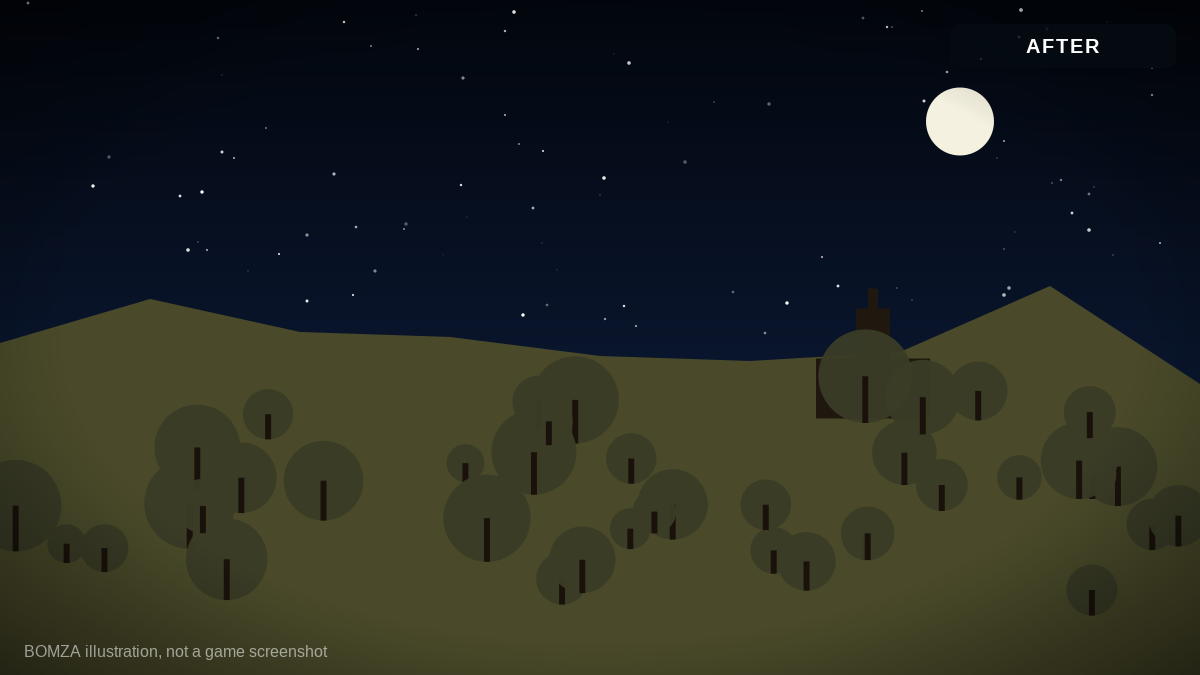
- AfterVelen village at midnight: bright blue vanilla night before, darker sky with warm lantern light after.
- Video coming soonA gameplay capture will be added here.
03Part 3 of 6
How dark should Witcher 3 nights be to stay playable?
Dark enough that a torch matters, bright enough that you can ride a road without walking into a tree. That is the practical test, and it depends a lot on your screen.
Displays differ more in dark tones than anywhere else. A night that looks atmospheric on an OLED can look completely black on an older IPS monitor, and fine on a VA panel. Before you judge a night mod, set the in-game brightness with the calibration screen in the options menu, so the hidden symbol is only just visible. Most "too dark" complaints come from skipping this step.
Then test three situations
Riding a road on a clear night
You should see the edge of the road and trees as shapes against the sky.
Fighting in a forest
You need to see enemy outlines and their attack wind-ups. If you can only follow the fight by sound, ambient is too low.
Standing in a village
Windows, lanterns and campfires should clearly light the area around them, with darker gaps between.
If the first two fail, lower darkness in the mod's options if it has them, or try a lighter variant. Many night mods ship more than one strength. Combat readability matters more than mood, since you cannot enjoy a dark night if every drowner fight is guesswork.
04Part 4 of 6
How does next-gen ray tracing change Witcher 3 nights?
In the DirectX 12 mode of next-gen 4.04 you can turn on ray traced global illumination. It changes how light bounces between surfaces. At night this is very visible: light from a campfire bounces off the ground and nearby walls, and rooms lit by candles get softer, more even light.
That has a side effect for night mods. Most env lighting mods were tuned on the DirectX 11 look without ray tracing. With ray traced global illumination on, the bounce light adds brightness the mod author did not account for, or the ambient light behaves differently in interiors and dark corners. The result can be nights that are brighter than intended, or interiors that are darker.
What to do
- Read the mod page for which mode it was tuned in. Some authors offer separate files for ray tracing on and off.
- Test the same spot with ray tracing on and off. If one looks clearly wrong, use the mode the mod was made for.
- Ray traced shadows and reflections matter less for nights than global illumination, so you can often keep those on either way.
On classic 1.32 there is no ray tracing, so mods made there behave as the author saw them. That is one of the few cases where an older setup gives more predictable results.
05Part 5 of 6
Where should you test a Witcher 3 night lighting mod?
Pick a few places and keep using them. Use the meditation menu to set the time to around midnight, and wait for clear weather so you are judging the night and not a storm.
Crookback Bog
Dense trees, fog and water. If you can still find the path here, the mod is playable.
Novigrad around Hierarch Square
City lights against a dark sky. Shows whether light sources are strong enough.
The Skellige coast
Moon on the sea, cold light. Good for checking that the blue tint is natural and not neon.
Beauclair at night
Warmer palette and many lights. Mods that look great in Velen can look wrong in Toussaint, which has its own environment settings.
A cave or ruin
Caves use their own lighting, so a night mod should leave them alone. If a cave suddenly looks different, the mod touched more than nights.
Also check dawn and dusk. The transition from night to day is where poorly made mods show a sudden jump in brightness instead of a gradual change.
06Part 6 of 6
Do Witcher 3 night lighting mods cost performance?
Mostly no. Night mods change numbers the game already uses: light intensity, color and fog density. Your graphics card does the same work with different values, so the frame rate stays about the same.
The exceptions are mods that add work. Thicker night fog adds some cost, especially with volumetric effects. Raising the radius of many lights at once means more pixels lit by more lights, which shows in busy places like Novigrad. Turning on ray traced global illumination to make nights look better costs a lot, but that is the game setting, not the mod.
Pairing matters more than performance
Weather mods
often include their own night values for cloudy and rainy weather. Running a separate night mod on top means two mods editing the same env entries, and only one wins. Pick a pair whose authors say they work together, or use a pack that handles both.
ReShade presets
that raise contrast will crush dark nights to black. If you use both, keep the preset light at night or use one without heavy contrast.
Foliage mods
with higher density make forests darker at night, since more plants block the moonlight.
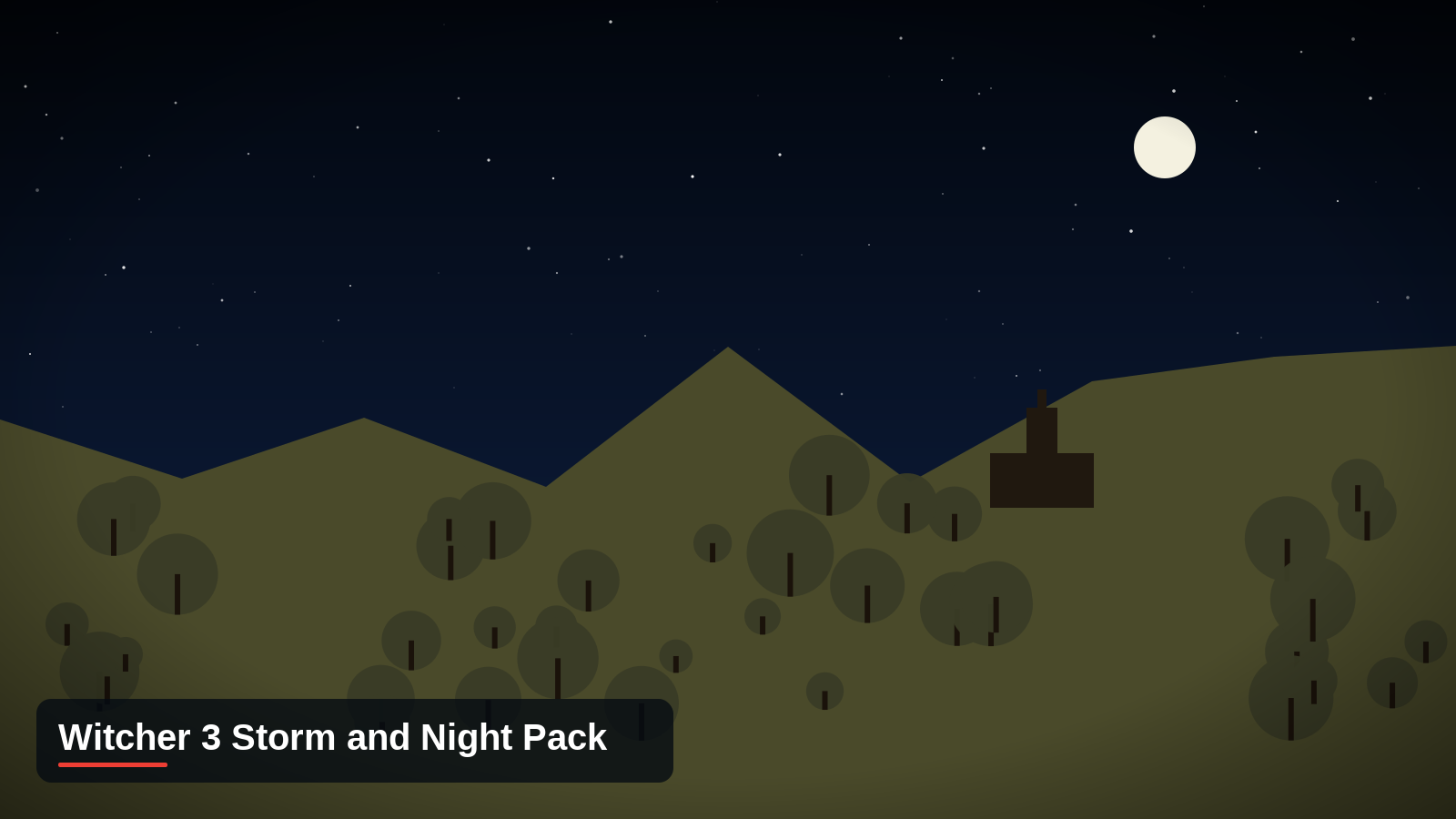
BOMZA's Witcher 3 Storm and Night Pack covers nights and weather together. Its product page lists the supported version, and the status page shows its current state.
Dial it in
Settings that change the look
- 01
Moonlight intensity
How brightly the moon lights the landscape. Lower values darken open ground and roads at night.
- 02
Night ambient light
The base light in every shadow. Decides whether forests at night are dark grey or black, and whether you can read enemies in combat.
- 03
Sky and star brightness
How dark the sky is near the horizon and how clear stars are. A darker sky makes the night feel real even when the ground stays readable.
- 04
Light source radius
How far lanterns, torches and campfires reach. Moderate increases make dark nights usable; large ones can light things through walls.
- 05
In-game Brightness
The calibration slider in the options. Set it with the calibration screen before judging any night mod, since displays differ most in dark tones.
Before you install
Compatibility
Works with
Night lighting mods edit env files, so they conflict with other lighting overhauls and with weather mods that carry their own night values. Only one mod wins for each entry, decided by mod priority. Most night mods have no scripts and do not need Script Merger, unless they add an options menu. They work on next-gen 4.04 and classic 1.32 if the author supports both, but check whether the mod was tuned with ray traced global illumination on or off. Pair them with ReShade carefully: high contrast presets crush dark scenes. See the weather effects page for the weather side.
Install steps are in Guides, and the current state of each pack is on the status page.
Limitations
- How dark a night looks depends heavily on your display, so no single setting looks the same on every screen.
- Mods tuned without ray tracing can look too bright or too dark with ray traced global illumination on.
- Interiors and caves use separate lighting, so a night mod may leave them unchanged or need its own interior fixes.
- Pre-rendered cinematics keep their original lighting.
Tested packs
Get this effect
These BOMZA packs include this effect. Each one shows the game version it was last confirmed on. Options and checkout are in the shop.
FAQ
Questions players ask
Short answers to what players ask us most. Open a question to read the answer.
Ask in our Discord. Include your game version and what you installed.
Open Discord01Why are Witcher 3 nights so bright?
It is a design choice so you can explore after dark. Moonlight and ambient light are set high, with a strong blue tint. Night mods lower them and rebalance light sources.
02My nights are pitch black after installing a mod. What now?
First set the in-game brightness with the calibration screen. If it is still black, try a lighter variant of the mod or one that keeps more ambient light.
03Do night mods work with ray tracing?
They load, but the look changes, because ray traced global illumination adds bounce light. Check which mode the mod was tuned for and test both.
04Can I use a night mod and a weather mod together?
Only if they do not edit the same env entries, or their authors say they are compatible. Otherwise one overrides the other. A combined pack avoids the problem.
05Do night lighting mods lower my FPS?
Usually by very little, since they change values the game already uses. Heavier fog or many brighter lights in busy cities can cost a bit more.
Keep exploring
More The Witcher 3: Wild Hunt effects
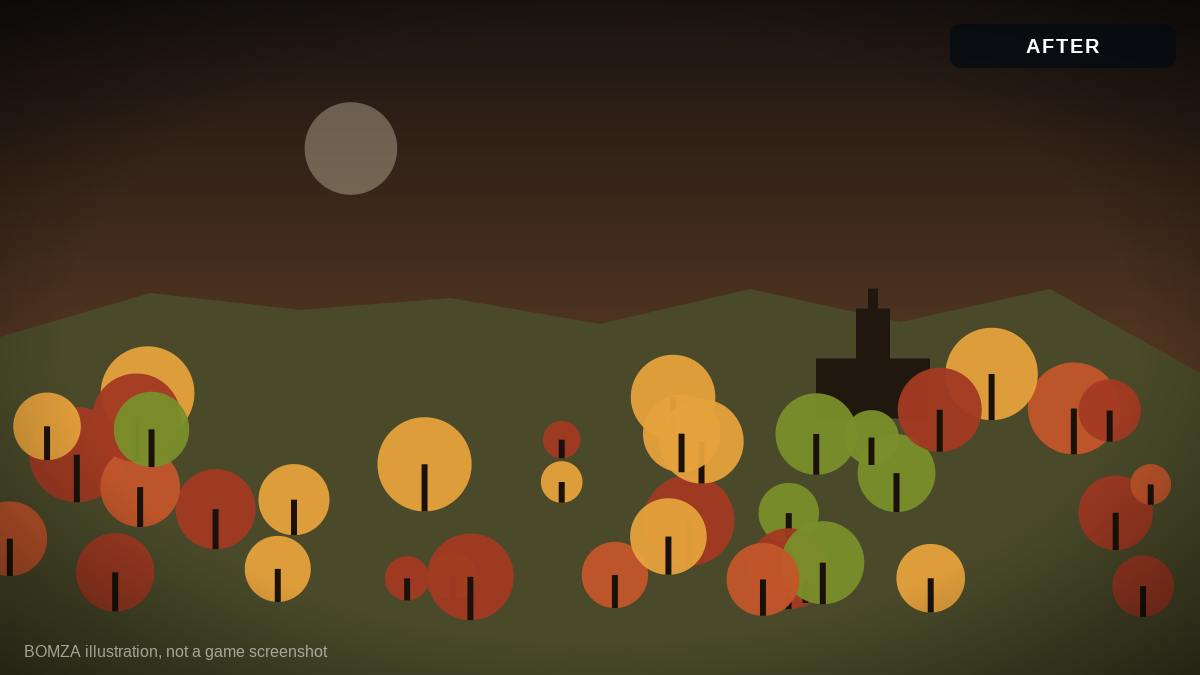
 Witcher 3 vivid foliage: denser grass, fuller trees and natural colorFoliage mods for The Witcher 3 change three things: how much grass and how many plants the game draws, how far it draws them, and what color they turn under each light. The best results come from moderate density with a careful color base, not from maximum values. Density and range cost frames; color changes cost almost nothing.
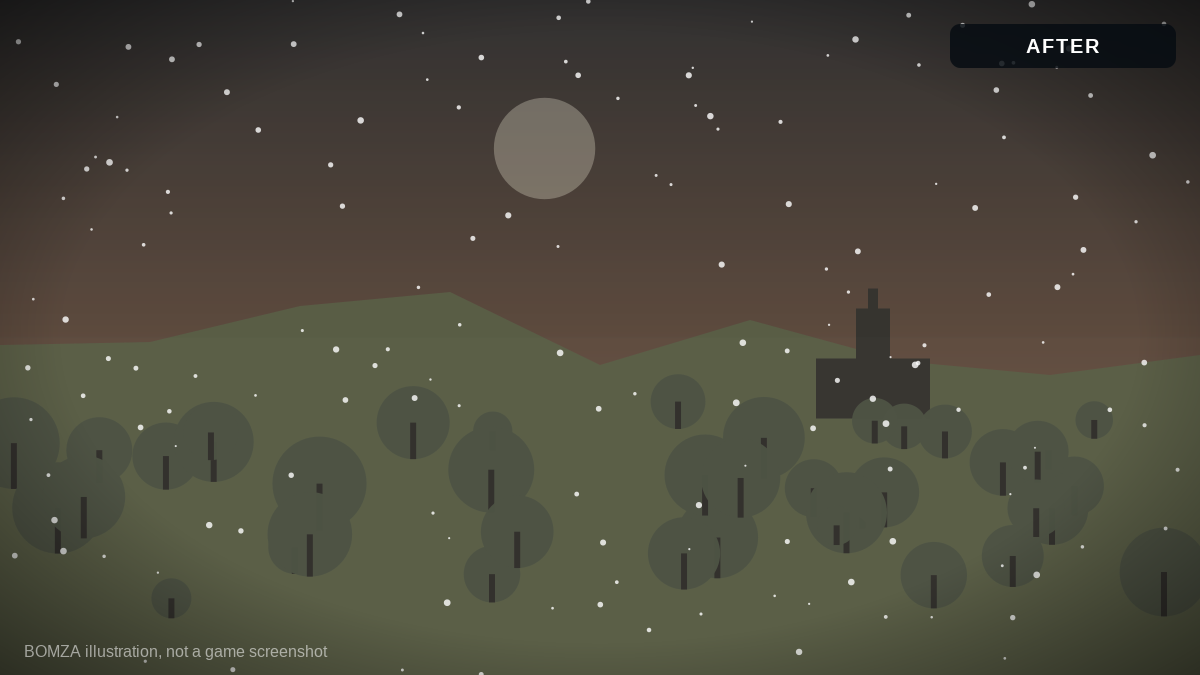
 Witcher 3 weather effects: storms, rain, fog and windWeather mods for The Witcher 3 change which weather each region gets, how often it changes, and how heavy rain, fog, wind and storms look. They mostly edit the weather and environment definitions, so the cost is low in clear weather and higher during storms. The main thing to watch is overlap with lighting mods, because both edit the same environment entries.
 Witcher 3 sharper textures: what next-gen fixed and what is still blurryThe next-gen update already replaced many blurry Witcher 3 textures, partly with work from community texture mods, so on 4.04 you need fewer texture packs than on classic 1.32. What still helps are packs for specific surfaces like rock, ground and distant buildings, plus the right upscaler and sharpening settings. The main cost is video memory, which shows up as stutter rather than a lower average frame rate.
 Full The Witcher 3: Wild Hunt mods guideEvery effect, what it costs in FPS, what breaks after updates and how we check our packs.
The Witcher 3: Wild Hunt · night lighting
Skip the trial and error
Our pack for this effect is tuned and tested by our team on a named game version, with setup guides and support on Discord.