

 SK
 F4
 CP
 MC
 ETS2
 AC

The Witcher 3: Wild Hunt · Visual effect
Witcher 3 vivid foliage: denser grass, fuller trees and natural color
Foliage mods for The Witcher 3 change three things: how much grass and how many plants the game draws, how far it draws them, and what color they turn under each light. The best results come from moderate density with a careful color base, not from maximum values. Density and range cost frames; color changes cost almost nothing.
01Part 1 of 6
What does dull or thin foliage look like in The Witcher 3?
Ride out of Oxenfurt into Velen on an overcast day and look at the fields. In the unmodded game the grass is thick right around Geralt and Roach, then thins out within a short distance. Farther away the ground is a flat green and brown texture with a few clumps on top. Trees on far hills become simpler models, and as you ride closer they swap to the detailed version, which you see as a small jump.
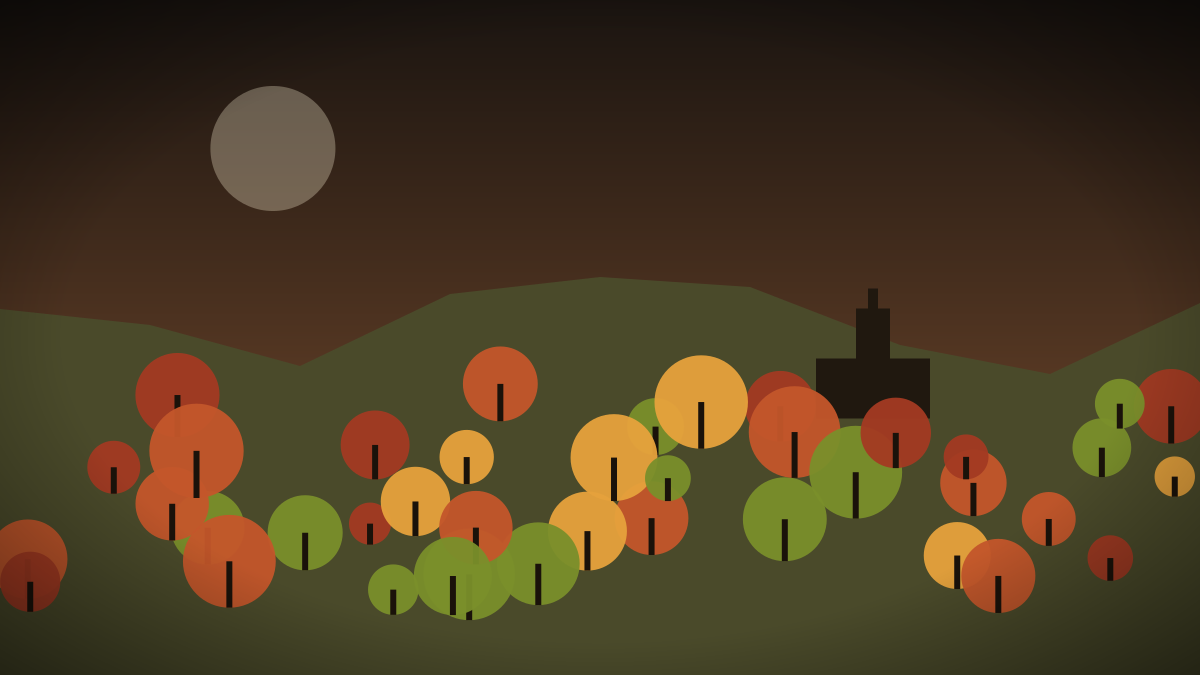
Color is the other half. Velen is meant to be grim, so its grading leans toward muddy olive. Under heavy cloud the greens and browns merge, and the landscape can look grey from a distance. Toussaint sits at the other end: bright sun, saturated vineyards, flowers everywhere. White Orchard is somewhere in between.
So when players say the foliage looks dull, they mean one of three things: not enough plants near the camera, plants disappearing too soon in the distance, or colors that look washed out. Each one has a different fix, and it helps to know which one bothers you before you pick a mod. A mod that doubles grass density will not fix grey colors, and a color mod will not stop pop-in on the hills.
02Part 2 of 6
What do Witcher 3 foliage mods actually change?
Foliage mods work on a few layers of the game, and most mods touch only one or two of them.
Density
How many grass and plant instances the game places per patch of ground. Higher density fills the gaps between clumps so fields read as one surface instead of tufts on dirt.
Visibility range
How far from the camera the game keeps drawing grass and detailed plants. This is the part that pushes the flat ground texture farther away.
Meshes and textures
Some mods replace grass, bush and tree models or their textures with fuller or more detailed ones, for example wider grass blades or better bark.
Color
Foliage color in the game comes from the textures plus the light and color grading in the env files. A color mod can shift greens warmer or cooler for a whole region without touching a single plant.
Wind
How strongly grass and branches move. This is usually tied to weather, so weather mods change it as a side effect.
The next-gen update already raised the foliage ceiling with its Ultra+ preset, which draws vegetation farther than the old Ultra did. On 4.04, many players find that Ultra+ alone covers the range problem, and they only add a mod for density or color. On classic 1.32 the old limits apply, so range mods matter more there.
Screens
See the difference
The same scene before and after, plus the spot we test this effect in.
- In gameToussaint vineyard at noon, a good place to check that foliage color is not overdone.
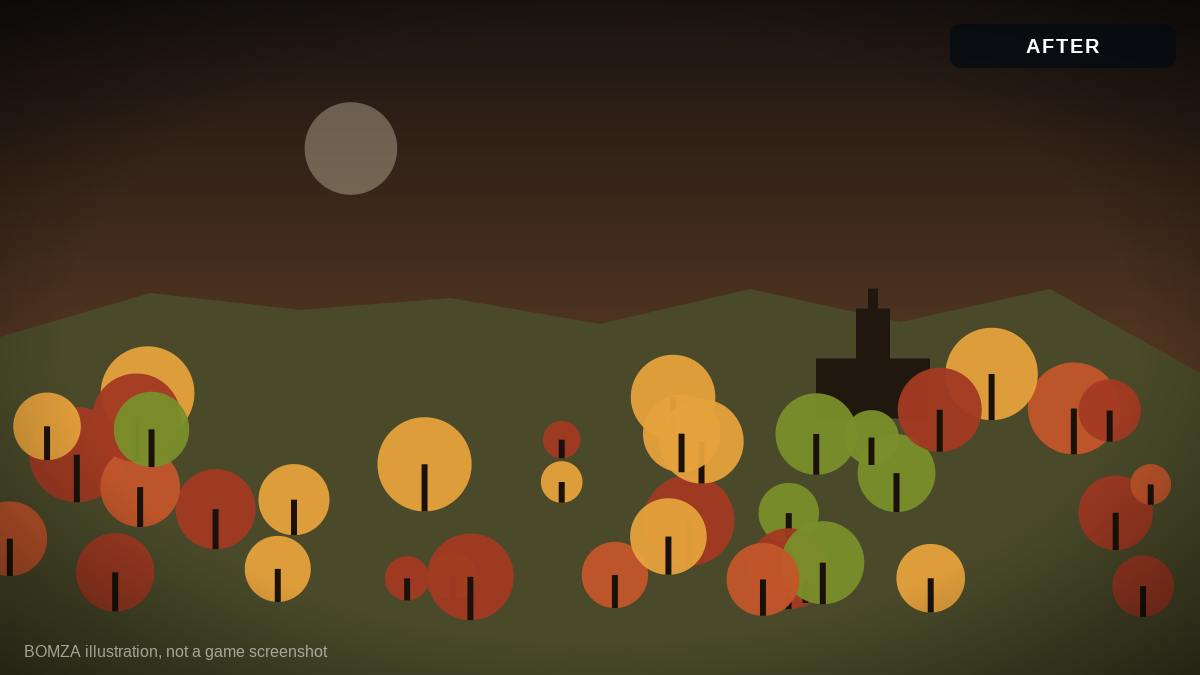
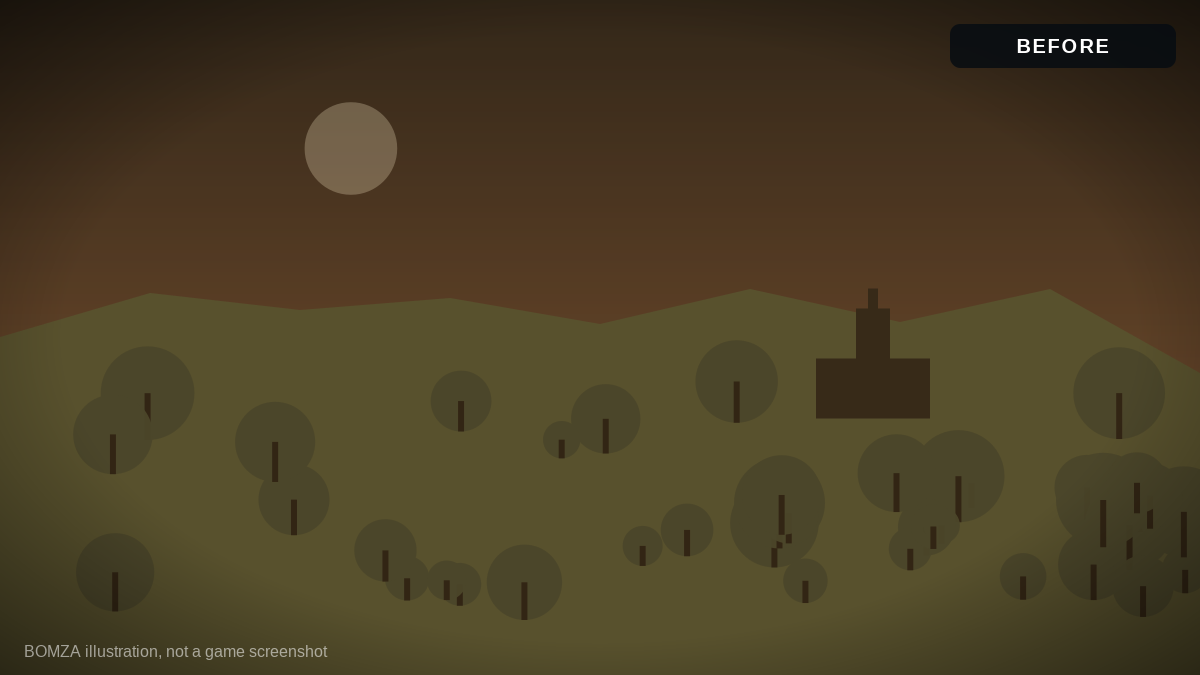
- BeforeThe base game look.
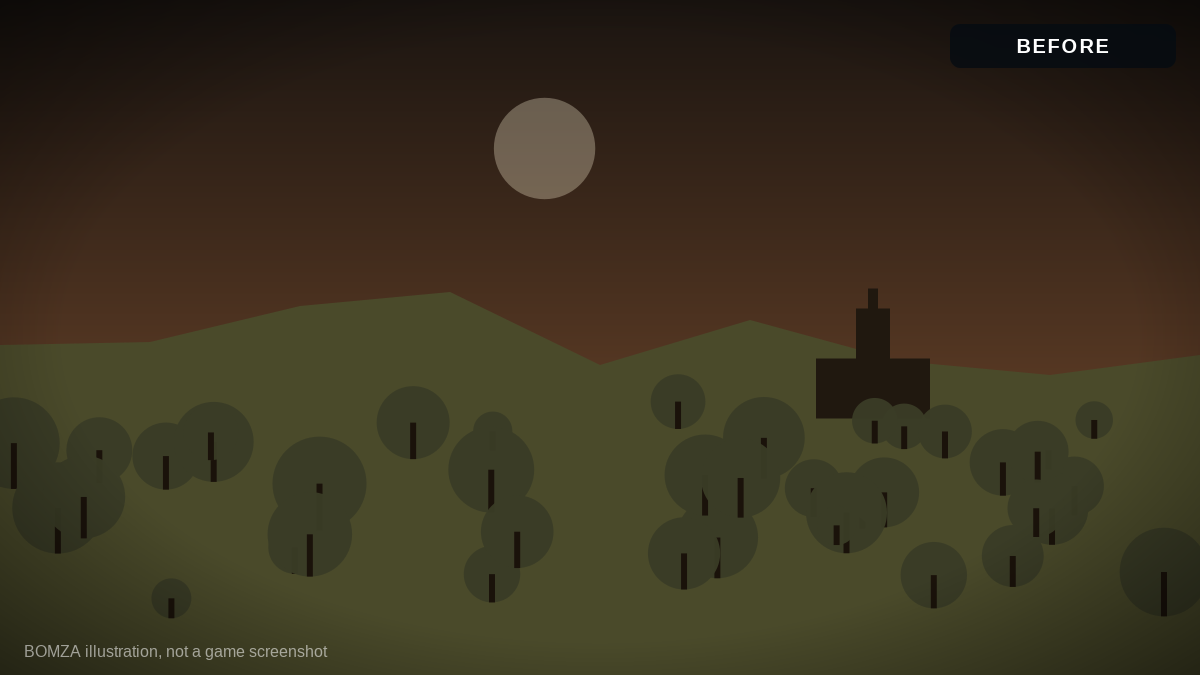
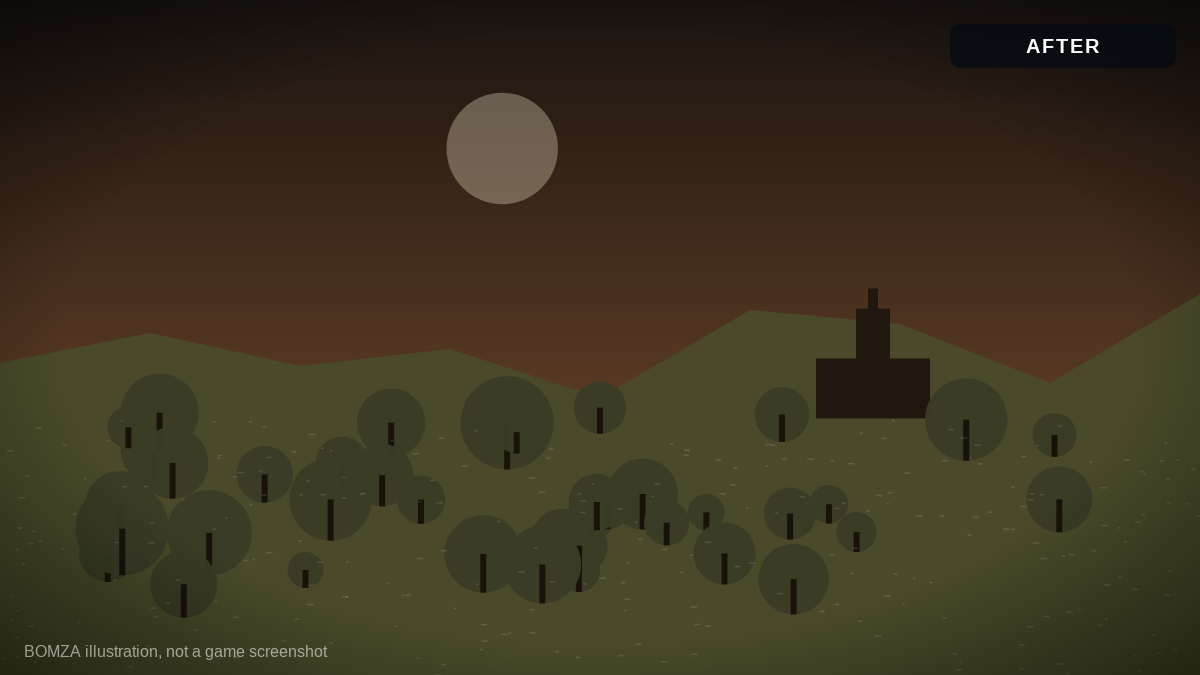
- AfterVelen field under cloud: thin grass and grey greens before, fuller grass and natural color after.
- Video coming soonA gameplay capture will be added here.
03Part 3 of 6
Does Witcher 3 foliage need more density or better color?
Most complaints about lifeless landscapes turn out to be color and light, not plant count. Velen's fields are already full of grass at a normal camera distance. What makes them look tired is the flat light under clouds and the olive grading. Change the env lighting so ambient light is a little warmer and shadows keep some green, and the same grass suddenly reads as alive.
Density is the right fix when you see bare ground between clumps, mainly on hillsides and along roads. It is also the fix if you play with a low camera or take screenshots close to the ground, where the gaps are obvious.
Here is a simple way to tell which one you need. Stand in the field east of the White Orchard inn at noon in clear weather. If it looks good there but bad in Velen under clouds, your problem is light and color. If the ground looks patchy even in good light, your problem is density.
Be careful with saturation. A strong color mod or ReShade vibrance effect can make Toussaint look like plastic and turn Skellige's grass neon green. Natural foliage has a range of greens, some yellow and dry patches, and darker shade under trees. A good mod keeps that range. If every plant is the same bright green, the mod has gone too far, no matter how good it looks in a single screenshot.
04Part 4 of 6
Where in The Witcher 3 do foliage changes show the most?
Use the same spots each time you test, so you compare the mod and not the weather or the place.
White Orchard meadows
Open grass, a few trees and a clear horizon. A good first check for density and range, and the area you see in the opening hours.
Velen fields near the Crow's Perch road
Long open slopes under frequent cloud. Shows color problems quickly and makes range pop-in very visible on the far hills.
The forests around Novigrad
Dense trees and undergrowth. A good test for performance, since this is where density changes cost the most.
Toussaint vineyards
Bright sun and saturated colors. If a mod looks overdone anywhere, it will be here.
Skellige hills
Short, windblown grass, low pines, heather and rock. Shows how a mod handles wind and the cooler northern palette.
Check each spot at noon, in the evening and under rain. Foliage that looks right in one light and wrong in another usually means the color is coming from a post-process preset rather than from the env lighting, because post-process applies the same shift to every light.
05Part 5 of 6
How much do Witcher 3 foliage mods cost in performance?
Density adds more objects the graphics card has to draw and shade, and more of them cast shadows. In open fields the cost is moderate. In thick forest, like the woods around Novigrad, it grows quickly, because there are many layers of plants on top of each other.
Visibility range adds work for the processor as well as the graphics card. The game has to keep track of more objects at a distance and send more draw calls. If your processor is the limit, a range increase can lower your frame rate even when your graphics card has headroom. You notice it most when riding fast, since the game is loading and placing new plants all the time.
Color changes are close to free. They change numbers the game already uses for lighting.
New meshes and textures cost video memory. A full replacement of grass and tree textures at high resolution needs more memory than the vanilla set, and if you run out you see stutter, not a lower average frame rate.
If you want more foliage but are short on frames, drop shadow quality one step, or turn off ray traced shadows in the DirectX 12 mode. Those often buy back more than a moderate density increase costs. Measure in the same spot before and after, as described in how we measure FPS impact.
06Part 6 of 6
How do foliage mods pair with Witcher 3 weather and lighting mods?
Foliage never shows up alone. It is lit by the env lighting, moved by the wind and wetted by rain. That makes pairing more important than the foliage mod itself.
Lighting first. If you use an env lighting overhaul, check whether it changes foliage color on its own. Many do, because ambient light and grading decide what green looks like. Adding a separate foliage color mod on top can double the shift. Pick one source of color: either the lighting mod or the foliage mod, not both.
Weather second. Stronger wind from a weather mod makes dense grass look much more alive, but it also exposes low quality grass models that bend in odd ways. Heavy rain darkens leaves, so a foliage color tuned only in clear weather can look almost black during a storm.
Seasonal looks are a special case. The Witcher 3 has no seasons in the base game. Mods that give a region an autumn or late summer look do it by changing foliage textures and tints for that region, so they behave like a color mod and conflict with other color sources the same way.
BOMZA's Witcher 3 Living Seasons is our landscape and foliage pack. Its product page lists the game version and what it pairs with, and the status page shows whether it is current. For the weather side, see Witcher 3 weather effects.
Dial it in
Settings that change the look
- 01
Grass Density
How many grass instances the game draws near the camera. Higher values fill bare patches between clumps on hillsides and roadsides.
- 02
Foliage Visibility Range
How far detailed grass and plants keep drawing. Higher values push the flat ground texture and the tree detail swap farther away.
- 03
Ultra+ preset (next-gen)
Raises foliage and view distance beyond the old Ultra limits. On 4.04 it often removes the need for a separate range mod.
- 04
Shadow Quality
Sets how sharp and how far plant shadows draw. Dense grass without good shadows looks flat, with them it gains depth but costs frames.
- 05
Ambient occlusion
Darkens the ground under plants and between leaves. Without it, dense foliage looks pasted on top of the terrain.
Before you install
Compatibility
Works with
Settings based foliage tweaks work on both next-gen 4.04 and classic 1.32, but the value ranges differ, so use a tweak made for your version. Mods that replace foliage meshes or bundle files must match your version, because a 1.32 bundle can overwrite next-gen content. Foliage color mods conflict with env lighting overhauls and ReShade color presets that also shift greens: keep one color source. Pure density and range changes normally do not need Script Merger. Both the DirectX 11 and DirectX 12 modes are affected the same way, though ray traced global illumination changes how dense foliage is lit.
Install steps are in Guides, and the current state of each pack is on the status page.
Limitations
- Distant trees still swap to lower detail models at some range. Mods push it farther but cannot remove it.
- There are no real seasons in the base game, so seasonal looks are static per region and do not change over time.
- Very high density in forests around Novigrad can cost more frames than most mid-range PCs can spare.
- Foliage color that looks right in clear weather can look too dark during heavy rain or at night.
Tested packs
Get this effect
These BOMZA packs include this effect. Each one shows the game version it was last confirmed on. Options and checkout are in the shop.
FAQ
Questions players ask
Short answers to what players ask us most. Open a question to read the answer.
Ask in our Discord. Include your game version and what you installed.
Open Discord01Is Ultra+ enough, or do I still need a foliage mod on next-gen?
For draw distance, Ultra+ is often enough on 4.04. Add a mod if you want more density close to the camera or a different color balance.
02Why does my grass look grey in Velen?
Usually it is the lighting and grading under cloud, not the grass itself. A careful env lighting change helps more than adding more plants.
03Do foliage mods hurt performance much?
Density and range can, especially in forests and while riding fast. Color changes cost almost nothing. Measure before and after in the same spot.
04Can I use a foliage mod with a ReShade preset?
Yes, but pick one place for color. If both shift greens, the result gets oversaturated. Use ReShade for sharpening or contrast and let the mod handle color.
Keep exploring
More The Witcher 3: Wild Hunt effects
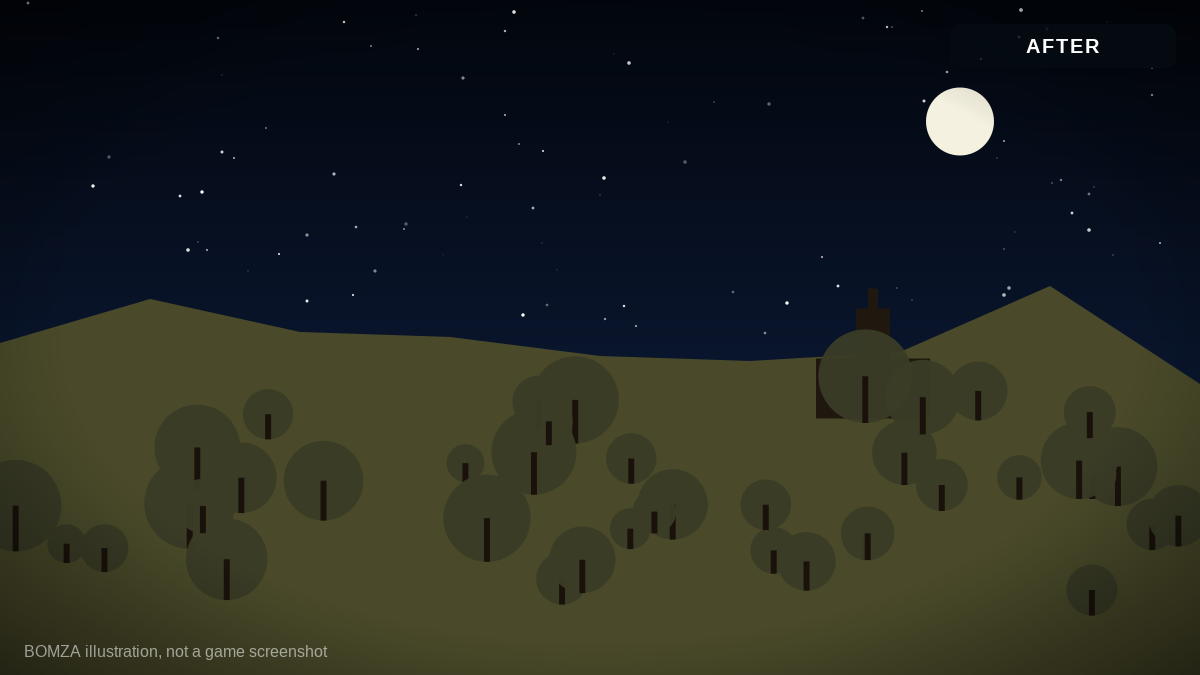
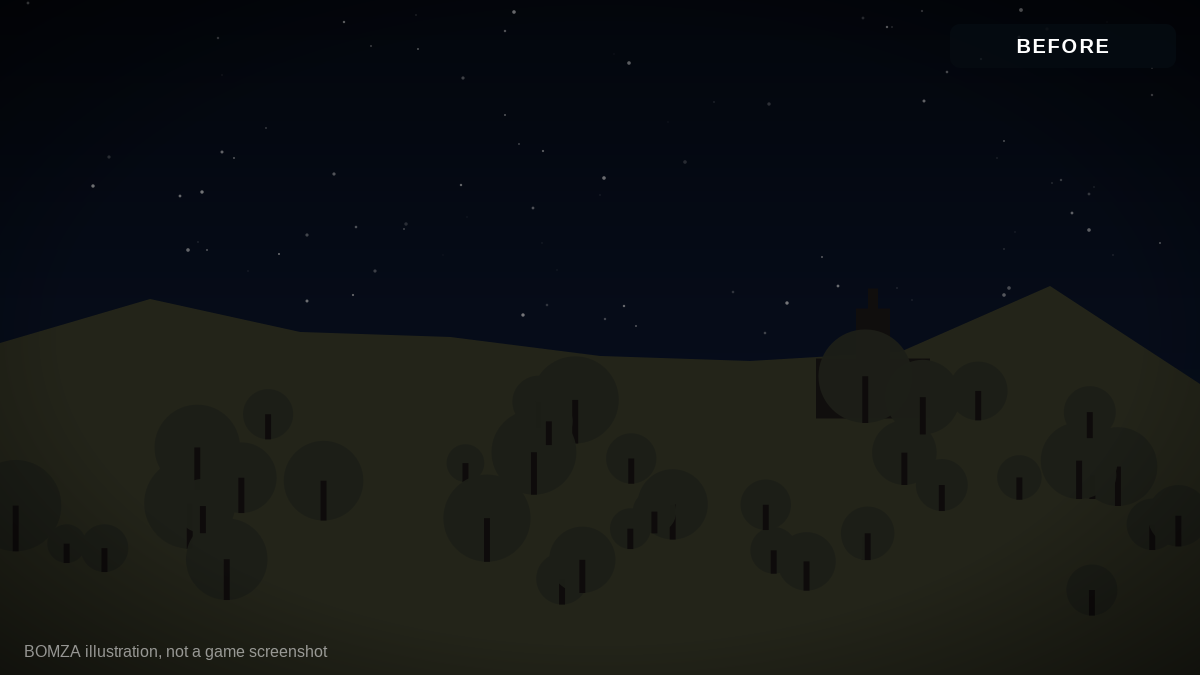 Witcher 3 night lighting: darker nights you can still play inNight lighting mods for The Witcher 3 change how bright the night sky and moonlight are, how much ambient light fills the shadows, and how far lanterns, torches and campfires reach. A good one makes nights clearly darker than vanilla while keeping roads, enemies and the horizon readable. Most of the change is in the env files, so it costs very little performance.
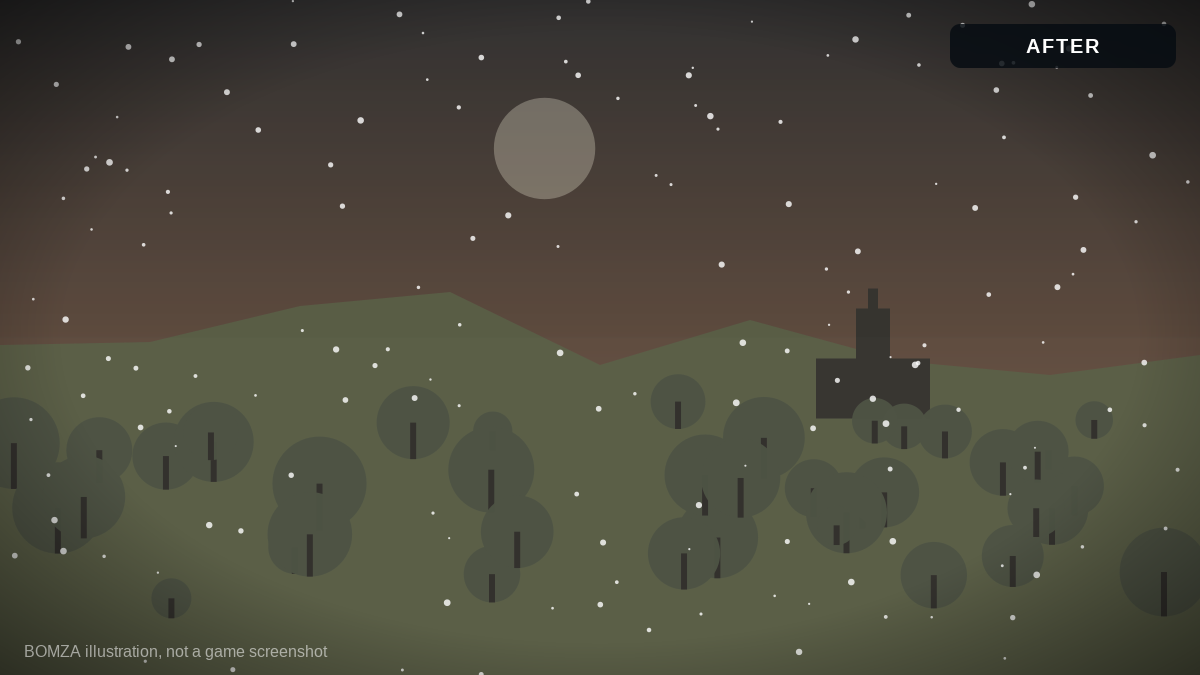
 Witcher 3 weather effects: storms, rain, fog and windWeather mods for The Witcher 3 change which weather each region gets, how often it changes, and how heavy rain, fog, wind and storms look. They mostly edit the weather and environment definitions, so the cost is low in clear weather and higher during storms. The main thing to watch is overlap with lighting mods, because both edit the same environment entries.
 Witcher 3 sharper textures: what next-gen fixed and what is still blurryThe next-gen update already replaced many blurry Witcher 3 textures, partly with work from community texture mods, so on 4.04 you need fewer texture packs than on classic 1.32. What still helps are packs for specific surfaces like rock, ground and distant buildings, plus the right upscaler and sharpening settings. The main cost is video memory, which shows up as stutter rather than a lower average frame rate.
 Full The Witcher 3: Wild Hunt mods guideEvery effect, what it costs in FPS, what breaks after updates and how we check our packs.
The Witcher 3: Wild Hunt · vivid foliage
Skip the trial and error
Our pack for this effect is tuned and tested by our team on a named game version, with setup guides and support on Discord.