

 SK
 F4
 CP
 MC
 ETS2
 AC

The Witcher 3: Wild Hunt · Visual effect
Witcher 3 weather effects: storms, rain, fog and wind
Weather mods for The Witcher 3 change which weather each region gets, how often it changes, and how heavy rain, fog, wind and storms look. They mostly edit the weather and environment definitions, so the cost is low in clear weather and higher during storms. The main thing to watch is overlap with lighting mods, because both edit the same environment entries.
01Part 1 of 6
How does weather work in the unmodded Witcher 3?
Each region in The Witcher 3 has its own set of weather states and its own odds for each. The game moves between them over time: clear sky, scattered clouds, overcast, rain, storm and fog. Transitions take a few in-game minutes, with clouds building before rain starts.
The regions feel different on purpose. Velen and No Man's Land get a lot of cloud and rain, which fits the war-torn mood. Skellige is the stormiest, with strong wind, rough sea and rain blowing in off the water. Toussaint is mostly sunny, which is part of its storybook look. Kaer Morhen has cold mountain weather and snow on the heights. White Orchard is mild.
Some weather is scripted. Certain quests and cutscenes set the weather for story reasons, for example when the Wild Hunt appears and frost spreads. The game switches back to its regular cycle afterward.
Players usually want one of two things from a weather mod. Some want more variety: real storms that last, mornings with ground fog, longer stretches of grey drizzle in Velen. Others want the reverse: fewer storms in Skellige so sailing is less of a chore. A weather mod is a matter of taste more than any other kind of visual mod, so read what the author changed before assuming more weather is better.
02Part 2 of 6
What do Witcher 3 weather mods change?
Weather mods work on two layers. The first is which weather happens: the list of weather states per region and how likely each one is. The second is how each weather looks: the light, fog, clouds, rain and wind values for that state.
Common changes
Frequency and duration
More or fewer storms, longer clear periods, rain that lasts a full in-game evening.
Transition speed
Slower transitions so clouds build up visibly before rain, instead of the sky changing in a minute.
Rain density
Heavier or lighter rain particles and stronger wet look on surfaces and characters.
Fog
Ground fog in the morning, thicker haze over water, mist in forests.
Clouds and sky
New cloud textures, darker storm skies, more color at sunset.
Wind
How hard trees, grass and banners move, and in Skellige how rough the sea gets.
Some weather mods also add new weather states, such as a light drizzle that is not in vanilla, or a clear night variant. Those usually come with a DLC folder part, because the game loads new definitions from there. Mods that add their own options menu also include scripts and may need Script Merger. The Witcher 3 mods hub explains how the Mods and DLC folders work together.
Screens
See the difference
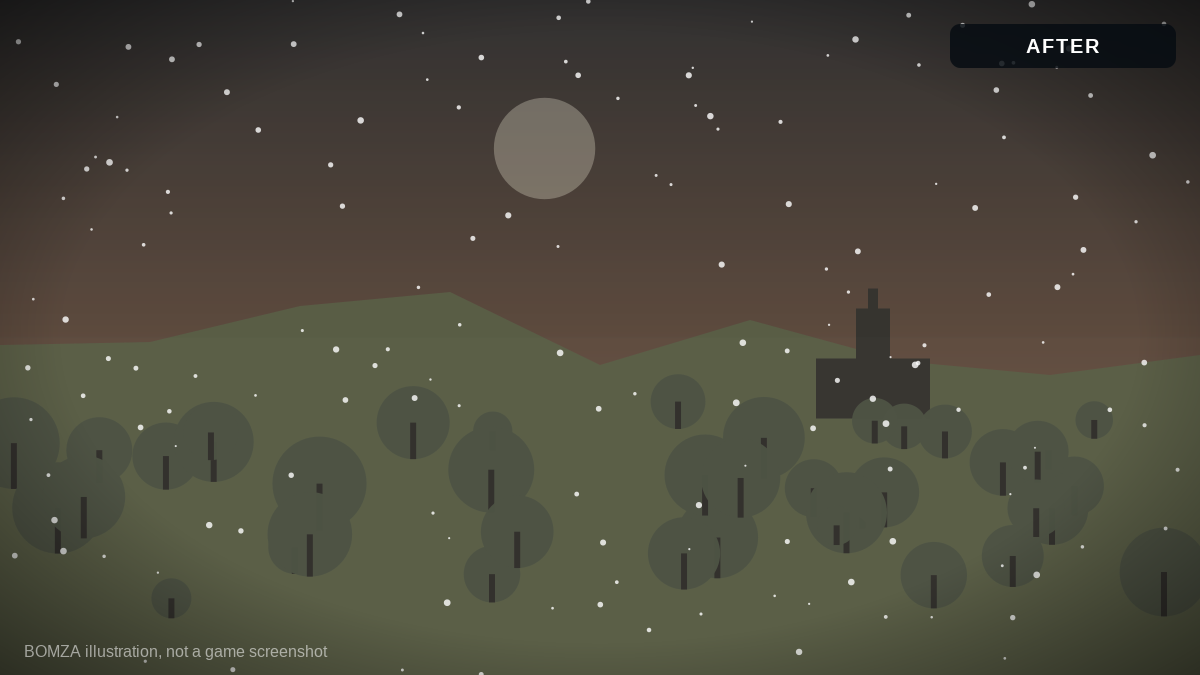
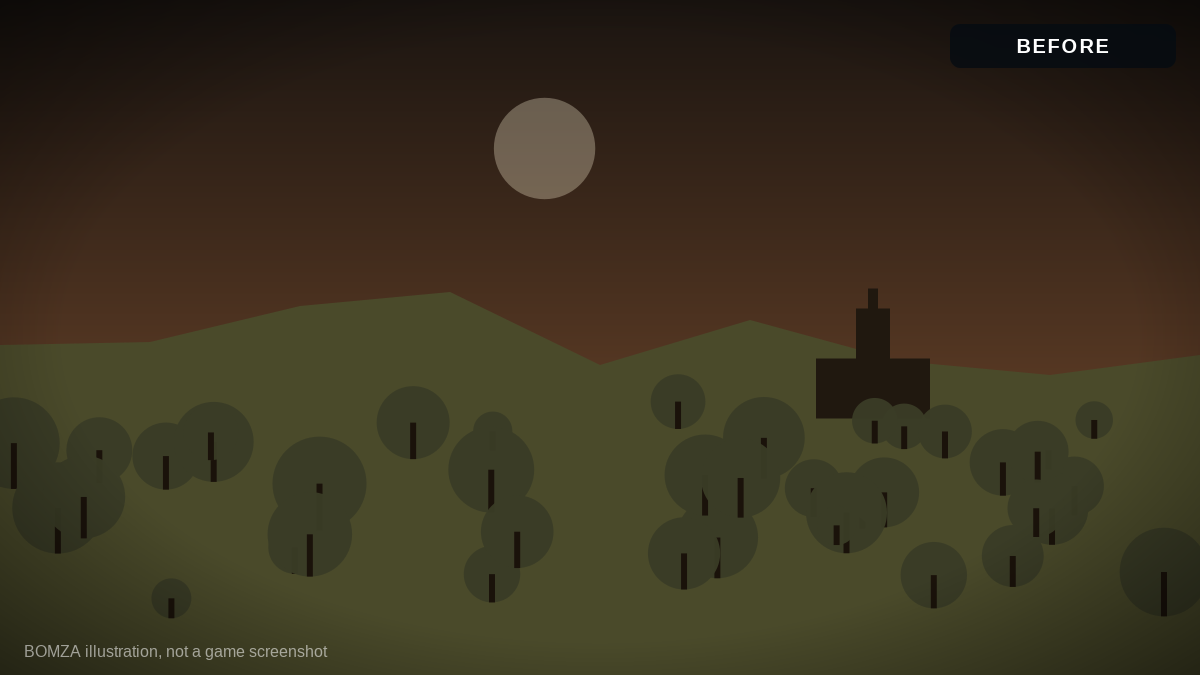
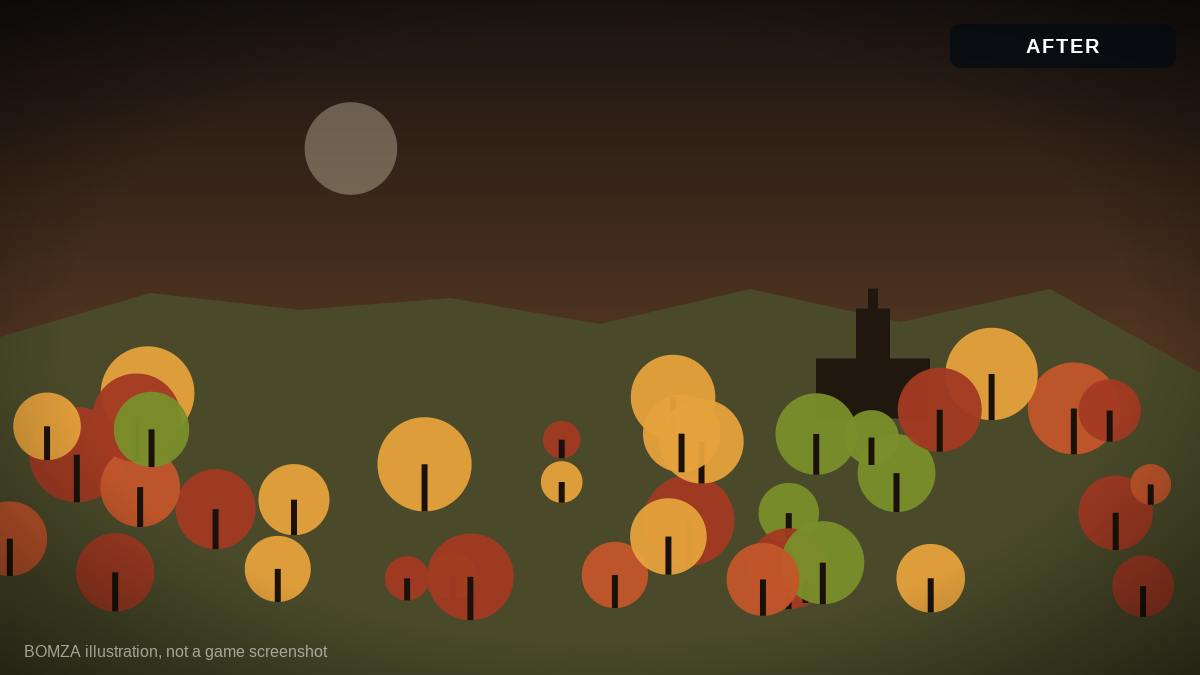
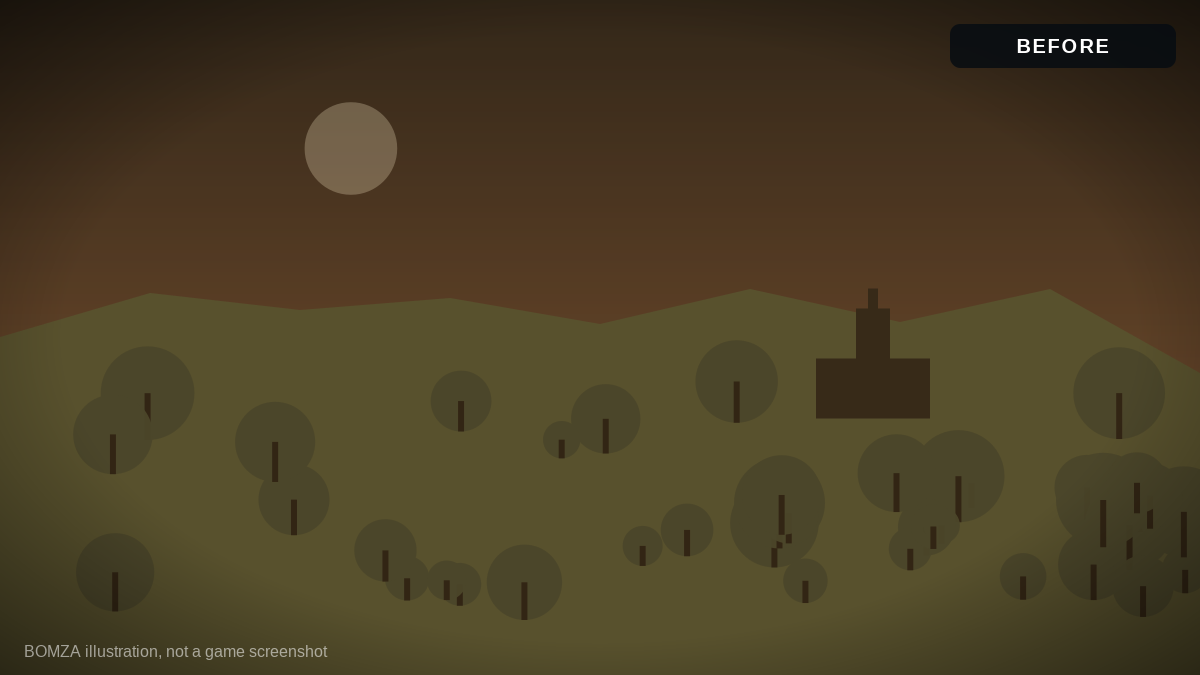
The same scene before and after, plus the spot we test this effect in.
- In gameMorning ground fog in the Velen fields, a good test for fog density.
- BeforeThe base game look.
- AfterSkellige coast in a storm: flat grey vanilla sky before, layered storm clouds and rain over the sea after.
- Video coming soonA gameplay capture will be added here.
03Part 3 of 6
How do weather mods change storms in Skellige?
Skellige is where weather mods show the most and where they cause the most opinions. In vanilla the isles get frequent storms with heavy wind, dark skies and big waves. Sailing between islands in a storm is slow and you can barely see the coast.
Weather mods go both ways here. Some make Skellige storms rarer but stronger: long calm stretches with clear northern light, then a real storm with near-black sky and rain coming sideways. Others keep the frequency but improve the look, with better cloud layers and lightning that lights up the cliffs. A few soften the storms for players who find sailing tiring.
The sea matters. Waves in Skellige respond to the weather, so a mod that raises wind strength makes the sea rougher. That looks great from the shore at Kaer Trolde but makes sailing harder. If a mod mentions wind changes, test it on the water, not just on land.
Also test from high ground. Climbing above Kaer Trolde or any of the hills on Ard Skellig gives you a view of the weather moving over the sea. A good weather mod shows rain falling in one area while another is still clear. A weaker one changes the whole sky at once.
04Part 4 of 6
How much fog and rain should a Witcher 3 weather mod add?
Fog is the easiest weather change to overdo. A little morning fog in Velen fields, mist over the river near Oxenfurt, haze over the swamps: these make the world feel deep. Too much fog turns the horizon grey all day, and after a while you stop noticing it and only notice that you cannot see far.
Signs that fog is too heavy
- You cannot see the next village from a hill in clear weather.
- Distant mountains in Kaer Morhen are gone at noon.
- Fog stays the same density regardless of time of day.
Good fog mods tie density to time and place: thicker at dawn, near water and in low ground, thinner at noon and on hilltops.
Rain has a different problem. Heavy rain particles look good when you stand still, but when you ride or fight, dense rain can hide enemies and the road. The wet look on surfaces matters as much as the particles. In vanilla, stone, wood and Geralt's armor get darker and shinier in rain. Some mods strengthen this so streets in Novigrad shine after a downpour. In the DirectX 12 mode with ray traced reflections, wet surfaces and water reflect differently, so test both renderer settings if you switch between them.
05Part 5 of 6
How much FPS do Witcher 3 weather mods cost?
Weather is a cost you pay some of the time, not all of the time. In clear weather a weather mod costs about the same as vanilla, since the game draws the same sky with different values. During rain and storms the cost goes up, and how much depends on what the mod adds.
Rain particles
More and bigger drops mean more transparent particles on screen. This shows most when the camera is close to many drops, and more at higher resolutions.
Fog
Volumetric fog costs more than flat distance fog. Heavy fog can also hide pop-in, which is why some mods use it, but you pay for it.
Wind
Stronger wind does not add much cost by itself, but it makes every plant move, so dense foliage plus strong wind adds up.
Storms at sea
Rough water, rain and lightning together are the heaviest weather scene in the game.
The practical rule: measure during the worst weather, not the best. Pick a storm in Skellige, save, and compare. If your frame rate during storms is fine, the mod will not hurt you anywhere else. Our testing method explains how to compare runs fairly, since weather makes repeat tests harder than usual.
06Part 6 of 6
How do you combine Witcher 3 weather mods with lighting and foliage?
Weather and lighting live in the same files. Each weather state has its own light values: sun strength, ambient, fog color. That means a weather mod is partly a lighting mod, and a lighting overhaul often changes weather looks too.
When you combine them, one of three things happens
They edit different entries
Both work. This is the case the authors usually describe as compatible.
They edit the same entries
The one with higher priority wins for those entries. You get one mod's storms with the other mod's clear weather, which may or may not look consistent.
One is built on top of the other
The best case: an add-on made for a specific lighting base.
Foliage is simpler. A foliage mod and a weather mod rarely edit the same files, but they affect each other on screen: wind moves the foliage, rain darkens it. Check foliage colors during rain after adding a weather mod.
BOMZA's Witcher 3 Storm and Night Pack handles weather and nights in one package, which avoids the overlap between separate night and weather mods. It can be paired with Witcher 3 Living Seasons for the landscape side; see each product page for the tested combination and the status page for the current state.
Dial it in
Settings that change the look
- 01
Weather frequency per region
How likely each weather state is in Velen, Skellige, Toussaint and the rest. Changes how often you see storms or clear skies.
- 02
Transition speed
How long it takes to move from one weather to the next. Slower transitions let you see clouds build before rain.
- 03
Rain density
How many rain particles fall and how strong the wet look on surfaces is. Heavier rain looks better standing still but can hide enemies.
- 04
Fog density
How thick fog is by time of day and location. Heavier fog adds depth but hides the horizon and can cost frames.
- 05
Wind strength
How hard grass, trees and banners move, and how rough the sea gets in Skellige.
Before you install
Compatibility
Works with
Weather mods edit the weather and environment definitions, so they overlap with lighting overhauls and night mods. Mod priority decides which wins for each shared entry. Mods that add new weather states usually include a DLC folder part; mods with an options menu include scripts and may need Script Merger. Check that the mod supports your version, next-gen 4.04 or classic 1.32. See Witcher 3 night lighting for how night values and weather values interact.
Install steps are in Guides, and the current state of each pack is on the status page.
Limitations
- Scripted quest and cutscene weather stays as the game sets it, so some scenes will not reflect your weather mod.
- Two weather or lighting mods editing the same entries do not blend; only one wins per entry.
- Heavy storms with dense rain and rough sea are the most demanding scenes and can lower FPS noticeably on mid-range PCs.
- Weather is random, so repeat testing takes longer than for other visual mods.
Tested packs
Get this effect
These BOMZA packs include this effect. Each one shows the game version it was last confirmed on. Options and checkout are in the shop.
 Witcher 3 Storm and Night PackDarker, moonlit nights, heavier storms with real wind in the trees, and sharper textures on roads, rocks and buildings, tested as one set.
 Witcher 3 Living SeasonsFoliage in Velen, Toussaint and Skellige gets autumn and early spring color shifts, and weather varies more between regions, so the long ride between quests looks less the same.
FAQ
Questions players ask
Short answers to what players ask us most. Open a question to read the answer.
Ask in our Discord. Include your game version and what you installed.
Open Discord01Can I make Skellige less stormy?
Yes. Some weather mods lower the storm odds in Skellige. Others make storms rarer but stronger. Check the mod description for what it does with the frequency.
02Do weather mods need Script Merger?
Only if they include scripts, for example for an options menu. Pure weather definition mods usually have nothing to merge.
03Will a weather mod change cutscenes?
Scripted weather in cutscenes stays as set by the game, but if the mod changes how a weather state looks, scenes using that state look different too.
04Can I use a weather mod with a lighting overhaul?
If the authors say they are compatible, yes. Otherwise they may edit the same entries and only one will win. A combined pack avoids the issue.
05Why did my frame rate drop only in rain?
Rain particles, fog and wind all add work during bad weather. Clear weather costs about the same as vanilla. Measure during a storm to see the worst case.
Keep exploring
More The Witcher 3: Wild Hunt effects
 Witcher 3 vivid foliage: denser grass, fuller trees and natural colorFoliage mods for The Witcher 3 change three things: how much grass and how many plants the game draws, how far it draws them, and what color they turn under each light. The best results come from moderate density with a careful color base, not from maximum values. Density and range cost frames; color changes cost almost nothing.
 Witcher 3 night lighting: darker nights you can still play inNight lighting mods for The Witcher 3 change how bright the night sky and moonlight are, how much ambient light fills the shadows, and how far lanterns, torches and campfires reach. A good one makes nights clearly darker than vanilla while keeping roads, enemies and the horizon readable. Most of the change is in the env files, so it costs very little performance.
 Witcher 3 sharper textures: what next-gen fixed and what is still blurryThe next-gen update already replaced many blurry Witcher 3 textures, partly with work from community texture mods, so on 4.04 you need fewer texture packs than on classic 1.32. What still helps are packs for specific surfaces like rock, ground and distant buildings, plus the right upscaler and sharpening settings. The main cost is video memory, which shows up as stutter rather than a lower average frame rate.
 Full The Witcher 3: Wild Hunt mods guideEvery effect, what it costs in FPS, what breaks after updates and how we check our packs.
The Witcher 3: Wild Hunt · weather effects
Skip the trial and error
Our pack for this effect is tuned and tested by our team on a named game version, with setup guides and support on Discord.