

 SK
 F4
 CP
 W3
 MC
 ETS2
 AC

The short version
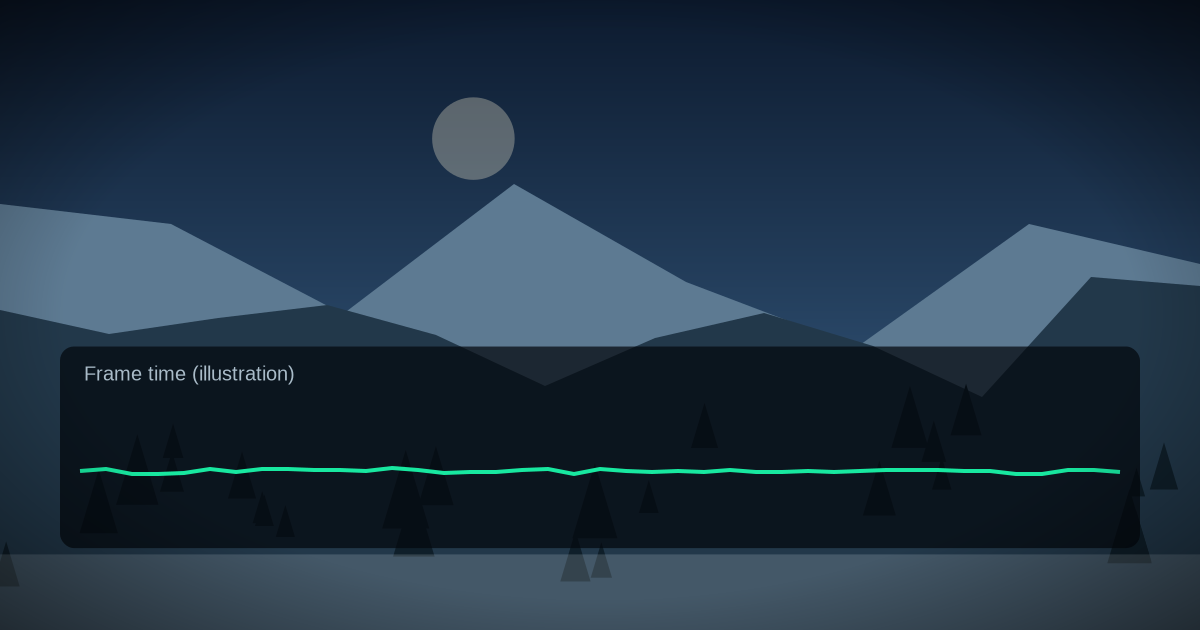
Our method for testing performance: a fixed test bench, the same route in each game, warm up runs, several captures with PresentMon based tools, and frame time graphs instead of one average number.
Why we wrote this: Product pages describe performance impact, and readers deserve to know exactly how that description is produced before they trust it.
In this story 8 sections
When a BOMZA product page describes the performance impact of a pack, that description comes from a fixed method. We test on a recorded hardware and software setup, play the same route in the same game conditions with the pack off and on, capture frame times with PresentMon based tools such as CapFrameX, repeat each run several times, and compare average frame rate, 1% low frame rate and the frame time graph. This article explains that method so you can judge our results and repeat the test on your own PC. It does not contain results. Those belong on the product pages, next to the exact setup they came from.
Why one FPS number is not enough
An average frame rate hides the thing you notice most: stutter. A game can average a high number and still feel rough because a few frames take much longer than the rest. That is why we look at frame times, the time each single frame took to render, and at the 1% low, which is the frame rate of the slowest one percent of frames in a run. Two packs with the same average can feel very different, and the 1% low and the graph show why.
The test bench
For every test we record the full setup, because a result without its setup is useless:
- CPU model, GPU model and VRAM, RAM amount and speed, and the drive the game is installed on.
- Windows version and build, GPU driver version, and the Windows settings that affect games, like Game Mode and hardware accelerated GPU scheduling.
- Monitor resolution and refresh rate, and whether variable refresh rate was on.
- Game version, game client, and every mod, loader and framework installed, with versions.
- In-game graphics settings, saved as a file or screenshots, plus any upscaler and its mode.
Between the "off" and "on" runs nothing changes except the pack. Same driver, same settings, same Windows state. If a driver or game update lands in the middle of testing, we start over.
A test bench is one PC, not every PC. Your result will differ with different hardware. That is why we publish the setup with the result and describe impact in terms that carry across, like whether a pack is mostly GPU bound and grows with resolution, or mostly CPU bound and shows up in dense areas.
A repeatable route in each game
Frame rate depends on where you are and what is happening. So each game has a defined route that we play the same way every time, starting from a fixed save or session:
- Skyrim and Fallout 4: a walk through an exterior with dense foliage or ruins, plus an interior cell. Weather and time of day are set by console command so every run sees the same sky.
- Cyberpunk 2077: a fixed walk or drive through a dense city area at night, with the same weather.
- The Witcher 3: a ride through a forest and village section, with weather and time fixed.
- Minecraft: a fixed world seed and spawn point, with set render distance, a flight or walk path, and the same time and weather.
- Euro Truck Simulator 2: the same stretch of road with a city section, at a fixed time and weather, same truck and trailer.
- Assetto Corsa: a set track, car, number of AI cars, time and weather through Content Manager, recorded laps or a replay where possible.
Replays and benchmarks built into a game are the most repeatable, so we use them when they exist and represent normal play. When we walk or drive by hand, we keep the route short and the inputs simple, and we accept that hand play adds some variation, which is why we repeat it.
Warm up and repeats
The first run after launching a game is often slower. Shaders compile, files load from disk into memory, and caches fill. So before we capture, we run the route once and throw that run away. Then we capture several runs with the pack off and several with it on. If one run looks clearly different from the others, for example because a background task kicked in, we look for the cause and rerun instead of averaging it in.
We also restart the game between the "off" and "on" sets when the pack requires it, and keep the order of runs consistent so heat and boost clocks affect both sides the same way.
Capture tools
We use tools built on PresentMon, which records when each frame is presented to the screen. CapFrameX is our main tool for capture and analysis, because it records frame times per run, computes the averages and lows, and draws frame time graphs that can be compared side by side. PresentMon can also be used on its own from the command line. Both are free, so you can use the same tools at home.
In-game FPS counters and overlays are fine for a quick look, but they often smooth the number and do not keep the per frame data we need. We do not use them for published results.
What we look at
- Average frame rate across all captured runs for each side.
- 1% low frame rate, to see whether the pack adds stutter.
- Frame time graph, to see where spikes happen on the route, for example when entering a city or a cell transition.
- Run to run spread, so we know whether a difference is real or within normal variation.
- VRAM use for texture packs, since running out of VRAM causes stutter that averages do not show.
What we publish and what we do not
On a product page we publish the impact in context: which test setup, which route, which game and pack versions, and what the change was. When a difference is within normal run to run variation, we say that instead of reporting a precise number. When a pack's cost depends heavily on resolution or a specific setting, we say which setting and how to lower it.
We do not publish:
- A single "FPS gain" figure that pretends to apply to every PC.
- Results from a different game version than the one the product is confirmed on.
- Comparisons against other people's mods that we did not test the same way.
- Numbers from setups we cannot describe in full.
If we retest after an update and the result changes, the product page changes with it, and the status page shows the new confirmation date.
Test it yourself
You can use the same method at home in a simpler form:
- Install CapFrameX or PresentMon.
- Pick a short route you can repeat, ideally from a fixed save.
- Play it once to warm up, then capture three runs with the mod off and three with it on.
- Compare average, 1% low and the graphs. Ignore small differences that fall within your own run to run spread.
Before blaming or praising a mod, check that Windows is set up sensibly. Our piece on Windows settings that matter for performance covers that. Game specific advice is on the FPS pages, like Skyrim, Cyberpunk 2077 and Minecraft, and on the product pages for packs like the Fallout 4 performance pack and the Assetto Corsa FPS boost preset. The game hubs, such as ETS2 mods and Witcher 3 mods, explain which settings in each engine cost the most.
Sign in to react. It takes a few seconds with a free account.


Comments 0
Be decent, stay on topic. New comments are checked by a moderator before they show for everyone.
Join the discussion. Sign in or create a free account to comment, reply and react.
Sign in to commentComments are closed on this story.
Loading comments...