

 SK
 F4
 W3
 MC
 ETS2
 AC

Cyberpunk 2077 · Visual effect
Cyberpunk 2077 FPS boost tweaks and presets
The biggest Cyberpunk 2077 FPS gains come from settings you can change in the menu: the upscaler, ray tracing level, screen space reflections, volumetric fog and crowd density. Performance mods go further by lowering costs you barely see, like distant shadow detail or extra ray tracing samples. First find out whether your GPU or your CPU is the limit.
01Part 1 of 6
Is your Cyberpunk 2077 frame rate limited by the GPU or the CPU?
This question decides which tweaks help. Lowering graphics settings when the CPU is the problem changes almost nothing, and the other way around.
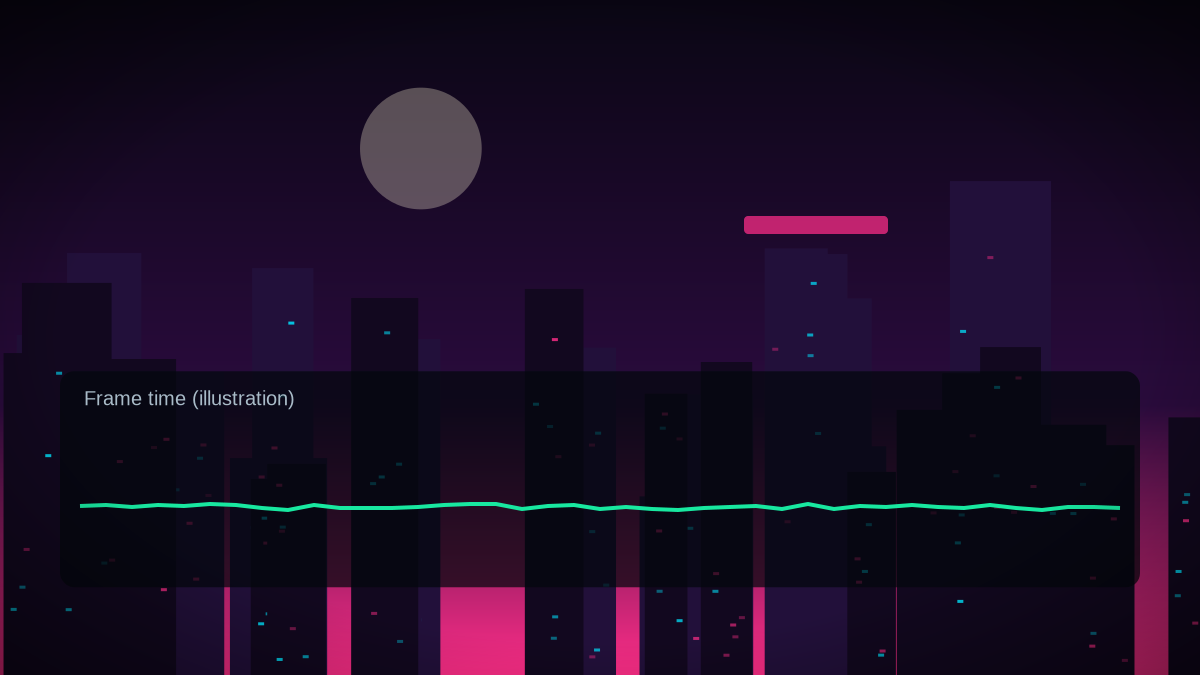
Signs of a GPU limit: frame rate goes up clearly when you lower the resolution or the upscaler preset, and GPU usage in a monitoring overlay sits near full. This is common with ray tracing and path tracing, and at 1440p or 4K.
Signs of a CPU limit: frame rate stays about the same at lower resolution, GPU usage drops below full, and the slowdowns happen in crowded places. Jig-Jig Street, the Kabuki market, the area around Misty's Esoterica and the Dogtown market are typical. Fast driving through the city also leans on the CPU and storage.
Check this yourself. Stand in a busy street, look at the frame rate and GPU usage, then drop the resolution scale and look again. Tools like the overlay in your GPU driver, or frame time capture tools, show the same thing in more detail. We describe our capture method in how BOMZA measures FPS impact.
Once you know the limit, you can pick the right settings below instead of lowering everything.
Screens
See the difference
The same scene before and after, plus the spot we test this effect in.
- In gameCrowded areas show whether the CPU or the GPU limits your frame rate.
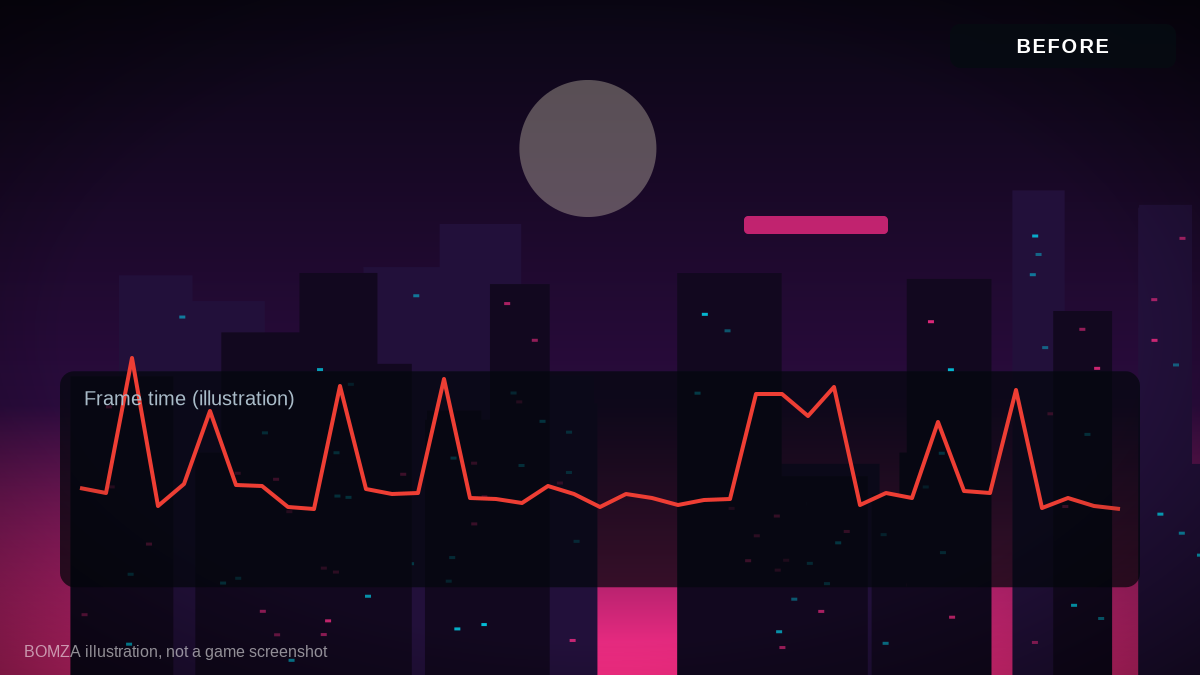
- BeforeThe base game look.
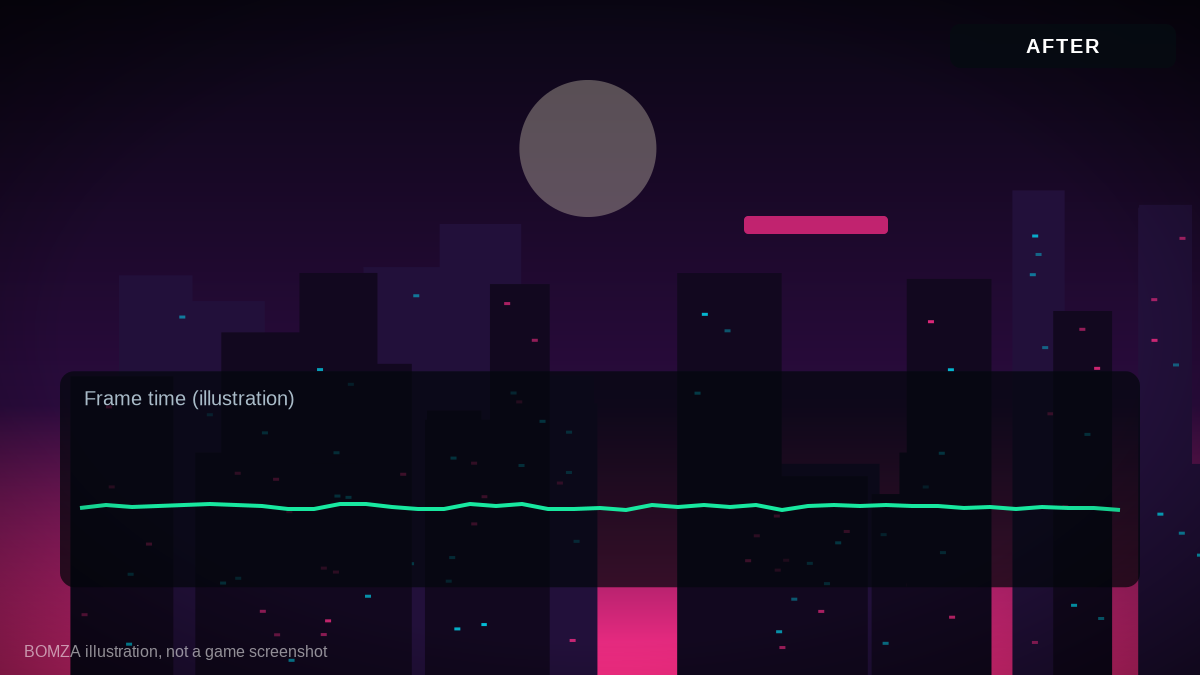
- AfterJig-Jig Street with default high settings compared with a performance preset that lowers distant and ray traced detail.
- Video coming soonA gameplay capture will be added here.
03Part 3 of 6
What can Cyberpunk 2077 performance mods do that the menu cannot?
The menu exposes only part of what the engine can adjust. Performance mods and presets change values in between the menu steps or that the menu does not show at all.
Finer ray tracing control
Fewer rays or bounces in specific effects, or shorter ray distance, which keeps most of the look at lower cost.
Distant detail
Lower level of detail for far away buildings, cars and crowds, where you rarely notice the difference.
Shadow tuning
Different cascade distances so close shadows stay sharp and far ones get cheaper.
Effect quality
Smoke, particles and decals at slightly lower resolution.
Streaming and memory settings,
which may reduce stutter on some systems. Results vary widely here.
Some of these are text based config changes, some work through Cyber Engine Tweaks, and some ship as REDmod or archive files. Config and archive based tweaks usually survive game patches better than script based ones, because they do not depend on the game executable layout.
A mod cannot give you more CPU power. If the CPU is the limit, crowd and traffic settings are the main tools, and a performance mod can only help by reducing them further.
The BOMZA FPS Boost Preset is a performance preset for this game. Its product page lists what it changes and what it needs.
04Part 4 of 6
Where should you test Cyberpunk 2077 FPS changes?
Frame rate in Cyberpunk varies hugely by place, time of day and weather. A tweak that seems to give a big gain in an empty Badlands road can do nothing in Japantown. To get a useful comparison, test the same route every time.
A walk through Jig-Jig Street at night
Crowds, neon and reflections. A hard CPU and GPU test.
A drive down a main road in City Center
Streaming, traffic and long view distance.
The Kabuki market
Dense crowds in narrow lanes.
Dogtown, if you own Phantom Liberty
Many players find it one of the heaviest areas.
The built-in benchmark
in the graphics menu. Repeatable and quick, but it does not cover driving or the busiest crowd areas.
Use the same time of day and weather, since rain and night lighting both change the load. Run each test more than once, because the first run after loading often stutters while shaders and assets settle. Look at the slowest moments, not only the average. A stable frame rate with fewer drops often feels better than a higher average with stutter.
05Part 5 of 6
Do Windows and driver settings help Cyberpunk 2077 performance?
Some do, and they are worth checking before you install performance mods.

GPU driver
NVIDIA, AMD and Intel regularly release drivers with fixes for big games, including Cyberpunk. A current driver also matters for upscaler and frame generation support.
Game Mode
in Windows is on by default and usually best left on.
Hardware accelerated GPU scheduling
is needed for some frame generation features on supported cards.
Background apps
Browsers with video, recording tools and overlays all take CPU time and memory. Close what you do not need while playing.
Power plan
On laptops, make sure the game runs on the dedicated GPU and the laptop is plugged in.
Storage
The game is installed on an SSD with enough free space for updates and shader caches.
Avoid "optimizer" programs that promise large gains by changing many system settings at once. They are hard to undo and the results are unclear. Read Windows settings that matter for game performance for a longer list of what helps and what does not.
06Part 6 of 6
What do you give up with a Cyberpunk 2077 FPS boost preset?
Every performance gain has a cost somewhere in the image. Good presets put that cost where you look least. You should still know what to expect.
Softer image
from lower upscaler presets, most noticeable on signs, hair and fine fences.
Less detailed distance
far buildings and cars may switch to simpler models sooner, which you may see as pop-in while driving.
Fewer people on the street
with lower crowd density. The city feels emptier in places like Kabuki.
Less accurate light
with reduced ray tracing settings, so neon spills less onto walls and floors.
Noisier reflections
when ray samples are lowered.
Decide what you care about most. If you love wet neon streets, keep ray traced reflections and give up crowd density or shadow range instead. If you want the busiest city possible, keep crowds and lower ray tracing.
You can also combine a performance preset with lighter visual mods. The night lighting and clearer colors pages cover mods that cost little. Check the status page for the current state of the BOMZA preset.
Dial it in
Settings that change the look
- 01
Upscaler preset
Sets the internal render resolution for DLSS, FSR or XeSS. Lower presets give more frames and a softer image.
- 02
Ray tracing level
Switches between raster, ray tracing and path tracing. Each step up adds more accurate light, shadows and reflections at a large cost.
- 03
Screen space reflections quality
Changes noise and detail in reflections when ray tracing is off. The top levels cost a lot for a small visual gain.
- 04
Crowd density
Sets how many people and cars fill the streets. Lower values ease CPU load in busy districts.
- 05
Volumetric fog resolution
Controls how detailed fog and light shafts are. A lower step is cheaper and rarely obvious.
- 06
Distant level of detail
Controls how far away buildings and cars switch to simpler models. Lower values save GPU time and add some pop-in.
Before you install
Compatibility
Works with
Performance tweaks can conflict with visual mods that raise the same values, for example a lighting mod that adds fog while a preset reduces it. The value loaded last wins. Tweaks that run through Cyber Engine Tweaks depend on CET supporting your game version, and config changes may be reset by a game update. Upscaler and frame generation options depend on your GPU and driver. See the Cyberpunk 2077 guides and the status page for the BOMZA preset.
Install steps are in Guides, and the current state of each pack is on the status page.
Limitations
- Performance mods cannot fix a CPU limit beyond lowering crowd and traffic load.
- Gains vary a lot by GPU, resolution and upscaler mode, so no preset gives the same result on every PC.
- Lower distant detail can cause visible pop-in while driving fast.
- Game patches can reset config changes or change how settings behave.
Tested packs
Get this effect
These BOMZA packs include this effect. Each one shows the game version it was last confirmed on. Options and checkout are in the shop.
FAQ
Questions players ask
Short answers to what players ask us most. Open a question to read the answer.
Ask in our Discord. Include your game version and what you installed.
Open Discord01What is the single best FPS setting in Cyberpunk 2077?
The upscaler. DLSS, FSR or XeSS at a quality preset usually gives the biggest gain for the smallest visual loss. After that, ray tracing level and screen space reflections quality.
02Why does my frame rate drop only in crowded areas?
That usually means the CPU is the limit. Lower crowd density in the gameplay menu. Graphics settings will not help much there.
03Does frame generation count as more FPS?
It raises the number of frames shown, which makes motion look smoother. It does not lower input latency, so it feels best when your base frame rate is already decent.
04Will a performance preset make the game look worse?
A little, in places you look at less, such as distant detail or extra ray tracing samples. Compare the same scene before and after to decide if the trade is worth it.
05Do I need to redo performance tweaks after a game patch?
Sometimes. Patches can reset config files or change settings. Check the mod or preset after each update, and see the BOMZA status page for our preset.
Keep exploring
More Cyberpunk 2077 effects

 Cyberpunk 2077 night lighting modsNight lighting mods change how bright Night City is after dark: street lamps, neon signs, holograms, headlights and the sky. Good ones keep neon glowing against deep shadows instead of lifting everything to a gray middle. They work best when they match your render mode, raster, ray tracing or path tracing.
 Cyberpunk 2077 rain and wet street reflection modsRain reflection mods change how wet Night City looks: how many puddles form, how glossy the asphalt gets and how sharp neon shows up in the water. The biggest factor is your reflection mode. Screen space reflections lose anything off screen, while ray traced reflections show the whole street.

 Cyberpunk 2077 clearer color modsClearer color mods remove part of the yellow and green tint Cyberpunk 2077 puts over daytime scenes, cut back the haze over the Badlands and change tone mapping so whites stay white. Start with the in-game film grain, chromatic aberration and HDR options, since they explain a lot of the muddy look on their own.
 Full Cyberpunk 2077 mods guideEvery effect, what it costs in FPS, what breaks after updates and how we check our packs.
Cyberpunk 2077 · fps boost
Skip the trial and error
Our pack for this effect is tuned and tested by our team on a named game version, with setup guides and support on Discord.