

 SK
 F4
 W3
 MC
 ETS2
 AC

Cyberpunk 2077 · Visual effect
Cyberpunk 2077 night lighting mods
Night lighting mods change how bright Night City is after dark: street lamps, neon signs, holograms, headlights and the sky. Good ones keep neon glowing against deep shadows instead of lifting everything to a gray middle. They work best when they match your render mode, raster, ray tracing or path tracing.
01Part 1 of 6
What does bad night lighting look like in Cyberpunk 2077?
Night City is supposed to be the star of the game at night, and in some places it is. Japantown under the cherry blossom lanterns or the view down Jig-Jig Street can look great on default settings. Other places look off in ways you notice after a few hours.
Flat gray streets
In parts of Watson and Heywood the ambient light at night is high enough that shadows turn gray. Alleys that should be dark look like early evening.
Blown out signs
Bright neon and holograms bloom so much that the text and shapes disappear into a glow. This shows up most in Kabuki and around the Afterlife.
Sudden exposure swings
The game adjusts exposure as you move between bright and dark areas. Walking from a lit market into a side street can make the screen dim, then brighten, then dim again.
Weak headlights
In the Badlands at night, car headlights can feel short, so the road ahead fades too soon.
Purple or blue cast
The night sky color tints everything, including skin tones in dialogue scenes.
None of this is broken. These are artistic choices that work in some scenes and not in others. A night lighting mod rebalances them so the contrast between lit and unlit areas is easier to read.
02Part 2 of 6
How do Cyberpunk 2077 night lighting mods change the city?
Night lighting mods work at different layers of the image. Which layer a mod uses decides what it can change.
Environment and weather data. Cyberpunk stores lighting settings per time of day and weather state: sky color, moon intensity, fog color and density, ambient light level and exposure limits. Mods that edit this data change the light itself. Ray traced reflections and global illumination then react to the new values, so a darker sky gives darker reflections too.
Light source tweaks. Some mods change the brightness and radius of street lamps, signs or vehicle headlights. This is where you get longer headlight throw in the Badlands or less glare from hologram ads.
Post-processing. Bloom strength, lens flare and eye adaptation speed control how bright lights feel, even if the lights themselves stay the same. Lowering bloom alone often makes neon signs readable again.
ReShade on top. A ReShade preset can deepen blacks and add contrast after the frame is done. It cannot add light where there is none. Pushing it too far crushes the dark areas that lighting mods try to keep detailed. For the difference between these approaches, see how lighting mods work.
Most good night mods combine the first three layers and leave ReShade optional.
Screens
See the difference
The same scene before and after, plus the spot we test this effect in.
- In gameDense neon areas are the best place to judge bloom and shadow depth.
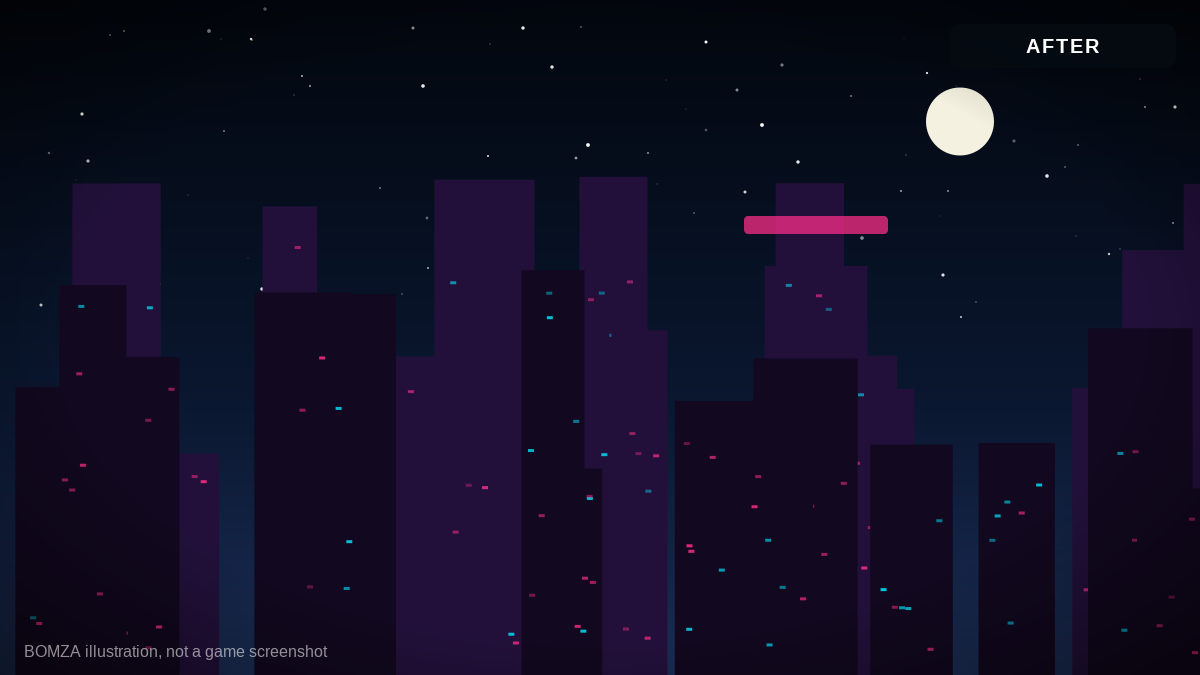
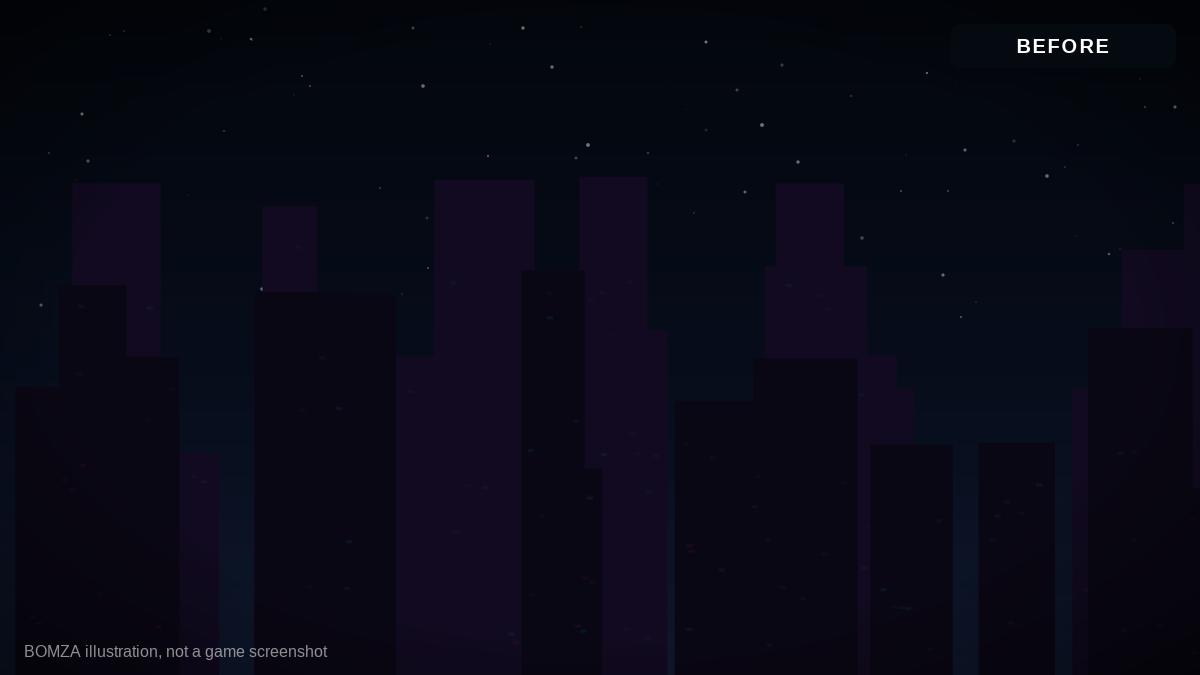
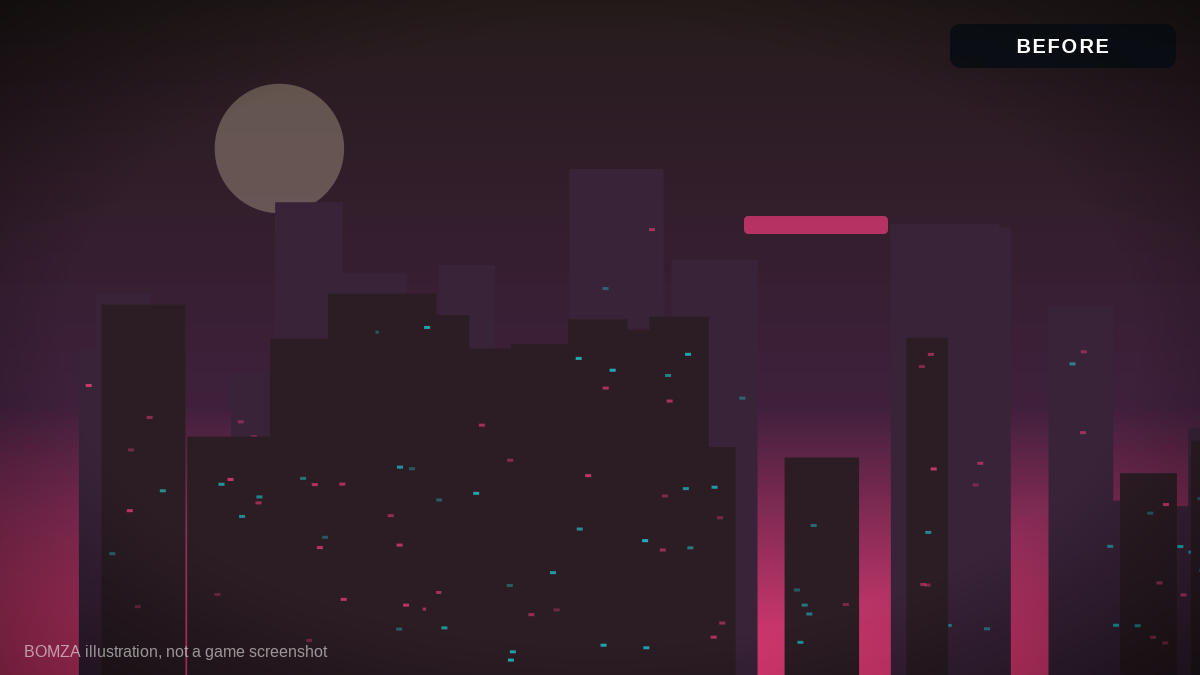
- BeforeThe base game look.
- AfterJig-Jig Street at night: default lighting compared with a rebalanced night setup that keeps neon readable and shadows dark.
- Video coming soonA gameplay capture will be added here.
03Part 3 of 6
How do raster, ray tracing and path tracing change night lighting?
Your render mode has the biggest single effect on how Night City looks at night, more than any mod.
Raster. Lights mostly illuminate what is near them, and reflections come from what is visible on screen. Night scenes look cleaner but flatter. Mods have room to add contrast here, because the base lighting has no bounced light from signs onto walls.
Ray tracing. With RT lighting on, light from neon spills onto nearby surfaces, and RT reflections pick up signs that are off screen. A mod that raises neon brightness has a bigger effect here, since every bright sign now lights the street and shows up in windows. That is why some raster tuned mods look too bright with RT on.
Path tracing. In RT: Overdrive mode, every light source casts real light and shadow, and light bounces around the scene. Interiors like Lizzie's Bar get color from the neon inside them, not from fill lights. Night mods for path tracing focus less on brightness and more on noise, bounce intensity and how dark the unlit areas get. DLSS Ray Reconstruction on NVIDIA cards affects how clean the result looks.
Before you pick a mod, check which mode it was made for. If you switch modes later, look at a few known places again and adjust.
04Part 4 of 6
Where should you check Cyberpunk 2077 night lighting changes?
Testing in random places makes it hard to tell what a mod does. Use the same handful of locations every time, at the same in-game hour. Midnight and around 2 AM give the most consistent results.
Jig-Jig Street, Japantown
Dense neon, many signs, lots of bloom. Good for checking whether signs stay readable.
Kabuki market
Mixed light sources and narrow lanes. Shows how well shadows hold between stalls.
Megabuilding H10 corridors
Indoor lighting with fluorescent tubes. Good for spotting gray, washed out interiors.
Corpo Plaza
Wide open space with tall towers. Shows sky brightness and how far light reaches.
A road in the Badlands
Almost no artificial light. Tests moon brightness and headlight range.
Dogtown, if you own Phantom Liberty
Harsh spotlights and dark areas side by side.
Take a screenshot in each place before you change anything. Then compare after. The photo mode lets you freeze time and look at the same frame. Keep the weather the same, because rain changes lighting a lot. For wet street testing, use the rain reflections page.
05Part 5 of 6
Can you combine a night lighting mod with other Cyberpunk visual mods?
Yes, with care. Night lighting overlaps with two other areas, and you will want to plan around that.
Weather mods. Many weather mods also change night fog and sky color. If both mods edit the same weather files, only one set of values applies, usually the one loaded last. Either pick a lighting mod that includes weather, or check that the two say they are compatible.
Color mods. A color or tone mapping mod changes how dark and bright values map to the screen. On top of a night lighting mod it can crush shadows or wash them out again. Turn one off, look at the result, then decide. See clearer colors for how those mods work.
Reflection mods. These pair well, since rain makes night streets much brighter. A lighting mod that keeps the dry city dark helps wet neon reflections stand out.
ReShade presets. Use a light preset on top, mainly for sharpening or a small contrast change. Heavy presets were often tuned against the default lighting and will double the effect.
The BOMZA Neon Nights Lighting pack is built for night scenes. Its product page lists exactly what it changes, so check there before you add a second lighting or reflection mod. Read load order and mod conflicts for the general rules on overlap.
06Part 6 of 6
Do night lighting mods lower FPS in Cyberpunk 2077?
Usually a little, sometimes not at all. The cost depends on what the mod changes.
Changing brightness values
of existing lights, the sky or exposure costs almost nothing. The GPU does the same work with different numbers.
Adding volumetric fog or denser fog
costs more, especially at high resolution, because fog is computed for many points in the scene.
Raising light radius
means each lamp or sign touches more pixels. In dense areas like Japantown that adds up.
Extra shadow casting lights
are the most expensive change in raster mode.
In path tracing
, brightness changes are cheap, but mods that raise bounce counts or samples can cut frame rate a lot.
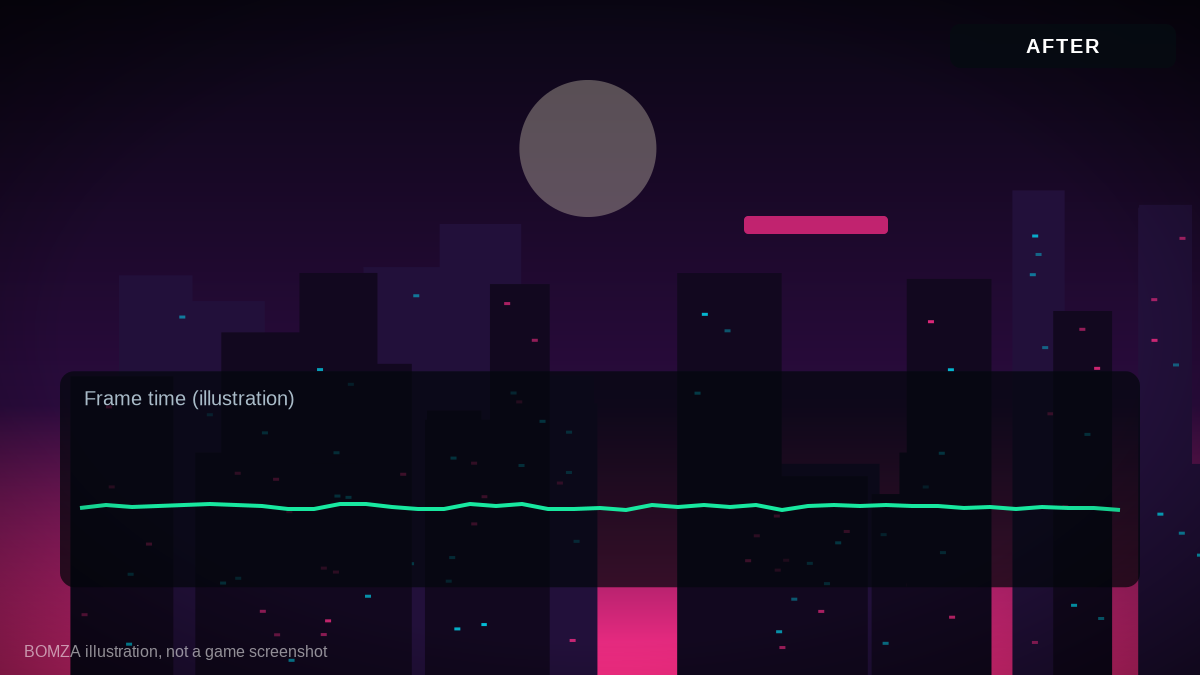
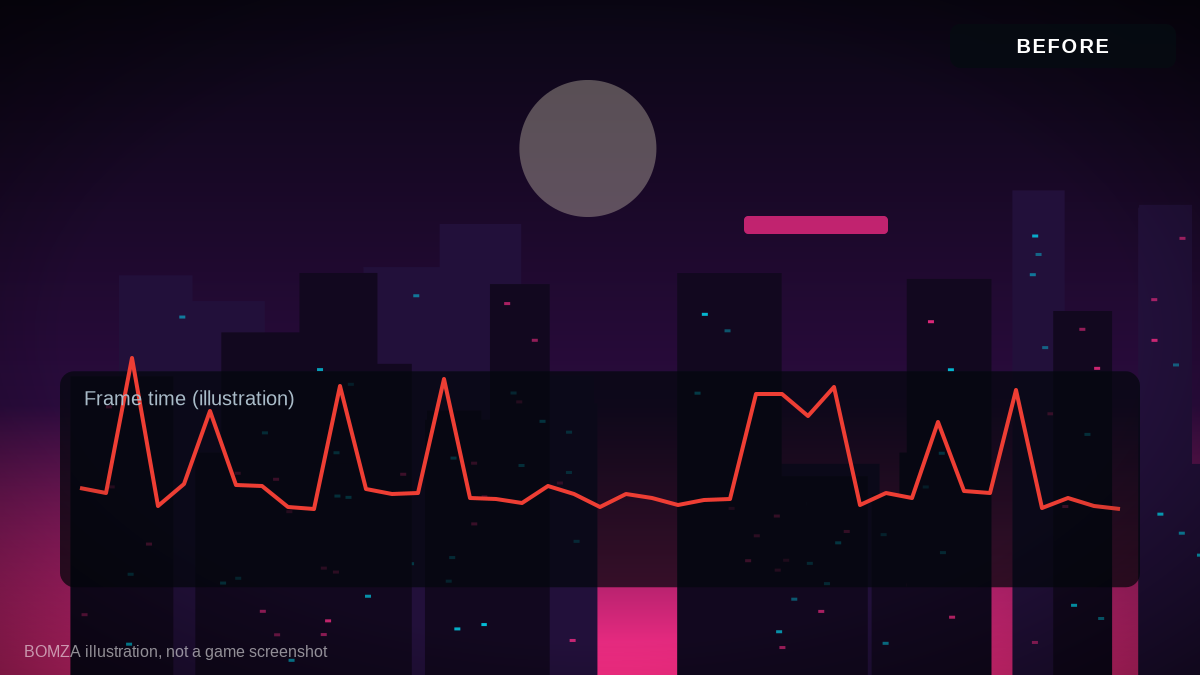
We do not quote a number here, since it depends on your GPU, resolution and upscaler. Test it yourself: stand in Jig-Jig Street at night, note your frame rate or capture a short run, then compare with the mod on. Our method is in how BOMZA measures FPS impact. If you need frames back, the FPS boost page covers settings that cost little visually.
Dial it in
Settings that change the look
- 01
Ambient light level at night
Sets how bright unlit areas are. Lower values give darker alleys and more contrast against neon; too low and you lose detail in shadows.
- 02
Bloom intensity
Controls the glow around bright lights. Lowering it makes sign text and hologram shapes readable instead of a soft blur.
- 03
Eye adaptation speed and limits
Decides how quickly and how far exposure shifts when you move between bright and dark places. Narrower limits stop the screen from pumping.
- 04
Moon and sky brightness
Changes how much light the sky adds in open areas like the Badlands and Corpo Plaza, and the color cast it puts on everything.
- 05
Headlight intensity and range
Makes car and bike headlights reach further and look brighter on dark roads outside the city.
Before you install
Compatibility
Works with
Night lighting mods that edit environment data can conflict with weather mods and other lighting mods that touch the same files. Only one set of values applies. Mods built on Cyber Engine Tweaks stop working when CET has no release for your game version. ReShade presets work alongside most in-engine mods, but heavy presets can double the effect. Mods made before the 2.0 update may not account for the reworked lighting. Check the status page for the BOMZA pack and see the Cyberpunk 2077 guides for setup.
Install steps are in Guides, and the current state of each pack is on the status page.
Limitations
- A preset tuned for path tracing will not look the same in raster or standard ray tracing, and the reverse.
- Darker nights can make some quest areas and interiors harder to see. You may need to lift brightness a little in the game menu.
- Mods cannot change lighting baked into cutscenes or specific scripted scenes.
- Dense neon areas still drop frame rate on heavy settings, and a lighting mod will not fix that.
Tested packs
Get this effect
These BOMZA packs include this effect. Each one shows the game version it was last confirmed on. Options and checkout are in the shop.
FAQ
Questions players ask
Short answers to what players ask us most. Open a question to read the answer.
Ask in our Discord. Include your game version and what you installed.
Open Discord01Will a night lighting mod make the game too dark to play?
A good one keeps light sources bright and only darkens unlit areas. If you find indoor missions too dark, raise the in-game brightness slightly or lower the ambient light change in the mod settings if it has them.
02Do I need ray tracing for a night lighting mod?
No. Many mods are made for raster mode. Ray tracing and path tracing make neon spill and reflect more realistically, so the same mod will look different with them on. Pick one made for the mode you use.
03Does the mod change the daytime look too?
Some do, since lighting data covers the whole day cycle. Mods focused on nights may still affect dusk and dawn. Check daytime in a familiar place after you add one.
04Can I use a night lighting mod with a ReShade preset?
Yes, but keep the preset light. Use it for sharpening or a small contrast change. A strong preset made for the default game will push shadows too dark on top of a lighting mod.
05Does Neon Nights Lighting need Cyber Engine Tweaks?
The product page lists exact requirements, and the status page shows the game version the pack was last confirmed on. Check both before you buy.
Keep exploring
More Cyberpunk 2077 effects
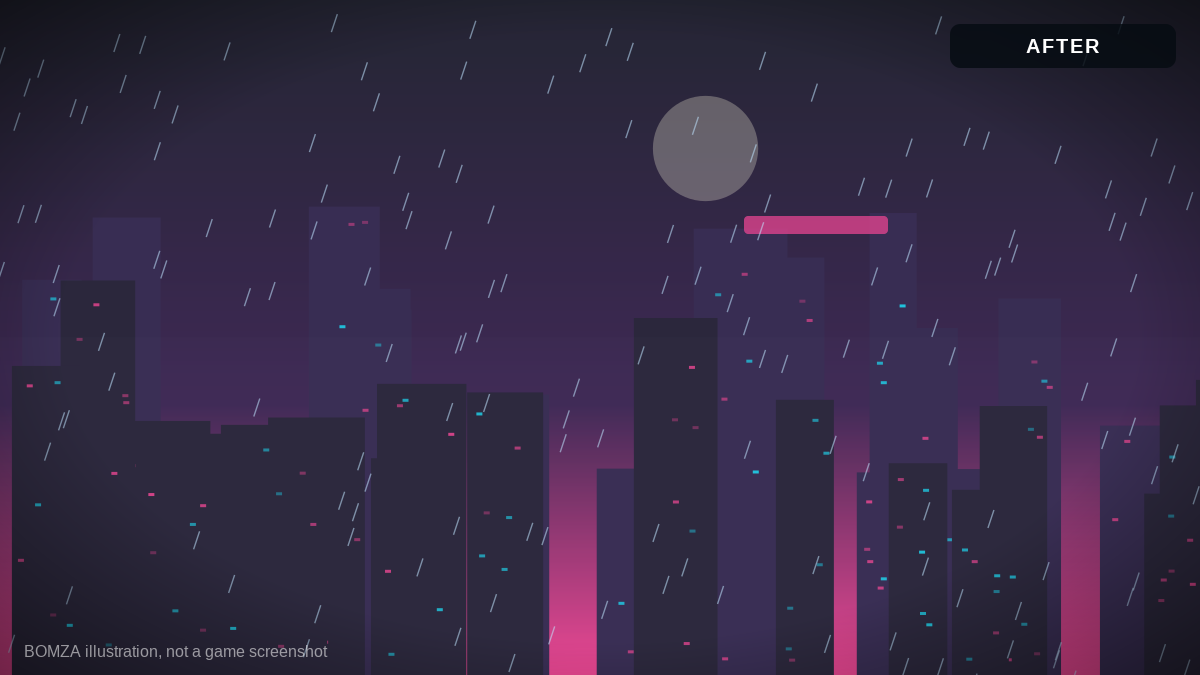
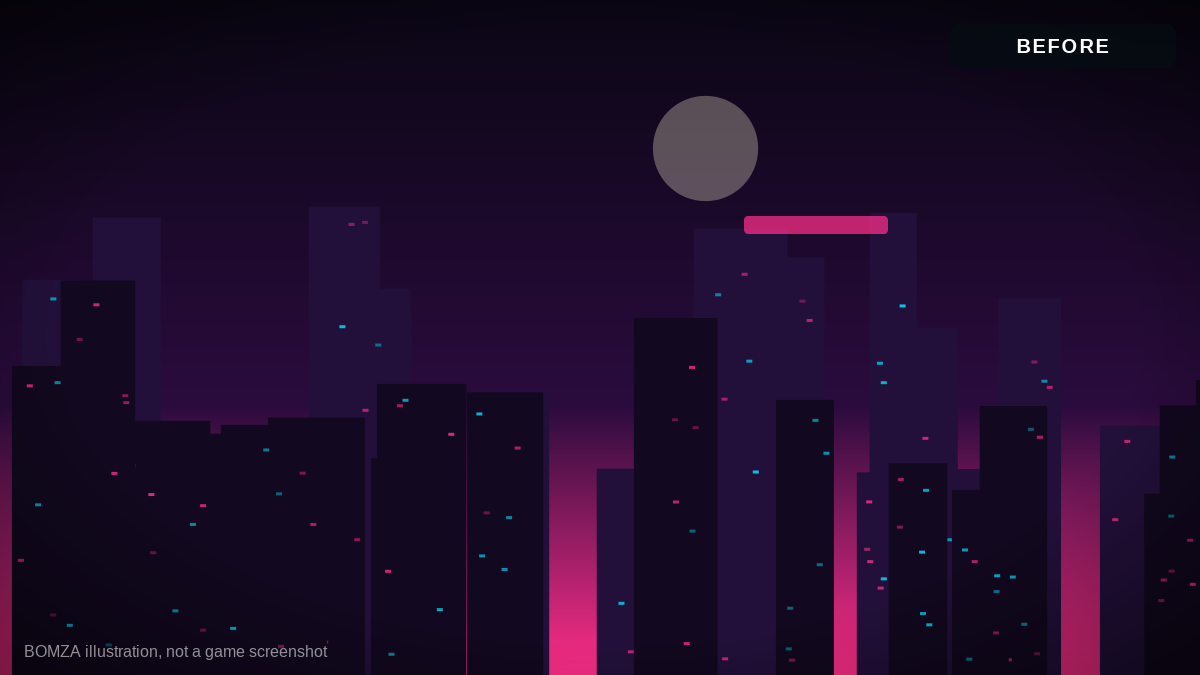 Cyberpunk 2077 rain and wet street reflection modsRain reflection mods change how wet Night City looks: how many puddles form, how glossy the asphalt gets and how sharp neon shows up in the water. The biggest factor is your reflection mode. Screen space reflections lose anything off screen, while ray traced reflections show the whole street.
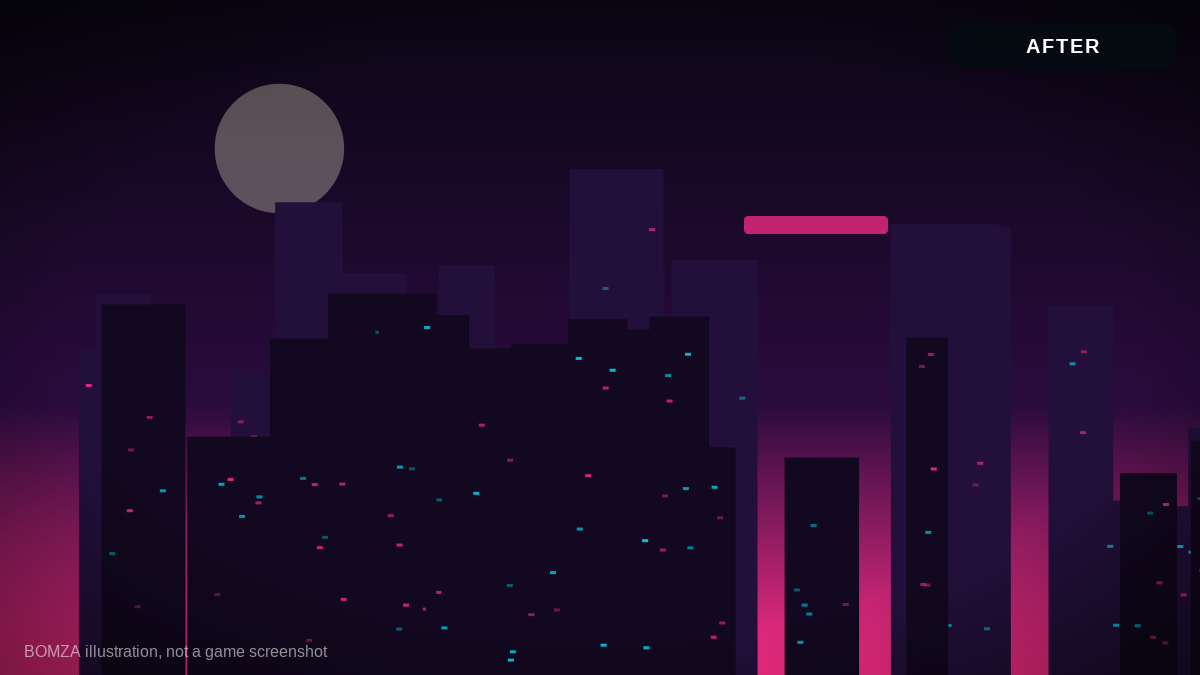
 Cyberpunk 2077 clearer color modsClearer color mods remove part of the yellow and green tint Cyberpunk 2077 puts over daytime scenes, cut back the haze over the Badlands and change tone mapping so whites stay white. Start with the in-game film grain, chromatic aberration and HDR options, since they explain a lot of the muddy look on their own.
 Cyberpunk 2077 FPS boost tweaks and presetsThe biggest Cyberpunk 2077 FPS gains come from settings you can change in the menu: the upscaler, ray tracing level, screen space reflections, volumetric fog and crowd density. Performance mods go further by lowering costs you barely see, like distant shadow detail or extra ray tracing samples. First find out whether your GPU or your CPU is the limit.
 Full Cyberpunk 2077 mods guideEvery effect, what it costs in FPS, what breaks after updates and how we check our packs.
Cyberpunk 2077 · night lighting
Skip the trial and error
Our pack for this effect is tuned and tested by our team on a named game version, with setup guides and support on Discord.