

 SK
 F4
 CP
 W3
 MC
 AC

Euro Truck Simulator 2 · Visual effect
Sharper road textures in Euro Truck Simulator 2
Sharper roads in ETS2 come from two places: texture mods that replace asphalt, markings and roadside ground with more detailed versions, and game settings like scaling and texture filtering that decide how clearly those textures reach your screen. Fix the settings first. Add a texture mod only if the surface itself still looks soft.
01Part 1 of 6
What do blurry road textures look like in ETS2?
From the driver's seat you look at the road more than anything else, and you look at it at a very flat angle. That is where problems show.
- The asphalt looks crisp right in front of the bumper, then turns into a smooth gray smear a few truck lengths ahead.
- Dashed lane lines shimmer or crawl as you drive, especially on long straight motorways.
- You can spot the same crack or patch repeating at regular intervals, which gives away the texture tiling.
- Edge lines and the shoulder blend together in low sun or at dusk.
- Roadside grass and gravel look flat next to well-modeled trucks and buildings.
Some of this is the texture itself, some is how the game filters it at a distance, and some is aliasing, the stair-step flicker on thin bright lines. Each has a different fix, and a texture mod only solves the first one. That is why players sometimes install a 4K road pack and see almost no difference: the problem was filtering or aliasing all along.
Before you change anything, park on a straight motorway in daylight and take a screenshot. Then change one thing and take another from the same spot. It is the only fair way to compare.
02Part 2 of 6
Why does the road blur at a distance?
Games store each texture at several sizes, called mipmaps. Close up, the game uses the full-size texture. Further away, it switches to smaller versions so distant surfaces do not flicker. That is normal and needed.
The trouble is the angle. A road seen from a cab is stretched heavily in one direction. Basic filtering picks a mipmap that is right for the narrow direction and too small for the long one, so the road goes soft much sooner than it should. Anisotropic filtering fixes this by sampling the texture more times along the stretched direction. At high settings, the asphalt holds its grain much further down the road.
Thin bright lines like lane markings have a second problem. When a line is thinner than a pixel at a distance, it pops in and out between frames. That is aliasing, and texture resolution does not cure it. Anti-aliasing and higher render scaling do.
So there are three separate dials: texture detail, filtering and anti-aliasing. A road texture mod raises the first. The game's settings and your GPU driver control the other two. The next section covers them in the order that gives you the most for the least frame rate.
Screens
See the difference
The same scene before and after, plus the spot we test this effect in.
- In gameVariation in wear and patches matters as much as texture resolution.
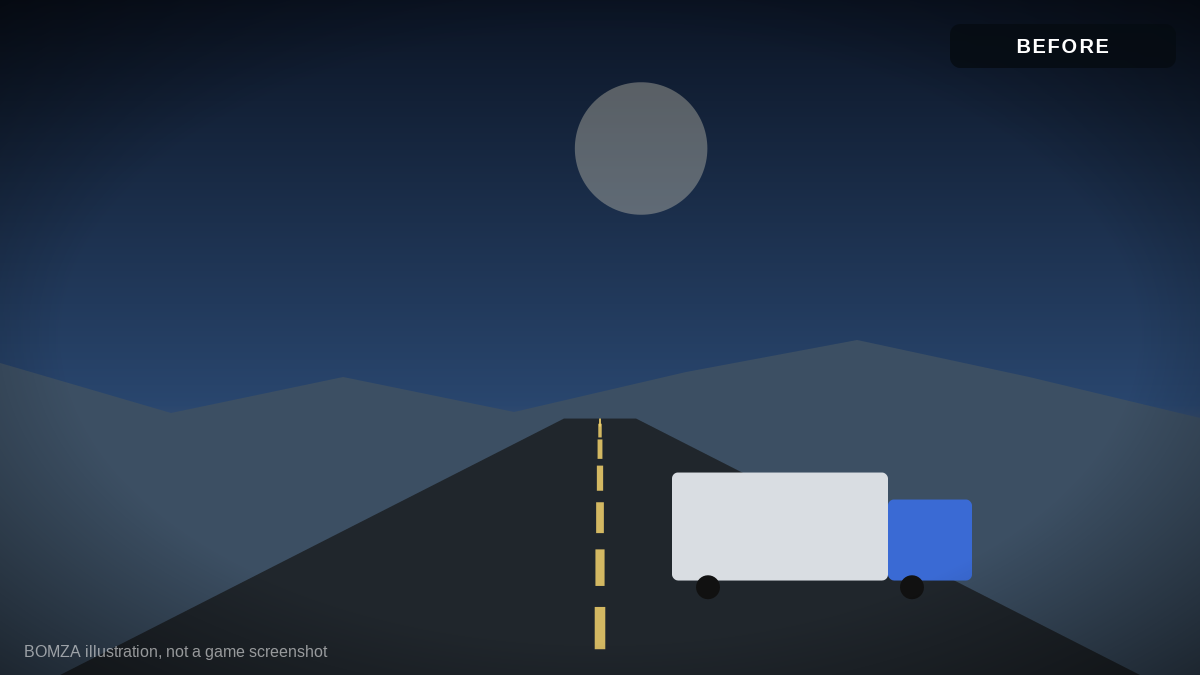
- BeforeThe base game look.
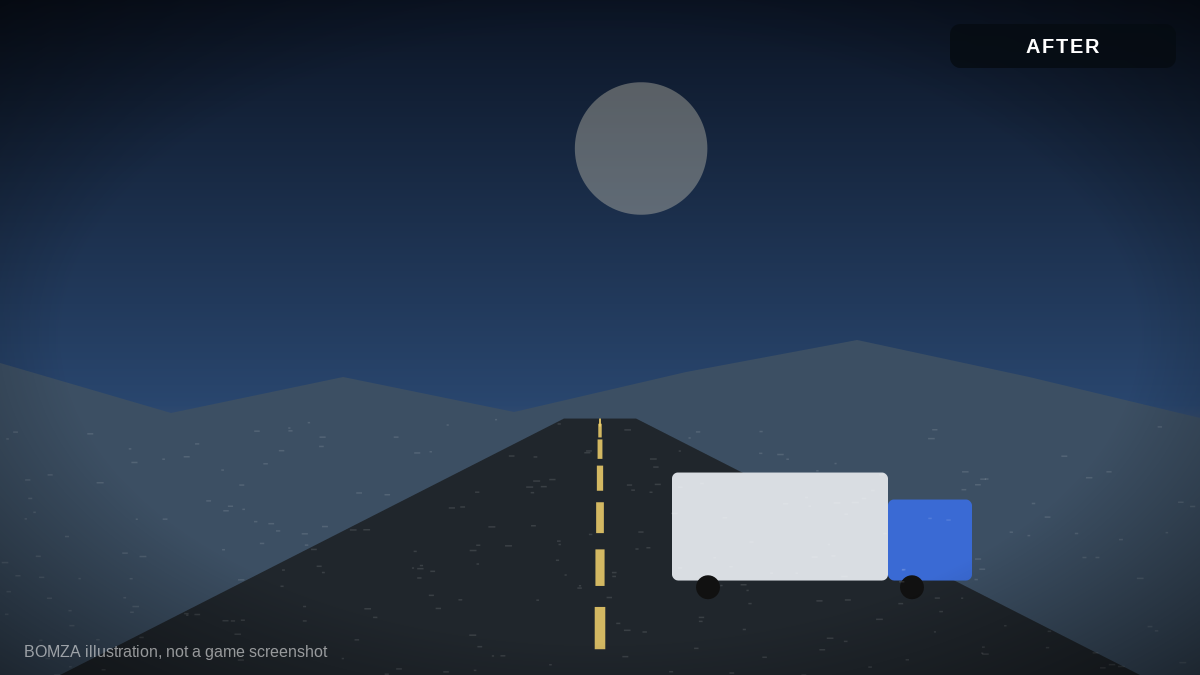
- AfterThe same motorway from the cab with default filtering and with high anisotropic filtering and a detailed asphalt texture.
03Part 3 of 6
Which ETS2 settings make roads sharper before any mod?
Work through these in order, checking your test screenshot each time.
Texture quality
Make sure it is at the highest level your VRAM handles. Lower settings use smaller textures across the board.
Texture filtering
Raise anisotropic filtering to its highest option. If the game's menu does not give you what you want, your GPU driver control panel can apply anisotropic filtering for the game. This is usually the single biggest gain for road sharpness and costs little on modern GPUs.
Anti-aliasing
Turn on the anti-aliasing options the game offers to calm shimmering lane lines.
Scaling
Rendering above 100% gives the sharpest result of all, because the game draws more pixels and then scales down. It is also the most expensive setting in the game, so raise it in small steps and watch your frame rate.
Native resolution matters too. If Windows or the game runs below your monitor's native resolution, everything goes soft, roads included. Check that first if the whole image looks blurry, not just the road.
Only once these are set does it make sense to judge a road texture mod. Many players find that filtering and a modest scaling bump fix most of what bothered them. For the frame rate side of scaling, see the ETS2 FPS boost page.
04Part 4 of 6
What do ETS2 road texture mods replace?
Road texture mods swap the image files the game paints on its road models. Depending on the mod, that can include:
- The base asphalt, with finer grain, more varied wear and fewer obvious repeats.
- Cracks, patches and tire tracks, which break up long straight sections.
- Lane markings, sometimes with more accurate styles per country, such as the yellow center lines used in Norway.
- Shoulders, gravel edges and curbs.
- Sometimes roadside terrain, like grass verges and dirt.
Resolution is only part of it. A higher resolution texture with the same flat look does not help much. What makes a road feel real is variation: older patches next to fresh asphalt, worn wheel paths, darker joints. The best road mods spend their effort on that, not only on pixel count.
Texture mods do not change the road models. Lanes, curves and junction shapes stay as they are. If a road looks wrong because of its geometry, a texture mod cannot fix it.
BOMZA does not sell an ETS2 road texture pack at the moment. For free options and what to watch for when picking one, see free mods.
05Part 5 of 6
Do road texture mods work with ProMods and map DLC?
Often only partly. Map mods and map DLCs bring their own roads, and many of them use their own textures for local asphalt, signs and markings. A road texture mod made for the base map may only replace the shared textures, which leaves DLC or map mod roads looking the way their authors made them.

That is not always bad. Map authors put a lot of work into regional road surfaces, and a generic texture pack placed above them can actually make regions look more alike than they should. A road in rural Portugal is not supposed to look like a German autobahn.
What you can do
- Check whether the texture mod lists your map mod or DLC as covered.
- Try it in two priority positions, above and below the map mod, and compare the same road in each.
- Drive across a border between base map and map mod areas. Sudden changes in asphalt color or marking style show which textures apply where.
If a texture mod and a map mod disagree, the map mod usually knows its own roads better. Our article on load order and mod conflicts explains how priority decides which file wins.
06Part 6 of 6
What do sharper road textures cost in VRAM and loading?
Higher resolution textures take more memory. Doubling the width and height of a texture means about four times the data. A full road pack at high resolution can add a noticeable amount of VRAM use, and a winter or terrain pack on top adds more.
When VRAM runs out, the symptoms are specific: short stutters as you enter new areas, textures that load in blurry and sharpen a moment later, and in bad cases longer hitches in cities. Average FPS may look fine while the drive feels rough. If you see this after installing a texture mod, try a lower resolution version of the same mod before you give up on it.
Loading times also grow with texture packs, more so if you already run a large map combo. That is a one-time cost per session, but it adds up if you test mods often.
Sharpening filters such as ReShade's sharpen effects cost much less memory than texture packs, since they work on the finished image. They can make roads look crisper, but they do not add detail that is not there, and strong settings draw bright halos around lane lines and signs. Keep them light, and turn them off when you judge a texture mod so you see what the textures alone do.
Dial it in
Settings that change the look
- 01
Texture quality
Sets the size of textures the game loads. Lower levels make the whole road surface softer, not just distant parts.
- 02
Anisotropic filtering
Keeps the road sharp at flat viewing angles, so asphalt grain holds further down the road. Usually the biggest single gain.
- 03
Anti-aliasing
Reduces shimmer and crawl on thin lane markings and road edges at a distance.
- 04
Scaling
Renders the scene at a higher resolution and scales it down. Sharpest result overall, with the highest GPU cost.
- 05
Road texture resolution
A mod choice. Higher resolution versions show more detail close up and use more VRAM.
- 06
Sharpening filter
A ReShade option that crisps the finished image. Light use helps, strong use draws halos around lines and signs.
Before you install
Compatibility
Works with
Road texture mods usually work on the base map and may only partly cover map DLC and map mods, which often ship their own road textures. Priority in the mod manager decides which texture wins when two mods replace the same file. Winter mods can override road textures. Texture swaps tend to survive game updates better than definition-based mods, but check the mod page after each major update. BOMZA does not currently sell an ETS2 road texture product, so this page is general guidance.
Install steps are in Guides, and the current state of each pack is on the status page.
Limitations
- Texture mods cannot fix shimmering lane lines; that needs anti-aliasing or scaling.
- Roads added by map mods and some DLC may keep their own textures.
- Higher resolution textures use more VRAM and can cause stutter on cards with less memory.
- Road shape and junction layout stay the same, because texture mods do not change models.
Tested packs
Get this effect
No BOMZA pack covers this effect yet. You can still browse the Euro Truck Simulator 2 shop for the packs that exist.
There is no BOMZA pack for this yet. The guide above covers the free ways to get the effect, and the free mods overview explains how to judge a mod page.
FAQ
Questions players ask
Short answers to what players ask us most. Open a question to read the answer.
Ask in our Discord. Include your game version and what you installed.
Open Discord01Why did a 4K road mod make almost no difference?
The blur was probably from filtering or aliasing, not the texture. Raise anisotropic filtering and check anti-aliasing first, then compare the mod again from the same spot.
02Is scaling better than a road texture mod?
They do different things. Scaling sharpens the whole image and costs a lot of GPU time. A texture mod adds surface detail and costs VRAM. Many players use a small scaling bump plus good filtering and skip the texture mod.
03Should a road texture mod go above or below ProMods?
Follow the order the texture mod author gives. If none is given, try both and compare the same road. Map mods often know their own roads better, so many players keep them on top for those regions.
04Do road texture mods break with game updates?
Less often than weather or map mods, because they mostly replace image files. Check the mod page after a major update anyway.
Keep exploring
More Euro Truck Simulator 2 effects
 Night driving lighting mods for Euro Truck Simulator 2Night driving lighting mods for ETS2 change how far and how wide your headlights reach, how street lamps and towns glow, and how dark the open road gets between them. A good setup makes the road ahead readable without turning night into a dim day, and it works with your weather mod instead of against it.
 Weather effects mods for Euro Truck Simulator 2Weather mods for ETS2 widen the gap between a clear day and a storm: heavier rain, thicker fog, new cloud skies and different light by time of day. Most of them edit the same climate and sky files, so you pick one main weather mod and build the rest of your setup around it.
 How to get more FPS in Euro Truck Simulator 2Most ETS2 frame rate problems come from a short list: scaling above 100%, mirror quality and distance, dense AI traffic, shadows, and heavy mods like traffic packs and big map combos. Find out whether your PC is limited by the CPU or the GPU first, then cut the settings that cost the most for what you actually see from the cab.
 Full Euro Truck Simulator 2 mods guideEvery effect, what it costs in FPS, what breaks after updates and how we check our packs.
Euro Truck Simulator 2 · sharper road textures
Want a pack for this?
There is no BOMZA pack for this effect yet. The Euro Truck Simulator 2 shop lists every pack we have for this game today.