 SK
 F4
 CP
 W3
 MC
 AC

Shadow quality
- What you see
- Sharper, more detailed shadows from trucks, trees and buildings
- Where it costs
- GPU, more in sunny weather and forests

Show prices in
Prices in other currencies are approximate. Card payments are charged in South African rand (ZAR).
 Log in
Euro Truck Simulator 2 · Visual effect
Most ETS2 frame rate problems come from a short list: scaling above 100%, mirror quality and distance, dense AI traffic, shadows, and heavy mods like traffic packs and big map combos. Find out whether your PC is limited by the CPU or the GPU first, then cut the settings that cost the most for what you actually see from the cab.
01Part 1 of 6
This one question decides which settings help. ETS2 leans heavily on a single main thread for simulation and preparing each frame. In busy places, that thread is often the limit, no matter how strong your graphics card is.
A simple test tells you which side you are on
Find a spot where frame rate drops, like a big city junction or a toll gate.
Note your frame rate, then drop scaling a long way, for example from 100% to 50%.
If frame rate jumps, you are GPU limited there. Scaling, shadows and reflections are your levers.
If it barely moves, you are CPU limited. Traffic, mirrors, view distance and heavy mods are your levers.
Many PCs are GPU limited on open roads and CPU limited in cities. That is why a setup can run smoothly on the motorway and stutter in Paris or Berlin. Test both kinds of place before you change anything, and use the same route each time so you compare like with like.
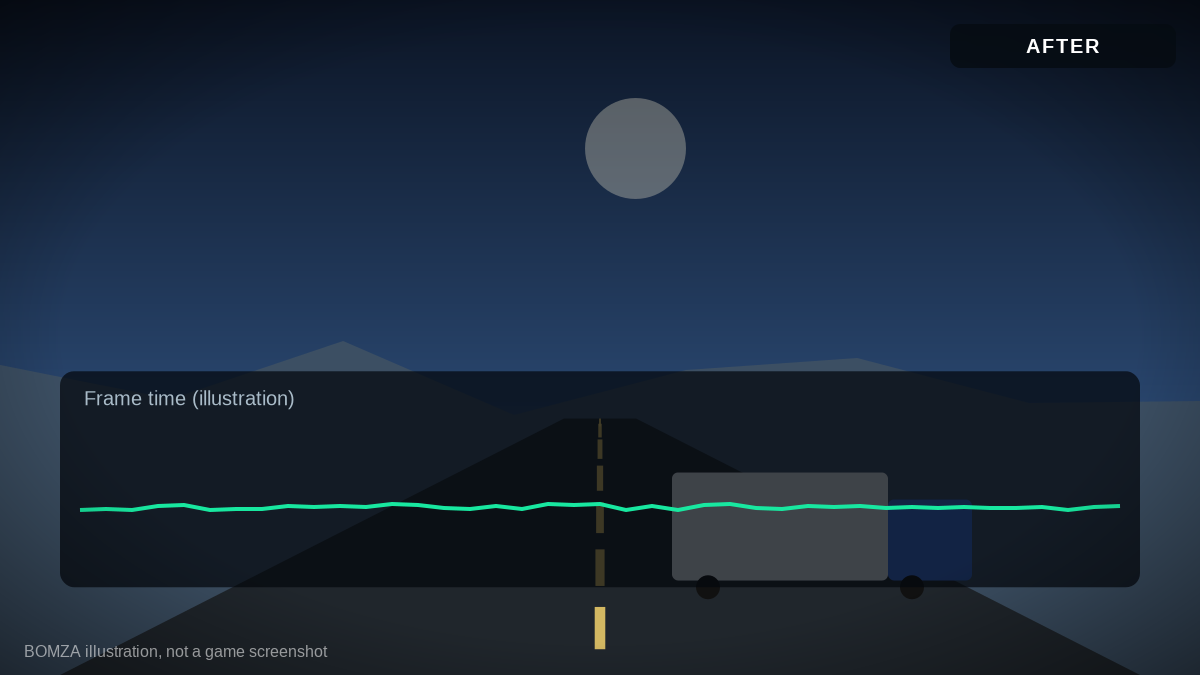
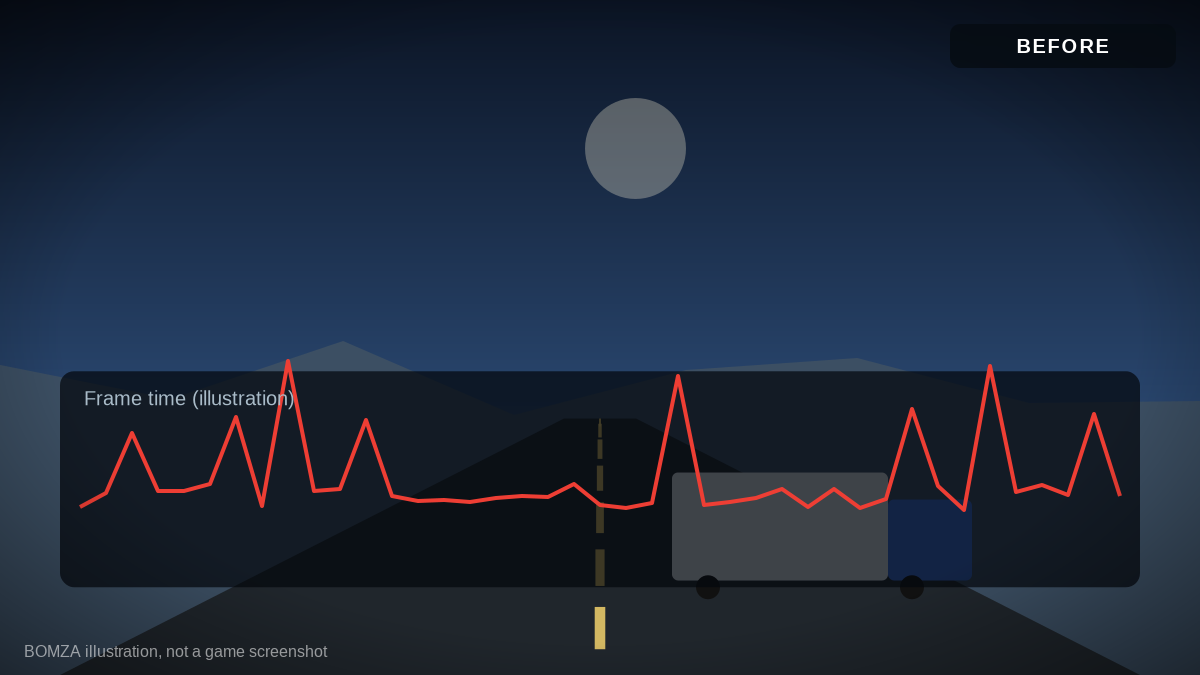
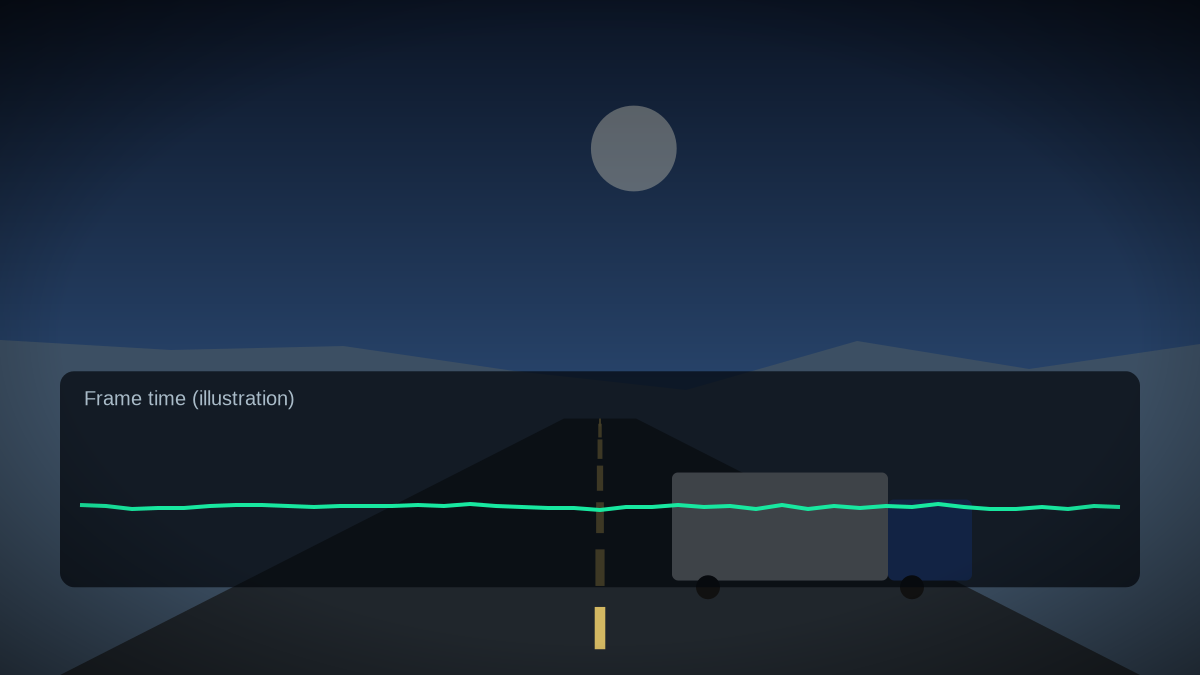
A frame time overlay helps more than an FPS counter here. A steady line with a lower average often feels better than a higher average with spikes. Our article on how BOMZA measures FPS impact explains how frame time capture works.
02Part 2 of 6
Scaling is the most powerful and most expensive graphics setting in the game. At 100% the game renders at your screen resolution. At 200% it renders twice the width and twice the height, four times the pixels, then scales the result down. The image gets very sharp, with far less shimmer on lane lines and fences. Your GPU does several times the work.
Players often push scaling up because it is the easiest way to make ETS2 look clean, then wonder why the game runs badly. If you are GPU limited, scaling is the first setting to look at.
Practical steps
Scaling also interacts with sharpness. If you lower it and roads go soft, see the sharper road textures page for cheaper ways to keep the road crisp.
Screens
The same scene before and after, plus the spot we test this effect in.
In gameBusy cities are where ETS2 usually runs into CPU limits.BeforeThe base game look.AfterThe same city junction before and after lowering mirror distance and traffic density, with frame time shown as a line.Video coming soonA gameplay capture will be added here.03Part 3 of 6
Every mirror in your truck is a second view of the world. The game draws the scene again from the mirror's angle, with traffic, buildings, lights and weather. Trucks have several mirrors, and each one adds work for both the CPU and the GPU.
ETS2 gives you two mirror controls in the graphics settings: quality and distance. Quality sets the detail of what the mirror shows. Distance sets how far into the scene the mirror draws. High settings on both can cost as much as a big jump in scaling, and the cost goes up in cities and at night, where there are more objects and light sources to draw.
What usually works
Mirrors are often the hidden reason a lighting or weather mod seems expensive. The mod adds a little, and then every mirror multiplies it. Tune mirrors before you blame a visual mod.
04Part 4 of 6
AI traffic is the main CPU cost in ETS2. Every car and truck has to be simulated, placed and drawn, with its own lights at night. City centers, junctions and toll gates pack many of them into one view, which is why that is where frame rate drops.
Traffic density in the stock game is moderate. You can lower it through the game's config file, which is a simple way to win back frames in cities if you do not mind slightly emptier roads. Pedestrians in towns also add work.
Traffic packs from the community add many more vehicle models and often raise the number and variety of cars. They make roads feel more alive and are popular for good reason, but a large traffic pack can cost more than any graphics mod on this site. If your frame rate dropped after building a mod list, disable the traffic pack first on a test profile and drive the same city again.
View distance matters here too. The further the game draws, the more traffic and buildings sit in each frame. Shorter draw distance helps CPU limited systems in cities, at the cost of objects appearing closer to you on open roads.
Keep one rule in mind: in cities, the CPU decides. Lowering shadows or textures will do little there if traffic is the real limit.
05Part 5 of 6
After scaling and mirrors, a few more settings carry real weight on the GPU side.
Drop these one step at a time. Shadows are a good first target, since one step down is often hard to spot while driving. Grass density is another, because you mostly see grass at the edge of the screen at speed.
If you run ReShade, check its effects too. Ambient occlusion and depth of field in ReShade can cost as much as the game's own heaviest settings. Turn ReShade off once to see how much it takes. For a wider look at what drives frame rate on Windows, see our article on Windows settings that matter for performance.
06Part 6 of 6
Visual mods get the blame, but the biggest costs usually come from elsewhere in a mod list.
More map means more data to load, more RAM, longer loading and more objects around you in dense areas.
More vehicles and more varied models, all simulated by the CPU.
More VRAM use, which shows up as stutter when you enter new areas, especially on cards with less memory.
Full-screen effects on every frame.
Lighting and sky mods are usually light. Weather mods with denser rain or fog cost a bit more. Winter mods sit near the texture packs, since they replace a lot of texture data.
The way to find a slow mod is boring but reliable. Copy your profile, disable half the mods, drive the same route and compare frame times. Keep halving until you find the culprit. It takes an evening and saves weeks of guessing.
BOMZA does not sell an ETS2 performance product right now. The settings on this page are free, and so are many lighter alternatives listed on free mods. Check the ETS2 guides for how BOMZA products fit into a mod list without adding weight you do not need.
Dial it in
Render resolution relative to your screen. Above 100% gives a much sharper image and costs the most GPU time of any setting.
How detailed and how far mirrors draw the world. Each mirror redraws the scene, so lowering distance often wins back frames you never miss.
How many AI vehicles share the road. Lower density helps CPU limited systems in cities and leaves the open road a little quieter.
Detail and sharpness of shadows. One step down is often hard to spot while driving.
How dense trees and grass are along the road. Most noticeable in rural areas, mostly seen at the screen edge at speed.
Detail of reflections on wet roads and paint. Matters most in rain.
Before you install
Works with
The settings on this page are part of the game and work with any mod list. Changes to config values apply per profile or per game install, depending on the value, so note what you change. Traffic packs, map combos and texture packs each add their own cost; check their pages for lighter versions. Online servers may require specific settings or mod lists, so follow their rules. BOMZA does not currently sell an ETS2 performance product; for BOMZA visual products, see the status page for the game version each one is confirmed on.
Install steps are in Guides, and the current state of each pack is on the status page.
Limitations
Tested packs
No BOMZA pack covers this effect yet. You can still browse the Euro Truck Simulator 2 shop for the packs that exist.
There is no BOMZA pack for this yet. The guide above covers the free ways to get the effect, and the free mods overview explains how to judge a mod page.
FAQ
Short answers to what players ask us most. Open a question to read the answer.
Ask in our Discord. Include your game version and what you installed.
Open DiscordCities pack more AI traffic, pedestrians, buildings and lights into each frame, and that load falls mostly on the CPU. Lower mirror distance and traffic density, and check heavy traffic packs.
Only if your GPU has headroom. It gives the cleanest image in the game but costs a lot. At 1440p or 4K you may not need it at all.
Usually a little. Sky and lighting changes are cheap. Denser rain and fog cost a bit more, and mirrors multiply any extra cost. Traffic packs and map combos usually cost far more.
Copy your profile, disable half your mods, drive the same route and compare. Keep halving the list until you find the slow one.
Often yes, but some traffic and vehicle mods leave traces in saves. Back up your profile first and test on the copy.
Keep exploring
 Night driving lighting mods for Euro Truck Simulator 2Night driving lighting mods for ETS2 change how far and how wide your headlights reach, how street lamps and towns glow, and how dark the open road gets between them. A good setup makes the road ahead readable without turning night into a dim day, and it works with your weather mod instead of against it.
 Weather effects mods for Euro Truck Simulator 2Weather mods for ETS2 widen the gap between a clear day and a storm: heavier rain, thicker fog, new cloud skies and different light by time of day. Most of them edit the same climate and sky files, so you pick one main weather mod and build the rest of your setup around it.
 Sharper road textures in Euro Truck Simulator 2Sharper roads in ETS2 come from two places: texture mods that replace asphalt, markings and roadside ground with more detailed versions, and game settings like scaling and texture filtering that decide how clearly those textures reach your screen. Fix the settings first. Add a texture mod only if the surface itself still looks soft.
 Full Euro Truck Simulator 2 mods guideEvery effect, what it costs in FPS, what breaks after updates and how we check our packs.
Euro Truck Simulator 2 · fps boost
There is no BOMZA pack for this effect yet. The Euro Truck Simulator 2 shop lists every pack we have for this game today.
Quick answers from our FAQ. Not solved? Open a ticket on Discord.