SK
 F4
 CP
 W3
 MC
 AC

Lighting mod
- What it changes
- Beam shape, range, light color, street lamps, flares, sometimes night ambient level
- What it cannot do
- Change the overall color grade of the image

Show prices in
Prices in other currencies are approximate. Card payments are charged in South African rand (ZAR).
 Log in
Euro Truck Simulator 2 · Visual effect
Night driving lighting mods for ETS2 change how far and how wide your headlights reach, how street lamps and towns glow, and how dark the open road gets between them. A good setup makes the road ahead readable without turning night into a dim day, and it works with your weather mod instead of against it.
01Part 1 of 7
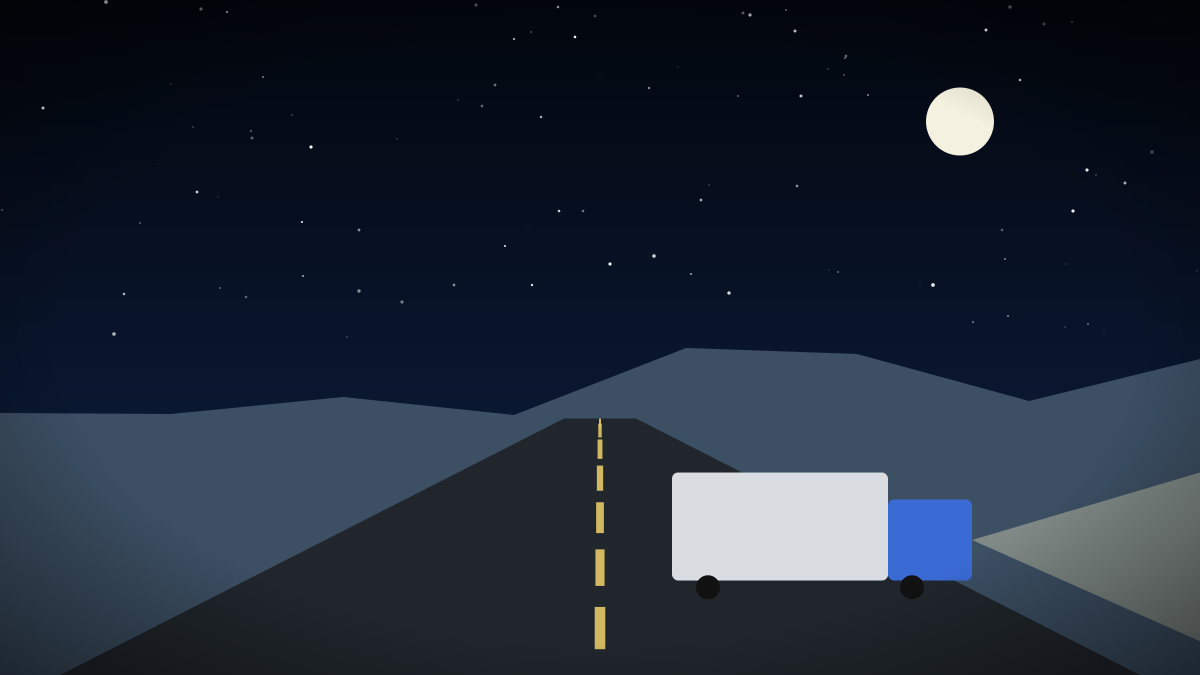
You notice it on the first long rural run after dark. The low beam lights a short, bright patch in front of the bumper, then the road falls off into black. The edges of the lane vanish, so you steer by the reflectors on the posts. A sign for your exit shows up only when you are almost on top of it.
Other common complaints
None of this means the game is broken. The stock look is a balance meant to run on a wide range of PCs. Lighting mods move that balance toward longer reach, softer edges or darker nights where your own lights matter more.
02Part 2 of 7
Truck headlights in ETS2 are not just a cone of light. The shape of the beam on the road comes from a projected texture, often called a light mask, plus definition values for range, color and intensity. Lighting mods change one or both.
Changing the light mask changes the shape: a wider spread to the right shoulder, a softer cutoff, a hot spot further down the road, or a proper asymmetric beam that dips toward oncoming traffic. Changing the values changes how far the light reaches and how bright it is. A mod that only raises intensity tends to make the patch in front of you glare white without lighting anything further away, which is why the better mods work on shape first.
High beam and low beam are separate. Many mods give high beam a much longer throw. Roof bars and grille spots often have their own masks, so a mod may or may not cover them.
The catch is that headlights belong to trucks. A mod made for the stock SCS trucks will not automatically apply to a modded truck with its own light setup. Check which trucks a lighting mod covers before you decide it does not work. For the general idea behind all of this, read how lighting mods work.
Screens
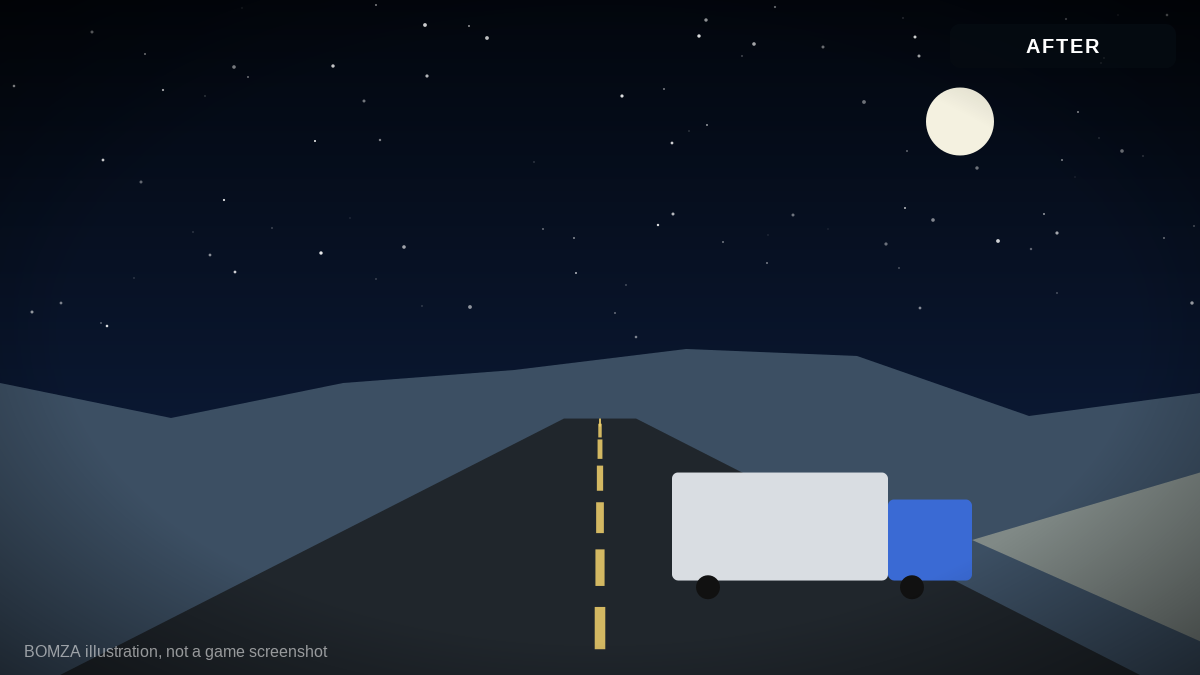
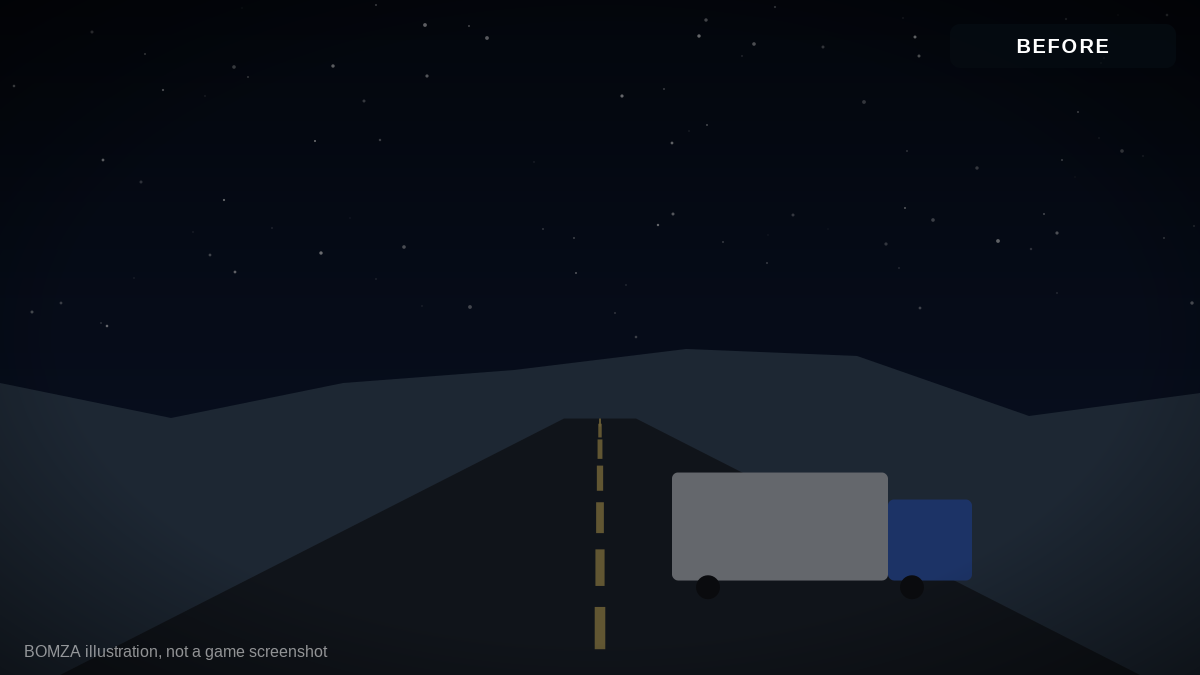
The same scene before and after, plus the spot we test this effect in.
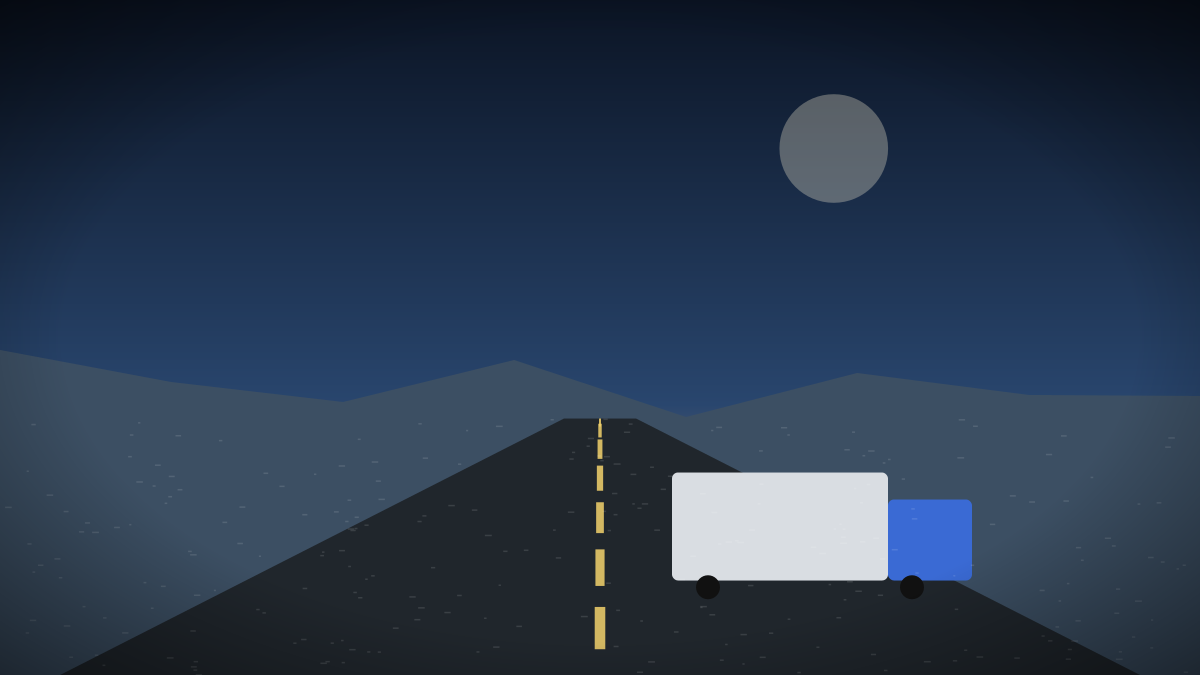
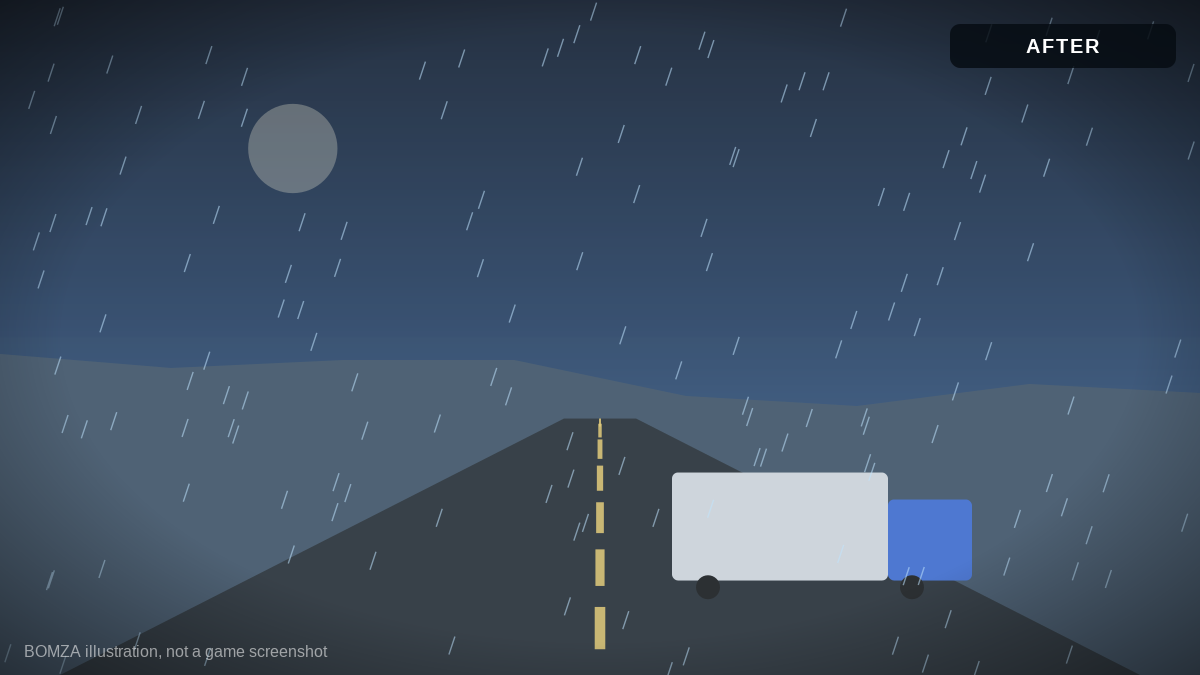
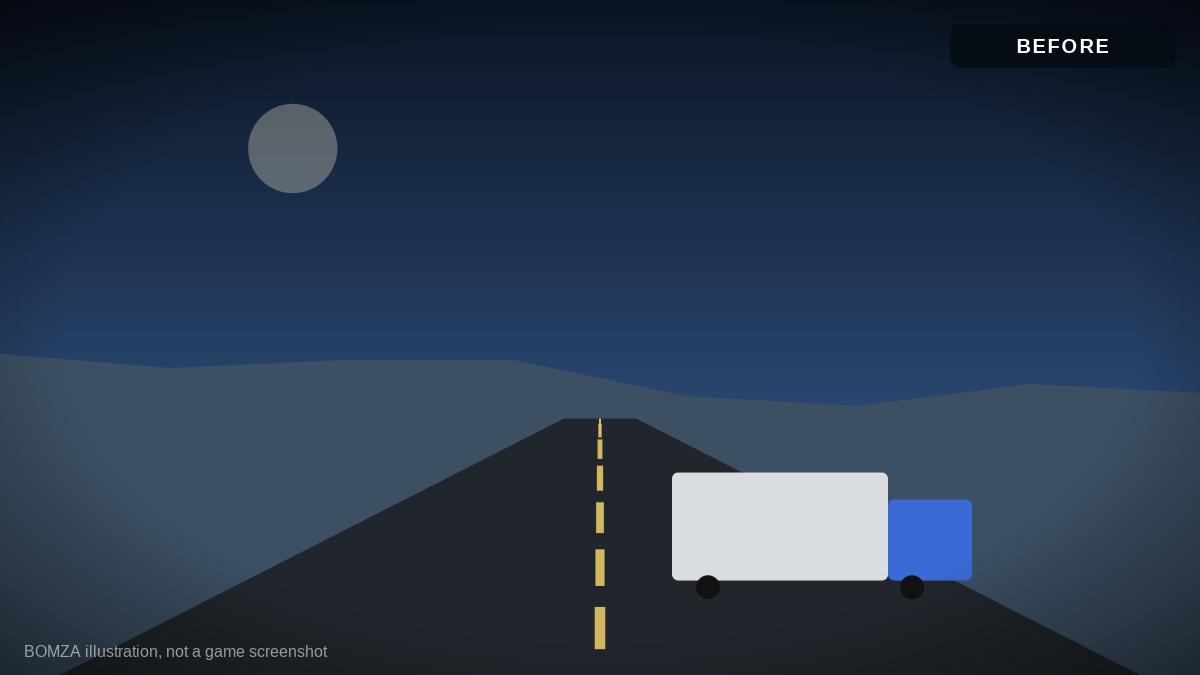
In gameYour headlights, street lamps and AI traffic all have to balance.BeforeThe base game look.AfterThe same rural road at night with stock headlights and with a reshaped low beam that reaches further down the lane.Video coming soonA gameplay capture will be added here.03Part 3 of 7
Your own headlights are only half of the night. The other half is everything else that glows: street lamps on motorways and in towns, lit buildings, gas stations, toll gates, and the head and tail lights of AI traffic.
Street lighting mods usually change three things. Brightness and reach, so a lamp lights a pool of road around it instead of just being a dot. Color, so older roads can get a warmer sodium tone and newer ones a cooler white, which is closer to what you see in many European countries today. And flares, the glow you see around a light source from a distance.
Flares are where taste matters most. Big soft flares look nice in screenshots but can blur a busy junction. Small, tight flares look cleaner but can make distant towns feel empty.
AI traffic lighting is easy to forget. If oncoming cars throw little light, a night highway feels lifeless. If they throw too much, every passing car blinds you. Taillights matter on motorways, where a row of red lights tells you about a slowdown long before you see the cars.
04Part 4 of 7
There are two camps, and both have a point.
The first wants darker nights. Open roads go properly black, the sky is deep blue to black, and the only things you can see are what your headlights and street lamps reach. Driving feels tense and focused, and good headlights become worth their weight. The downside: if your monitor has weak contrast or you play in a bright room, dark scenes turn into mush.
The second wants brighter nights, with more light from the sky and moon. You see the shape of hills and tree lines, and long drives feel less tiring. Push it too far and the night looks like an overcast evening.
Most players end up in between. Test on a road with no street lighting: you should read the road edge well ahead with low beam and still feel a clear jump when you switch to high beam.
The night ambient level usually comes from the sky and climate definitions, which weather mods also edit. Set your monitor and the game brightness before you judge a lighting mod.
05Part 5 of 7
Weather changes everything about night driving. Rain on the windshield scatters your headlights, wet asphalt throws back the lights of oncoming traffic, and fog swallows your high beam a short way ahead. A lighting mod that looks perfect on a clear night can feel too weak in a storm or too harsh in fog.
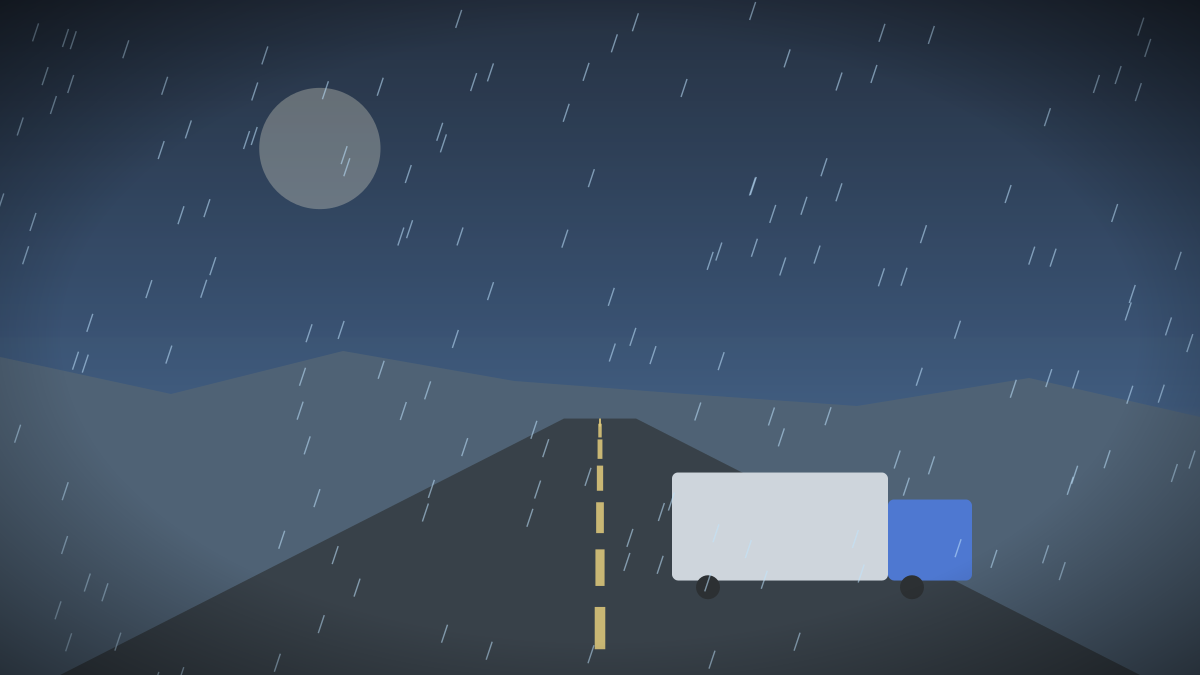
The technical reason is that weather mods also set how bright the scene is for each type of weather and time of day. If your lighting mod assumes stock ambient light and your weather mod makes rainy nights much darker, the combined result can be darker than either author intended. The opposite happens too.
Pick your weather mod first, then tune lighting on top of it, and test on a clear night and a rainy one. If both mods edit the same sky files, the one higher in the priority list wins.
Our page on ETS2 weather effects covers the weather side in detail. BOMZA's Night Drive Lighting product page lists which weather setups it was checked with, and the status page shows the game version it was last confirmed on.
06Part 6 of 7
Three tools can change how night looks, and they do very different jobs.
This is why raising brightness to "fix" night driving usually disappoints. The black road turns gray, but the headlight patch stays the same size. You lose contrast without getting light further down the road.
ReShade helps once the lighting itself is right: a small contrast curve can deepen dark areas while keeping the beam bright. More on that in ReShade vs ENB explained.
07Part 7 of 7
A lighting mod that only reshapes the beam costs very little. The game already draws your headlights; a new light mask is just a different texture. Costs go up when a mod adds more light sources, extends their range a lot, or adds large flares that cover big parts of the screen.
Where you feel it
If you lose frames only at night in towns, lower mirror distance or traffic density before you remove the lighting mod. Those two settings often matter more than the mod. Our ETS2 FPS boost page has the full list. We do not publish fixed FPS numbers, because results depend on your hardware and map; our test method is public.
Dial it in
Moves the bright part of the beam further down the road and wider toward the shoulder, so lane edges stay visible at speed.
Sets how far high beam reaches compared with low beam. A clear difference makes empty country roads much easier to read.
Controls how sharp the top edge of the beam is. Softer edges look more natural on hills and curves.
Changes how large a pool of light each lamp throws and whether it reads as warm sodium or cool white.
Sets the glow around distant lights. Smaller flares keep junctions clean, larger ones make towns glow from far away.
A game setting that decides how much of the lit night scene your mirrors redraw.
Before you install
Works with
Headlight changes apply to the trucks a mod is made for. Stock SCS trucks are usually covered; modded trucks with their own light setup may not be. Street lamp and flare changes can overlap with weather and graphics mods that edit the same files, so keep one mod per job and follow the priority order each author gives. Map mods may show their own lamps instead of the modded ones. After a game update, check the status page for BOMZA products and the mod page for anything else.
Install steps are in Guides, and the current state of each pack is on the status page.
Limitations
Tested packs
These BOMZA packs include this effect. Each one shows the game version it was last confirmed on. Options and checkout are in the shop.
FAQ
Short answers to what players ask us most. Open a question to read the answer.
Ask in our Discord. Include your game version and what you installed.
Open DiscordMost often the mod does not cover the truck you drive, or another mod above it in the priority list replaces the same files. Try a stock SCS truck on a test profile to see whether the mod itself is active.
Yes, if your headlights are improved at the same time. Darker ambient light with a longer, wider beam keeps the road readable. Set your monitor and the game brightness first, then judge the result on a road with no street lights.
Headlight changes usually do, since they belong to trucks rather than the map. Street lamps and region lighting in map mod areas may come from the map mod itself. Check whether the lighting mod lists ProMods as tested.
Lighting mods do not add anything your save has to track, so removing one later normally just restores the stock look.
Keep exploring
 Weather effects mods for Euro Truck Simulator 2Weather mods for ETS2 widen the gap between a clear day and a storm: heavier rain, thicker fog, new cloud skies and different light by time of day. Most of them edit the same climate and sky files, so you pick one main weather mod and build the rest of your setup around it.
 Sharper road textures in Euro Truck Simulator 2Sharper roads in ETS2 come from two places: texture mods that replace asphalt, markings and roadside ground with more detailed versions, and game settings like scaling and texture filtering that decide how clearly those textures reach your screen. Fix the settings first. Add a texture mod only if the surface itself still looks soft.
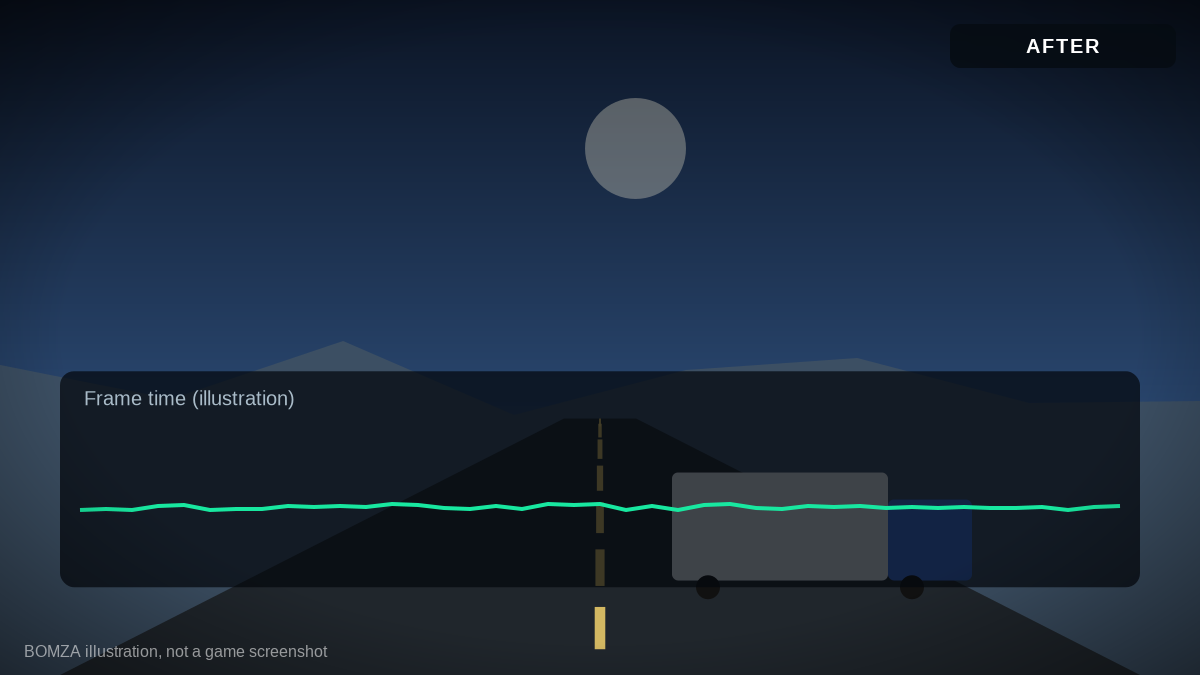
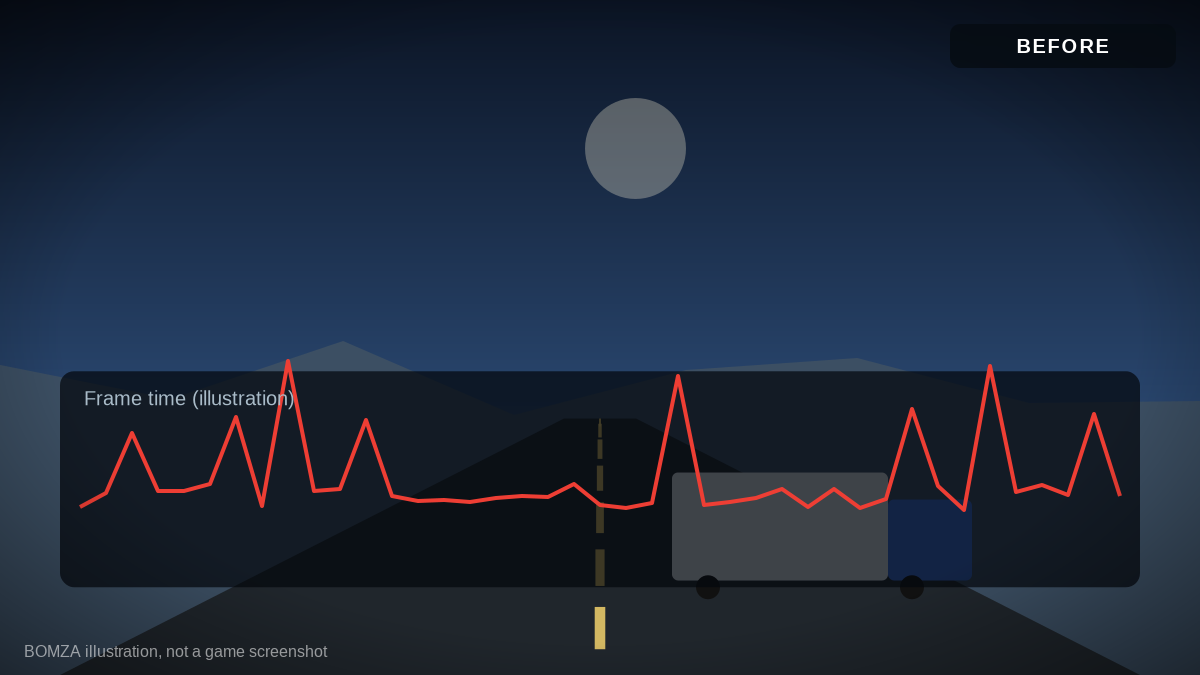 How to get more FPS in Euro Truck Simulator 2Most ETS2 frame rate problems come from a short list: scaling above 100%, mirror quality and distance, dense AI traffic, shadows, and heavy mods like traffic packs and big map combos. Find out whether your PC is limited by the CPU or the GPU first, then cut the settings that cost the most for what you actually see from the cab.
 Full Euro Truck Simulator 2 mods guideEvery effect, what it costs in FPS, what breaks after updates and how we check our packs.
Euro Truck Simulator 2 · night driving lighting
Our pack for this effect is tuned and tested by our team on a named game version, with setup guides and support on Discord.
Quick answers from our FAQ. Not solved? Open a ticket on Discord.