

 SK
 F4
 CP
 W3
 MC
 AC

Euro Truck Simulator 2 · Visual effect
Weather effects mods for Euro Truck Simulator 2
Weather mods for ETS2 widen the gap between a clear day and a storm: heavier rain, thicker fog, new cloud skies and different light by time of day. Most of them edit the same climate and sky files, so you pick one main weather mod and build the rest of your setup around it.
01Part 1 of 6
What does stock ETS2 weather do, and what is missing?
The base game already changes weather as you drive. You get clear skies, scattered and heavy cloud, rain, thunderstorms with lightning, and some fog. Roads turn wet and reflective in rain, your wipers work, and the sound changes inside the cab. For a game that has to run on modest PCs, that is a solid base.
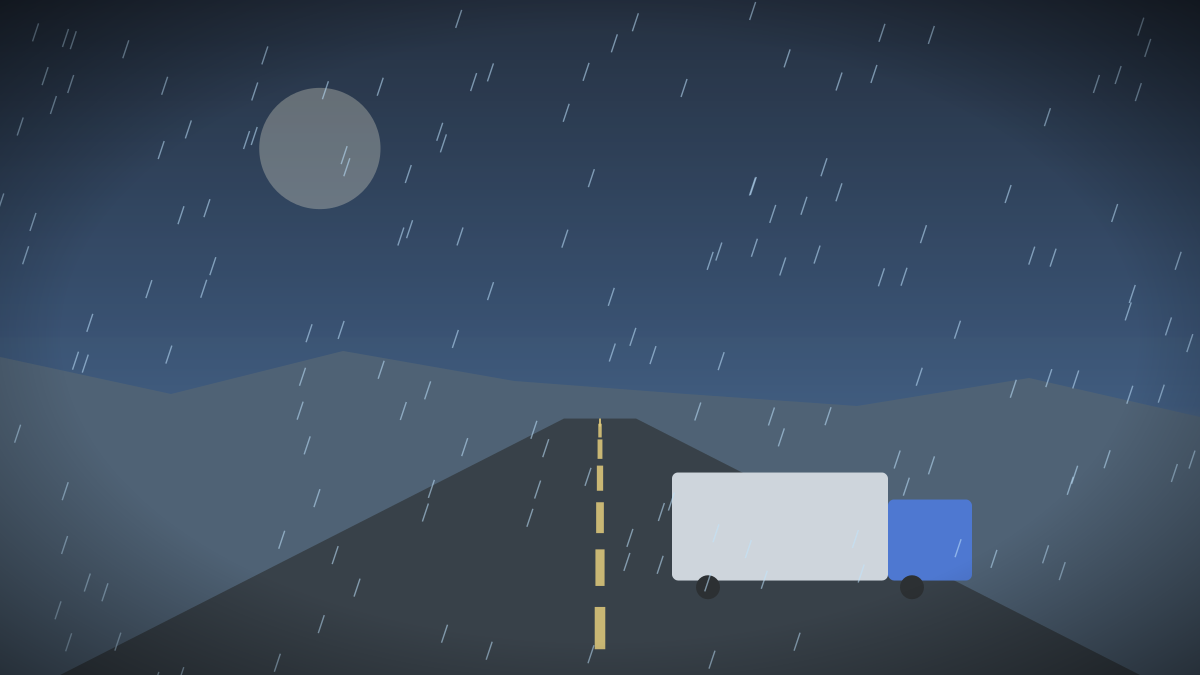
What players usually miss is range. Rain tends to feel similar from one shower to the next. Fog rarely gets thick enough to make you slow down. Overcast days can look washed out, with a flat gray sky and little sense of depth. Sunsets and sunrises vary less than they do on a real long-haul run across Europe.
There is also no snowfall in the base game. If you want winter roads, that comes from mods.
Weather mods target exactly these gaps. They do not add a new weather engine. They change the data the existing system uses: which cloud textures appear, how dense rain and fog are, what color the light is at each hour, and how often each weather type turns up. That is why they can look so different from each other while still loading in the same way through the mod manager.
02Part 2 of 6
What do ETS2 weather mods actually change?
Under the hood, a weather mod edits a handful of things. Knowing them helps you read mod pages and spot conflicts.
Sky and clouds
New cloud textures and sky layers, from thin high cirrus to low heavy storm cover. This is the most visible change and usually the cheapest in frame rate.
Light per weather and hour
The color and strength of sunlight, ambient light and sky light for each weather type across the day. This is what makes a stormy afternoon look dark and cold instead of just gray.
Rain and fog
How dense rain looks, how fast fog closes in, and how far you can see in each case.
Weather chances
How often each type of weather appears and how long it lasts.
Sound
Some mods replace rain and thunder sounds, while others leave that to a sound mod.
The light settings are the part people underestimate. Two mods with similar clouds can feel completely different on the road, because one keeps rainy daylight bright and readable while the other pushes it toward real gloom. Screenshots show the sky; the light settings decide how a three-hour drive in rain feels.
Screens
See the difference
The same scene before and after, plus the spot we test this effect in.
- In gameDense fog changes how you drive, not just how the road looks.
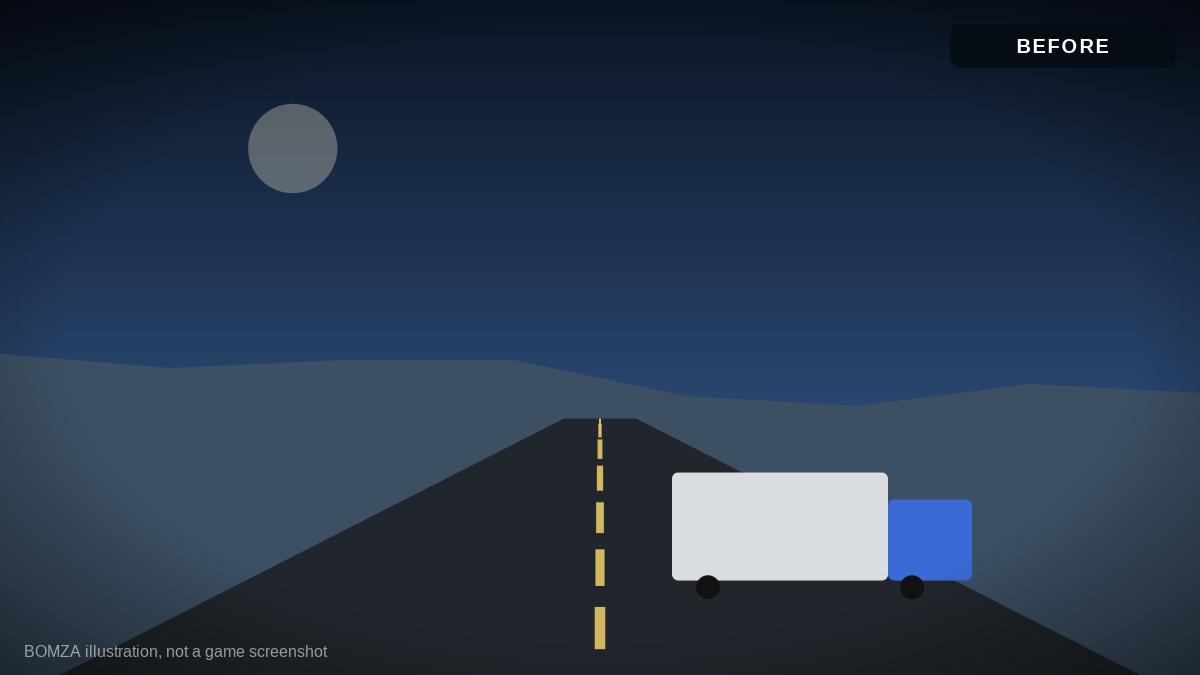
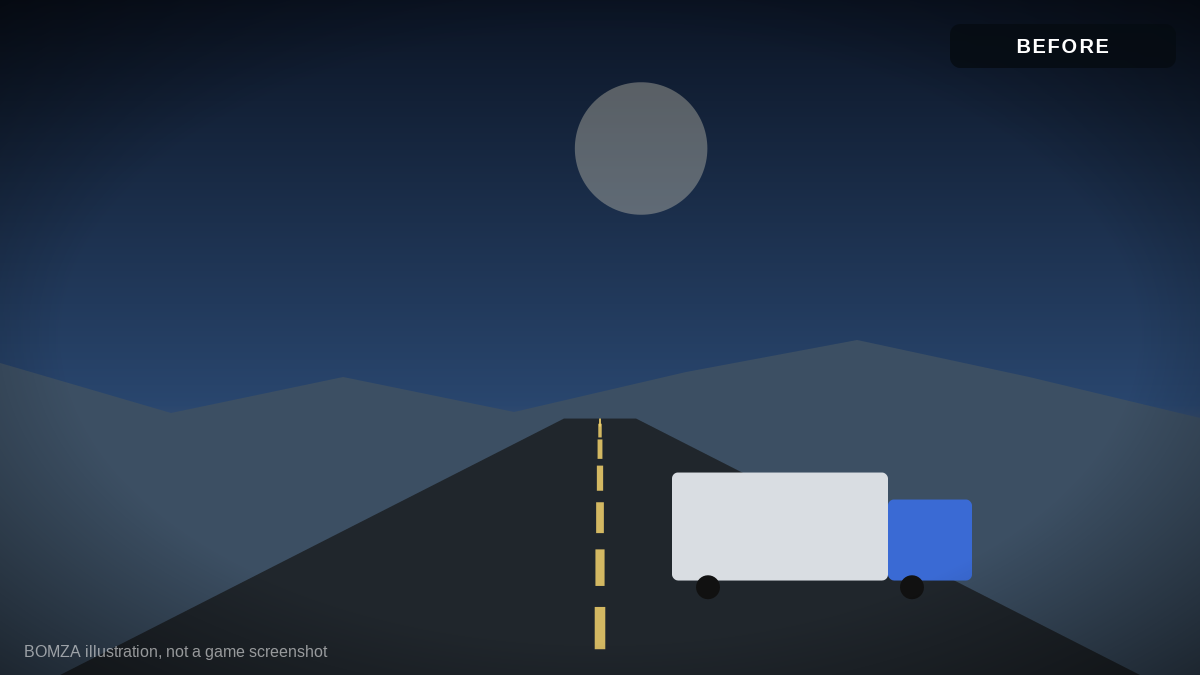
- BeforeThe base game look.
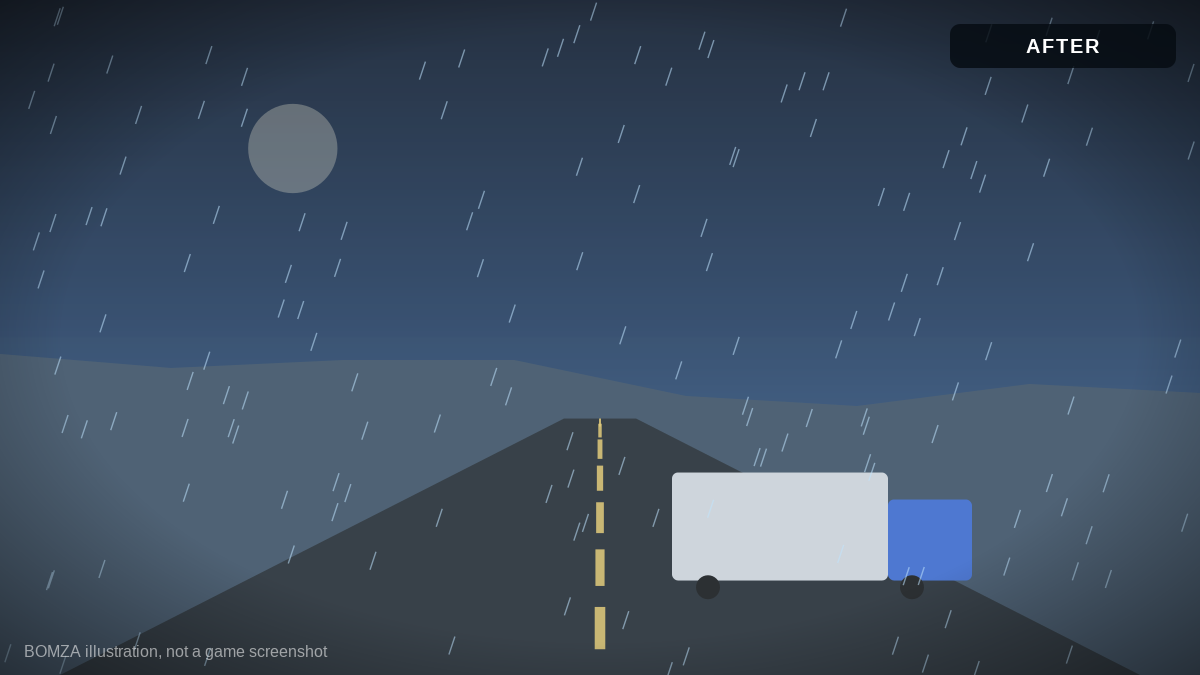
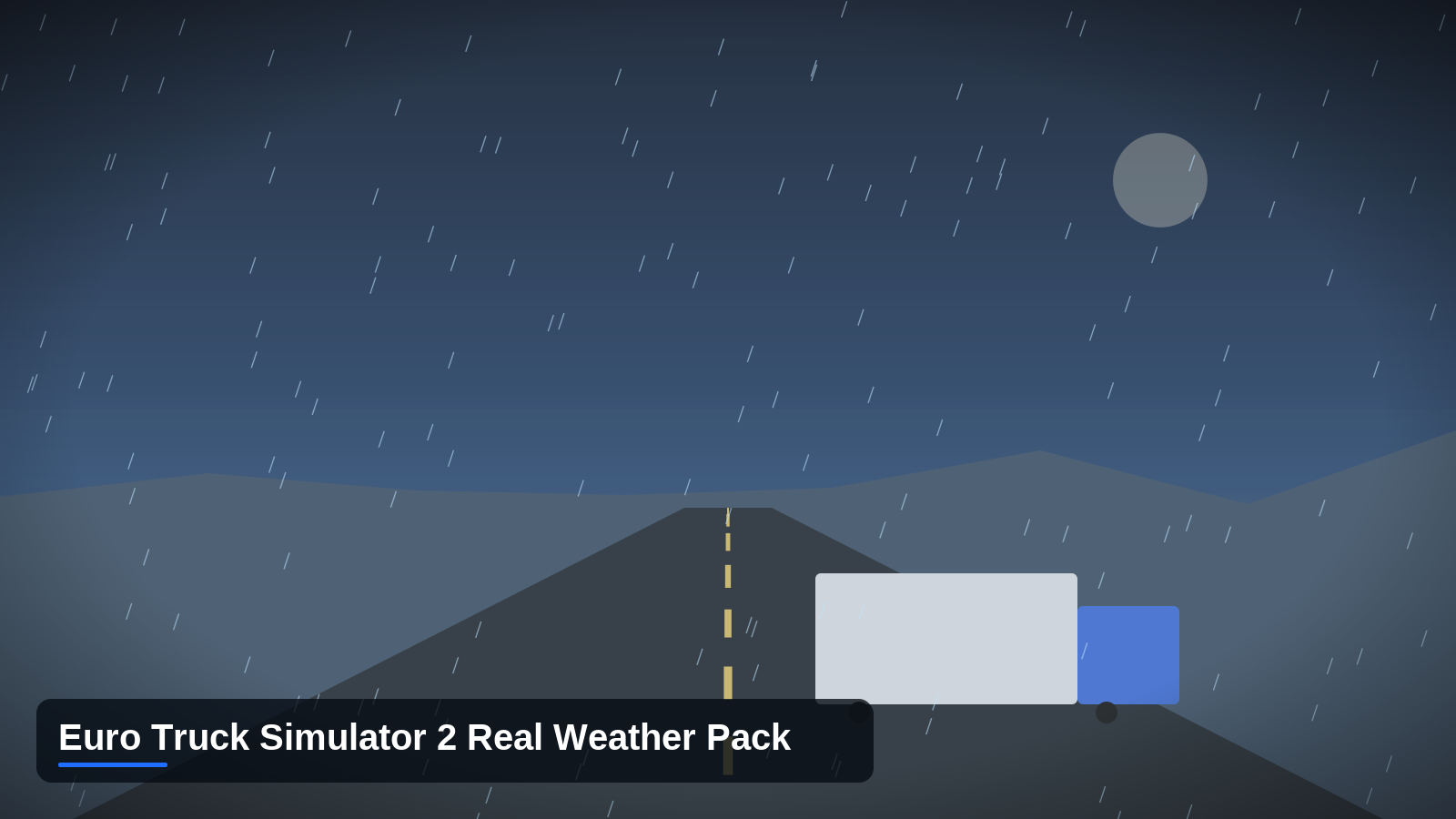
- AfterA rainy afternoon on the same motorway with stock weather and with darker storm light and heavier cloud.
- Video coming soonA gameplay capture will be added here.
03Part 3 of 6
How do weather mods handle regions, DLC and map mods?
ETS2 does not use one look for the whole of Europe. Regions can have their own climate settings, so the light in southern Italy is not meant to look like the light in northern Norway. Map DLCs such as Scandinavia, Italia or Iberia carry their own regional feel, and weather mods can treat these areas differently.
This is where good and average weather mods split. A careful mod tunes each region so the Mediterranean stays warm and hazy while the north gets colder, lower light. A simpler mod applies one look everywhere, which is fine on the base map but can feel off in some DLC areas.
Map mods add another layer. ProMods and other map expansions may define their own climate areas or rely on the game's defaults. A weather mod made for the base map might not apply in those regions at all, or might apply in a way the author never tested. If you run a map combo, look for a weather mod that names it as supported, or test the border areas yourself.
Priority matters here too. If your map mod and weather mod both touch climate files, the one higher in the mod manager decides. Authors usually say which order they expect. Our guide on load order and mod conflicts explains why.
04Part 4 of 6
Can you get snow and winter roads in ETS2?
Yes, through mods. Winter mods are some of the most popular weather mods for ETS2, and they work differently from rain and fog mods.
Because the base game has no snow system, winter mods mostly replace textures. Grass becomes snow-covered ground, trees get white branches, road edges show packed snow, and the sky turns low and pale. Some add snowfall as a weather effect in place of rain. The result can look great, but it is a swap of the whole world's look, not a season that comes and goes.
That has a few consequences you should know about
- Winter mods are big. Replacing terrain and vegetation textures across the map uses more disk, RAM and VRAM than a sky mod.
- They tend to override other texture mods, including road and grass packs, depending on priority.
- Map mods and DLC regions not covered by the winter mod may stay green, which looks odd at the border.
- Many players keep a separate profile for winter, or switch the mod on for the colder months and off again in spring.
Winter mods change looks. Driving physics on snow is a separate topic, handled by other kinds of mods, and is outside what this page covers.
05Part 5 of 6
Which mods pair well with a weather mod, and which conflict?
The safe rule is one main weather mod. Two weather mods nearly always edit the same sky and climate files, so only the one higher in the list really works. You get the load time and file size of both and the look of one.
Mods that usually pair fine
Lighting mods
for headlights and street lamps, as long as you tune them after the weather is set. Rainy nights are where weather and lighting meet, see night driving lighting.
Sound mods
for rain and thunder, if the weather mod does not already replace them.
ReShade
for small contrast or color changes on top.
Mods that often conflict
- Graphics packs that bundle their own sky or color settings.
- Other weather or sky mods, including small ones like a single cloud texture pack.
- Map mods with their own climate data, unless the weather mod lists them as supported.
BOMZA's Real Weather Pack product page lists the mods it was checked alongside, and the status page shows the game version it was last confirmed on.
06Part 6 of 6
How do weather mods affect visibility and frame rate?
Thicker fog and heavier rain are the point of many weather mods, but they also change how you drive. Real fog means you slow down, keep more distance and read the road by its markings. Some players love that. Others find that a long job in dense fog stops being fun. Pick a mod whose worst weather you are happy to drive through, not one that only looks good in screenshots.
Rain intensity also matters at night. Heavy rain plus weak headlights plus wet road glare can make a dark road very hard to read. Test your heaviest weather at night before you commit to a long career run with it.
For frame rate, sky textures cost very little. Denser rain effects and extra fog layers cost a bit more, mainly on the GPU. Winter texture mods cost the most of the weather group because of the sheer amount of texture data, which shows up as longer loading and more VRAM use. Reflections on wet roads scale with the game's reflection quality setting, and mirrors redraw the weather again.
We do not publish fixed FPS numbers for weather mods. If you need frames back, start with the settings on the ETS2 FPS boost page before you drop the weather mod itself.
Dial it in
Settings that change the look
- 01
Rain intensity
How dense rain looks on screen and on the windshield. Heavier rain makes storms feel serious but cuts visibility, especially at night.
- 02
Fog density and distance
How quickly fog closes in and how far you can see. Strong fog makes you slow down and read the road by its markings.
- 03
Cloud set
Which cloud textures and sky layers appear, from thin high cloud to low storm cover. This is the biggest visible change.
- 04
Light per weather type
The color and strength of sunlight and sky light in each weather. It decides whether a rainy day looks gloomy or just gray.
- 05
Weather chances
How often each type of weather shows up and how long it lasts on a run.
- 06
Reflection quality
A game setting that controls how detailed wet road reflections are. Higher looks better in rain and costs more GPU time.
Before you install
Compatibility
Works with
Run one main weather mod. Graphics packs and sky mods that change the same files will override it or be overridden, depending on the priority list. Weather mods built for the base map may not apply in map mod regions unless the author lists them. Winter texture mods can override road and vegetation texture mods. After a game update, weather mods that edit definition files may need an update from the author before they behave as intended. For BOMZA products, check the status page.
Install steps are in Guides, and the current state of each pack is on the status page.
Limitations
- Weather mods change data the game already uses, so they cannot add physics or effects the engine does not support.
- Map mod regions may keep the stock look unless the weather mod supports them.
- Winter mods replace textures across the map rather than adding a real season cycle.
- Heavy fog and rain are deliberate and can make long night drives tiring.
Tested packs
Get this effect
These BOMZA packs include this effect. Each one shows the game version it was last confirmed on. Options and checkout are in the shop.
FAQ
Questions players ask
Short answers to what players ask us most. Open a question to read the answer.
Ask in our Discord. Include your game version and what you installed.
Open Discord01Can I run two weather mods together?
Not usefully. They edit the same climate and sky files, so the one higher in the mod manager wins and the other does very little. Pick one main weather mod.
02Do weather mods work in DLC regions?
Most do, but quality varies. Careful mods tune each region, simpler ones apply one look everywhere. Check the mod page for the DLC it was tested with.
03Why does the weather look normal again after I cross into a map mod region?
The map mod likely uses its own climate data, or the weather mod does not cover that region. Look for a version of the weather mod that supports your map, or check the priority order.
04Does a winter mod change how the truck drives?
Winter weather mods mostly change textures and sky. Driving physics are handled by separate mods and are not part of a visual weather mod.
05Will removing a weather mod hurt my save?
Weather mods do not add anything your save tracks, so removing one normally just brings back stock weather. Back up your profile before big changes anyway.
Keep exploring
More Euro Truck Simulator 2 effects
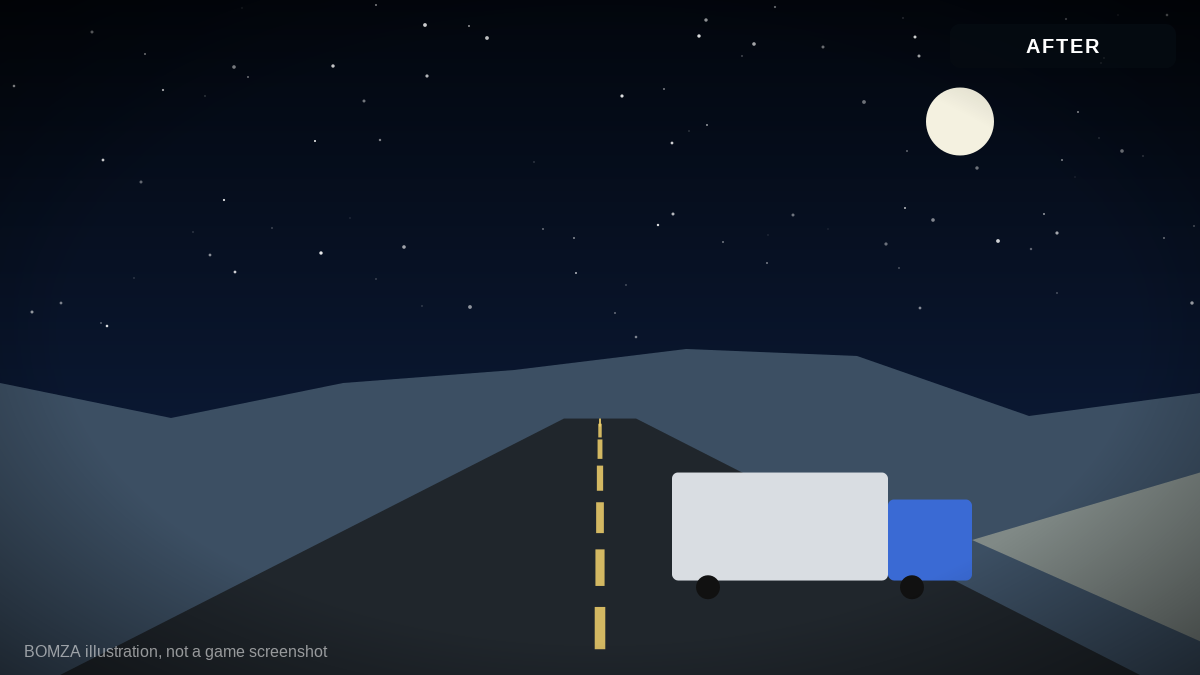
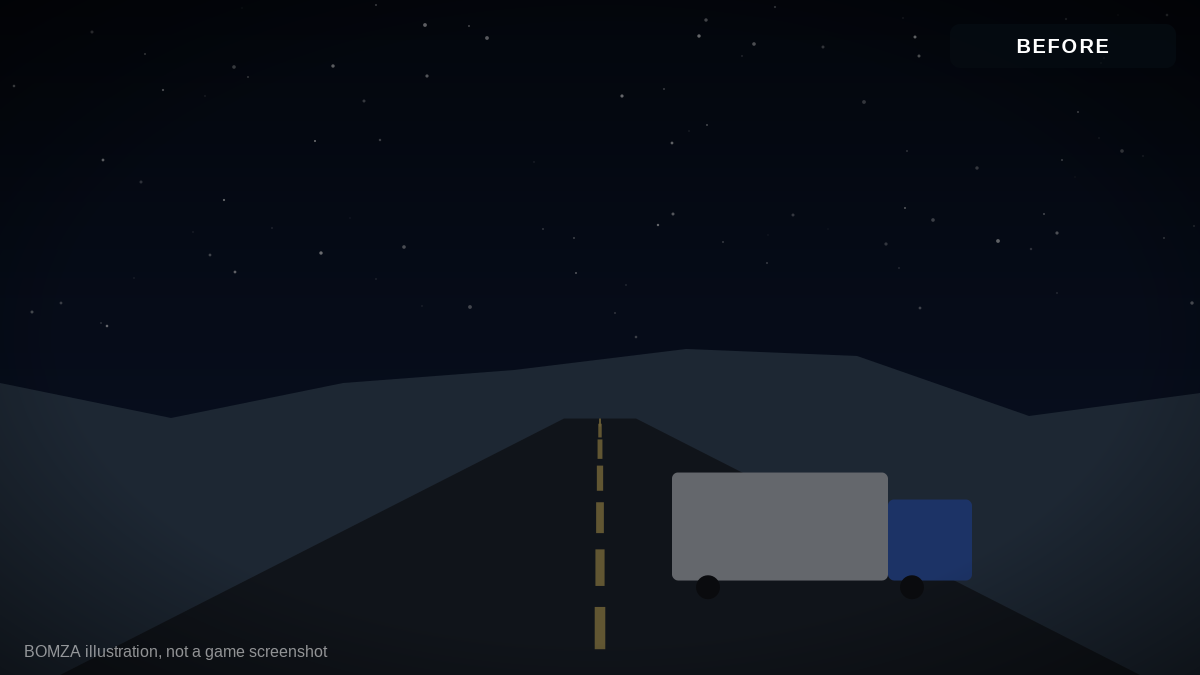 Night driving lighting mods for Euro Truck Simulator 2Night driving lighting mods for ETS2 change how far and how wide your headlights reach, how street lamps and towns glow, and how dark the open road gets between them. A good setup makes the road ahead readable without turning night into a dim day, and it works with your weather mod instead of against it.
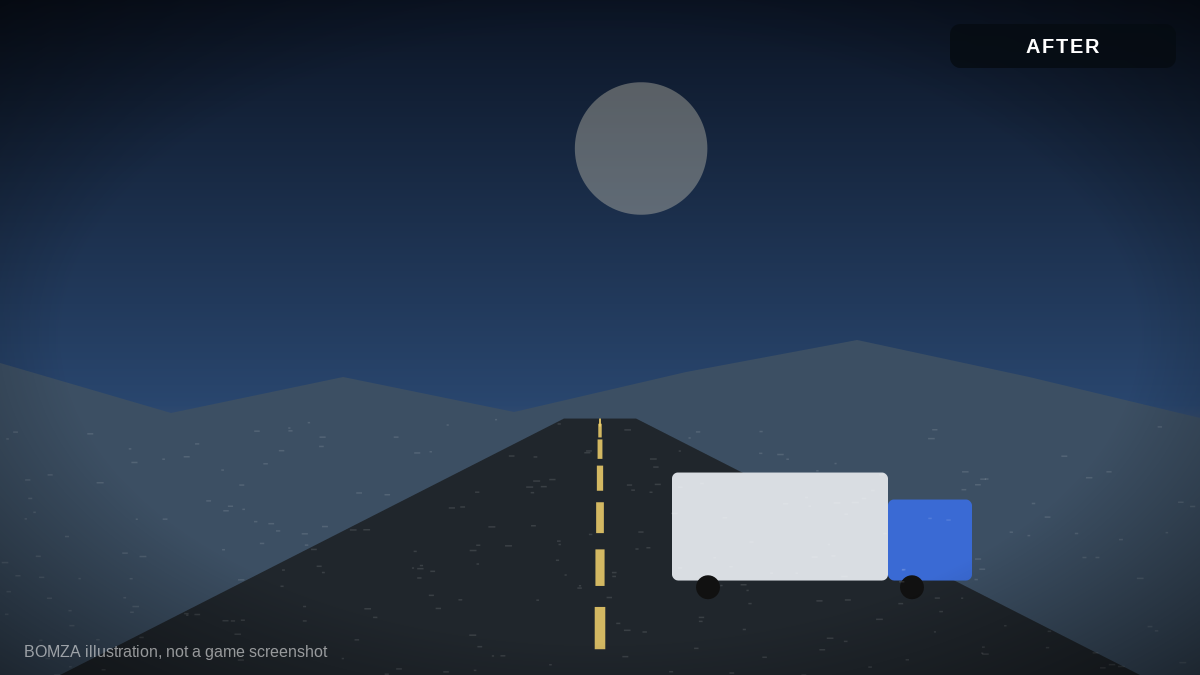
 Sharper road textures in Euro Truck Simulator 2Sharper roads in ETS2 come from two places: texture mods that replace asphalt, markings and roadside ground with more detailed versions, and game settings like scaling and texture filtering that decide how clearly those textures reach your screen. Fix the settings first. Add a texture mod only if the surface itself still looks soft.
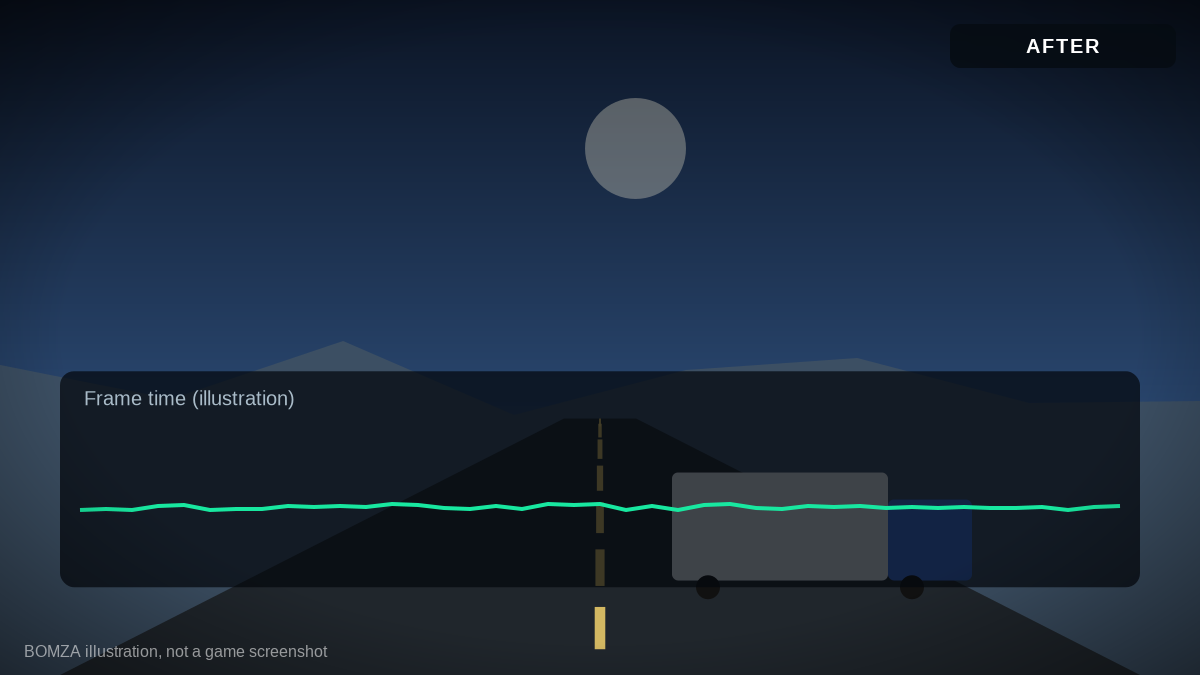
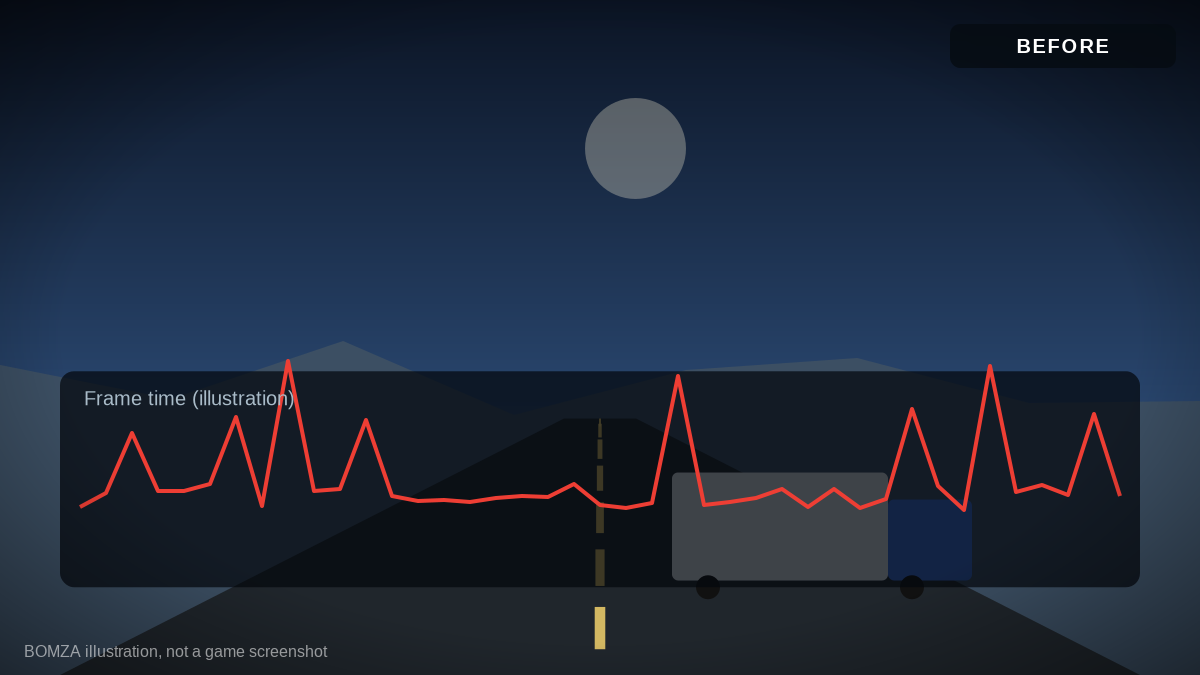 How to get more FPS in Euro Truck Simulator 2Most ETS2 frame rate problems come from a short list: scaling above 100%, mirror quality and distance, dense AI traffic, shadows, and heavy mods like traffic packs and big map combos. Find out whether your PC is limited by the CPU or the GPU first, then cut the settings that cost the most for what you actually see from the cab.
 Full Euro Truck Simulator 2 mods guideEvery effect, what it costs in FPS, what breaks after updates and how we check our packs.
Euro Truck Simulator 2 · weather effects
Skip the trial and error
Our pack for this effect is tuned and tested by our team on a named game version, with setup guides and support on Discord.