 SK
 CP
 W3
 MC
 ETS2
 AC

Lighting template edits
- What you see
- Less murk, more contrast, darker true darks
- Cost
- Close to none

Show prices in
Prices in other currencies are approximate. Card payments are charged in South African rand (ZAR).
 Log in
Fallout 4 · Visual effect
Many Fallout 4 interiors are lit by a flat ambient value and a handful of lamps, so rooms look either gray and murky or pitch black in the corners. Interior lighting mods add or rebalance light sources and edit each cell's lighting template, so you can see the room without losing the darkness that makes places like Dunwich Borers feel dangerous. Most of the cost comes from extra shadow casting lights.
01Part 1 of 6
There are two different problems, and players often mix them up.
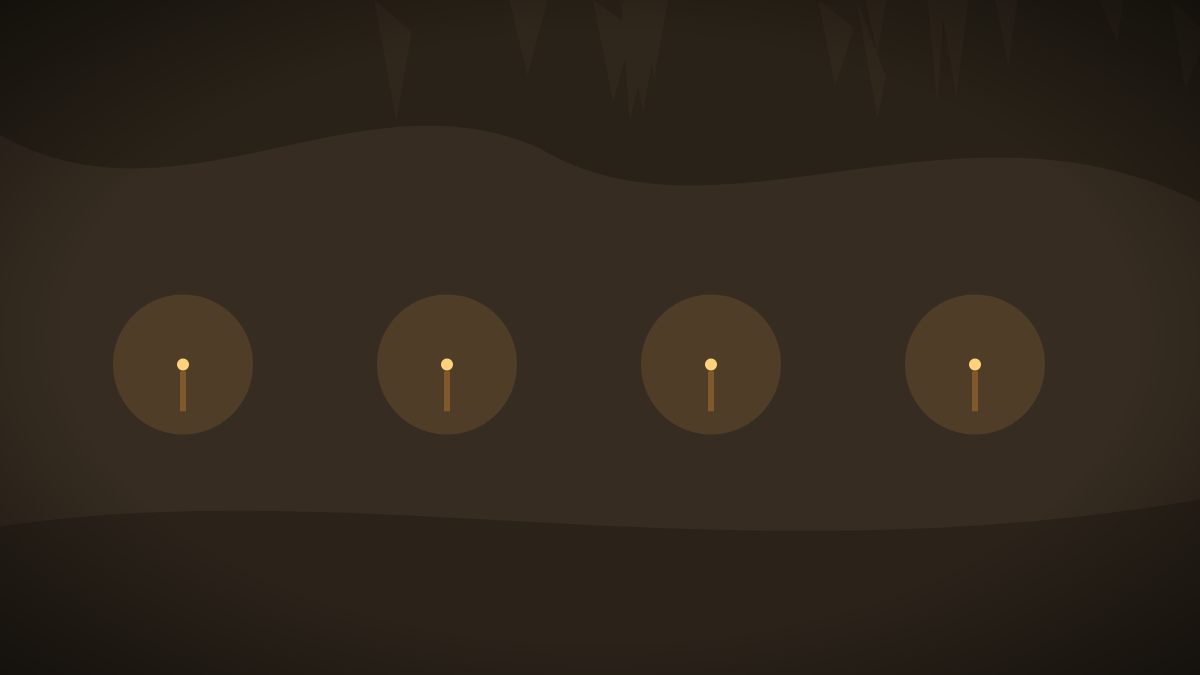
The first is murk. Office buildings, the Corvega assembly plant and many raider hideouts have a gray, low contrast look. You can see, but nothing has shape. Walls, floors and enemies blend into one tone. That comes from the cell's ambient light: a flat fill value with little direction, so there are no real shadows and no real highlights.
The second is black holes. Metro tunnels, the lower levels of Dunwich Borers and some vault maintenance areas have spots where the screen is just black. Raising the in-game brightness does not fix it well, because it also lifts every other scene and turns the murky rooms even flatter.
You see both in the same building. Mass Fusion has well lit lobbies next to stairwells you can barely read. Good lighting mods treat each cell on its own instead of raising everything by the same amount, and that is the main reason they look better than a brightness slider.
02Part 2 of 6
Each interior cell has a lighting setup made of a few parts.
Sets the ambient color and strength, directional ambient (a soft fill from different directions), fog color and fog distance. Many cells share a template, so changing one template affects many rooms.
Lamps, fires, floodlights and fixtures that light their surroundings. Some cast shadows, most do not.
The grading applied to the cell, just like exteriors: brightness, contrast, tint.
A light attached to you with its own radius and color.
The engine can only use a limited number of shadow casting lights affecting one spot at once. Level designers kept that number low for performance, which is part of why many rooms rely on flat ambient light.
Lighting mods work on these parts. Some change templates only, which is cheap and broad. Others place new lights by hand in hundreds of cells, which looks more natural but costs more and conflicts with any mod that edits the same cells. The article on how lighting mods work explains the general idea across games.
Screens
The same scene before and after, plus the spot we test this effect in.
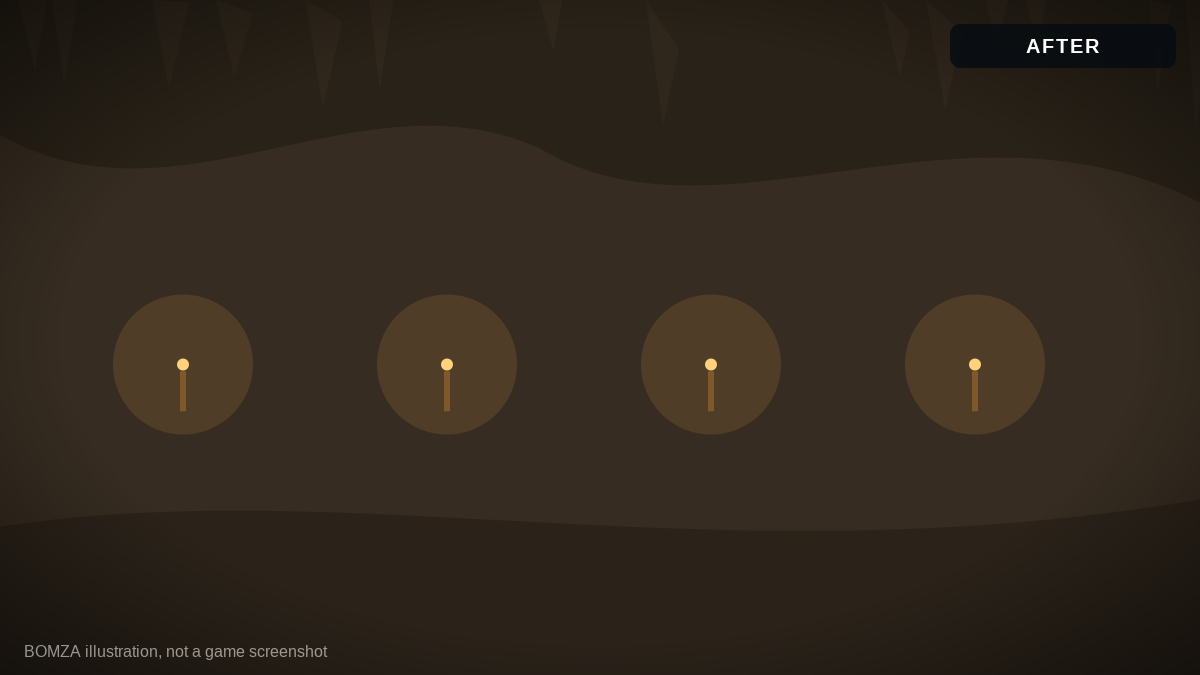
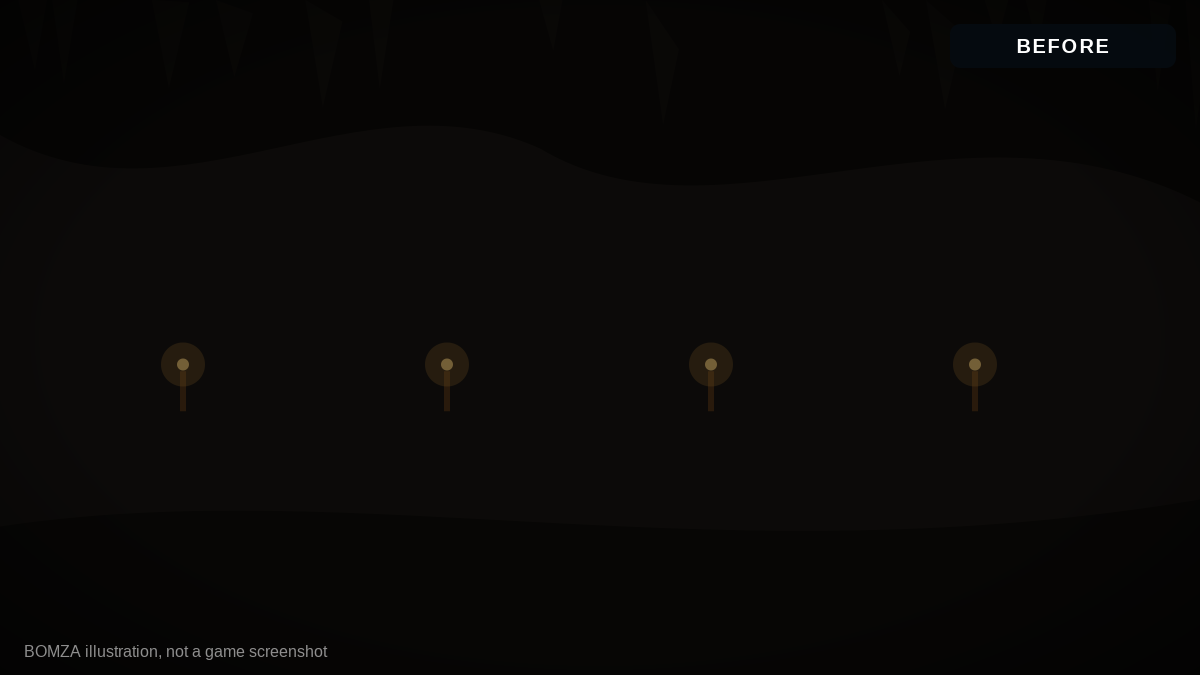
In gameMetro tunnels are where a better Pip-Boy light makes the biggest difference.BeforeThe base game look.AfterCorvega assembly plant interior: flat gray ambient before, defined light pools and darker corners after.03Part 3 of 6
Well known community overhauls such as ELFX and Ultra Interior Lighting take the hand placed route, each with its own style. One leans darker and moodier, the other brighter and more even. They should not run together, since both edit the same cells.
A Pip-Boy light mod is often the cheapest real fix for black corners. A wider beam with a cooler color shows the room without changing the level's lighting at all. If you already run an ENB, its interior section can do a lot of the work by itself. Read ReShade vs ENB explained before you pick that route.
04Part 4 of 6
Pick a short loop of interiors and compare each one before and after. These show the different problems clearly.
Bright, cold light. A good check that a mod does not overexpose places that are already lit well.
Small, early, simple. Shows ambient murk and how a single lamp spreads.
Big industrial spaces with flat gray light. The best test for contrast.
Meant to be scary and dark. A good mod keeps it dark but readable at close range.
A lived in vault with many lamps. Shows whether added lights look placed by a person or scattered at random.
Tests your Pip-Boy light and whether black spots turn into shapes.
Visit each place twice, once with the Pip-Boy light off and once with it on. A lot of lighting mods only look good with one of the two.
05Part 5 of 6
The goal is contrast, not brightness. A room with bright lamps and dark corners feels lit. A room with everything at the same middle gray feels washed out, even if it is technically brighter.
What to aim for
Exteriors are a separate system. Interior lighting mods should not touch the outdoor look at all. If your outside view changed after installing one, check whether it also shipped weather or imagespace edits, and see clearer colors for how those interact.
06Part 6 of 6
Template only edits are free. Hand placed lights cost frame time in two ways: each light adds shading work, and each shadow casting light adds a shadow render. In small rooms you will not notice. In large, open interiors like factories and the Boston Public Library, many new shadow lights stacked together can cost more than you expect on mid range GPUs.
Conflicts come from cell edits. Lighting overhauls place lights inside interior cells. So do quest mods, settlement mods and mods that add new rooms to existing places. When two plugins edit the same cell, the later one wins for the parts they both changed. The result can be lamps without light, light without lamps, or a room that switches back to vanilla. Many overhauls ship patches for popular mods. Our guide to load order and mod conflicts covers how to spot this.
Lighting mods usually also edit cells that hold precombined meshes. That does not break precombines by itself, but heavy edits can. See FPS boost for that topic, and the Fallout 4 guides for setup help.
Dial it in
The flat fill light in a cell. Lowering it slightly brings back contrast between lit and unlit areas.
Soft fill light from different directions. Gives walls and enemies shape in dark rooms without visible lamps.
How quickly far parts of a room fade into fog. Pushing it back makes big halls readable.
Size and tint of your personal light. A wider, whiter light fixes black corners without editing the level.
Which placed lights cast shadows. More shadows look better and cost more frame time in large rooms.
Raises the whole image. Best left at the default when using a lighting mod, or the murk returns.
Before you install
Works with
Interior lighting mods are plugins and do not need F4SE, so they work on both the pre next-gen and the current game version. Use only one hand placed lighting overhaul at a time. They conflict with mods that edit the same interior cells, such as new quests, home and settlement mods; check for patches on the overhaul page. ENB interior settings can be combined with template edits, but not tuned for a different overhaul. Lighting mods do not change exteriors, so they pair well with weather and color mods.
Install steps are in Guides, and the current state of each pack is on the status page.
Limitations
Tested packs
No BOMZA pack covers this effect yet. You can still browse the Fallout 4 shop for the packs that exist.
There is no BOMZA pack for this yet. The guide above covers the free ways to get the effect, and the free mods overview explains how to judge a mod page.
FAQ
Short answers to what players ask us most. Open a question to read the answer.
Ask in our Discord. Include your game version and what you installed.
Open DiscordMany rooms rely on flat ambient light from a lighting template with few placed lamps, so they lack contrast. Some areas, like metro tunnels, are also dark by design.
It lifts everything evenly, so dark rooms become gray rather than lit. A lighting mod or a better Pip-Boy light usually looks better.
No. Hand placed overhauls edit the same cells and will overwrite each other. Pick one and use its patches.
Good ones do not. If your exteriors changed, the mod also shipped weather or imagespace edits.
They usually add no scripts, so removing them is low risk. Make a backup save and load into an interior to check.
Keep exploring
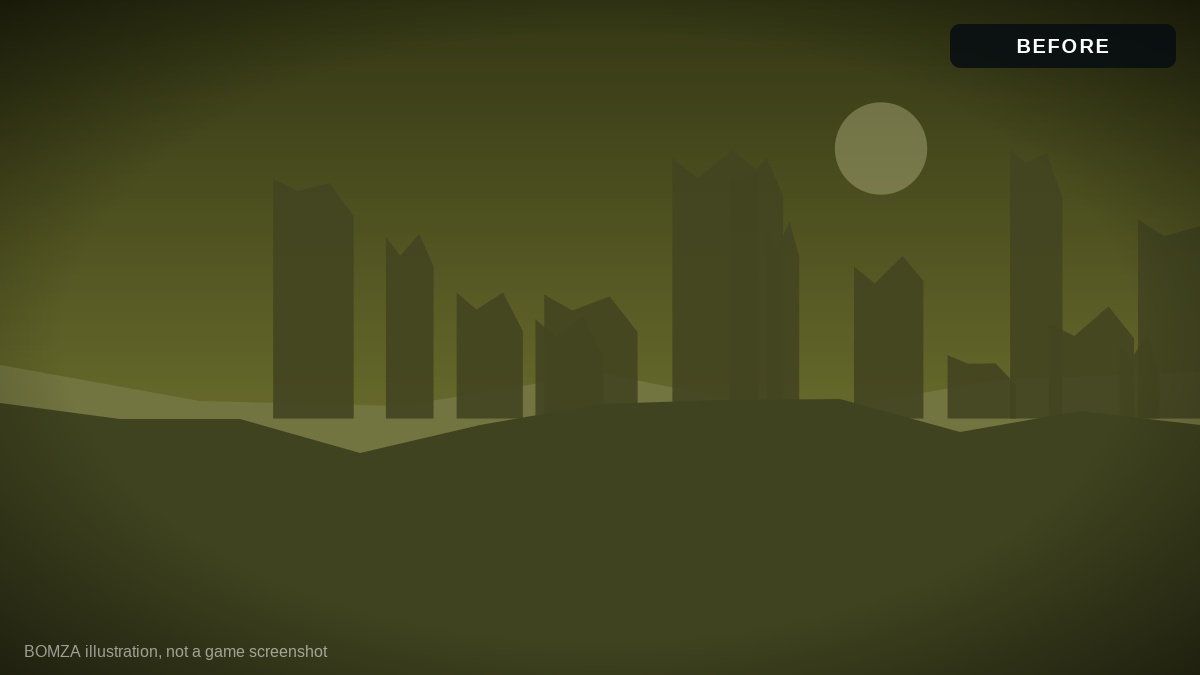 Fallout 4 clearer colors: getting rid of the yellow and green filterFallout 4 grades almost every outdoor scene toward yellow, green or gray, which makes the Commonwealth look washed out and hazy. Color mods change the imagespace records behind that grading, so skies turn blue again, foliage reads as foliage and shadows keep detail. You can do it with plain plugin edits, an ENB preset or a ReShade preset, and the plugin route costs almost no FPS.
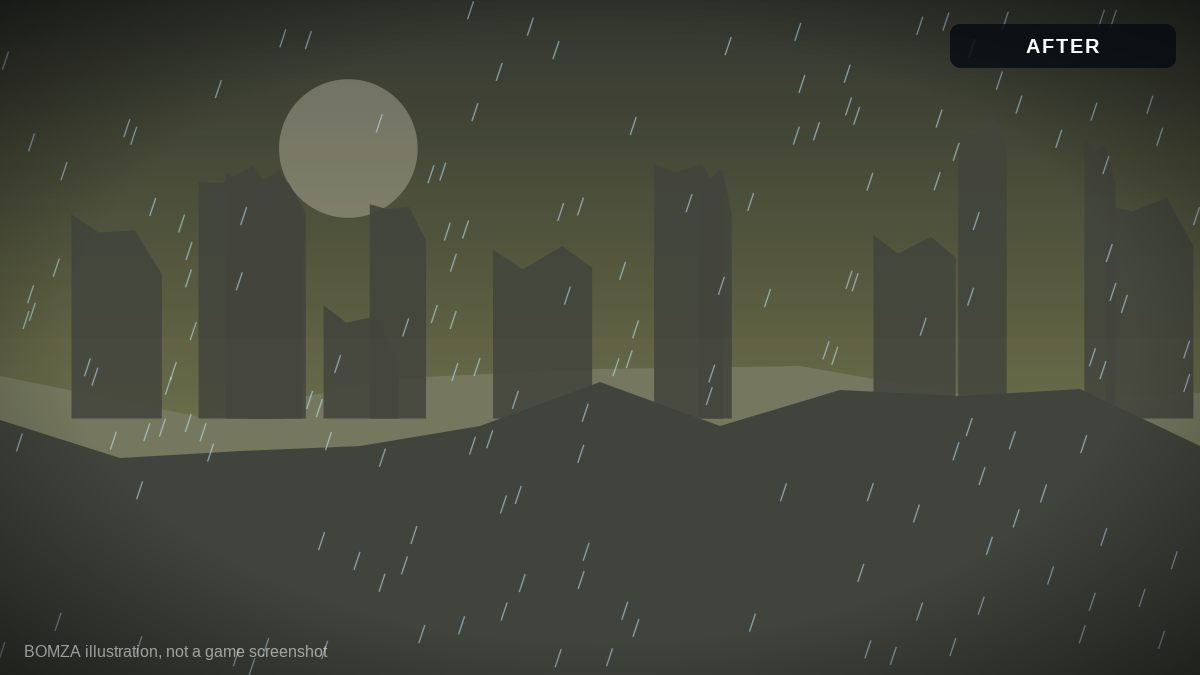
 Fallout 4 weather effects: heavier rain, real fog and better radstormsFallout 4 has only a small set of weathers, and its rain and fog are light compared with what the setting suggests. Weather mods add new weather types, denser rain, thicker fog, new cloud layers and stronger radstorms, and some change the sky color for every hour of the day. They are plugins, they usually work on every game version, and their frame cost shows up mainly in heavy rain and fog.
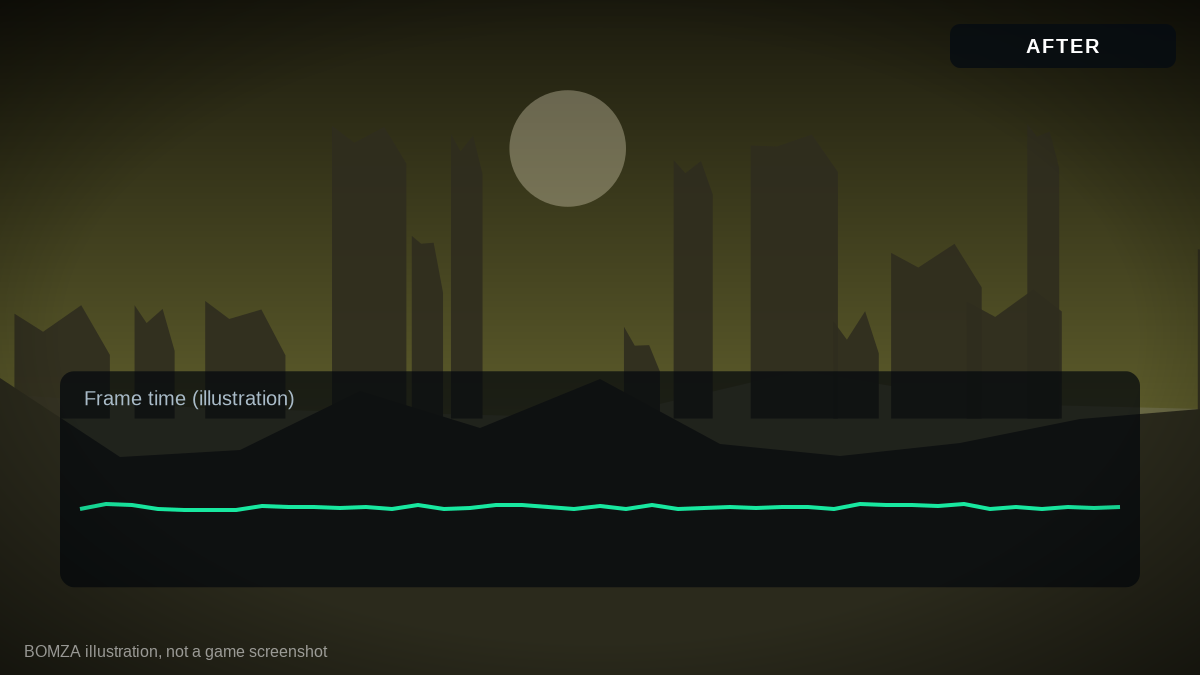
 Fallout 4 FPS boost: why Boston drops frames and what helpsFallout 4 loses frame rate mostly in downtown Boston and in big settlements, and the cause is usually draw calls and shadows, not your graphics card. The biggest gains come from intact or repaired precombined meshes and previs data, a shorter shadow distance, lower godrays and fixes for the engine's frame rate tied physics. Texture packs and color mods matter far less than people think.
 Full Fallout 4 mods guideEvery effect, what it costs in FPS, what breaks after updates and how we check our packs.
Fallout 4 · brighter interiors
There is no BOMZA pack for this effect yet. The Fallout 4 shop lists every pack we have for this game today.
Quick answers from our FAQ. Not solved? Open a ticket on Discord.