

 SK
 CP
 W3
 MC
 ETS2
 AC

Fallout 4 · Visual effect
Fallout 4 weather effects: heavier rain, real fog and better radstorms
Fallout 4 has only a small set of weathers, and its rain and fog are light compared with what the setting suggests. Weather mods add new weather types, denser rain, thicker fog, new cloud layers and stronger radstorms, and some change the sky color for every hour of the day. They are plugins, they usually work on every game version, and their frame cost shows up mainly in heavy rain and fog.
01Part 1 of 6
What is wrong with the base Fallout 4 weather?
The Commonwealth cycles through clear, cloudy, foggy, rainy and radstorm weathers, with separate sets for the Glowing Sea, Far Harbor and Nuka-World. The system works. It is just quiet.
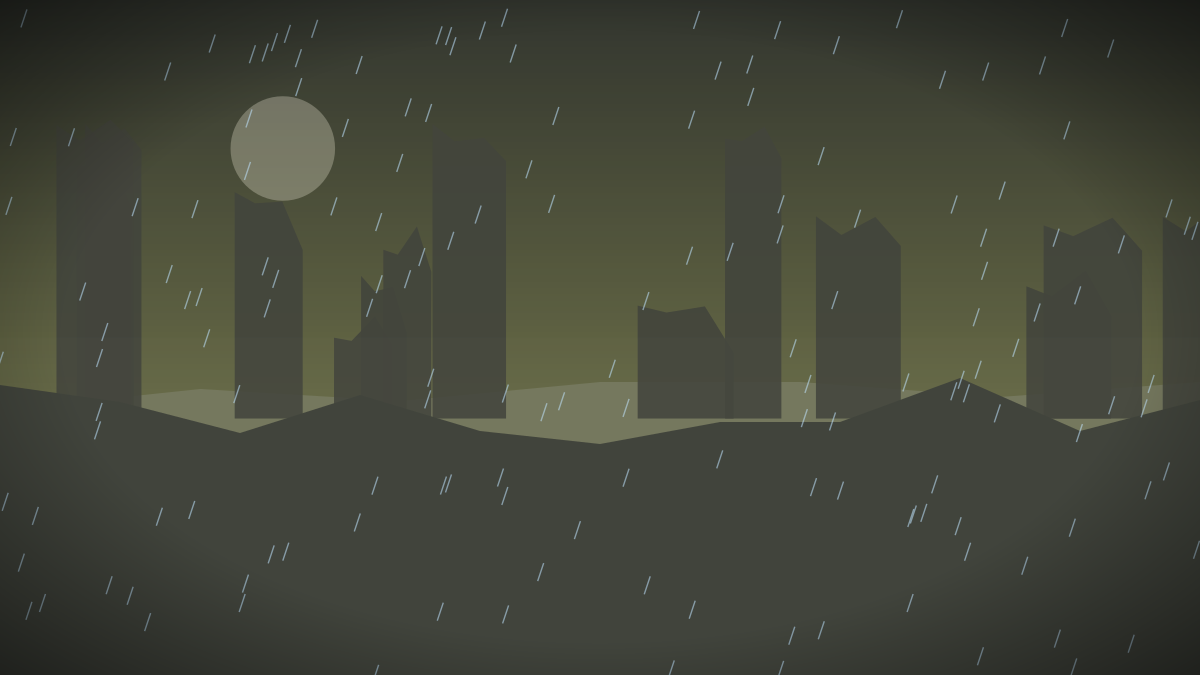
Rain in the base game is thin. You see streaks near the camera, but at a distance a rainy day looks much like an overcast one. Fog is mostly a soft haze rather than banks you walk into. Thunder is rare. Clouds repeat the same few textures, and sunsets can switch to night faster than you expect.
Radstorms are the strongest weather in the base game: green sky, lightning, the Geiger counter clicking. Even so, many players stop noticing them after a few hours because they look the same each time.
Weather mods fix this by adding variety and weight. A storm should make you look for cover. Fog over the river in the early morning should hide the far bank. A clear evening should give long warm light across Concord before it goes dark. That is what most weather overhauls aim for.
02Part 2 of 6
What do Fallout 4 weather mods actually change?
A weather record in Fallout 4 holds a lot: cloud layers and their speed, sky and fog colors for each part of the day, sun and ambient light colors, precipitation type and density, wind, lightning, sounds and the imagespace used for grading. Weather mods edit some or all of these.
New weather types
Light drizzle, downpours, dust storms, heavy fog, overcast with breaks of sun.
Rain and particles
Denser rain, bigger drops, splashes and puddle effects.
Clouds
Higher resolution cloud textures and more layers moving at different speeds.
Sound
Real thunder, wind, rain on surfaces. Weather mods that change sound feel much bigger than ones that only change visuals.
Radstorms
Darker skies, more lightning, sometimes more radiation.
Time of day colors
Longer dawn and dusk, darker nights.
Community overhauls such as True Storms, Vivid Weathers and NAC take different paths here. Some focus on storms and sound, others on a full rework of every weather and its colors. They should not be stacked, since each one rewrites the same weather records.
Screens
See the difference
The same scene before and after, plus the spot we test this effect in.
- In gameRadstorms should stay green and menacing with any weather overhaul.
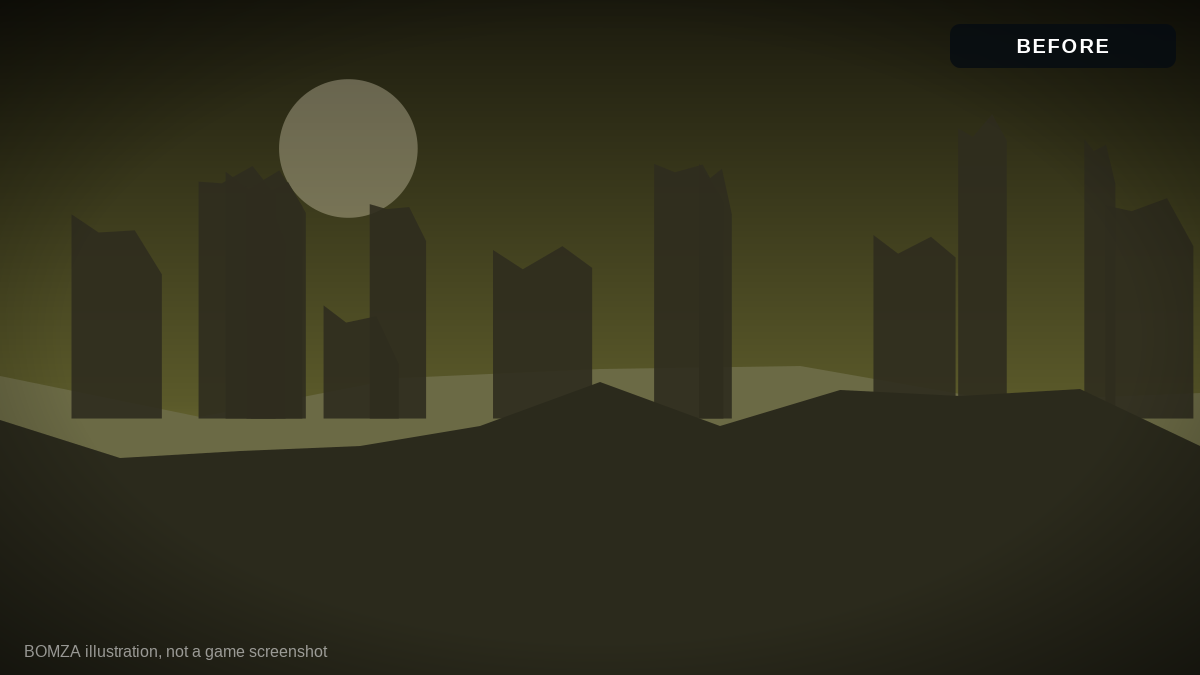
- BeforeThe base game look.
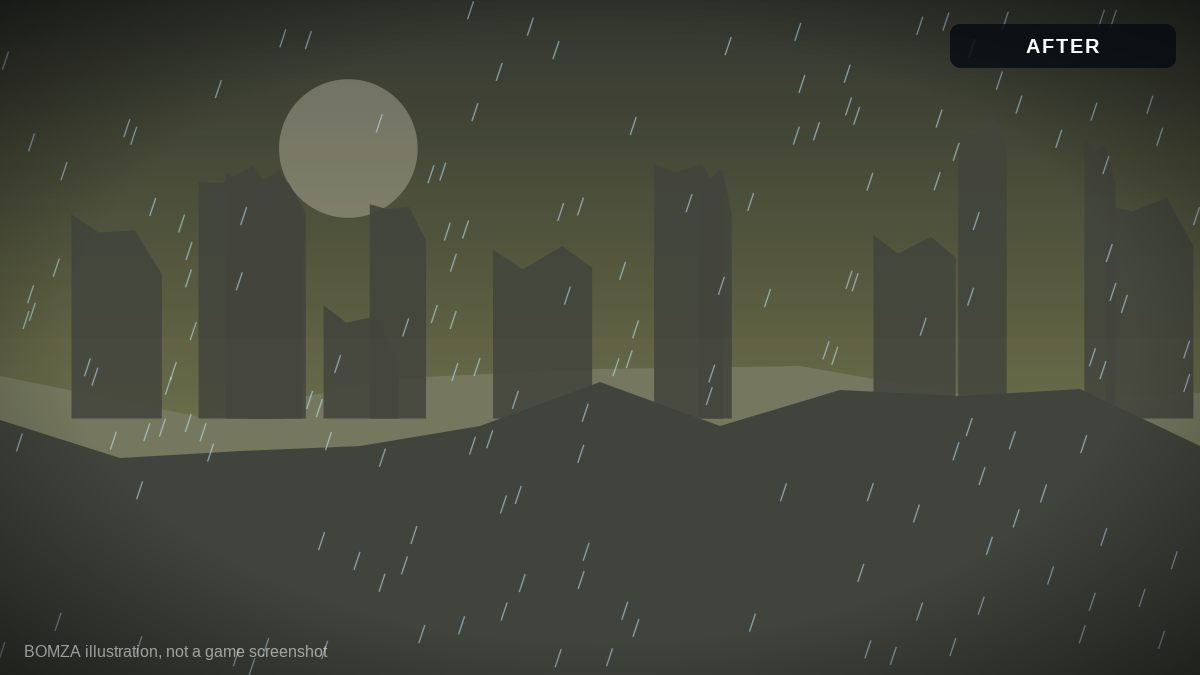
- AfterRain over Lexington: thin vanilla streaks before, dense rain and low clouds after.
- Video coming soonA gameplay capture will be added here.
03Part 3 of 6
Should you use darker nights in Fallout 4?
Base game nights are bright enough to play without any light. Many weather mods make nights darker, and some offer a separate option for it. It changes the game more than you might expect.
With darker nights, you rely on the Pip-Boy light, night vision gear or settlement lighting. Raider camps with fires become easy to see from far away. Feral ghouls in the dark are scary again. Travel at night becomes a choice.
The downside is that pitch black nights can make the game tedious, especially on a monitor that is not calibrated or in a bright room. Look for a mod that offers several darkness levels so you can pick one and change it later.
Moon phase and clear skies should matter. A good darker nights setting is lighter under a full moon with no clouds and much darker during rain. If every night is equally black, the effect wears out quickly.
Pair darker nights with a better Pip-Boy light, as described on the brighter interiors page. The same personal light change that fixes metro tunnels also makes night travel playable.
04Part 4 of 6
Where do you notice weather mods most in Fallout 4?
Weather is easiest to judge outdoors with a wide view. These spots work well for before and after shots.
The bridge over the river near Sanctuary at dawn
Fog over water shows how thick and how low the fog layer is.
The rooftop of the Corvega plant, or any high point in Lexington
Good for clouds, rain at a distance and lightning over the city.
The Boston skyline from Charlestown during rain
Shows whether far buildings fade into the rain or stay sharp and unrealistic.
The Glowing Sea
Its own weathers. Check that the mod covers it, or it stays vanilla while the rest of the map changes.
Far Harbor island
Fog is part of the story there. A good mod keeps it heavy and does not strip it for clarity.
Weather changes on its own, so comparing takes patience. Note the hour and weather type in your screenshot names. Comparing a vanilla clear noon with a modded stormy dusk tells you nothing.
05Part 5 of 6
Do weather mods work with color, ENB and lighting mods?
This is where most weather problems come from. Many weather overhauls include their own imagespaces for each weather, so they change colors too. If you also run a separate color plugin, the later one in the load order decides the grading for each weather record they both touch. You may get the weather mod's clouds with the color mod's tint, or the reverse.
Two clean setups work well. You can let the weather mod handle everything and skip a separate color plugin. Or you can pick a weather mod that only changes clouds, rain, fog and sound, then let a color mod like the one on our clearer colors page handle grading.
ENB presets are often tuned for one specific weather mod. Using a preset made for a different one gives nights that are too bright or fog that glows. Check the preset page for the weather mod it was made with.
Interior lighting mods rarely conflict with weather mods. Interiors have their own lighting templates, and weather only leaks in through windows and in a few open interiors.
06Part 6 of 6
Do Fallout 4 weather mods cost FPS or affect saves?
Most of the time a weather mod costs little. Clouds and sky colors are cheap. The cost shows up in heavy precipitation and dense fog, where the GPU draws many transparent particles, and in dense parts of the map like downtown Boston, which are already the slowest areas. If you are close to your frame rate limit there, a big storm can push you below it. The FPS boost page covers what to do about that area.
Two launcher options interact with weather: wetness, which makes surfaces shine in rain, and rain occlusion, which stops rain from falling under roofs. Both cost some frame time and both make rain look much better. If you have to cut something, lower shadow distance first.
Weather mods are plugins. Adding one to an existing save is usually fine. The game switches to the new weathers the next time the weather changes. Removing one mid playthrough is also usually safe, though the current weather may look odd until it changes. Make a backup save first, as described in keeping a modded save safe. Weather works much the same way in other Creation Engine games; compare with Skyrim weather effects if you play both.
Dial it in
Settings that change the look
- 01
Precipitation density
How many rain particles fall. Higher values make storms read at a distance and cost some frame time.
- 02
Fog distance and density
How close fog starts and how thick it gets. Lower fog distances hide the far bank of the river at dawn.
- 03
Night darkness level
How dark nights get. Darker nights make the Pip-Boy light and settlement lights matter.
- 04
Wetness
Launcher option that makes surfaces shine during rain. Adds a lot to storms for a modest cost.
- 05
Rain occlusion
Launcher option that keeps rain from falling under roofs and bridges. Stops rain from appearing indoors in ruins.
- 06
Lightning frequency
How often lightning flashes in storms and radstorms. Affects how threatening storms feel.
Before you install
Compatibility
Works with
Weather mods are plugins and do not need F4SE, so they work on the pre next-gen and current versions. Use one weather overhaul at a time. Check whether yours covers Far Harbor, Nuka-World and the Glowing Sea, or those areas stay vanilla. If it ships imagespaces, do not add a separate color plugin without a patch. ENB presets should match the weather mod they were tuned for. Interior lighting mods generally combine without problems.
Install steps are in Guides, and the current state of each pack is on the status page.
Limitations
- Fallout 4 has no volumetric clouds; clouds are still textured layers in the sky.
- Rain does not change how the world plays, so roads and fields do not turn muddy.
- Weather changes on its own schedule, so you may wait a while to see a specific type.
- Heavy storms in downtown Boston can push weaker PCs below a comfortable frame rate.
- An ENB preset tuned for a different weather mod can make nights and fog look wrong.
Tested packs
Get this effect
No BOMZA pack covers this effect yet. You can still browse the Fallout 4 shop for the packs that exist.
There is no BOMZA pack for this yet. The guide above covers the free ways to get the effect, and the free mods overview explains how to judge a mod page.
FAQ
Questions players ask
Short answers to what players ask us most. Open a question to read the answer.
Ask in our Discord. Include your game version and what you installed.
Open Discord01Can I use two Fallout 4 weather mods together?
Not two overhauls. They rewrite the same weather records and the later one wins. Some small mods, like sound only or cloud texture only mods, can be combined if their pages say so.
02Do weather mods cover the DLC areas?
Many do, but not all. Check the mod page for Far Harbor, Nuka-World and the Glowing Sea.
03Why is my rain falling indoors?
Rain occlusion is off in the launcher, or an interior is part of the exterior world, like a ruined building with no roof. Turning rain occlusion on fixes most cases.
04Do weather mods need F4SE?
Usually not. They are plugin mods and work on any game version. If one offers an in-game menu, that menu may need F4SE and MCM.
05Will darker nights make Fallout 4 too hard to play?
It depends on the level. Pick a mod with several darkness options and pair it with a wider Pip-Boy light.
Keep exploring
More Fallout 4 effects
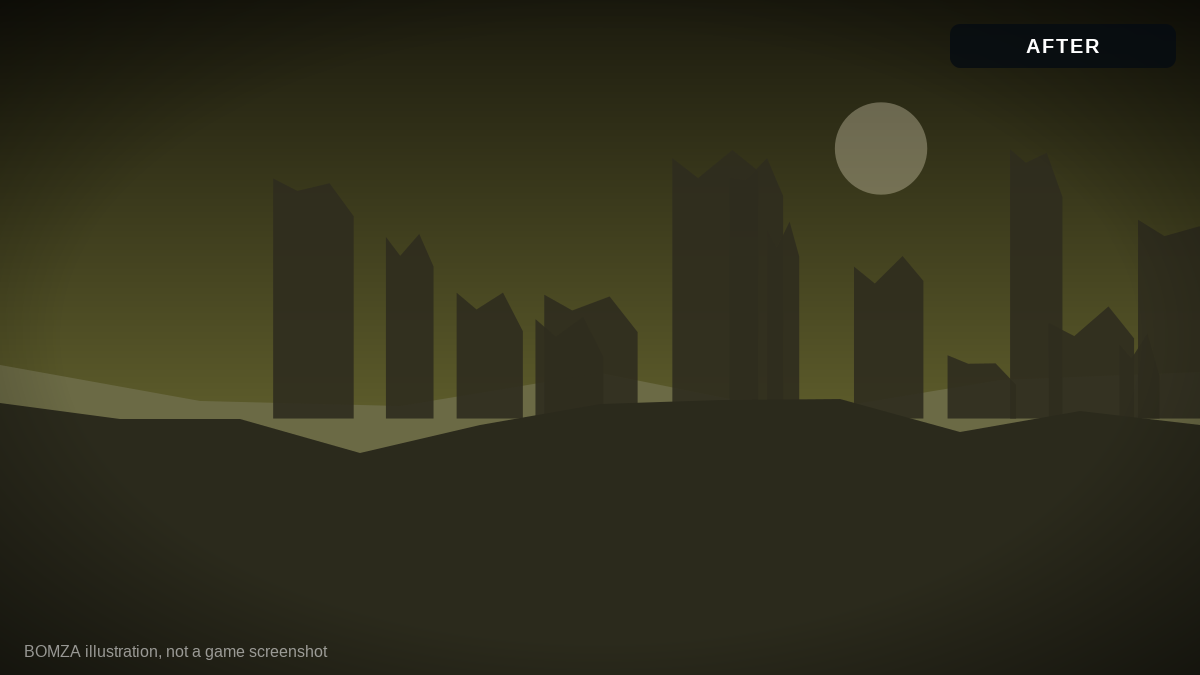
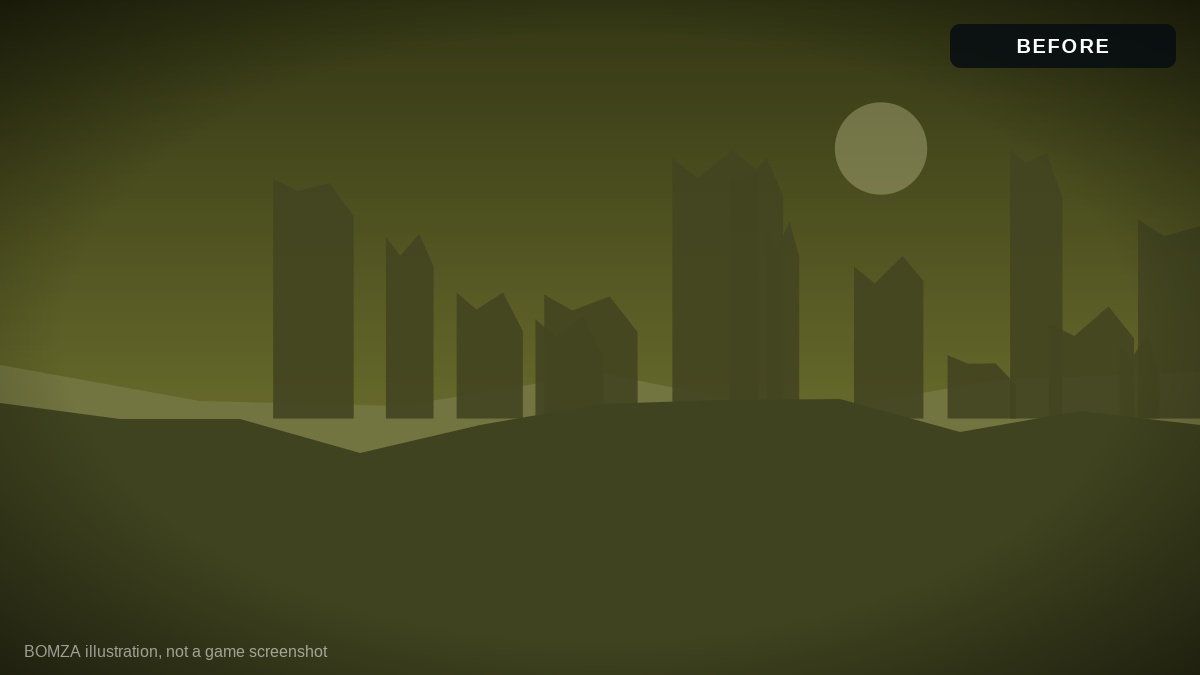 Fallout 4 clearer colors: getting rid of the yellow and green filterFallout 4 grades almost every outdoor scene toward yellow, green or gray, which makes the Commonwealth look washed out and hazy. Color mods change the imagespace records behind that grading, so skies turn blue again, foliage reads as foliage and shadows keep detail. You can do it with plain plugin edits, an ENB preset or a ReShade preset, and the plugin route costs almost no FPS.
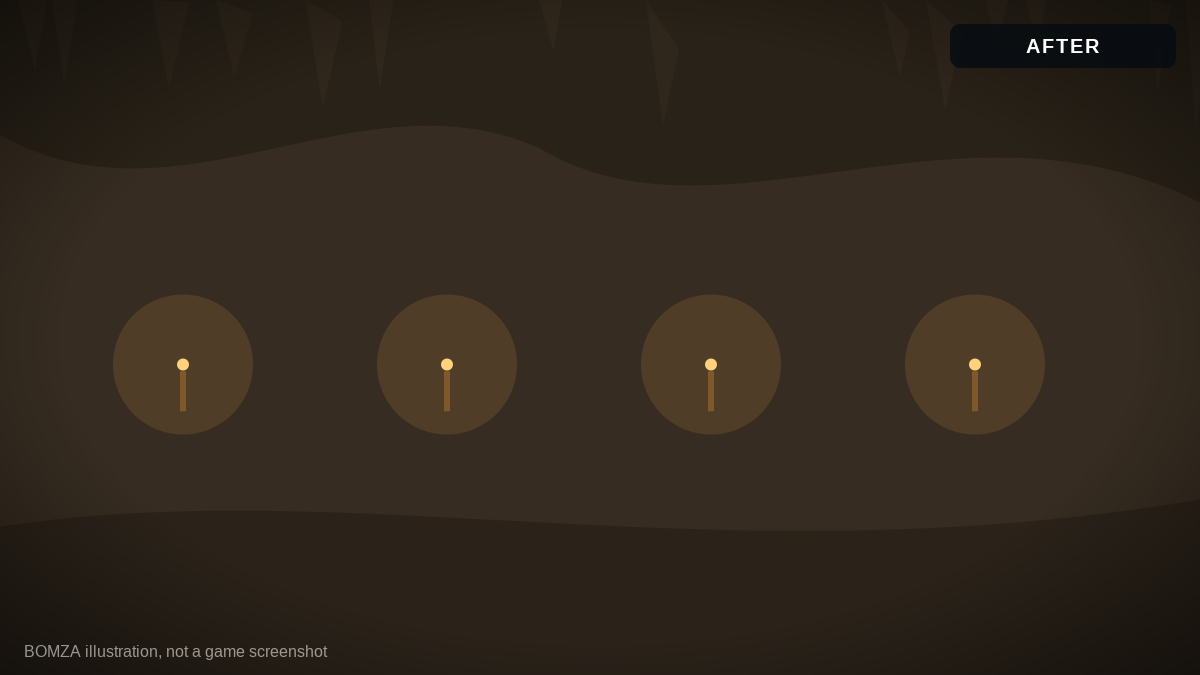
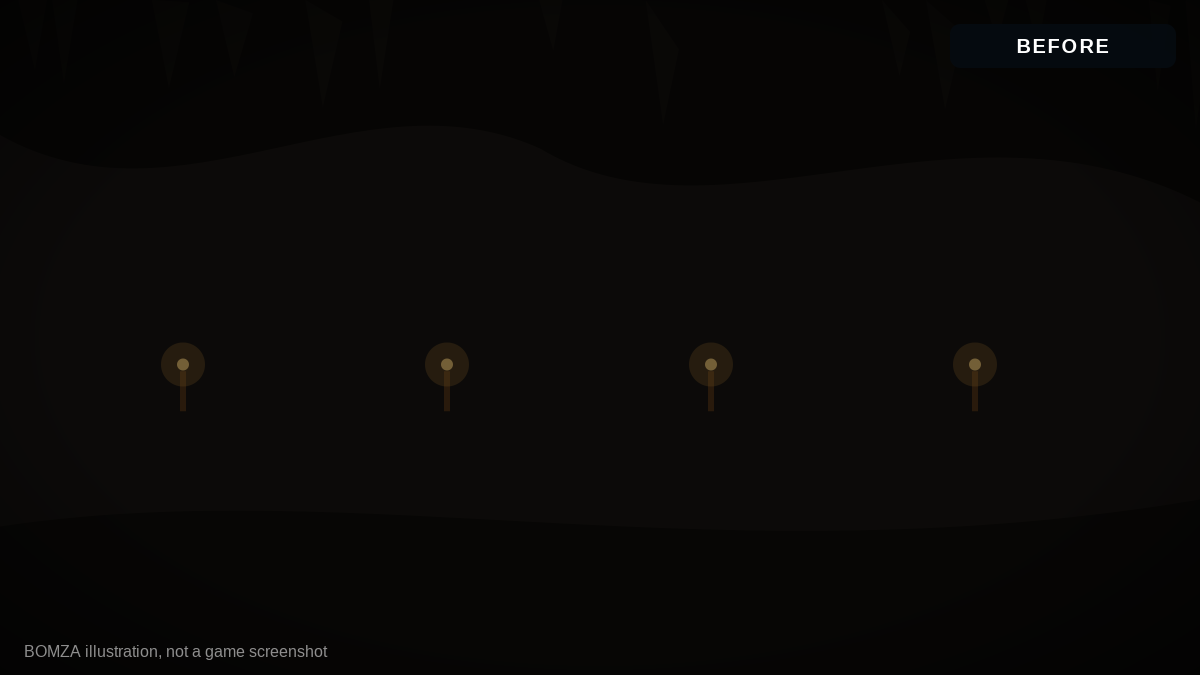 Fallout 4 brighter interiors: making vaults and ruins readableMany Fallout 4 interiors are lit by a flat ambient value and a handful of lamps, so rooms look either gray and murky or pitch black in the corners. Interior lighting mods add or rebalance light sources and edit each cell's lighting template, so you can see the room without losing the darkness that makes places like Dunwich Borers feel dangerous. Most of the cost comes from extra shadow casting lights.
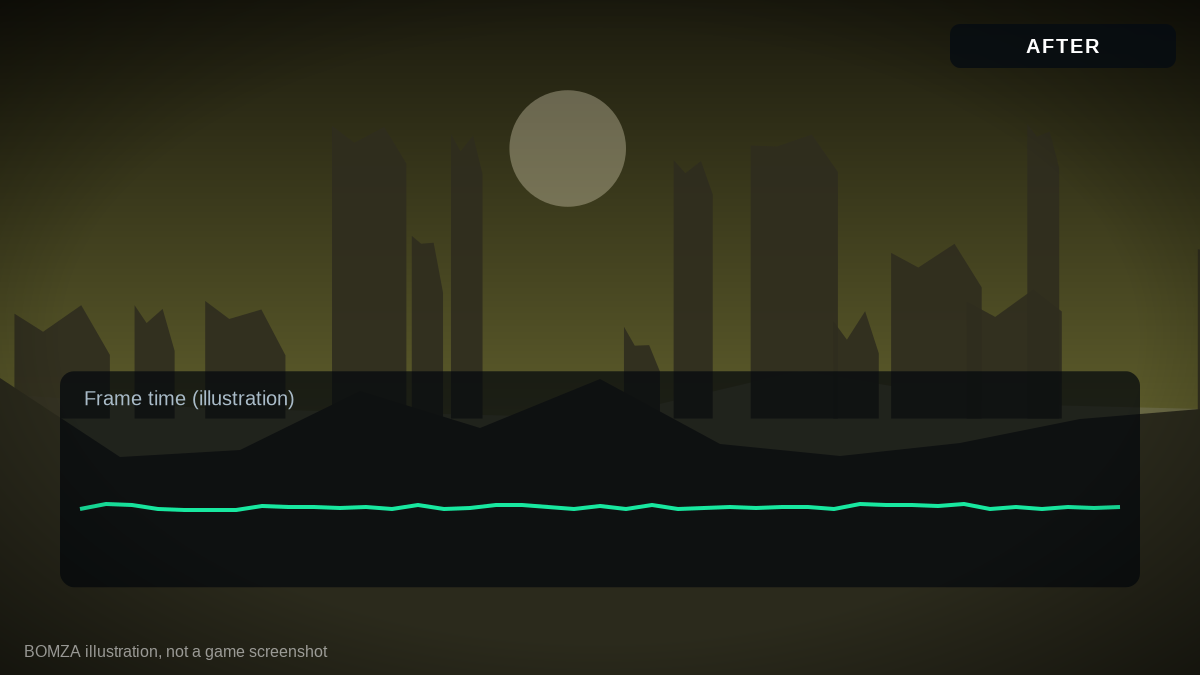
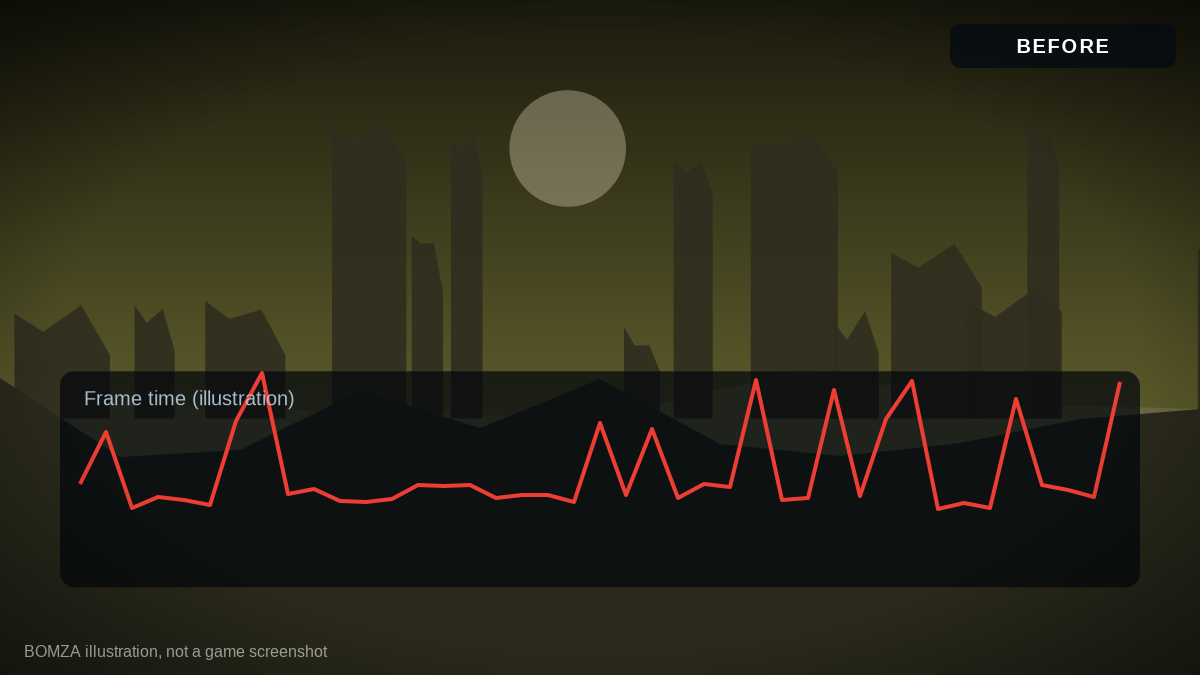 Fallout 4 FPS boost: why Boston drops frames and what helpsFallout 4 loses frame rate mostly in downtown Boston and in big settlements, and the cause is usually draw calls and shadows, not your graphics card. The biggest gains come from intact or repaired precombined meshes and previs data, a shorter shadow distance, lower godrays and fixes for the engine's frame rate tied physics. Texture packs and color mods matter far less than people think.
 Full Fallout 4 mods guideEvery effect, what it costs in FPS, what breaks after updates and how we check our packs.
Fallout 4 · weather effects
Want a pack for this?
There is no BOMZA pack for this effect yet. The Fallout 4 shop lists every pack we have for this game today.