SK
 CP
 W3
 MC
 ETS2
 AC

Imagespace plugin
- What it changes
- Game grading values per weather and cell
- Frame cost
- Close to none
- Good for
- Removing the tint, natural look, low end PCs

Show prices in
Prices in other currencies are approximate. Card payments are charged in South African rand (ZAR).
 Log in
Fallout 4 · Visual effect
Fallout 4 grades almost every outdoor scene toward yellow, green or gray, which makes the Commonwealth look washed out and hazy. Color mods change the imagespace records behind that grading, so skies turn blue again, foliage reads as foliage and shadows keep detail. You can do it with plain plugin edits, an ENB preset or a ReShade preset, and the plugin route costs almost no FPS.
01Part 1 of 6
Walk out of Vault 111 on a clear morning and look toward Sanctuary. The sky has a pale, creamy tone, the grass is olive brown, and the far hills fade into a warm haze. That is mostly not the textures. It is the imagespace, a set of values the game applies to the whole frame: saturation, tint color, tint strength, brightness and contrast.
Different weathers carry different imagespaces. Clear weather in the Commonwealth leans yellow. Overcast weather leans gray green. Radstorms go strongly green on purpose. The Glowing Sea has its own heavy grading, and Far Harbor wraps everything in a blue gray fog.
Some of this is art direction. The game is meant to look like a faded, sunburnt place. The problem is that the same tint also lands on skin, power armor paint and interface colors in the world, so everything shares one muddy hue. Night scenes also lose contrast because the grading lifts the blacks. Players usually describe it as "the game looks like it has a filter on", which is accurate.
02Part 2 of 6
There are three layers you can change, and they behave differently.
A plugin changes the grading values the game already applies per weather and per interior. This is the cleanest fix. It costs nothing in frame rate and it follows the game's own transitions between weathers and times of day.
Weather mods often ship their own imagespaces and change sky colors, fog colors and sun color by hour. A weather mod can make colors clearer on its own, or fight a separate color mod.
ENB and ReShade read the finished frame and grade it again with their own tools: curves, color balance, LUTs, vibrance. That gives fine control but it stacks on top of whatever the imagespace already did.
The common mistake is stacking: an imagespace mod that removes the tint, plus a ReShade preset that was tuned for the vanilla tint and adds its own correction. You end up with blue shadows and orange skin. Pick one layer as the main color fix and keep the others neutral.
For a broader look at how these layers work in any game, see how lighting mods work.
Screens
The same scene before and after, plus the spot we test this effect in.
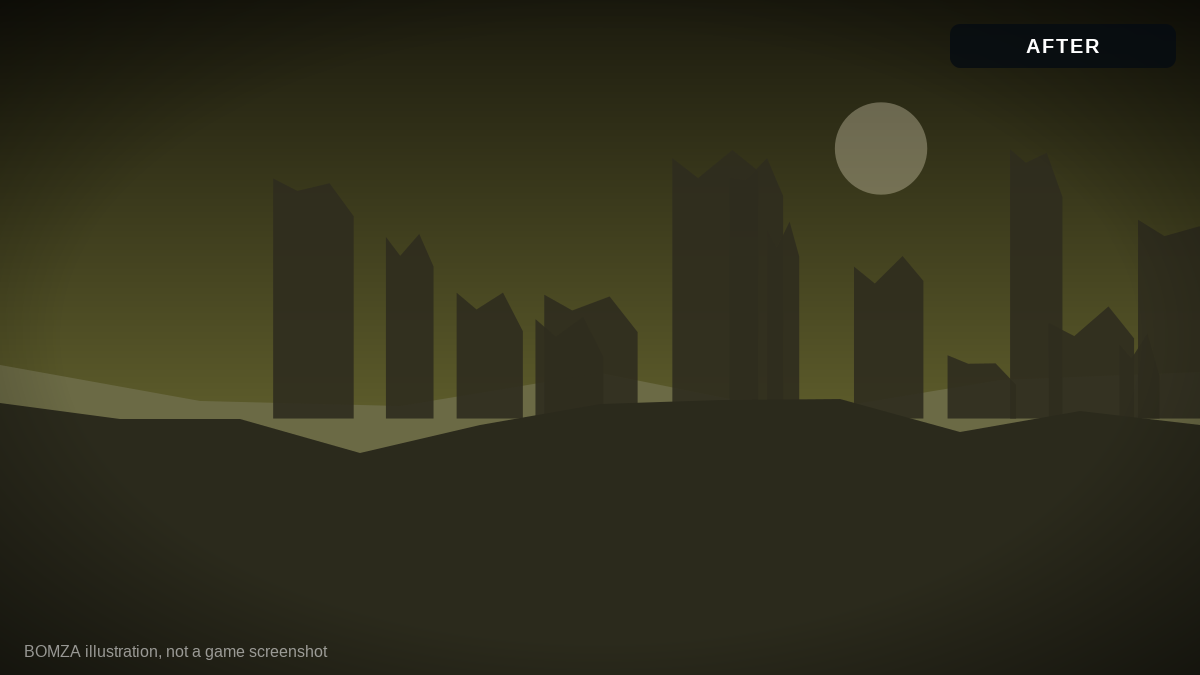
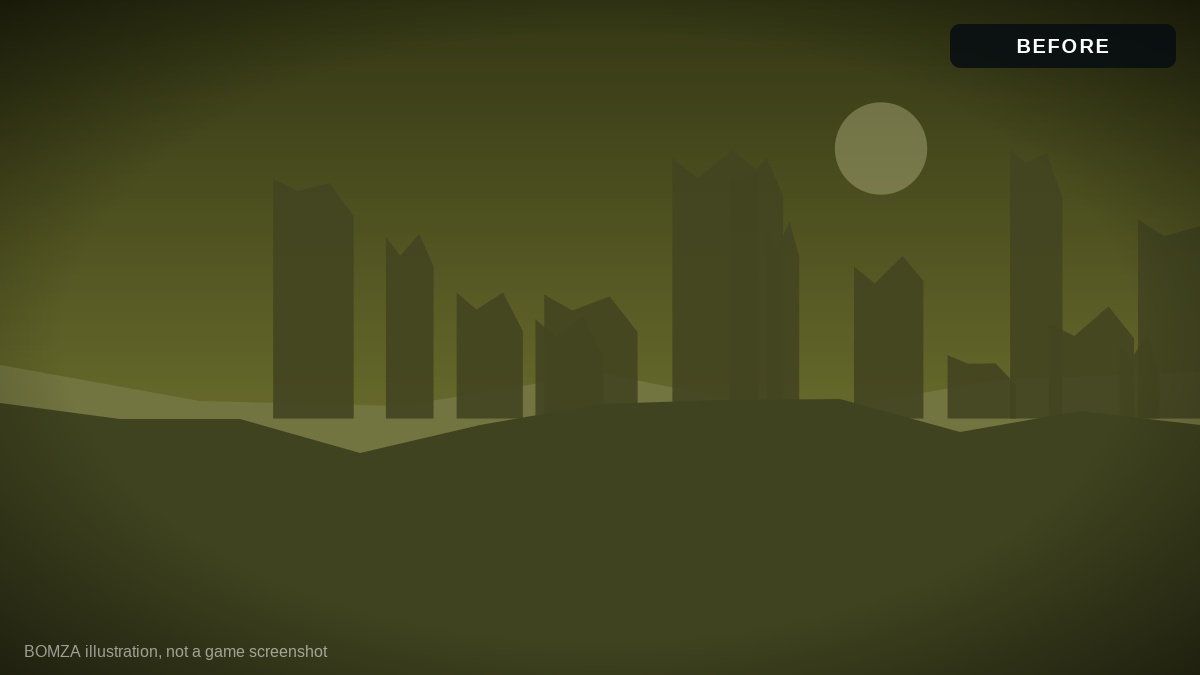
In gameDiamond City is a good test for whether colors stay separate after a grading change.BeforeThe base game look.AfterSanctuary Hills in clear weather: vanilla yellow tint on the left, neutral grading on the right.Video coming soonA gameplay capture will be added here.03Part 3 of 6
If all you want is "the same game without the filter", a plugin is the right answer. It keeps the look the developers built and only takes out the cast. If you want a different mood, warmer sunsets or a cold, desaturated wasteland, an ENB preset gives you more to work with but you pay in frame rate, especially in downtown Boston.
ReShade sits between the two. A color only ReShade preset with tonemapping, vibrance and a light sharpen is cheap. Turn on ambient occlusion or depth of field and the cost climbs fast. Our ReShade vs ENB explainer covers the difference in more detail.
04Part 4 of 6
Use the same few spots every time you compare, at the same hour and in the same weather. The console command for weather is useful for testing, but the easiest check is just waiting until the sky matches.
Blue sky versus cream sky, green grass versus olive. Easiest place to judge the tint.
Lots of painted metal and lights. Good test for whether reds and blues stay distinct.
Rubble, shadows and a low sun. Shows whether the blacks keep detail or turn gray.
Skin tone is where bad color fixes show first. Too orange or too pink means the grading went too far.
It should still be green. A color mod that strips the radstorm tint removes a warning sign the game relies on.
Take screenshots at each spot before you add the mod. Comparing from memory does not work, because your eyes adapt to a tint in a few minutes.
05Part 5 of 6
Part of what people call "clear colors" is not color at all. It is haze and softness. Fallout 4 uses temporal anti aliasing by default, which smooths edges but also blurs fine detail, and the distant haze in clear weather softens the skyline.
Ways to get a crisper image, from cheapest to most expensive
Strong sharpening makes grass and power lines flicker in motion. Judge it while walking, not on a still screenshot.
06Part 6 of 6
Usually yes, with one rule: the last plugin that edits an imagespace or weather record wins. If your weather mod and your color mod both change the same clear weather imagespace, only one change is used. Your mod manager shows this as a conflict, and the plugin lower in the load order wins.
Good combinations follow one of two patterns. Either the weather mod handles all grading and you skip a separate color plugin, or you use a weather mod that only changes clouds, rain and fog, and let the color mod handle grading. Mod pages often say which one they are.
Interior lighting mods mostly touch lighting templates and light sources, not exterior imagespaces, so they rarely conflict with a color fix. See brighter interiors for that side.
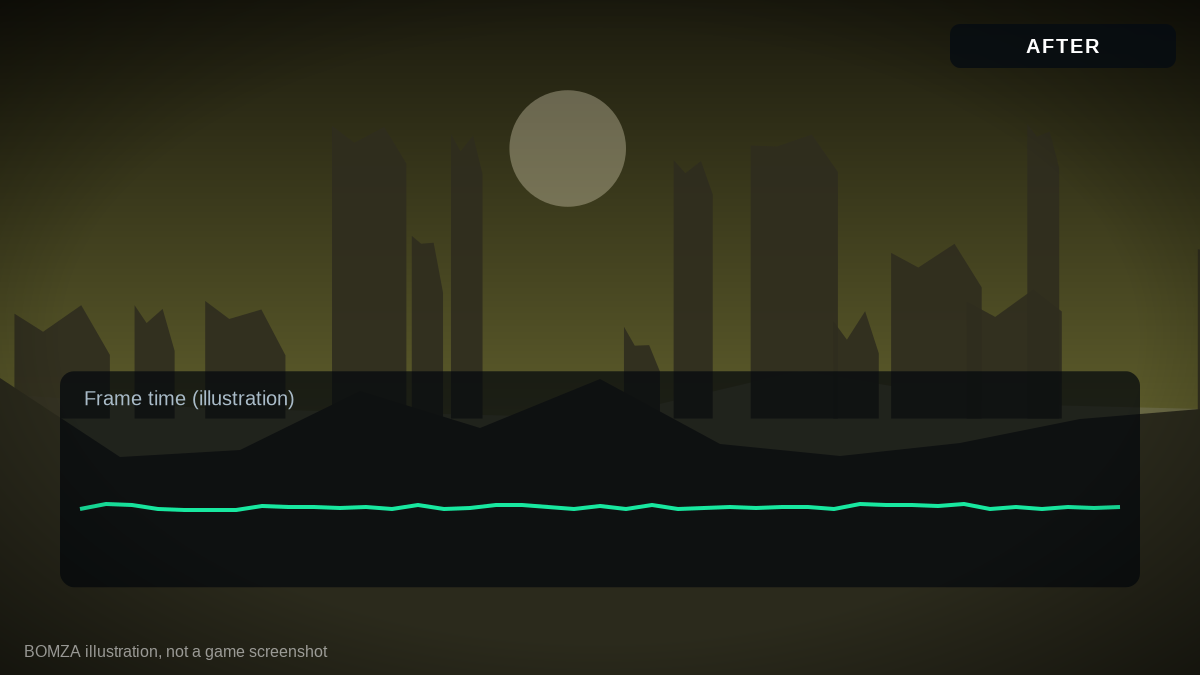
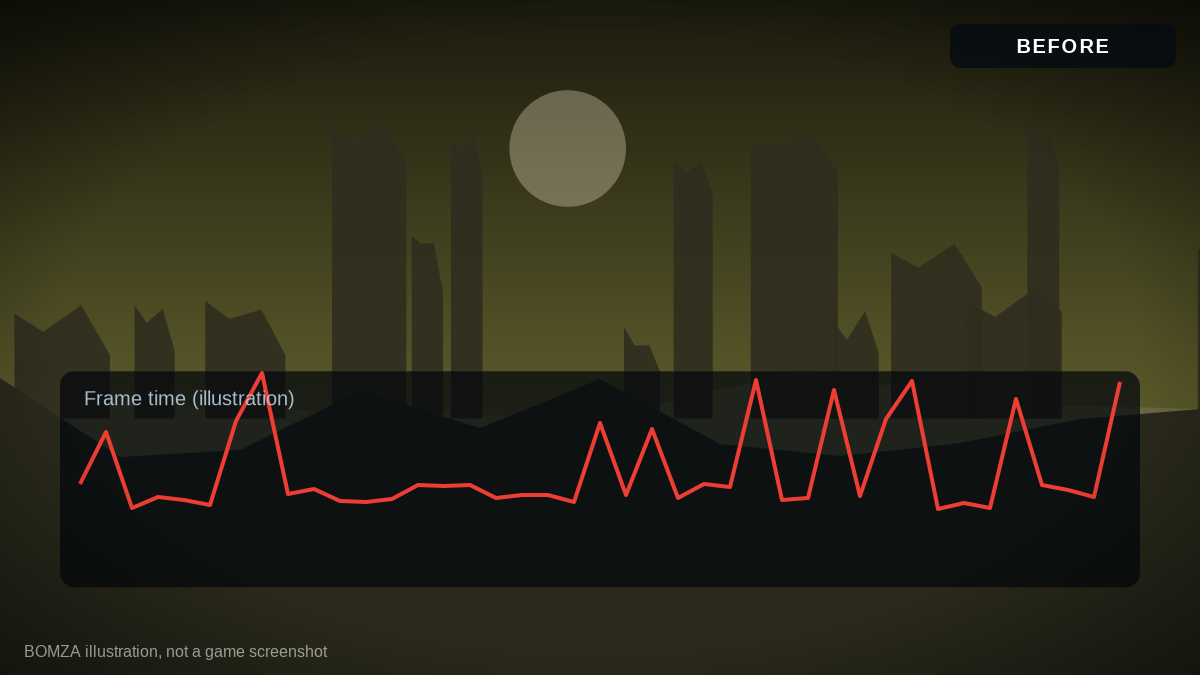
Frame rate stays the same with a plugin based color fix. If you use the BOMZA Clear Wasteland Colors pack, its product page lists what it changes, what it was tested with and the game version on the status page. Setup steps live in the Fallout 4 guides.
Dial it in
How much of the weather color cast is laid over the frame. Lower values remove the yellow or green filter.
Overall color intensity. A small increase brings back foliage and paint; too much makes skin look sunburned.
Controls whether shadows keep detail or turn gray. Vanilla lifts blacks, so most fixes lower them slightly.
Density of the distance fog on sunny days. Less haze makes the Boston skyline readable from far away.
Background blur in dialogue and while aiming. Turning it off removes a lot of the soft, foggy feel.
Post-processing sharpening in ReShade or ENB. Low values add clarity, high values add halos and shimmer.
Before you install
Works with
Plugin based color fixes work with Fallout 4, all six DLCs and the next-gen version, since they do not need F4SE. They conflict with weather mods that edit the same imagespace records; the later plugin in the load order wins. ENB presets need the Fallout 4 ENB binary that matches your game version. ReShade needs the DirectX 11 setup option. Avoid running two grading layers at full strength at the same time.
Install steps are in Guides, and the current state of each pack is on the status page.
Limitations
Tested packs
These BOMZA packs include this effect. Each one shows the game version it was last confirmed on. Options and checkout are in the shop.
FAQ
Short answers to what players ask us most. Open a question to read the answer.
Ask in our Discord. Include your game version and what you installed.
Open DiscordThe base game applies a color tint through imagespace records for each weather. Clear weather leans yellow, overcast weather leans green gray. It is art direction, and mods can soften it.
A plugin that edits imagespace values costs close to nothing. ENB presets cost more because they also change lighting. ReShade color tools are cheap, but extra effects like ambient occlusion are not.
Yes, if they do not edit the same imagespaces, or if you let one of them handle all grading. Check the conflict view in your mod manager and the compatibility notes on both mod pages.
Imagespace plugins do not add scripts or items, so they are among the safest plugins to add or remove. Still make a backup save before changing your load order.
Two grading layers are stacked, often a color plugin plus an ENB or ReShade preset tuned for the vanilla tint. Turn one off or lower its color strength.
Keep exploring
 Fallout 4 brighter interiors: making vaults and ruins readableMany Fallout 4 interiors are lit by a flat ambient value and a handful of lamps, so rooms look either gray and murky or pitch black in the corners. Interior lighting mods add or rebalance light sources and edit each cell's lighting template, so you can see the room without losing the darkness that makes places like Dunwich Borers feel dangerous. Most of the cost comes from extra shadow casting lights.
 Fallout 4 weather effects: heavier rain, real fog and better radstormsFallout 4 has only a small set of weathers, and its rain and fog are light compared with what the setting suggests. Weather mods add new weather types, denser rain, thicker fog, new cloud layers and stronger radstorms, and some change the sky color for every hour of the day. They are plugins, they usually work on every game version, and their frame cost shows up mainly in heavy rain and fog.
 Fallout 4 FPS boost: why Boston drops frames and what helpsFallout 4 loses frame rate mostly in downtown Boston and in big settlements, and the cause is usually draw calls and shadows, not your graphics card. The biggest gains come from intact or repaired precombined meshes and previs data, a shorter shadow distance, lower godrays and fixes for the engine's frame rate tied physics. Texture packs and color mods matter far less than people think.
 Full Fallout 4 mods guideEvery effect, what it costs in FPS, what breaks after updates and how we check our packs.
Fallout 4 · clearer colors
Our pack for this effect is tuned and tested by our team on a named game version, with setup guides and support on Discord.
Quick answers from our FAQ. Not solved? Open a ticket on Discord.