SK
 CP
 W3
 MC
 ETS2
 AC

Shadow distance
- Cost
- High, especially in Boston
- What you lose by lowering it
- Far shadows fade in closer to you

Show prices in
Prices in other currencies are approximate. Card payments are charged in South African rand (ZAR).
 Log in
Fallout 4 · Visual effect
Fallout 4 loses frame rate mostly in downtown Boston and in big settlements, and the cause is usually draw calls and shadows, not your graphics card. The biggest gains come from intact or repaired precombined meshes and previs data, a shorter shadow distance, lower godrays and fixes for the engine's frame rate tied physics. Texture packs and color mods matter far less than people think.
01Part 1 of 6
Most players see a smooth game in Sanctuary and the north of the map, then a drop as they head south into Boston. Around Diamond City, Goodneighbor and the financial district, frame rate can fall hard even on fast GPUs, while GPU usage stays well below full. That pattern points at the CPU side: the game is sending too many separate objects to draw.
The other common spot is your own settlements. Sanctuary or Starlight Drive In with a few hundred built objects, lights and scrapped scenery can run much worse than when you arrived.
A third case is short, sharp stutter when you move between cells or turn quickly. That usually comes from running out of video memory with large texture packs, or from the game streaming data from a slow drive.
It helps to know which of the three you have before changing anything. Watch GPU usage in an overlay while you stand in downtown Boston. If it is low and FPS is low, it is a draw call problem. If it is high, you are GPU bound and graphics settings will help. Our FPS measurement method describes how to test this properly with frame time capture.
02Part 2 of 6
These two systems are the main reason Boston runs at all.
Precombined meshes merge many static objects in an area, like walls, rubble and street props, into a few large meshes. The game draws a few big objects instead of thousands of small ones, which saves a huge number of draw calls.
Previs (precomputed visibility) stores which parts of the world you can see from each spot. The game uses it to skip drawing buildings hidden behind other buildings.
Both are generated by the developers and saved as data files for each cell. They only work if the cell stays the way it was when the data was built. When a mod moves, removes or adds a static object in that cell, the game turns precombines and previs off for the whole cell. You then draw every small object one by one and nothing is hidden. In dense parts of the city, that can cost more frame rate than any visual mod.
That is why a mod that only adds a bench to a street corner in Boston can make the area slow. Scrapping objects in settlements does the same thing on a smaller scale.
Screens
The same scene before and after, plus the spot we test this effect in.
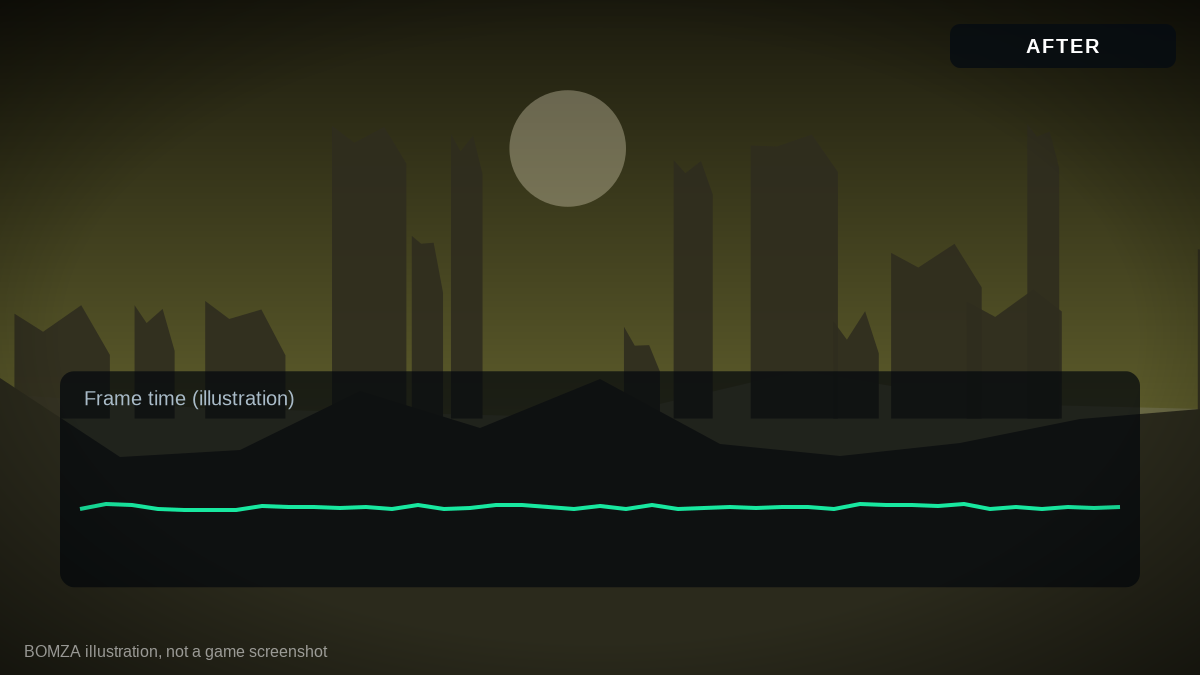
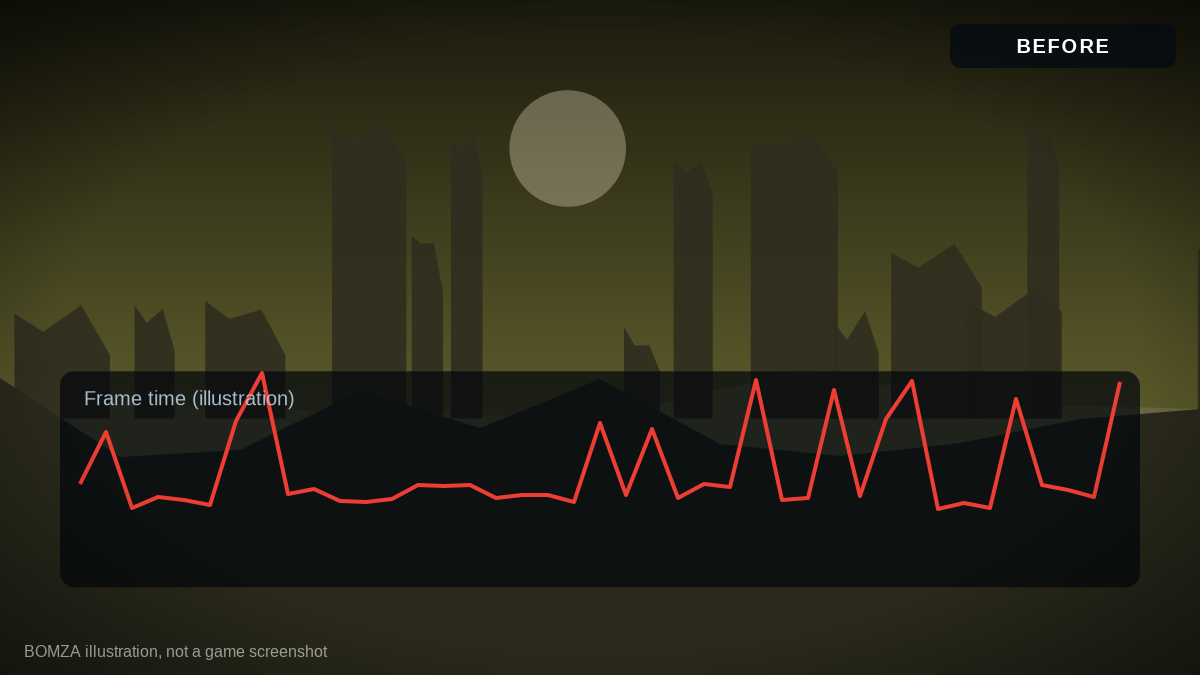
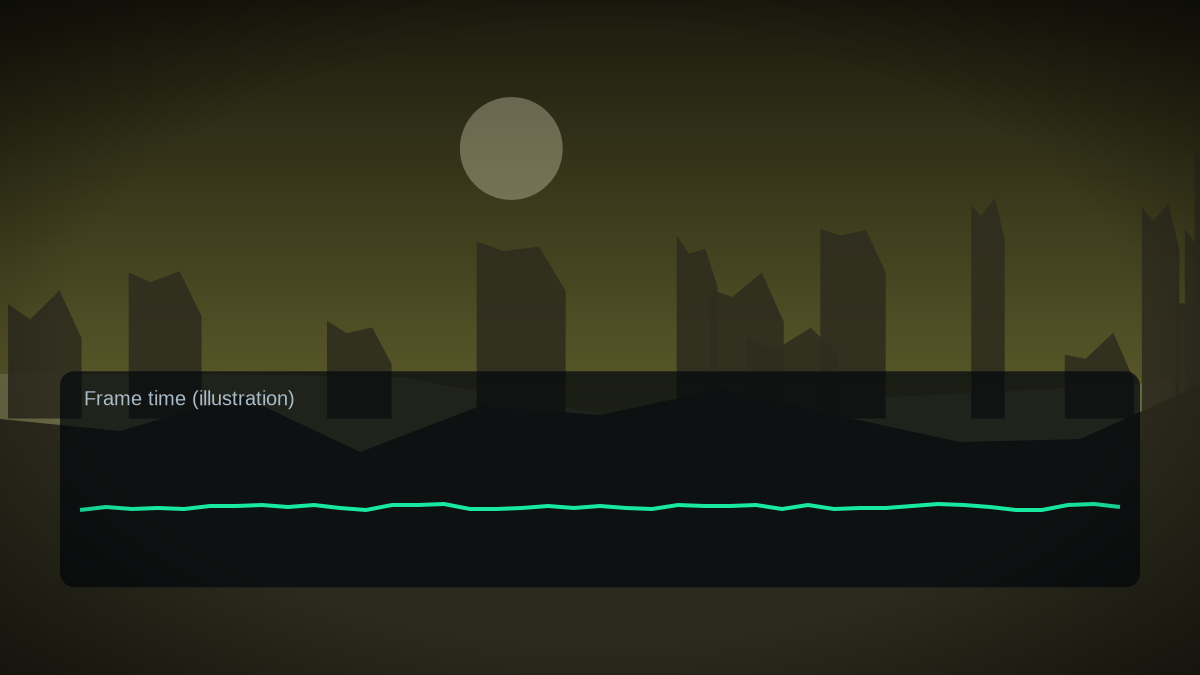
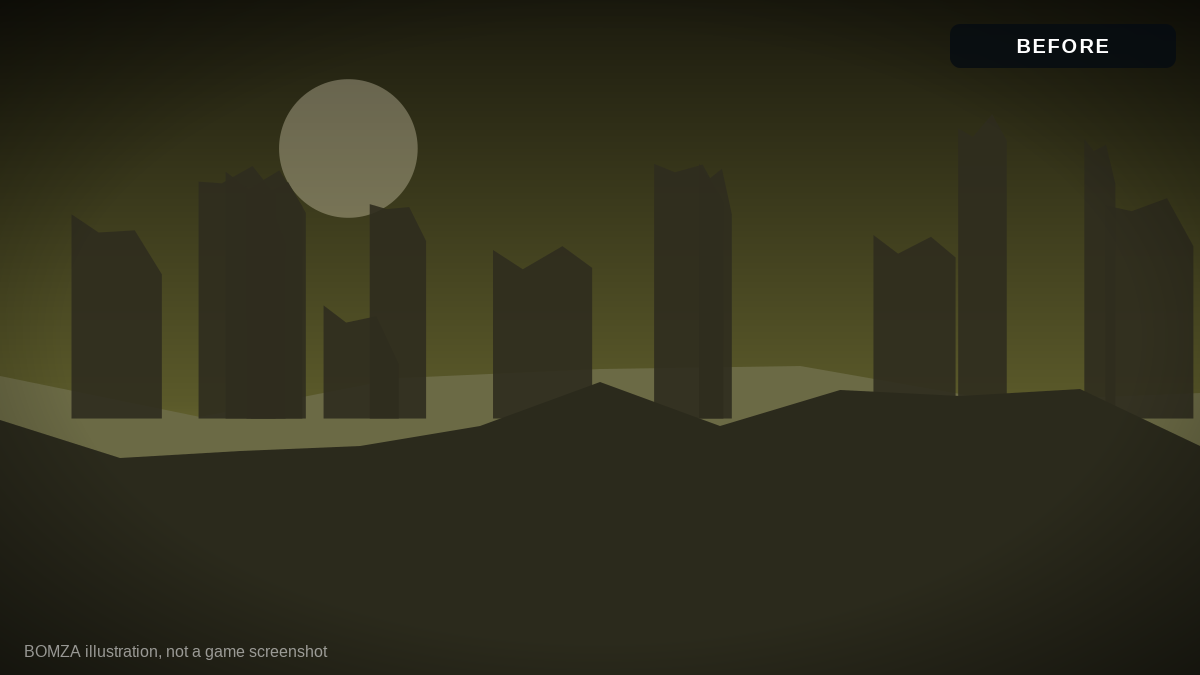
In gameBig settlements are the second place where Fallout 4 frame rate drops.BeforeThe base game look.AfterDowntown Boston street with a frame time overlay: broken precombines before, repaired precombines and shorter shadow distance after.Video coming soonA gameplay capture will be added here.03Part 3 of 6
Repair mods rebuild precombines and previs for many cells, either for the base game or to include the edits of popular mods. The best known is the Previsibines Repair Pack, usually called PRP. Projects like it regenerate data with the Creation Kit so cells keep their performance even with changes.
What to know before you rely on one
Mods that change many exterior cells, like large city overhauls, should say whether they keep precombines intact. If a mod page is silent, assume it does not. More on spotting this in load order and mod conflicts explained.
04Part 4 of 6
Shadow distance is the setting to try first. It adds both GPU and CPU work, and the CPU part is exactly what hurts in downtown Boston. Godrays are the second. At ultra they can cost a lot for an effect you only see in some scenes, and the low setting still looks fine to most players.
Use one tool for frame limiting, either the game's vsync or your driver. Do not stack both. Background apps and Windows settings matter too; see Windows settings that matter for game performance.
05Part 5 of 6
You can, but not safely in the base game. Fallout 4 ties parts of its physics and timing to frame rate. With vsync turned off and the frame rate well above 60, players report terminals that scroll too fast, lockpicking that behaves oddly, objects that shake, and some scripted moments that break. Loading screens can also run slower, because the game spends time drawing the loading scene as fast as it can.

Community engine fixes such as High FPS Physics Fix adjust the timing so the game behaves at higher frame rates. They also often limit frame rate during loading screens, which can make loads faster. These are F4SE plugins, so they follow the version rules: you need a build that matches your game version and an F4SE that matches too. The script extender article explains why.
If you do not want to run F4SE plugins, leave vsync on and play at 60. On a high refresh monitor that is still smooth. Do not try to lift the frame cap through ini edits alone without a physics fix, or the problems above appear.
06Part 6 of 6
Texture packs barely change average frame rate as long as everything fits in your video memory. When it does not fit, you get stutter on cell changes and fast turns rather than a lower average. The official free high resolution texture pack is a large download and many players find its gain small for the memory it uses. On cards with 4 to 6 GB of VRAM, 2K community packs or optimized vanilla textures are usually the better choice.
Optimized texture mods recompress the base textures at the same visible quality and smaller size. They can reduce stutter on lower end PCs and do not change the look much.
Visual mods vary. Imagespace color edits are free, as described on clearer colors. Weather mods cost a little in storms. ENB presets cost the most and hurt most in the same places the base game already struggles.
The BOMZA Fallout 4 Performance Pack is aimed at this problem. Its product page lists what it changes, what it needs and the version it was confirmed on, and its state is on the status page. Setup steps are in the Fallout 4 guides.
Dial it in
How far away shadows are drawn. Lower values make far shadows fade in sooner and save the most frame time in Boston.
Light shafts through clouds, trees and windows. Lower settings soften them and recover a lot of GPU time.
Distance at which objects and people stop being drawn. Lower values mean more pop in but fewer draw calls.
Soft contact shadows in corners and under objects. Turning it down makes scenes flatter and saves GPU time.
Keeps the game at 60 or another fixed rate. Above 60 without a physics fix, terminals and physics misbehave.
Resolution of textures in memory. Only lower it if VRAM is full and you see stutter on cell loads.
Before you install
Works with
Graphics settings and texture changes work on every game version. Precombine repair mods must match your game version and need patches for mods that edit the same cells; load them late. Engine fixes for high frame rates are F4SE plugins and need both F4SE and the plugin to match your executable, pre next-gen 1.10.163 or the current version. Mods that add objects to Boston cells without regenerated precombines will undo much of the gain.
Install steps are in Guides, and the current state of each pack is on the status page.
Limitations
Tested packs
These BOMZA packs include this effect. Each one shows the game version it was last confirmed on. Options and checkout are in the shop.
FAQ
Short answers to what players ask us most. Open a question to read the answer.
Ask in our Discord. Include your game version and what you installed.
Open DiscordThe city is limited by draw calls on the CPU side. If precombines or previs are broken by a mod, the game draws thousands of separate objects. Lower shadow distance and check your mods for cell edits.
The Previsibines Repair Pack, a community project that rebuilds precombined meshes and previs data so cells keep their performance with common mods. It must match your game version and load late.
Not in the base game. Physics and timing are tied to frame rate. Use an engine fix made for that, or keep vsync on at 60.
Only when it fills your video memory, which causes stutter. On cards with limited VRAM, smaller community packs work better.
Yes. Scrapping removes objects that are part of precombined meshes, so the game turns precombines off for that cell.
Keep exploring
 Fallout 4 clearer colors: getting rid of the yellow and green filterFallout 4 grades almost every outdoor scene toward yellow, green or gray, which makes the Commonwealth look washed out and hazy. Color mods change the imagespace records behind that grading, so skies turn blue again, foliage reads as foliage and shadows keep detail. You can do it with plain plugin edits, an ENB preset or a ReShade preset, and the plugin route costs almost no FPS.

 Fallout 4 brighter interiors: making vaults and ruins readableMany Fallout 4 interiors are lit by a flat ambient value and a handful of lamps, so rooms look either gray and murky or pitch black in the corners. Interior lighting mods add or rebalance light sources and edit each cell's lighting template, so you can see the room without losing the darkness that makes places like Dunwich Borers feel dangerous. Most of the cost comes from extra shadow casting lights.
 Fallout 4 weather effects: heavier rain, real fog and better radstormsFallout 4 has only a small set of weathers, and its rain and fog are light compared with what the setting suggests. Weather mods add new weather types, denser rain, thicker fog, new cloud layers and stronger radstorms, and some change the sky color for every hour of the day. They are plugins, they usually work on every game version, and their frame cost shows up mainly in heavy rain and fog.
 Full Fallout 4 mods guideEvery effect, what it costs in FPS, what breaks after updates and how we check our packs.
Fallout 4 · fps boost
Our pack for this effect is tuned and tested by our team on a named game version, with setup guides and support on Discord.
Quick answers from our FAQ. Not solved? Open a ticket on Discord.