

 SK
 F4
 CP
 W3
 ETS2
 AC

Minecraft: Java Edition · Visual effect
Brighter caves in Minecraft Java Edition
Brighter caves in Minecraft come from three things: a sensible brightness setting, a shader pack with a minimum light or exposure option, and dynamic lights so the torch in your hand actually lights the cave. The goal is readable darkness close to you, not seeing hidden blocks, and the surface should keep its normal look.
01Part 1 of 6
What does "too dark" look like in Minecraft caves?
Since the Caves and Cliffs update reshaped the underground in 1.18, caves are huge. Big open caverns, long dripstone tunnels, and the deep dark far below. Lots of that space has a block light of 0, which is also where hostile mobs can spawn.
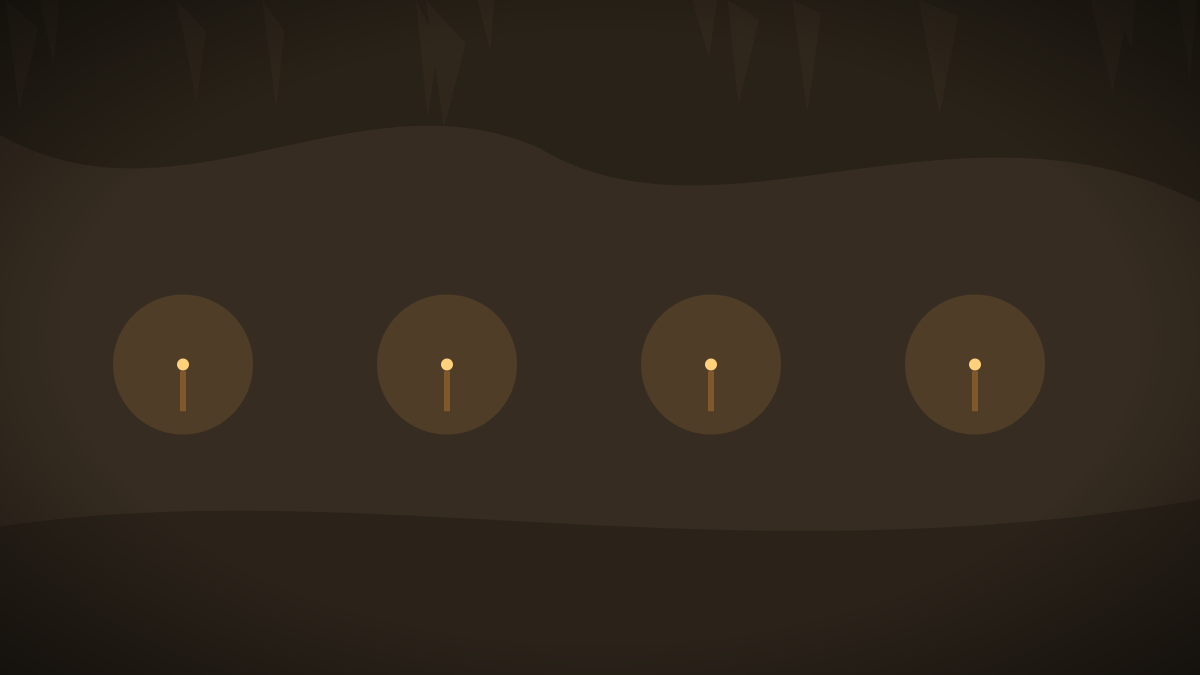
In vanilla, the darkness looks gray and flat. With the Brightness slider at its default, you can see wall shapes but lose detail in corners. With many shader packs, it gets much darker. Some packs aim for real darkness, where a cave without torches is close to black. That looks great in screenshots and is tiring after an hour of mining.
Typical signs your setup is too dark
- You cannot tell a ledge from a drop until you are on it.
- Gravel, tuff and deepslate blur into one dark shape.
- You keep placing torches just to see the floor, not to stop mob spawns.
- Moving from a lit tunnel to a dark one leaves you blind for a moment.
The opposite problem exists too. Push brightness everywhere and the cave turns milky gray, the surface looks washed out at noon, and torches stop meaning anything. The rest of this page is about the middle ground.
02Part 2 of 6
What can you do about dark caves before adding mods?
Start with what the game already has. It costs nothing and sometimes it is enough.
The Brightness slider. In video settings it runs from "Moody" to "Bright". Most players leave it in the middle. Moving it to Bright lifts the darkest parts of the image more than the bright parts, so caves gain detail and the surface changes less. Editing the options file to go past the slider used to work in older versions. Recent versions reset values outside the normal range.
Light blocks. Torches, lanterns, glowstone, shroomlights and glow berries all add block light. Glow lichen spreads across cave walls and gives a soft light. Placing light is still the most reliable way to make a cave readable, and it stops mob spawns as well.
Night vision. A potion of night vision makes everything bright for its duration. It is a normal game item. It also flattens the look of everything, which is why many players do not like playing with it all the time.
Your monitor. Many monitors ship with dark gamma or an eco mode. If every game looks dark to you, check your monitor settings before you change anything in Minecraft.
If you still want more, the next step is a shader or a lighting mod.
Screens
See the difference
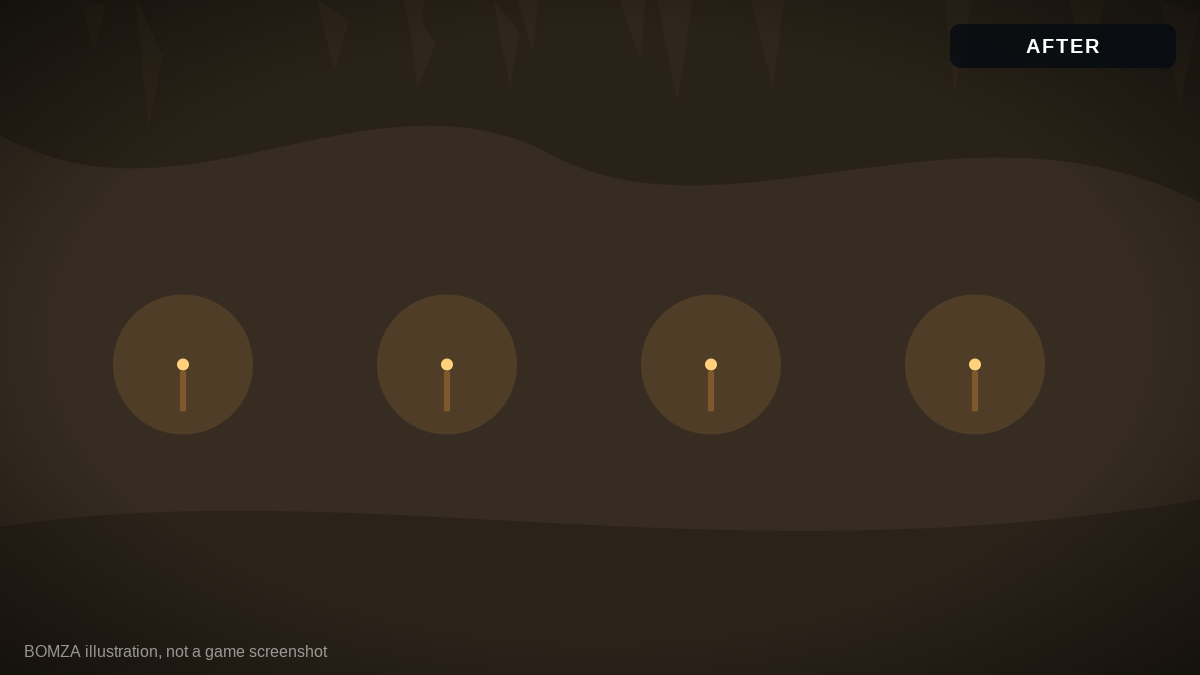
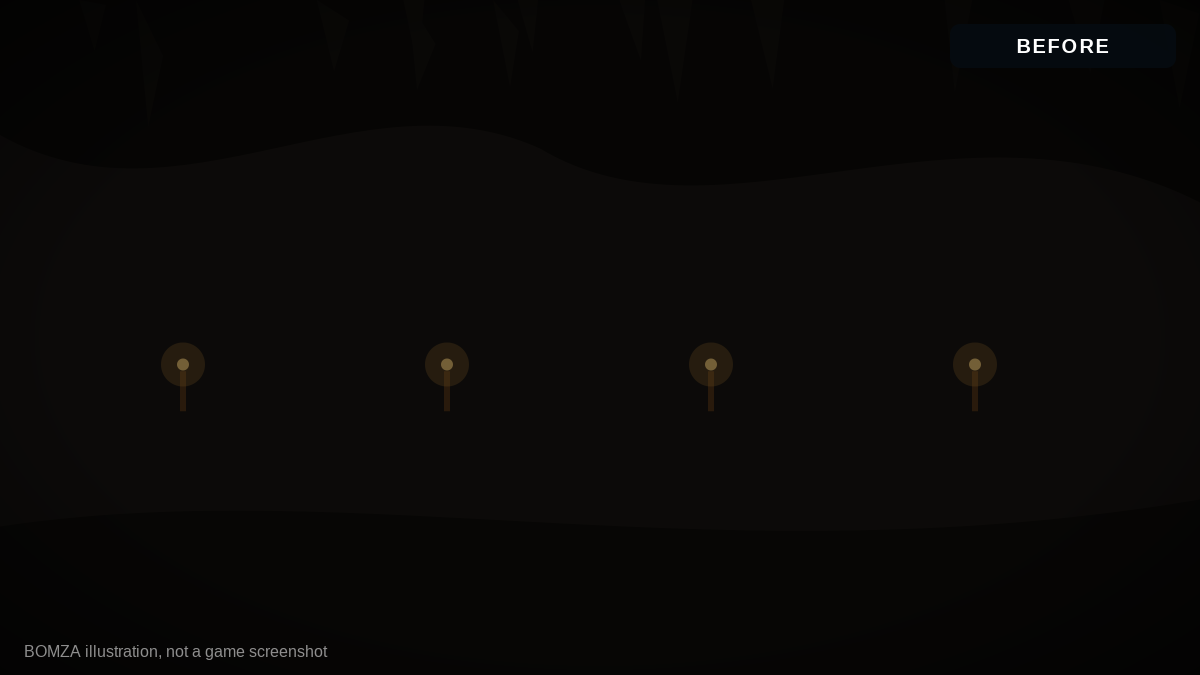
The same scene before and after, plus the spot we test this effect in.
- In gameHeld light and a sensible minimum light keep caves readable without flattening them.
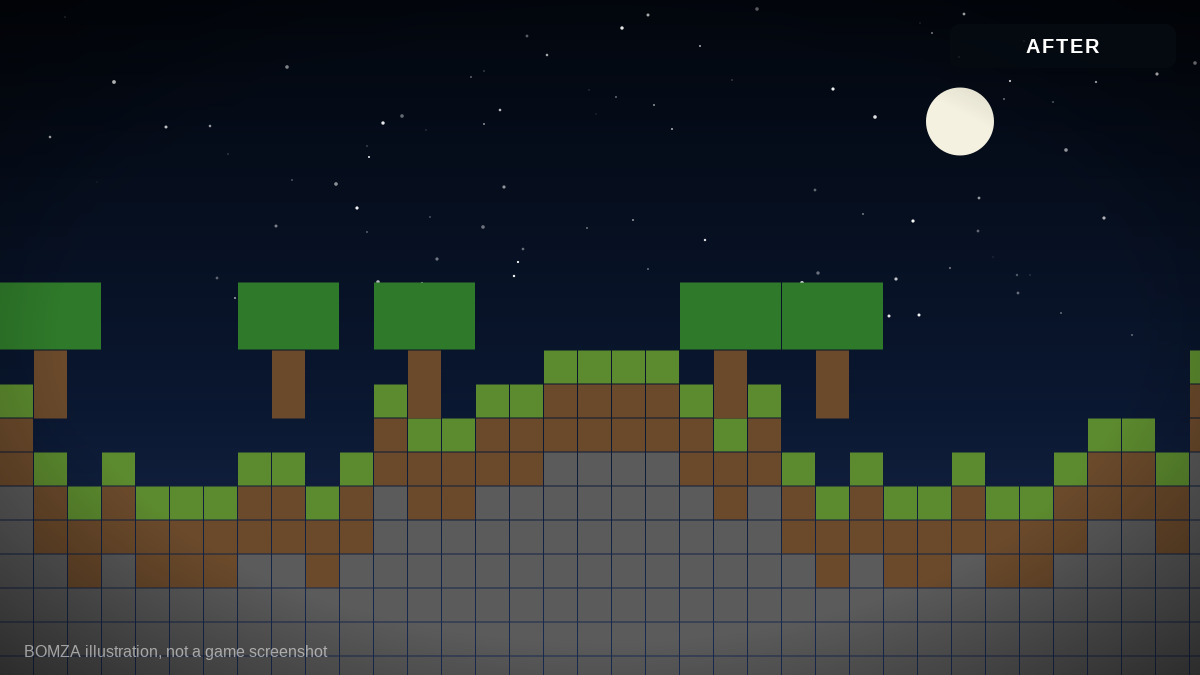
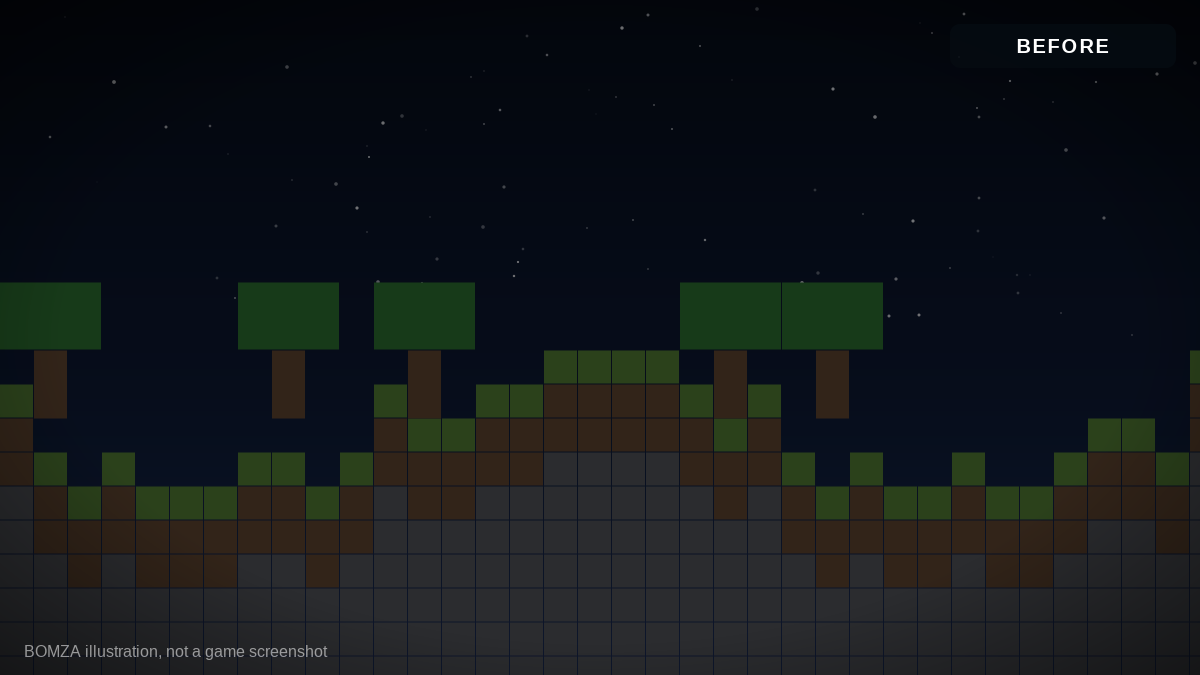
- BeforeThe base game look.
- AfterThe same deepslate cave: very dark shader default on the left, raised minimum light and dynamic torch light on the right.
03Part 3 of 6
How do shader packs make caves brighter or darker?
Shader packs read the sky light value of each spot. Underground, sky light is low, and the shader uses that to decide how much ambient light to add. That is why the same pack can look bright on the surface and very dark below.
Packs usually give you a few ways to change this
Minimum light or ambient light underground
A floor for how dark a spot with no light can get. Raise it a little and caves become readable, while the surface stays the same.
Exposure
Some packs adapt exposure like a camera. Your eyes "adjust" after a few seconds in a cave. A faster adaptation speed means less time blind after moving from the surface.
Cave fog
Some packs add fog underground. It looks moody but hides walls further away. Turning it down shows more of the cavern.
Emissive blocks
Ores, lava and certain blocks can give a faint glow in the dark, but only where you can already see them. This helps you read a wall without making the whole cave bright.
Names differ between packs, but most popular packs have at least a minimum light setting. Look in the lighting or ambient section of the shader options. The general idea of how shaders build light is in how lighting mods work.
04Part 4 of 6
Do dynamic lights make Minecraft caves easier to play?
Yes, and for many players this matters more than any brightness setting.
In vanilla, a torch in your hand gives no light. Only placed torches count. A dynamic lights mod changes that. Hold a torch, a lantern or a glowstone block, and the area around you lights up as you walk. Dropped torches on the floor light up too, and some mods also light the area around burning mobs, glowing squids or blazes.
What this changes in a cave
- You see the next few blocks of tunnel without placing anything.
- Ledges and drops are visible as you walk.
- You place torches where you want to stop mob spawns, not just to see.
Dynamic lights do not change mob spawning, because the game logic still uses placed light only. Mobs can still spawn in the dark spots around you.
Dynamic lights mods exist for Fabric, and ports exist for other loaders. Most work with Iris shader packs. Some shader packs also have their own held light feature, so check you are not doubling it.
The cost is small on most PCs. Light updates as you move, so a slow CPU might notice it in very busy areas. Usually there is a setting for how often the light updates.
05Part 5 of 6
Where is the line between brighter caves and seeing too much?
This page is about visibility close to you: seeing walls, floors, drops and blocks that are already in front of you. That is a comfort and accessibility setting, and it is fine in single-player and on servers that allow visual mods.
Some resource packs and mods go further and show ores or caves through solid blocks, or highlight hidden things behind walls. That is a different thing. On multiplayer servers it gives an unfair edge over other players and it breaks the rules of nearly every server. BOMZA does not make, sell or link to anything like that.
A few rules of thumb
- If a setting only changes how bright what you can already see is, it is a visual setting.
- If it shows blocks that are hidden behind other blocks, it is not, and you should not use it on servers.
- Server rules come first. Some servers do not allow any brightness changes beyond vanilla. Follow them.
- The Darkness effect from the Warden and sculk shriekers in the deep dark is a game mechanic. Visual packs from BOMZA leave it as the game made it.
Our Minecraft Realistic Lighting Shader is built to keep caves readable while staying within this line. If you play mostly online, read the server rules before you change anything.
06Part 6 of 6
How do you brighten caves without washing out the surface?
The usual mistake is to raise one global setting until caves look fine. Then you go outside at noon and everything looks gray and flat.
The fix is to change light in the place where it is missing.
Use underground settings, not global ones
A shader's minimum light setting usually applies where sky light is low. A global brightness or gamma boost applies everywhere. Prefer the first.
Raise darks, keep highlights
If your shader has a tonemap or contrast option, a slightly softer curve lifts shadows without making bright skies glow.
Let block light do the work
Warm torch light in a dark cave looks good. A small boost to block light strength makes your torches go further without lifting the black between them.
Change one thing at a time
Make a test cave with no torches, one spot with a single torch, and an opening to the sky. Check all three after each change.
Test at different times too. Night on the surface and a cave look alike to many shaders, because both have little sky light. If nights become too bright after your cave changes, back off a step.
A good result is a cave where you can see walls and the floor ahead, torches still feel warm and bright, and the surface at noon looks the same as before.
Dial it in
Settings that change the look
- 01
Brightness slider (Moody to Bright)
Lifts the darkest parts of the image more than the bright ones. Bright makes caves more readable with little change to the surface.
- 02
Shader minimum light underground
Sets how dark a spot with no light can get. Small raises make cave walls visible while torches still stand out.
- 03
Exposure adaptation speed
How fast the image adjusts after you go from daylight into a cave. Faster means less time blind at cave entrances.
- 04
Cave fog density
How much fog fills caves. Lower values show far walls in big caverns, higher values make caves feel deeper.
- 05
Dynamic light update rate
How often held light refreshes as you move. Faster looks smoother, slower saves a little CPU time.
Before you install
Compatibility
Works with
Brightness options in shader packs need Iris or OptiFine on Minecraft: Java Edition. Dynamic lights mods are built mainly for Fabric, with ports for other loaders, and most work with Iris. Check that your shader pack does not have its own held light feature before adding a mod for it.
All of this is for single-player and for servers that allow visual mods. Follow the rules of the server you play on. Current tested versions for BOMZA packs are on the status page.
Install steps are in Guides, and the current state of each pack is on the status page.
Limitations
- Dynamic lights do not change mob spawning. Mobs still spawn in spots without placed light.
- Recent Minecraft versions reset brightness values outside the slider range, so the old options file trick no longer works.
- Some servers allow only vanilla brightness. Server rules come first.
- Night and caves look alike to many shaders, so raising cave light can also brighten nights slightly.
Tested packs
Get this effect
These BOMZA packs include this effect. Each one shows the game version it was last confirmed on. Options and checkout are in the shop.
FAQ
Questions players ask
Short answers to what players ask us most. Open a question to read the answer.
Ask in our Discord. Include your game version and what you installed.
Open Discord01Why are caves so dark with shaders?
Many shader packs aim for realistic darkness where there is no sky light. Look for a minimum light or ambient light option in the shader settings and raise it a little.
02Is brightening caves allowed on servers?
It depends on the server. Many allow shader packs and brightness settings, some allow only vanilla. Anything that shows blocks through walls breaks almost every server rule. Always follow the server rules.
03Do dynamic lights stop mobs from spawning?
No. The game still uses placed light for spawning. Dynamic lights only change what you see around you.
04Can I just raise gamma in the options file?
That trick worked in older versions. Recent versions reset values past the slider. Use the Bright setting, shader light settings or dynamic lights instead.
05Will brighter caves make my world look washed out?
Not if you change underground light instead of global brightness. Shader minimum light settings affect places with low sky light and leave the surface at noon as it was.
Keep exploring
More Minecraft: Java Edition effects
 Realistic lighting in Minecraft Java EditionRealistic lighting in Minecraft comes from a shader pack loaded through Iris or OptiFine. It adds sun shadows, warm sunsets, light through leaves and water that reflects the sky, while your textures stay the same. The cost is GPU time, mostly from the shadow pass, so the right pack and profile depend on your graphics card.
 FPS boost for Minecraft Java EditionThe biggest FPS boost in Minecraft Java comes from performance mods, not from lowering every setting. Sodium speeds up chunk rendering, Lithium speeds up game logic and FerriteCore cuts memory use, all without changing how the game looks. After that, render distance, simulation distance and a sensible memory setting do most of the remaining work.
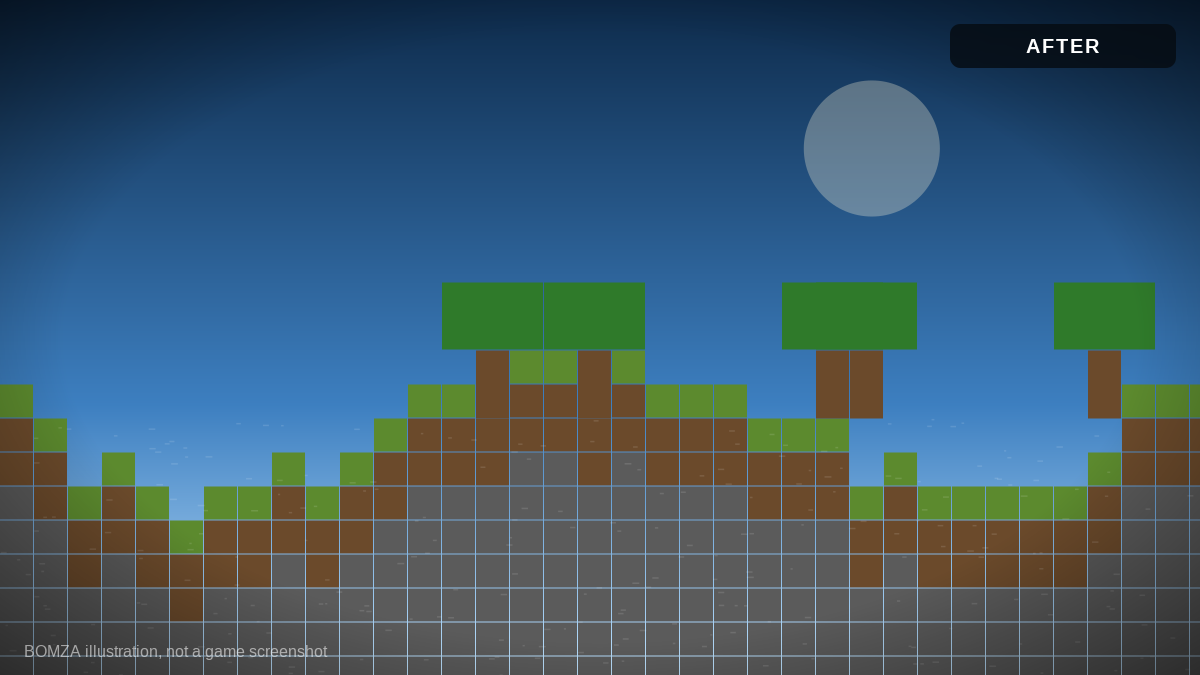
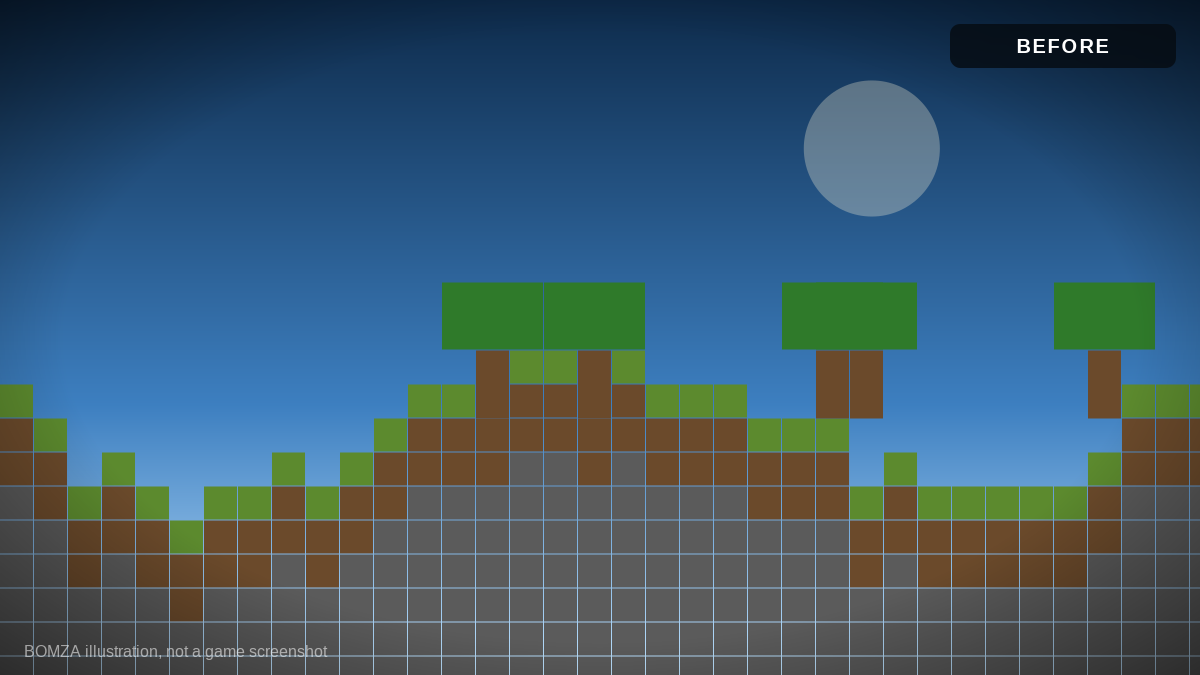 Sharper textures in Minecraft Java EditionSharper textures in Minecraft come from resource packs with a higher resolution than the default 16x, from 32x faithful upscales to 128x and 256x realistic sets. Higher resolution mostly costs video memory and load time, not raw frame rate, and packs with PBR maps need a supporting shader to show their surface detail.
 Full Minecraft: Java Edition mods guideEvery effect, what it costs in FPS, what breaks after updates and how we check our packs.
Minecraft: Java Edition · brighter caves
Skip the trial and error
Our pack for this effect is tuned and tested by our team on a named game version, with setup guides and support on Discord.