

 SK
 F4
 CP
 W3
 ETS2
 AC

Minecraft: Java Edition · Visual effect
FPS boost for Minecraft Java Edition
The biggest FPS boost in Minecraft Java comes from performance mods, not from lowering every setting. Sodium speeds up chunk rendering, Lithium speeds up game logic and FerriteCore cuts memory use, all without changing how the game looks. After that, render distance, simulation distance and a sensible memory setting do most of the remaining work.
01Part 1 of 6
Why does vanilla Minecraft run slower than your PC should allow?
Plenty of players with fast graphics cards see low or uneven frame rates in Minecraft and assume something is broken. Usually nothing is. The game is just built in a way that leans on the CPU more than most games.
A few reasons
Chunk rendering
The world is made of chunks, and every time a block changes or a new chunk comes into view, the game rebuilds that chunk's geometry. In vanilla this work is heavy and much of it sits on a few CPU threads.
The internal server
Even in single-player, your PC runs a small server that ticks mobs, redstone, crops and furnaces. Big farms and busy bases slow it down.
Java memory cleanup
The game creates and throws away lots of short-lived objects. When Java cleans them up, you can feel a short pause.
New terrain
Flying into unexplored land makes the game generate chunks while also drawing them.
Your GPU often sits half idle while the CPU waits. That is why lowering graphics settings alone helps less than you expect, and why mods that rework the rendering code help so much.
02Part 2 of 6
What do Sodium, Lithium and FerriteCore actually change?
These three are the usual base of a Minecraft performance setup. They do different jobs and they stack well.
Sodium replaces the chunk renderer. It builds chunk geometry more efficiently, sends less work to the GPU, and skips drawing what you cannot see. This is the mod that changes your frame rate the most. It also gives you a cleaner video settings menu with a few extra options.
Lithium works on the game logic side: mob pathfinding, block ticking, collision checks, and similar jobs. It does not raise frame rate directly. It helps the internal server keep up, so mobs and machines do not lag in large bases. It aims to keep vanilla behavior, so farms keep working the same way.
FerriteCore reduces how much memory the game needs for block states and models. That matters most in modpacks and with big resource packs.
Others that people add on top: mods that skip rendering entities hidden behind walls, mods that speed up text and item rendering on busy screens, and mods that shorten startup time. Each targets a narrow problem. Add them only if you have that problem.
None of these change how the game looks. If you want both speed and new visuals, Sodium pairs with Iris for shaders, covered in realistic lighting.
Screens
See the difference
The same scene before and after, plus the spot we test this effect in.
- In gameFast flight over new terrain is where chunk rendering speed shows most.
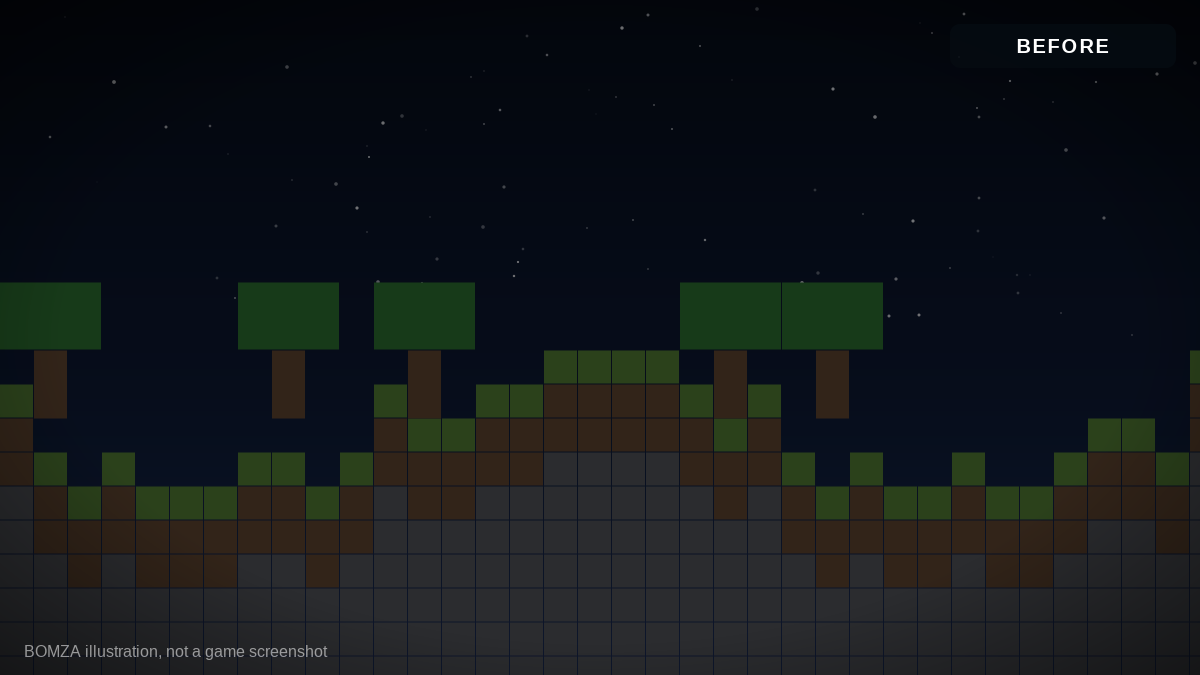
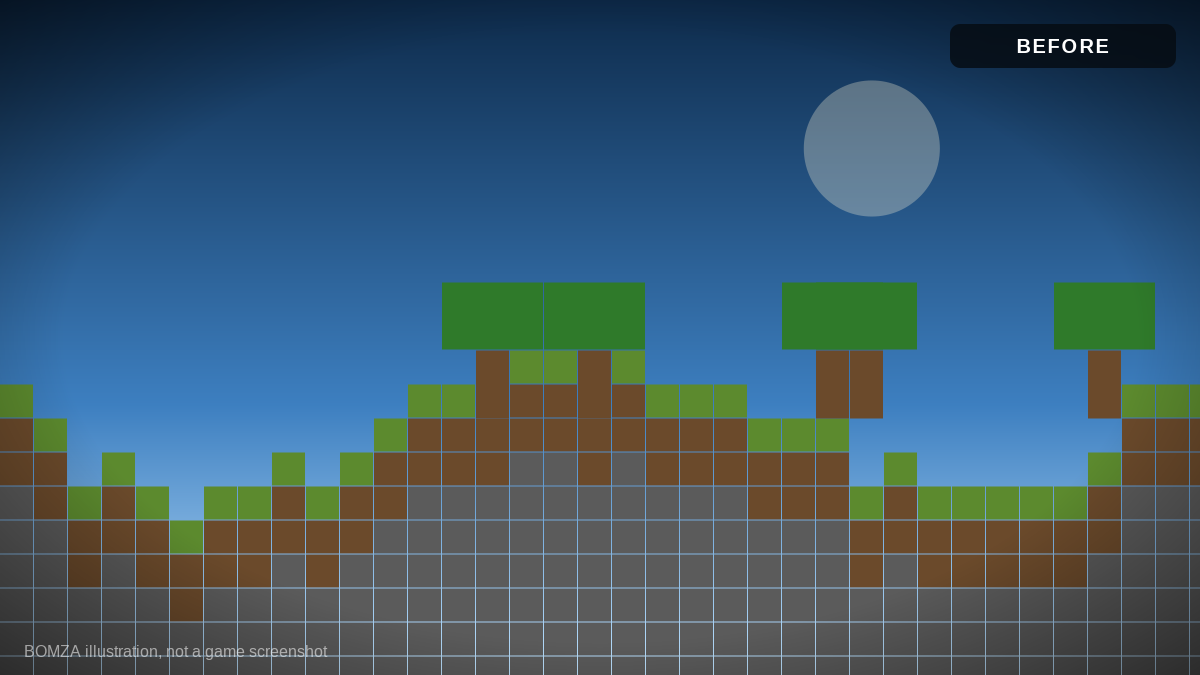
- BeforeThe base game look.
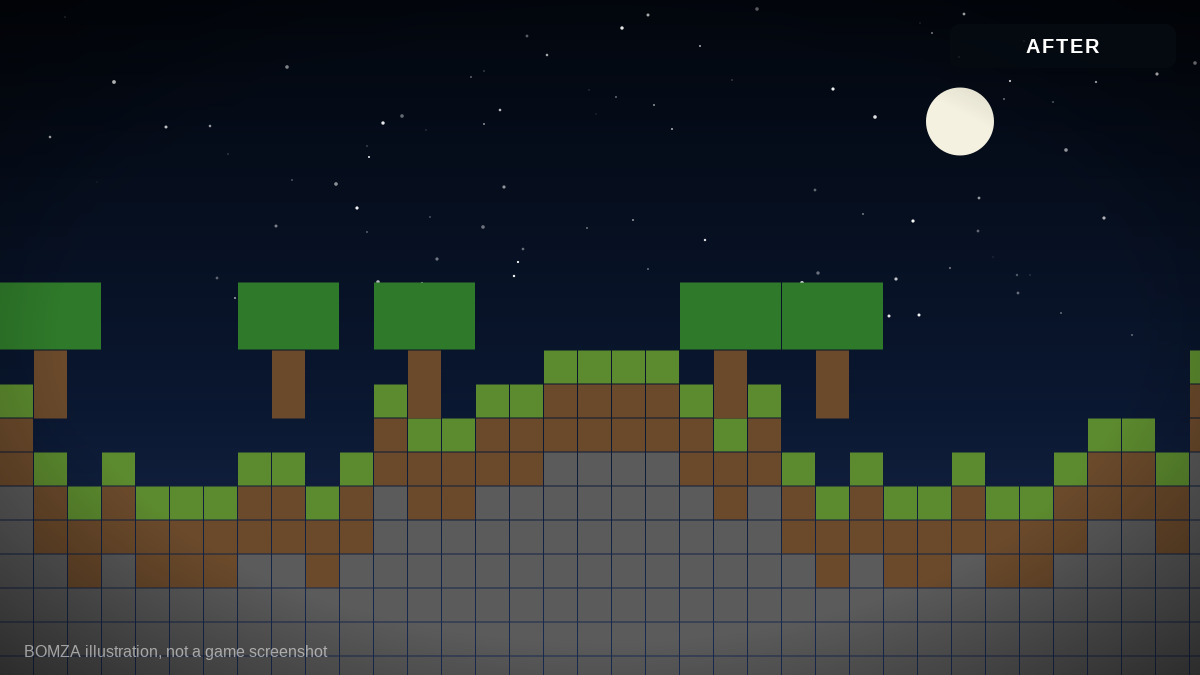
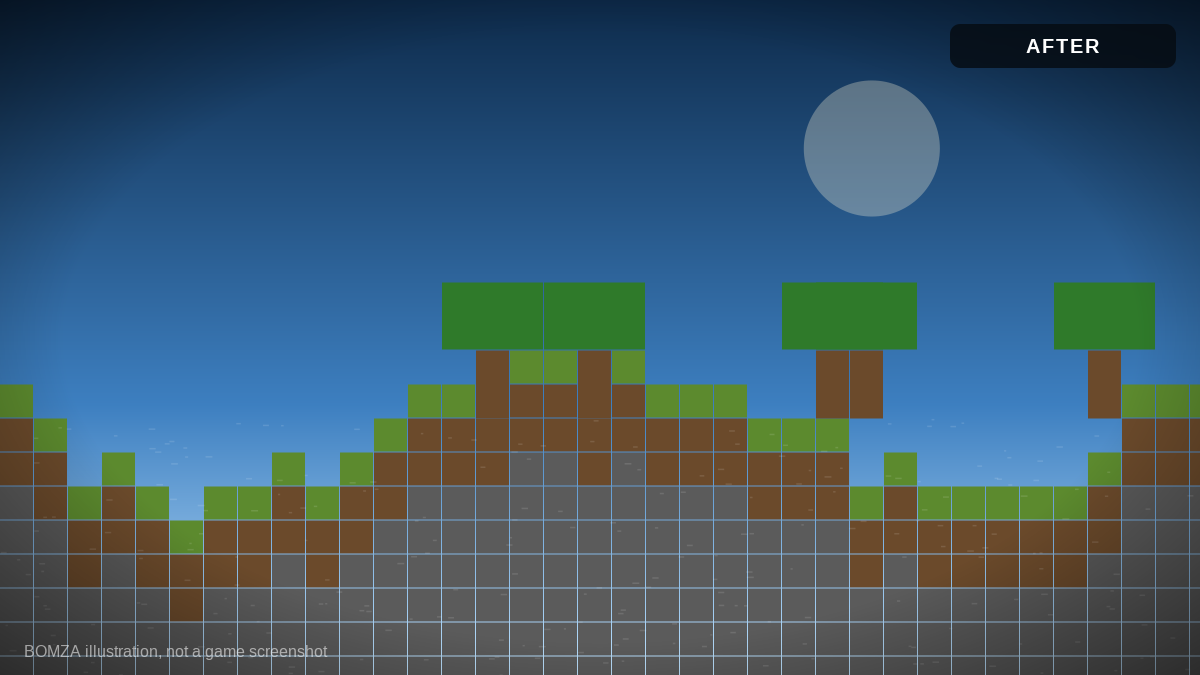
- AfterSame view and same PC: vanilla render distance on the left, a longer view with performance mods on the right.
- Video coming soonA gameplay capture will be added here.
03Part 3 of 6
Is your Minecraft problem low FPS, stutter or server lag?
These feel similar and have different fixes. Spend a minute figuring out which one you have.
Low FPS. The whole game feels slow and the frame rate counter on the F3 screen stays low even when you stand still. This is a rendering problem. Sodium, a shorter render distance and lighter visual settings help.
Stutter. The frame rate looks fine on average, but the game freezes for a split second now and then, often when you turn quickly or fly into new land. Common causes are new chunk generation, Java memory cleanup, or running out of video memory with a large texture pack. A steadier memory setting and a smaller texture pack often help more than mods.
Server lag. The camera turns smoothly, but mobs freeze, blocks you break come back, or doors open late. That is the internal server falling behind, not your graphics. Lithium helps here, and so does a lower simulation distance. On a multiplayer server, it is the server's hardware and there is nothing your client mods can fix.
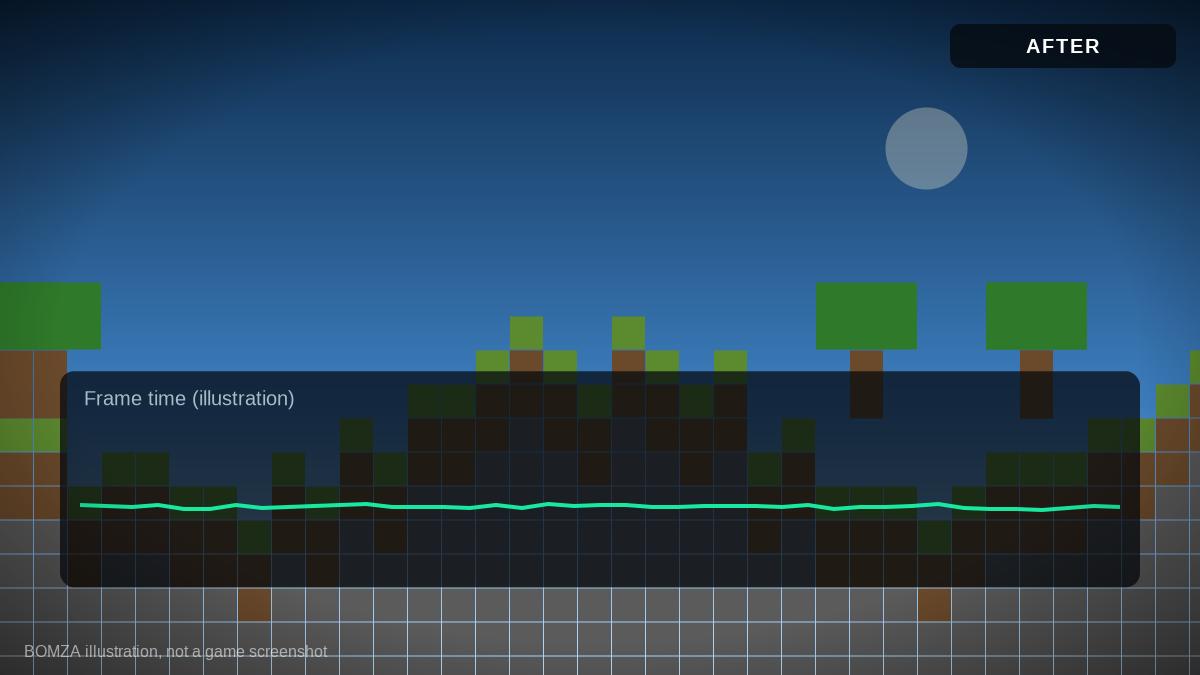
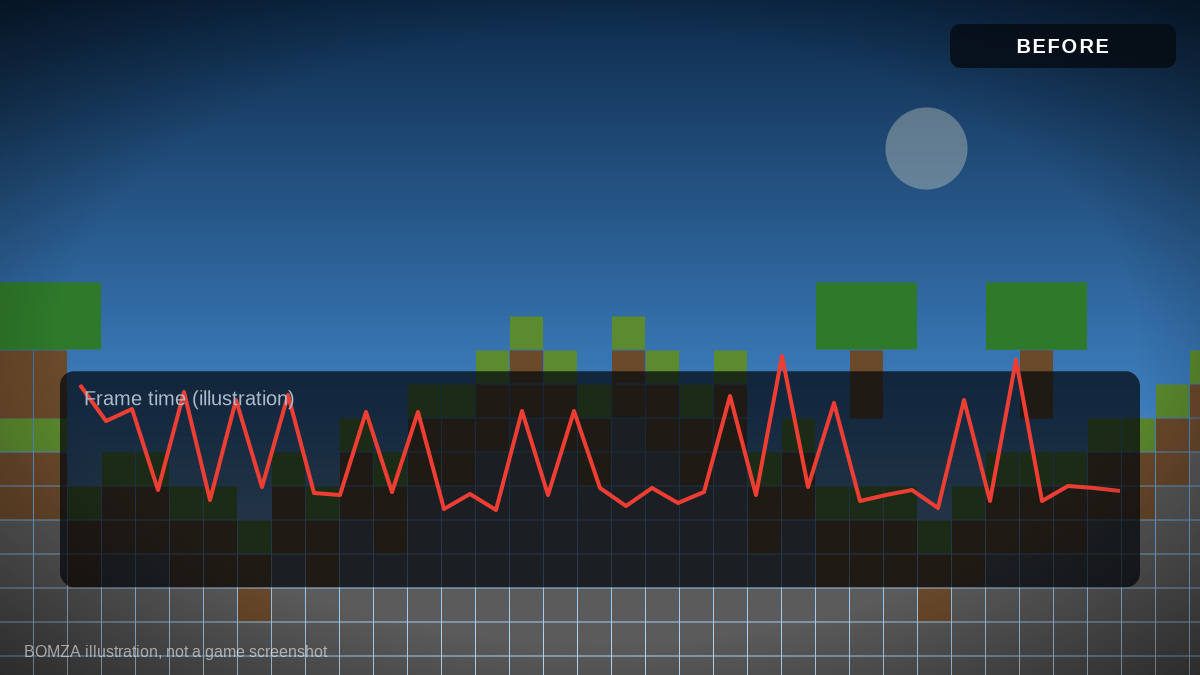
If you measure frame times instead of just average FPS, stutter shows up clearly as spikes. We use that method on our own bench, explained in how BOMZA measures FPS impact.
04Part 4 of 6
Which Minecraft video settings matter most for frame rate?
Some settings matter a lot, many barely matter at all. Here are the ones worth your time on 1.21.x.
Render Distance
The biggest one. Each step adds a ring of chunks around you. Going from a very long distance to a moderate one often fixes frame rate on its own.
Simulation Distance
How far around you the game ticks mobs, crops and redstone. This affects the internal server, not drawing. Lower it if you get server lag in single-player.
Graphics
Fast, Fancy or Fabulous. Fabulous adds extra passes for transparency and costs the most. Fancy is fine on most PCs. Fast makes leaves opaque.
Clouds
Fancy clouds are 3D and cost a little. Turning them off helps on weak hardware.
Entity Distance
How far away mobs and item frames are drawn. Useful in bases full of armor stands and item frames.
Biome Blend
Smooths grass and water color between biomes. High values slow chunk building.
Max Framerate and VSync
Capping frame rate to your monitor's refresh rate keeps the GPU cooler and the game steadier.
Particles, mipmap levels and smooth lighting usually cost little on a modern PC. Leave them where you like them.
05Part 5 of 6
Can you see farther in Minecraft without losing frame rate?
Partly, yes. Normal render distance has a hard cost: every chunk inside it is drawn in full detail. Two approaches get you more view without paying full price.
A faster renderer. With Sodium, the same render distance costs much less than in vanilla, so you can often go a few steps higher than before at the same frame rate. Sodium also has options for fog and for how chunks fade in, which makes long views look cleaner.
Level of detail. Distant Horizons draws simplified versions of far terrain. Mountains and coastlines far past your normal render distance appear as low-detail shapes. Close chunks stay normal. The far terrain is built from chunks you have visited or generated, and the mod keeps that data in its own files, not inside your world save. Building that data uses CPU time the first time you visit an area.
Both together give you big views on a mid-range PC. The trade-off is that far terrain is not interactive and some shader packs do not light it. If you use shaders, check whether your pack supports Distant Horizons through Iris.
For explorers, this usually matters more than any visual effect. Flying over a sea of chunks that ends in fog a short way ahead feels very different from seeing distant mountains.
06Part 6 of 6
What should you check on your PC before blaming Minecraft?
Some FPS problems have nothing to do with mods. Check these once.
Which GPU the game uses
On laptops with two GPUs, Java often starts on the weaker integrated one. In Windows graphics settings you can set the Java program the launcher uses to high performance. This single change can matter more than every mod on this page.
GPU drivers
Old drivers cause odd stutters and shader bugs. Update from your GPU maker.
Power mode
Laptops on battery or in a power saving mode slow the CPU down. Plug in for testing.
Background programs
Browsers with video, screen recorders and overlays all take a share.
Heat
A hot laptop lowers its own clock speed. If FPS drops after twenty minutes, that is a hint.
We cover the Windows side in more detail, including Game Mode and hardware accelerated GPU scheduling, in Windows settings that matter for game performance.
Once those are right, a performance setup like the Minecraft FPS Boost Pack has a fair chance to show what it can do. Check its tested game versions on the status page first.
Dial it in
Settings that change the look
- 01
Render Distance
How many chunks around you are drawn. Longer shows more land but costs the most frame rate. Shorter brings the fog line closer.
- 02
Simulation Distance
How far mobs, crops and redstone keep running. It does not change what you see far away, only how far the world stays active.
- 03
Graphics: Fast, Fancy, Fabulous
Fast makes leaves solid and simplifies some effects. Fabulous improves transparency behind water and glass at a clear frame rate cost.
- 04
Entity Distance
How far away mobs, armor stands and item frames appear. Lower values make distant mobs pop in later.
- 05
Biome Blend
How smoothly grass, leaves and water change color at biome borders. Low values show visible color steps, high values slow chunk loading.
- 06
Max Framerate and VSync
Caps the frame rate. With a cap at your refresh rate, motion looks steadier and the GPU runs cooler, but you will not see a higher counter.
Before you install
Compatibility
Works with
Sodium, Lithium and FerriteCore have builds for Fabric and for NeoForge on recent versions. Quilt runs most Fabric builds. On Forge for older versions, community ports exist. Each build targets an exact Minecraft: Java Edition version, so a build for one 1.21.x release may not load on another.
Sodium works with Iris for shaders. OptiFine does not work together with Sodium, pick one. Some content mods that change rendering need a compatibility add-on or do not work with Sodium. Check our tested versions on the status page.
Install steps are in Guides, and the current state of each pack is on the status page.
Limitations
- Client mods cannot fix lag caused by a multiplayer server. If the server is slow, only the server owner can fix it.
- Very old or very weak hardware still has a ceiling. Mods make the game more efficient, they do not add GPU power.
- Some content mods are not compatible with Sodium or need extra compatibility mods.
- Long view distances with Distant Horizons use extra disk space and CPU time the first time an area is processed.
- Mod builds target exact game versions, so you may need to wait after a Minecraft update before upgrading.
Tested packs
Get this effect
These BOMZA packs include this effect. Each one shows the game version it was last confirmed on. Options and checkout are in the shop.
FAQ
Questions players ask
Short answers to what players ask us most. Open a question to read the answer.
Ask in our Discord. Include your game version and what you installed.
Open Discord01Does Sodium change how Minecraft looks?
No. It changes how chunks are drawn, not what they look like. The game should look like vanilla, with a few extra video options added.
02Is OptiFine or Sodium better for FPS?
On current versions, Sodium usually gives better frame rates and updates sooner. You cannot use both together. If you want shaders, pair Sodium with Iris.
03Will more RAM give me more FPS?
Not past the point the game needs. Too little causes freezes, but too much can make memory cleanup pauses longer. Follow the amount your modpack recommends.
04Do performance mods help on servers?
Sodium helps your own frame rate on any server that allows it. Lithium only helps where it runs, so on a multiplayer server it does nothing unless the server itself uses it. Follow the client mod rules of each server you join.
05Why does my game still stutter with Sodium?
Stutter often comes from new chunk generation, memory cleanup or running out of video memory with a big texture pack. Check those, lower render distance, and make sure the game runs on your dedicated GPU.
Keep exploring
More Minecraft: Java Edition effects
 Realistic lighting in Minecraft Java EditionRealistic lighting in Minecraft comes from a shader pack loaded through Iris or OptiFine. It adds sun shadows, warm sunsets, light through leaves and water that reflects the sky, while your textures stay the same. The cost is GPU time, mostly from the shadow pass, so the right pack and profile depend on your graphics card.
 Brighter caves in Minecraft Java EditionBrighter caves in Minecraft come from three things: a sensible brightness setting, a shader pack with a minimum light or exposure option, and dynamic lights so the torch in your hand actually lights the cave. The goal is readable darkness close to you, not seeing hidden blocks, and the surface should keep its normal look.
 Sharper textures in Minecraft Java EditionSharper textures in Minecraft come from resource packs with a higher resolution than the default 16x, from 32x faithful upscales to 128x and 256x realistic sets. Higher resolution mostly costs video memory and load time, not raw frame rate, and packs with PBR maps need a supporting shader to show their surface detail.
 Full Minecraft: Java Edition mods guideEvery effect, what it costs in FPS, what breaks after updates and how we check our packs.
Minecraft: Java Edition · fps boost
Skip the trial and error
Our pack for this effect is tuned and tested by our team on a named game version, with setup guides and support on Discord.