 SK
 F4
 CP
 W3
 ETS2
 AC

16x
- What it looks like
- Vanilla or vanilla-style art
- Typical cost
- None

Show prices in
Prices in other currencies are approximate. Card payments are charged in South African rand (ZAR).
 Log in
Minecraft: Java Edition · Visual effect
Sharper textures in Minecraft come from resource packs with a higher resolution than the default 16x, from 32x faithful upscales to 128x and 256x realistic sets. Higher resolution mostly costs video memory and load time, not raw frame rate, and packs with PBR maps need a supporting shader to show their surface detail.
01Part 1 of 6
Default Minecraft textures are 16 by 16 pixels per block face. That is a deliberate art style, not a bug. Up close, each pixel is a big square. Far away, the game shrinks those textures down, and that is where most complaints come from.
Three things people usually mean by "blurry" or "bad textures"
Stone, dirt and wood look like a grid of colored squares when you stand next to them. Only a higher resolution pack changes this.
Grass fields and stone cliffs blur into flat color a few dozen blocks away. That comes from mipmaps, smaller copies of each texture the game uses at a distance.
With mipmaps turned off or set low, distant blocks sparkle and crawl as you move. Lots of contrast in small pixels causes this.
Each of these has a different fix. A 32x pack solves the first without much cost. Mipmap and filtering settings handle the second and third. If you only fix one, the others stay.
If the game looks flat and gray rather than blurry, textures are not the problem. Lighting is. See realistic lighting for that.
02Part 2 of 6
The number is the pixel size of each block face. A 32x pack has four times as many pixels per face as 16x. A 64x pack has sixteen times as many. The jump grows fast.
Many packs come in several resolutions, so you can try the 32x version first and move up if your PC handles it. The same pack at a higher resolution usually looks like a sharper version of itself, not a different pack.
Bigger is not always better. At normal play distance, the difference between 128x and 256x is hard to see, while the memory cost doubles again. Most players settle on 32x or 64x for long survival worlds.
Screens
The same scene before and after, plus the spot we test this effect in.
In gamePBR detail on stone and wood only shows with a shader that supports it.BeforeThe base game look.AfterA stone brick and oak wall: default 16x textures on the left, a 64x faithful style pack on the right.03Part 3 of 6
PBR stands for physically based rendering. In practice, a PBR resource pack ships two extra textures for each block on top of the normal color texture:
that tells the shader which way each pixel faces. Bricks get real looking grooves, cobblestone gets bumps that catch the light.
that tells the shader how shiny, rough or metallic each pixel is. Iron blocks reflect, wool stays matte, wet stone can glint.
In Java Edition, the common format is LabPBR. Shader packs that support it read those maps and use them for lighting. Packs that do not support it ignore them.
So the key point: PBR maps do nothing without a supporting shader. In vanilla, or with a shader that ignores them, a PBR pack looks like a normal resource pack at the same resolution. Many people install a PBR pack, see no change and think it is broken.
When it works, the difference is big at low sun angles. Morning light across a brick wall shows every groove. Rain on stone looks wet. At noon with the sun straight above, the effect is smaller.
PBR adds to the memory cost, because each block now has three textures instead of one. A 128x PBR pack uses a lot more video memory than a plain 128x pack.
04Part 4 of 6
Mipmaps are smaller copies of each texture, made automatically. When a block is far away, the game uses a smaller copy, which stops distant blocks from sparkling.
The Mipmap Levels setting in video options controls how many smaller copies are used.
Distant textures stay crisp but shimmer and crawl as you move, especially grass and leaves.
Distant textures are stable but blur sooner, so fields and cliffs look smooth and soft.
The blur at a distance looks worst on surfaces seen at a sharp angle, like a long road or a flat field stretching away from you. Anisotropic filtering fixes that by sampling textures differently on angled surfaces. OptiFine has an option for it. On Fabric, some mods and some shader packs add it. Without it, flat ground blurs into a smear a short way ahead.
Higher resolution packs make mipmaps more important, because they have more fine detail that can shimmer. If you install a 64x pack and the distance looks noisy, raise the mipmap level before you blame the pack.
Some shader packs also add anti-aliasing, which smooths block edges and reduces shimmer on thin details like fences and leaves. That costs a little GPU time and helps a lot with high resolution packs.
05Part 5 of 6
Less than most people think, as long as your GPU has enough video memory. When it does not, you notice right away.
Where the cost shows
All block textures are packed into one large texture atlas in video memory. Each step up in resolution makes that atlas four times bigger. PBR packs triple it again. When the atlas does not fit, the GPU has to swap data and you get stutter.
Starting the game or switching packs takes longer with big packs, because the game builds that atlas every time. With 256x packs this can take a while.
Large packs need more memory for the game itself. Mods like FerriteCore help on the memory side.
Average frame rate usually changes little between 16x and 64x on a dedicated GPU. Between 128x and 256x, mid-range cards start to struggle, especially with a shader on top.
A good test is to load the pack, fly around a large forest and a village for a few minutes, and watch for short freezes, not just the FPS counter. Stutter is the warning sign. If you see it, drop one resolution step. More on finding what slows the game down is on FPS boost.
06Part 6 of 6
A few things affect how a texture pack looks that have nothing to do with resolution.
Connected textures. Some packs make glass, bookshelves and stone bricks join into one surface instead of showing a border on every block. Large glass walls look clean, bookshelf walls look like one bookcase. This uses a format that started with OptiFine. On Fabric, separate mods read the same format. Without one of those, the pack still works but shows the normal block borders.
Random and custom textures. Some packs give mobs or blocks small random variations, or change textures based on names. These also need OptiFine or a Fabric mod that supports the format.
Content mods. A resource pack only covers vanilla blocks unless it says otherwise. Blocks added by mods keep their own textures, which can clash with a 128x realistic pack.
Server resource packs. Many servers send their own pack when you join. It sits on top of your packs and replaces whatever it covers. That is normal, and the server decides it. You can decline it on some servers, but some require it to join. Follow the server rules, and do not use packs that show hidden blocks, which break almost every server rule.
We have no BOMZA texture pack for Minecraft right now. The honest free options are on free mods.
Dial it in
How much distant textures are smoothed. Low values look crisp but shimmer in motion, high values look steady but blur sooner.
Packs higher in the list override packs below them. Put a small fix pack above a big pack to change only a few blocks.
Keeps textures sharp on surfaces seen at an angle, like long roads and fields. Available through OptiFine or some mods and shaders.
Joins glass, bookshelves and similar blocks into one surface. Needs OptiFine or a mod that reads the same format.
Turns PBR detail on or off in shaders that support it. Off makes PBR packs look like plain packs and saves some GPU time.
Before you install
Works with
Plain resource packs work in vanilla Minecraft: Java Edition without any mods. Packs built for one version usually load on nearby versions, but new blocks may show default textures until the pack is updated. The game warns you when a pack was made for a different version.
PBR maps need a shader pack with LabPBR support through Iris or OptiFine. Connected and random textures need OptiFine or a Fabric mod that reads that format. Bedrock Edition uses a different pack format. Check tested versions for any BOMZA pack on the status page.
Install steps are in Guides, and the current state of each pack is on the status page.
Limitations
Tested packs
No BOMZA pack covers this effect yet. You can still browse the Minecraft: Java Edition shop for the packs that exist.
There is no BOMZA pack for this yet. The guide above covers the free ways to get the effect, and the free mods overview explains how to judge a mod page.
FAQ
Short answers to what players ask us most. Open a question to read the answer.
Ask in our Discord. Include your game version and what you installed.
Open DiscordStart with 32x if you want the vanilla look with cleaner edges. Move to 64x if your GPU has room. Go higher only on a dedicated GPU with plenty of video memory.
PBR normal and specular maps need a shader that supports them, usually in the LabPBR format. Without one, the pack looks like a normal pack.
Yes. Plain resource packs work in vanilla Java Edition. Only PBR effects, connected textures and some special features need a shader or extra mods.
High resolution packs have more fine detail that sparkles at a distance. Raise the Mipmap Levels setting, and use anti-aliasing or anisotropic filtering if your setup has them.
Not right now. Our Minecraft products cover lighting and performance. For sharper textures, the free options on our free mods page are a good place to start.
Keep exploring
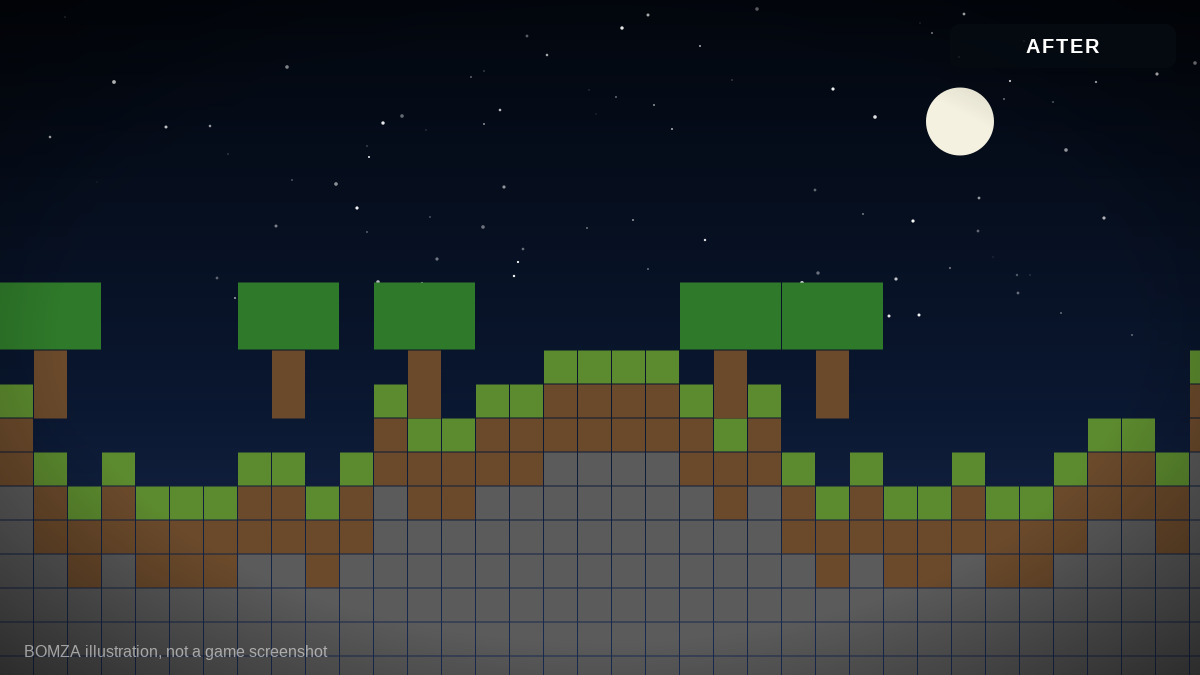
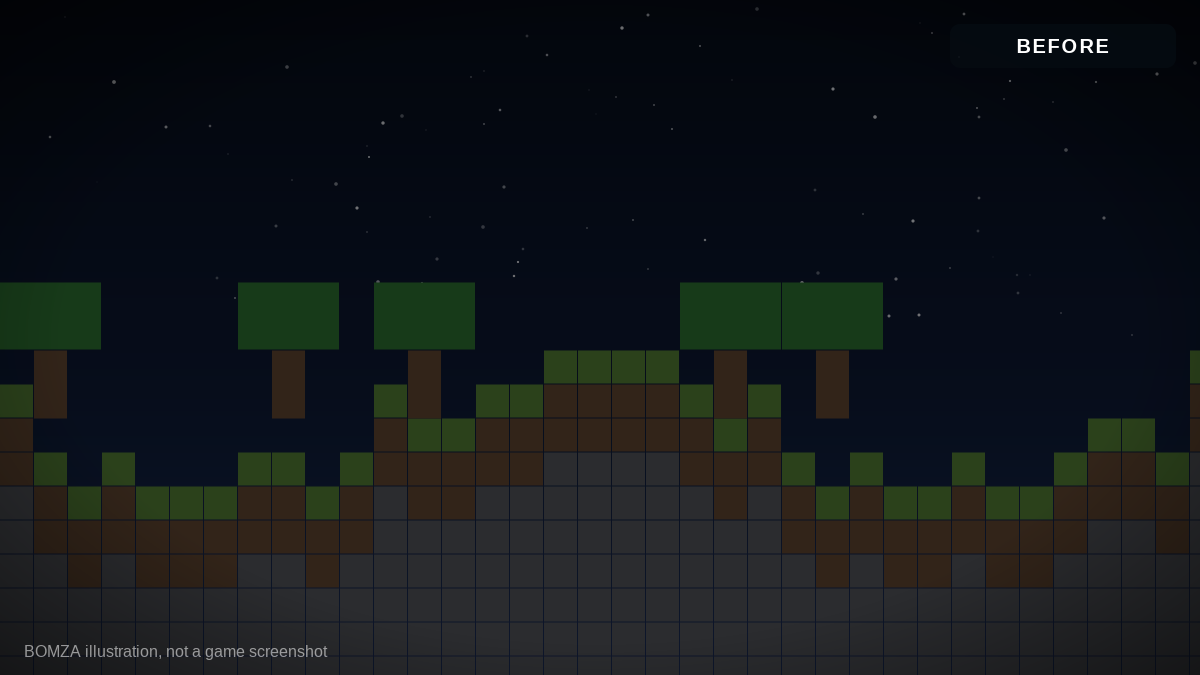 Realistic lighting in Minecraft Java EditionRealistic lighting in Minecraft comes from a shader pack loaded through Iris or OptiFine. It adds sun shadows, warm sunsets, light through leaves and water that reflects the sky, while your textures stay the same. The cost is GPU time, mostly from the shadow pass, so the right pack and profile depend on your graphics card.
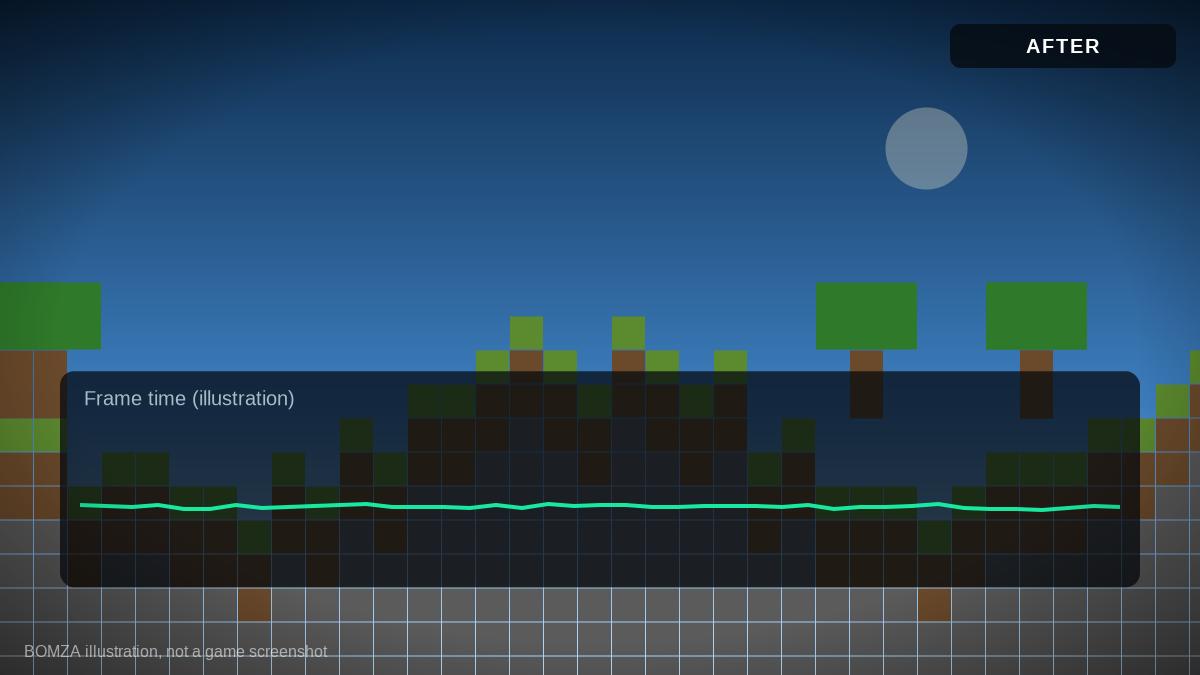
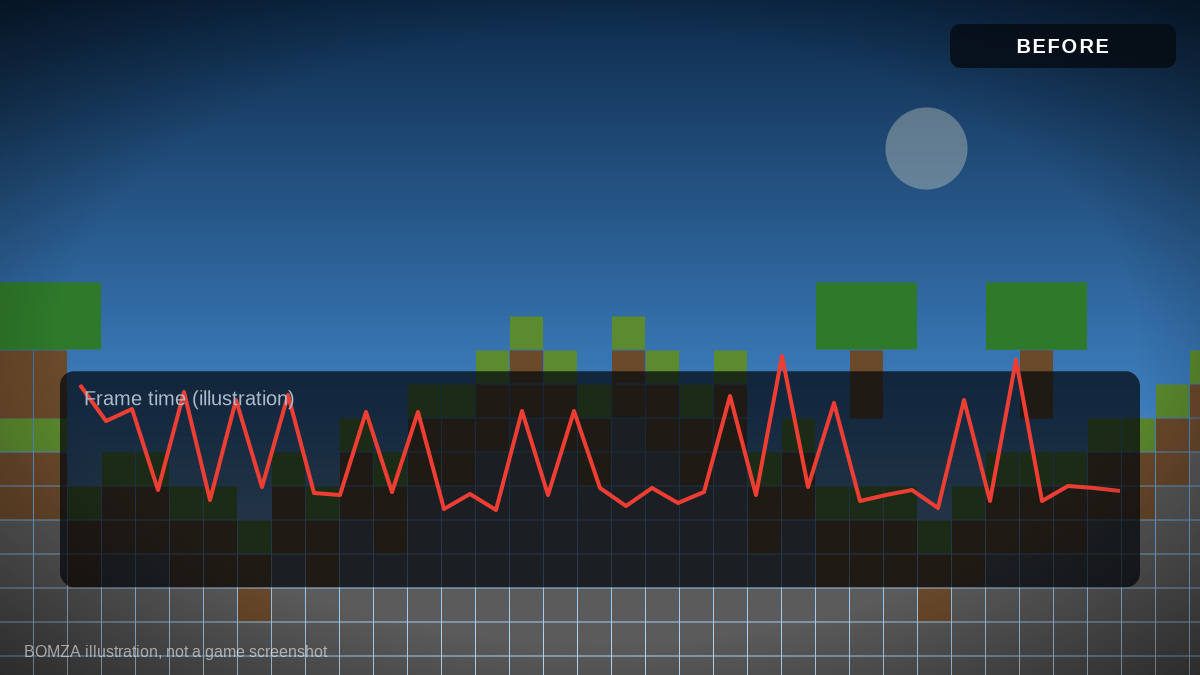 FPS boost for Minecraft Java EditionThe biggest FPS boost in Minecraft Java comes from performance mods, not from lowering every setting. Sodium speeds up chunk rendering, Lithium speeds up game logic and FerriteCore cuts memory use, all without changing how the game looks. After that, render distance, simulation distance and a sensible memory setting do most of the remaining work.
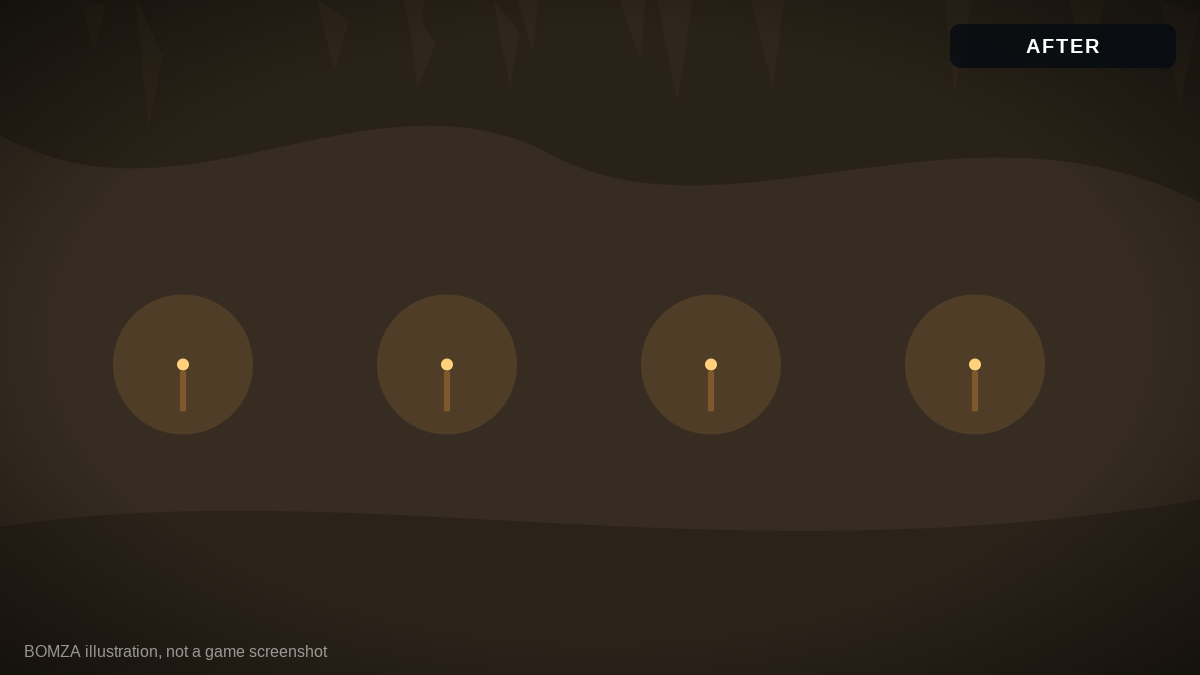
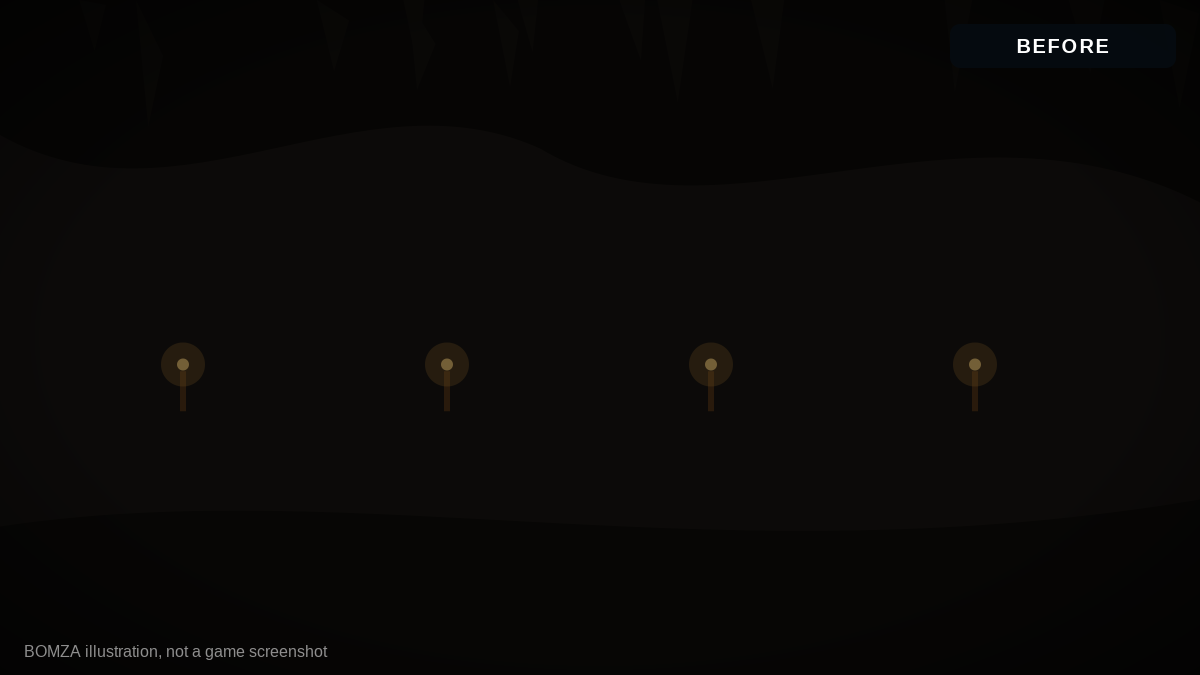 Brighter caves in Minecraft Java EditionBrighter caves in Minecraft come from three things: a sensible brightness setting, a shader pack with a minimum light or exposure option, and dynamic lights so the torch in your hand actually lights the cave. The goal is readable darkness close to you, not seeing hidden blocks, and the surface should keep its normal look.
 Full Minecraft: Java Edition mods guideEvery effect, what it costs in FPS, what breaks after updates and how we check our packs.
Minecraft: Java Edition · sharper textures
There is no BOMZA pack for this effect yet. The Minecraft: Java Edition shop lists every pack we have for this game today.
Quick answers from our FAQ. Not solved? Open a ticket on Discord.