

 SK
 F4
 CP
 W3
 ETS2
 AC

Minecraft: Java Edition · Visual effect
Realistic lighting in Minecraft Java Edition
Realistic lighting in Minecraft comes from a shader pack loaded through Iris or OptiFine. It adds sun shadows, warm sunsets, light through leaves and water that reflects the sky, while your textures stay the same. The cost is GPU time, mostly from the shadow pass, so the right pack and profile depend on your graphics card.
01Part 1 of 6
What does realistic lighting change in Minecraft?
Vanilla Minecraft lights the world with numbers. Every block space has a sky light value and a block light value from 0 to 15, and the game shades each face by those values. Smooth lighting softens the steps between blocks and adds a bit of corner shading. That is all. Nothing casts a real shadow. A tree in full sun looks the same at 9 in the morning and at 4 in the afternoon.
A shader pack changes that. With one loaded, you see
- Shadows from the sun and moon that move across the day, so trees, houses and cliffs throw shapes on the ground.
- Warm orange light at sunrise and sunset, cool blue tones at night.
- Light shafts through leaves and fog in valleys.
- Water that reflects the sky and shows waves.
- Bloom around bright sources like lava, glowstone and the sun.
Your textures stay exactly as they were. A shader works on how light hits those textures, not on the textures themselves. If you also want finer block detail, that is a separate job for a resource pack, covered on sharper textures.
02Part 2 of 6
How do Minecraft shader packs light the world?
A shader pack is a set of small programs that run on your GPU every frame. Iris or OptiFine hands them the scene the game wants to draw, and the shaders decide how each pixel should look.
Shadows come from a shadow map. The GPU draws the world a second time from the sun's position, keeps track of what the sun can see, and then darkens everything the sun cannot reach. The size of that map and how far it reaches are what the shadow resolution and shadow distance settings control. That is also why shadows are the most expensive part of most packs.
The shader still reads the game's own light values. Sky light tells it how open a spot is to the sky, so caves and covered rooms stay darker. Block light tells it where torches and lanterns are, and most packs tint that light warm.
At the end, the shader runs a tonemap. It squeezes bright and dark parts into what your screen can show, a bit like camera exposure. Some packs adapt exposure over time, so stepping out of a dark tunnel into daylight looks bright for a moment, then settles.
We explain the same ideas across other games, including ENB and ReShade, in how lighting mods work.
Screens
See the difference
The same scene before and after, plus the spot we test this effect in.
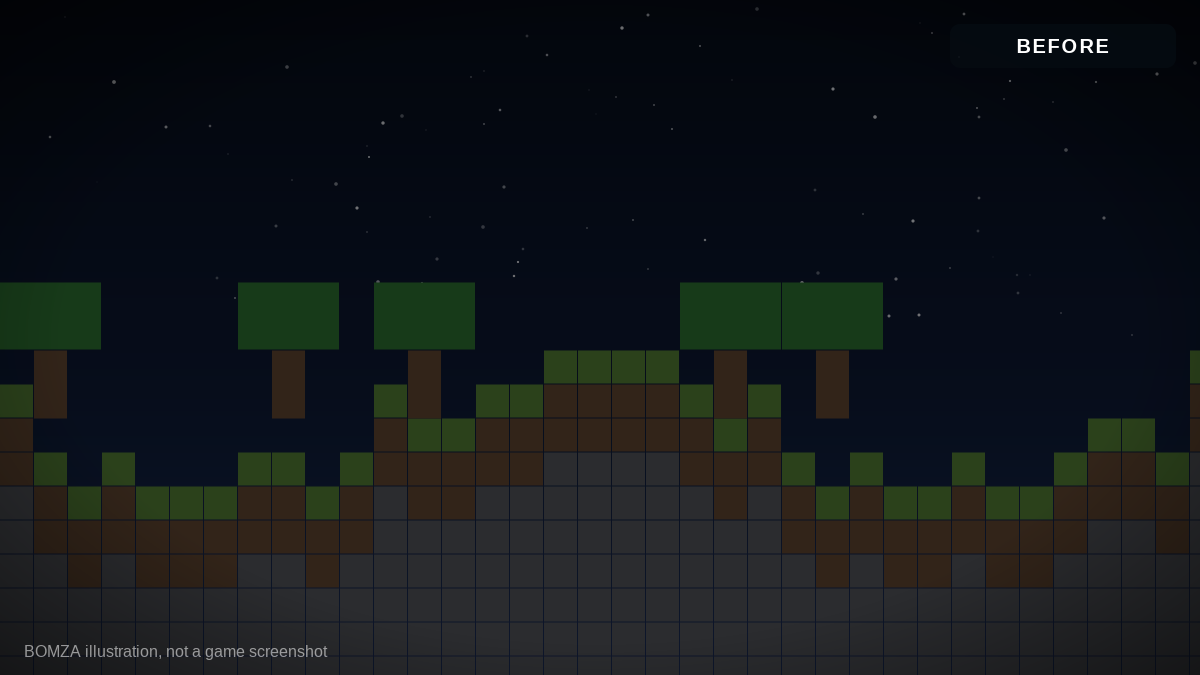
- In gameSunset over water is one of the quickest ways to judge a shader pack.
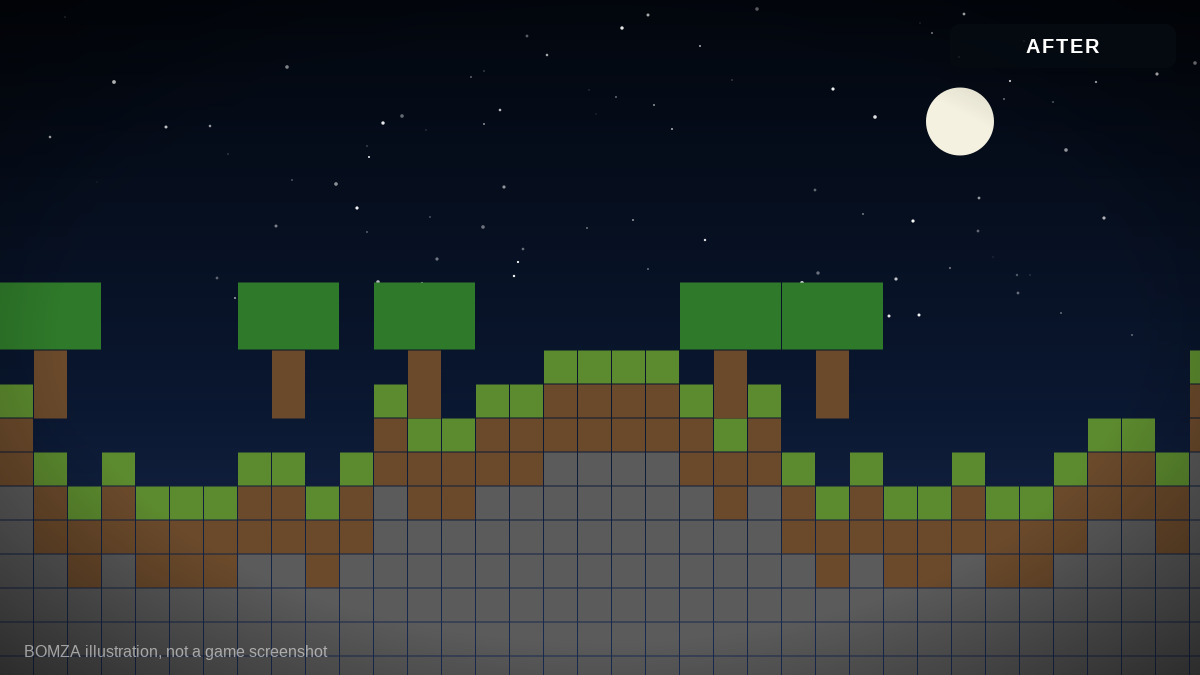
- BeforeThe base game look.
- AfterThe same forest at sunrise: vanilla lighting on the left, a shader pack with sun shadows and light through the leaves on the right.
- Video coming soonA gameplay capture will be added here.
03Part 3 of 6
Which shader style fits you: vanilla-plus, stylized or photoreal?
Shader packs do not all aim for the same thing. Picking the right style saves you hours of tweaking a pack that was never going to look the way you want.
Vanilla-plus packs keep the Minecraft feel. Colors stay close to the original, shadows are soft, and the sky looks like a nicer version of the vanilla sky. Complementary Reimagined is a well-known example. These suit long survival worlds where you do not want the game to feel like a different game.
Stylized packs push color and mood. Strong golden hours, deep blue nights, heavy fog. BSL and the profiles inside many other packs sit here. Builders who take screenshots often like them.
Photoreal packs go for bright sun, deep contrast, realistic clouds and sharp reflections. They look best with a high-resolution PBR resource pack and they cost the most GPU time.
Light packs like MakeUp Ultra Fast or the lite versions of bigger packs are built for weaker GPUs and laptops. You get some shadows and better sky color without the heaviest effects.
Many packs include several profiles from low to ultra, so one pack can cover more than one style. Try the default profile first, then move one step at a time.
04Part 4 of 6
Where in Minecraft do you notice realistic lighting the most?
Some places change much more than others. If you want to judge a shader pack fast, check these spots.
A forest at sunrise
This is the classic test. Low sun, long shadows from trunks, light coming through the leaves. Vanilla looks flat here, shaders look completely different.
An ocean or a large lake at noon
Watch the reflections and the color of the water as it gets deeper. Some packs handle waves well, others make water look like glass.
Your base at night
Lanterns, torches and glowstone become warm pools of light. You can see where your lighting is uneven.
A desert or badlands biome
Strong sun and pale blocks show whether the pack overexposes bright scenes.
The Nether
Packs add thick fog and glow from lava. Some packs make it very dark, others keep it readable.
A thunderstorm
Darker sky, wet looking surfaces in some packs, flashes of lightning that light the land.
Caves are their own case. Many shaders make them darker than vanilla on purpose, which looks great and can be hard to play. If that bothers you, read brighter caves before you give up on a pack.
05Part 5 of 6
How much does realistic lighting cost in frame rate?
More than any other visual mod in Minecraft. The exact drop depends on your GPU, the pack, its profile, your render distance and your screen resolution, so we will not give you a single number. What we can do is tell you where the cost sits.
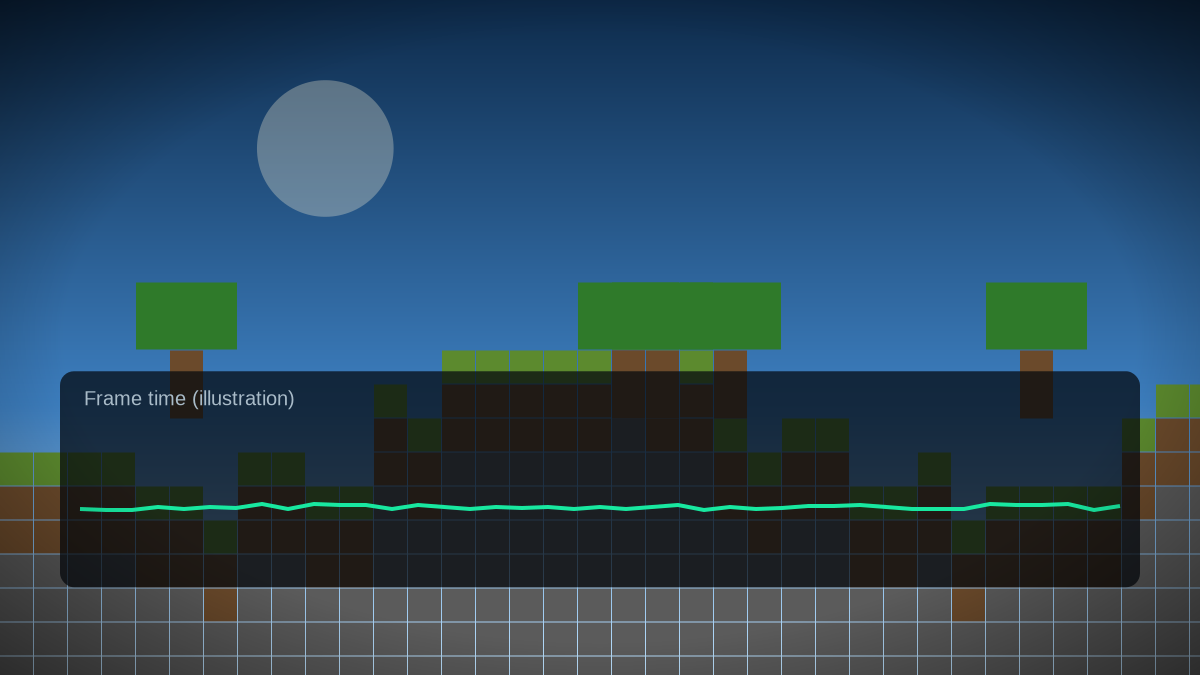
The shadow pass is the big one. Shadow distance decides how many chunks get drawn a second time from the sun's view. Shadow resolution decides how sharp those shadows are. Halving either one is the fastest way to get frame rate back.
Render distance is next. With shaders, each extra chunk costs more than in vanilla, because it feeds both the normal view and the shadow pass. Many players run a shorter render distance with shaders than without.
Screen-space effects like volumetric light, reflections and ambient occlusion scale with resolution. At 1440p or 4K they matter much more than at 1080p.
Running Iris together with Sodium helps a lot, because Sodium makes the chunk drawing part cheaper and leaves more room for the shader. The FPS boost page explains that side.
When BOMZA states a performance claim for the Minecraft Realistic Lighting Shader, it comes from a fixed test route on our bench, described in how BOMZA measures FPS impact.
06Part 6 of 6
What pairs well with a Minecraft lighting shader?
A shader is the center of a visual setup, but a few other pieces change how it looks.
A PBR resource pack. Packs that ship normal and specular maps in the LabPBR format let a supporting shader show bumps in stone, shine on metal and wet edges on blocks. Without those maps, the shader treats every surface as flat and matte.
A performance mod. Sodium with Iris is the usual base on Fabric, Quilt and NeoForge. It gives the shader room to run.
A dynamic lights mod. Torches in your hand light up the area. Very useful with darker packs.
A distance mod. Distant Horizons draws simplified far terrain. Some shader packs support it through Iris and light those far chunks too, others leave them unlit or skip them. Check the pack page before combining them.
What to avoid: a second shader loader, OptiFine and Iris at the same time, or mods that change the renderer in ways the shader pack does not expect. When the sky turns black or blocks flicker, remove the last mod you added. Our Minecraft guides cover setup in order, and the product page lists what was tested together.
Dial it in
Settings that change the look
- 01
Shadow distance
How far from you the sun casts shadows. Shorter means distant trees and hills look flat, longer costs the most frame rate of any setting.
- 02
Shadow resolution
How sharp shadow edges are. Low values give soft, blocky edges that can shimmer as the sun moves. High values give crisp leaf shadows.
- 03
Volumetric light
Light shafts through leaves, fog and cave openings. Turn it down if mornings look too hazy or the frame rate drops at higher resolutions.
- 04
Water reflections
Whether water reflects the sky only or also the terrain around it. Terrain reflections look better on lakes and cost more.
- 05
Exposure or brightness
How bright the final image is after tonemapping. Raise it if nights and interiors feel too dark, lower it if deserts look washed out.
- 06
Ambient occlusion
Soft shading in corners and under overhangs. Makes builds look more solid. Strong values can make interiors feel dirty.
Before you install
Compatibility
Works with
Shader packs need Iris (Fabric, Quilt or NeoForge) or OptiFine (standalone or Forge), built for your exact Minecraft: Java Edition version. Do not run Iris and OptiFine together. Most shader packs work across several 1.21.x releases, but always check the pack page for the versions it lists.
Mods that replace parts of the renderer can conflict with shaders. Sodium is designed to work with Iris. Other rendering mods may cause black skies, missing shadows or flicker. Bedrock Edition is not supported. Check the current tested versions on the status page.
Install steps are in Guides, and the current state of each pack is on the status page.
Limitations
- Shaders need a dedicated GPU for comfortable frame rates on high profiles. Integrated graphics handle only light packs.
- Some content mods add blocks or entities that shader packs do not light correctly, so they may glow or look flat.
- Darker packs can make caves and interiors hard to play without adjusting exposure or adding more light blocks.
- Java Edition only. Nothing here runs on Bedrock Edition.
- Servers may send their own resource pack, which can change how surfaces look under your shader.
Tested packs
Get this effect
These BOMZA packs include this effect. Each one shows the game version it was last confirmed on. Options and checkout are in the shop.
FAQ
Questions players ask
Short answers to what players ask us most. Open a question to read the answer.
Ask in our Discord. Include your game version and what you installed.
Open Discord01Do shaders change my textures?
No. Shaders change how light falls on the textures you already have. For new textures you need a resource pack, which you can use together with a shader.
02Why are my nights so dark with shaders?
Many packs make nights and caves darker on purpose. Look for an exposure, brightness or minimum light option in the shader settings, or try a vanilla-plus pack that stays closer to the original brightness.
03Can I run shaders on a laptop?
On a laptop with a dedicated GPU, usually yes with a medium profile. On integrated graphics, stick to light packs, short shadow distance and a modest render distance, with Sodium installed.
04Do I need Sodium to use Iris?
Iris is built to run with Sodium and recent versions bundle or expect it. Use the pair together on Fabric, Quilt or NeoForge for the best frame rate.
05Will a shader pack get me banned from a server?
Shaders only change your own rendering, and many servers allow them. Rules differ, so read the rules of the server you join and follow them.
Keep exploring
More Minecraft: Java Edition effects
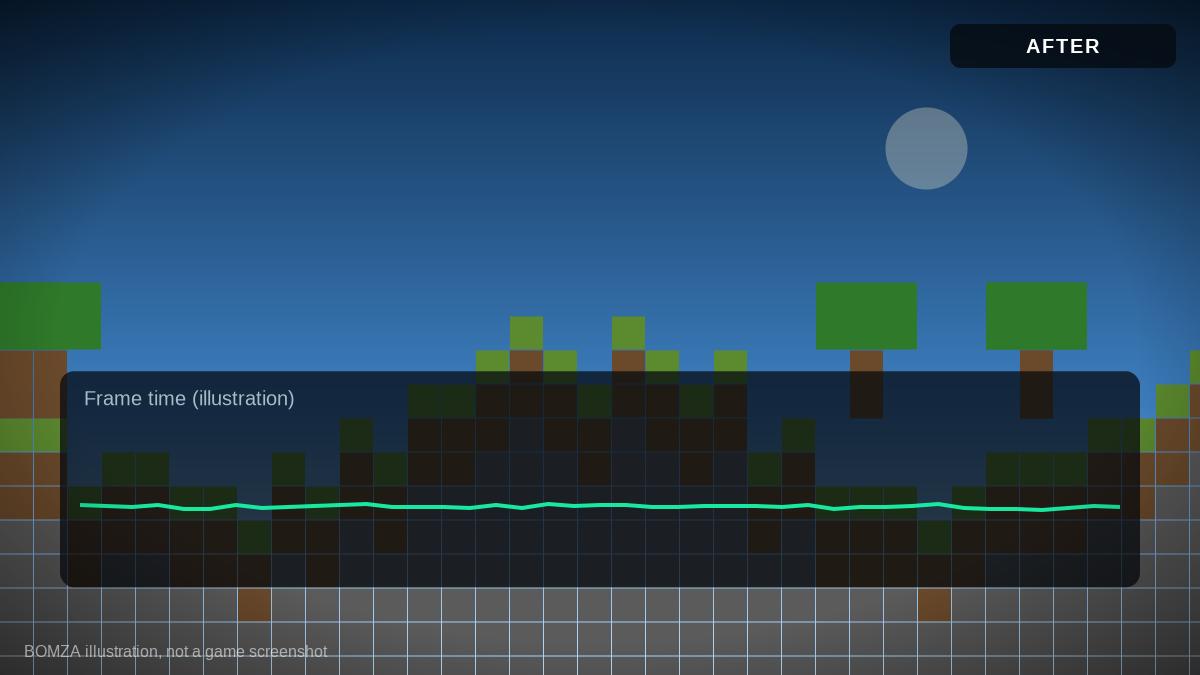
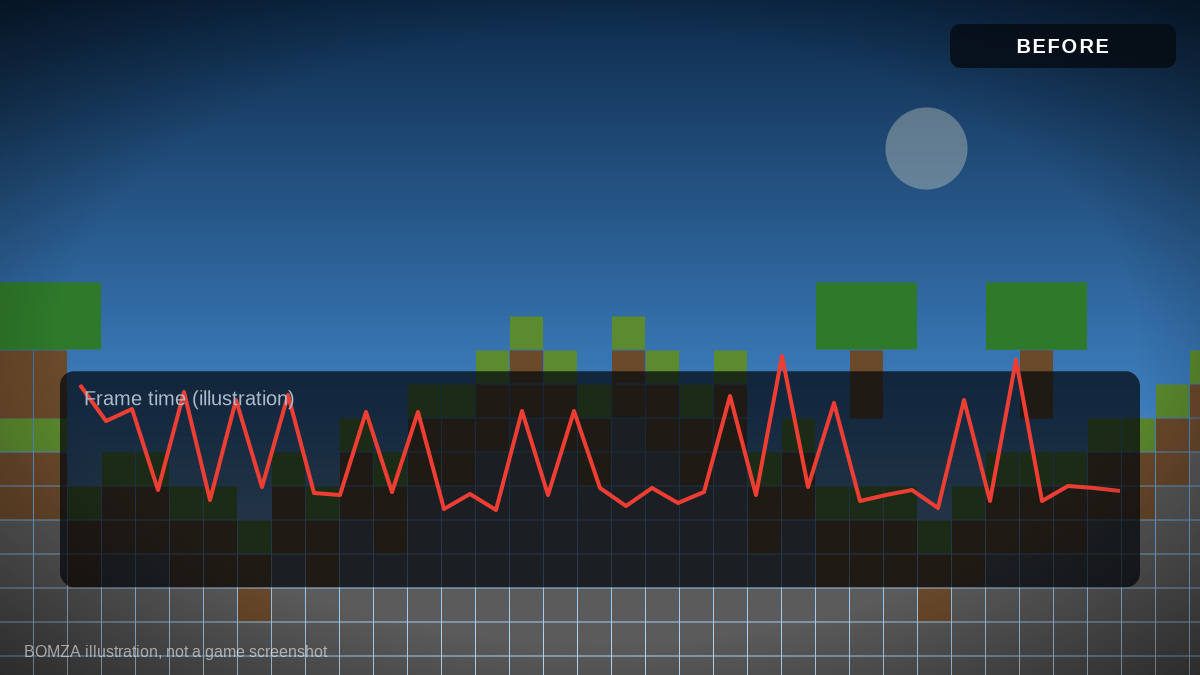 FPS boost for Minecraft Java EditionThe biggest FPS boost in Minecraft Java comes from performance mods, not from lowering every setting. Sodium speeds up chunk rendering, Lithium speeds up game logic and FerriteCore cuts memory use, all without changing how the game looks. After that, render distance, simulation distance and a sensible memory setting do most of the remaining work.
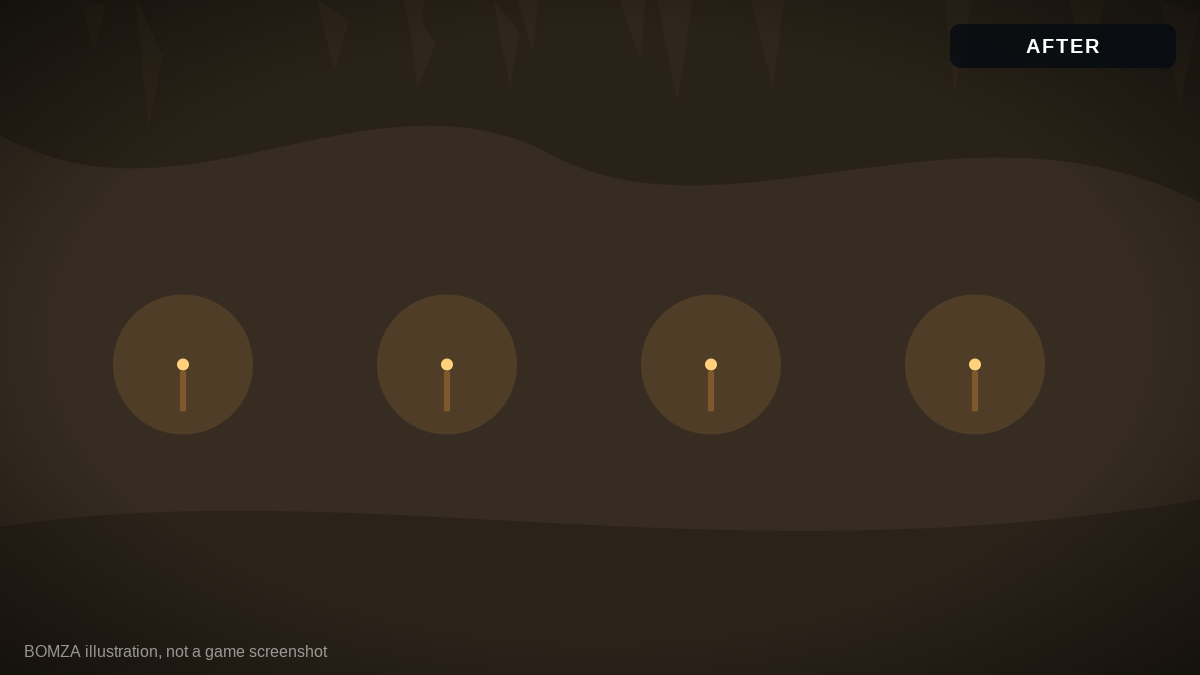
 Brighter caves in Minecraft Java EditionBrighter caves in Minecraft come from three things: a sensible brightness setting, a shader pack with a minimum light or exposure option, and dynamic lights so the torch in your hand actually lights the cave. The goal is readable darkness close to you, not seeing hidden blocks, and the surface should keep its normal look.
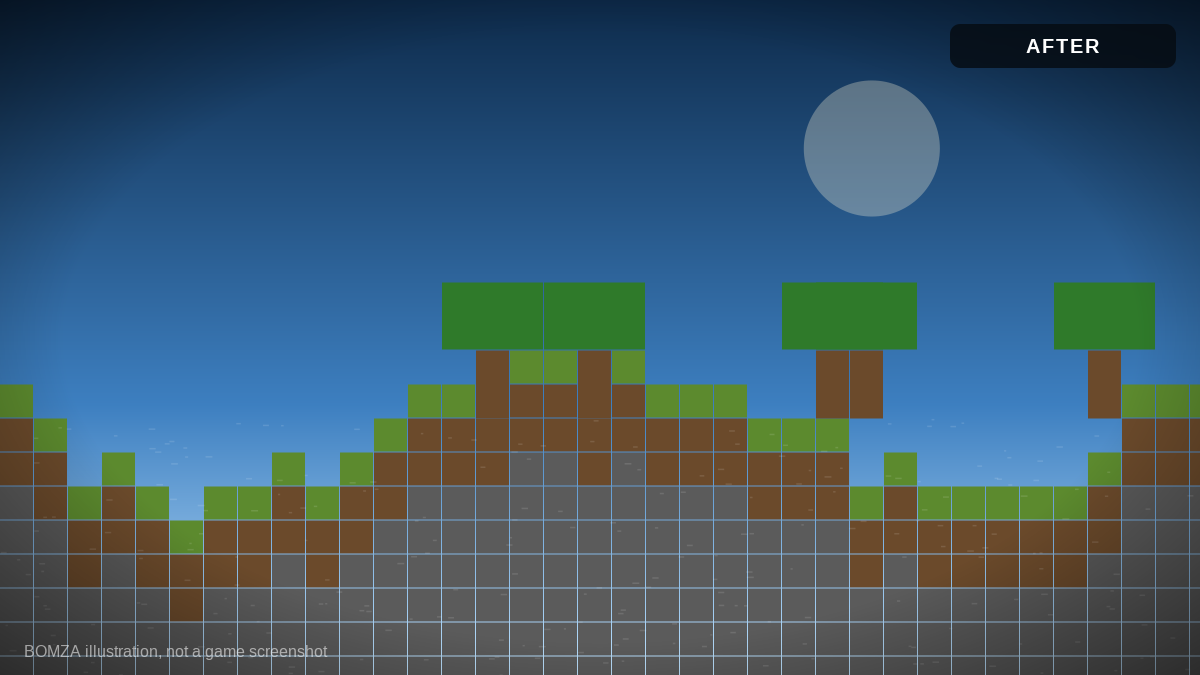
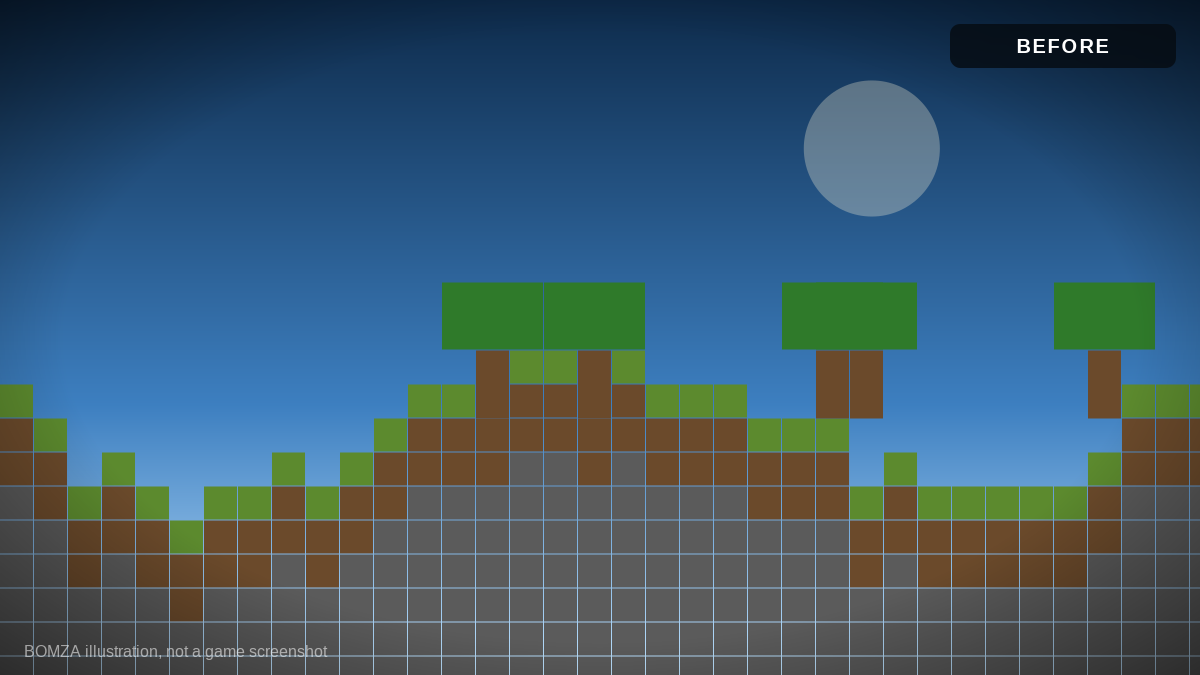 Sharper textures in Minecraft Java EditionSharper textures in Minecraft come from resource packs with a higher resolution than the default 16x, from 32x faithful upscales to 128x and 256x realistic sets. Higher resolution mostly costs video memory and load time, not raw frame rate, and packs with PBR maps need a supporting shader to show their surface detail.
 Full Minecraft: Java Edition mods guideEvery effect, what it costs in FPS, what breaks after updates and how we check our packs.
Minecraft: Java Edition · realistic lighting
Skip the trial and error
Our pack for this effect is tuned and tested by our team on a named game version, with setup guides and support on Discord.