 F4
 CP
 W3
 MC
 ETS2
 AC

No post processing
- Typical cost
- None
- What you get
- Vanilla image with your mods

Show prices in
Prices in other currencies are approximate. Card payments are charged in South African rand (ZAR).
 Log in
Skyrim Special Edition · Visual effect
Skyrim frame rate drops mostly come from shadows, grass, draw calls in cities and heavy post processing, not from textures. The biggest wins are lowering shadow distance and grass density, using fix plugins such as Engine Fixes and Display Tweaks, and choosing lighter post processing. Raising the frame rate above 60 also needs a physics fix, or objects start to jump.
01Part 1 of 7
Skyrim does not drop frames evenly. It runs fine in a small cave and then falls hard in a few kinds of places.
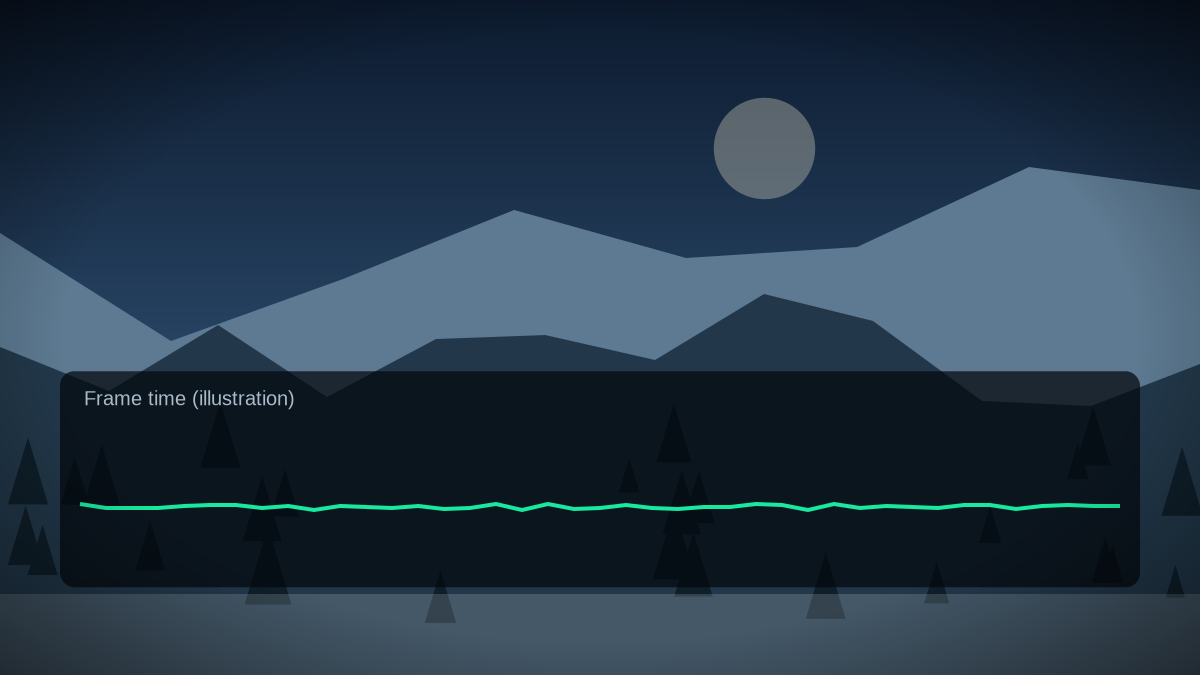
Whiterun's market, Solitude's main street and Markarth's stone terraces have many objects, NPCs and lights. These spots are limited by the CPU and by draw calls, the number of separate things the game asks the GPU to draw.
The Rift and Falkreath Hold have heavy grass and many trees. Each grass patch is an object, so grass density hits the CPU and GPU at once.
Standing on a mountain looking over the map means a lot of LOD and long shadows.
Volumetric effects from ENB or Community Shaders cost GPU time.
The first step to a real boost is knowing which kind of limit you hit. If your GPU usage is low while frame rate is low, you are CPU or draw call limited, and lowering resolution will barely help. If the GPU is at full load, graphics settings and post processing are the place to start.
Windows can also get in the way. Background apps, old drivers and some overlays cost frames in every game. Our article on Windows settings that matter for performance covers those.
02Part 2 of 7
A handful of settings do most of the work. In rough order of how much they help:
How far shadows are drawn. Long shadow distance means the world is drawn again for each shadow cascade. Lowering it is the single biggest win outdoors.
Sharper shadows cost GPU time and memory. One step down is often hard to notice.
Set by the minimum grass size in the ini and by the grass mod itself. Less grass helps a lot in forests.
How far objects and NPCs stay visible. Small reductions help in cities.
In ENB or Community Shaders, these are among the most expensive effects.
Temporal anti aliasing is cheap, but some ENB anti aliasing options are not.
Leave the grid settings alone. Changing the number of loaded cells is an old tip that causes crashes and save problems in Special Edition.
Tools like BethINI Pie edit Skyrim.ini and SkyrimPrefs.ini with presets and explain each value. That is safer than copying random ini lines from old forum threads, many of which were written for the 2011 version.
Screens
The same scene before and after, plus the spot we test this effect in.
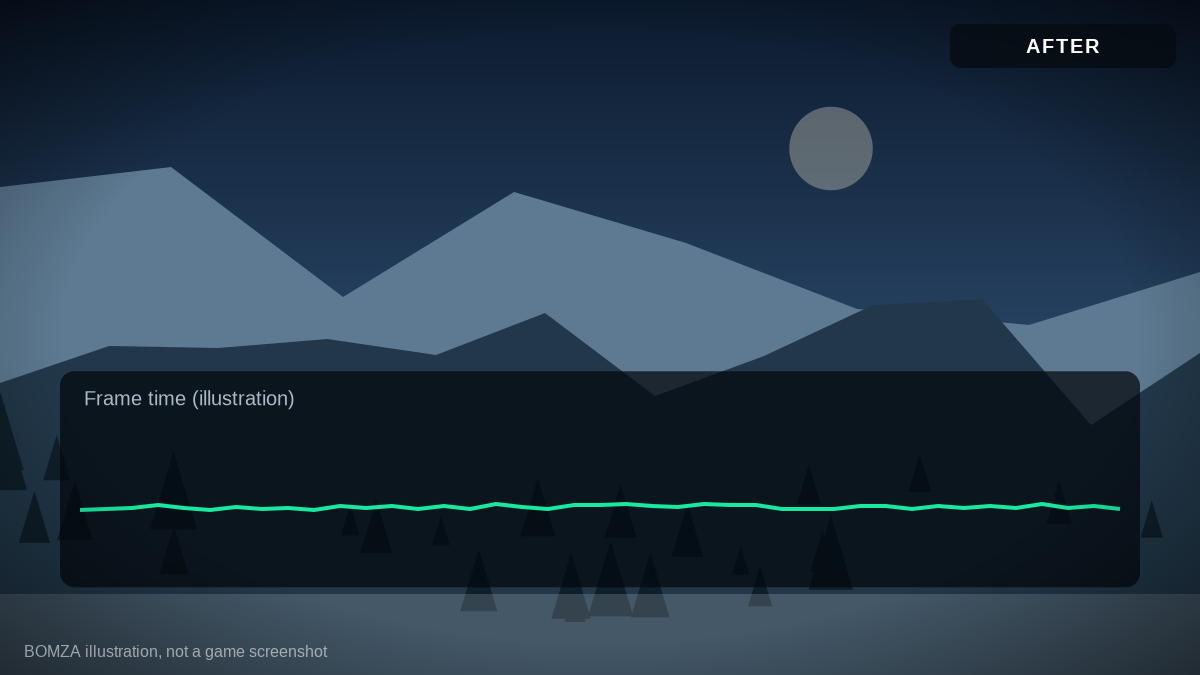
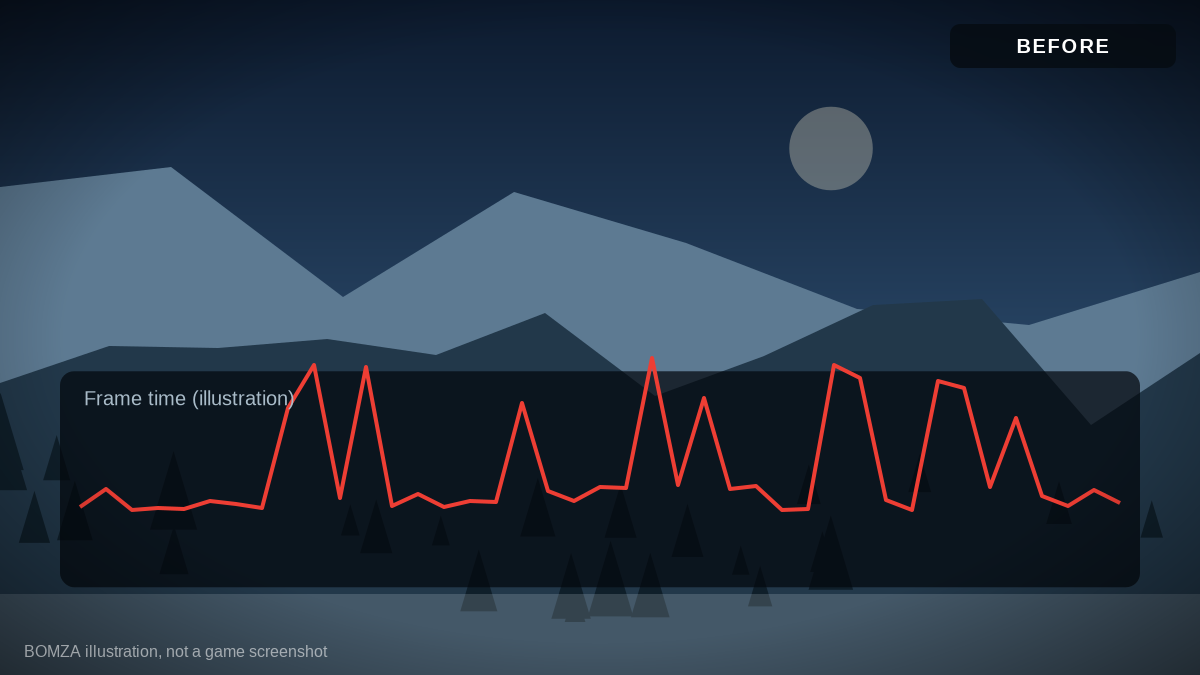
In gameWhiterun market: a CPU and draw call heavy spot that shows real performance changes.BeforeThe base game look.AfterFrame time graph shape in Whiterun before and after shadow and grass changes, shown without numbers.Video coming soonA gameplay capture will be added here.03Part 3 of 7
Some of the best performance mods for Skyrim do not change the look at all. They fix how the engine handles memory, timing and loading. Most of them are SKSE plugins, so they need SKSE64 and Address Library for your game version.
fixes a long list of engine bugs and replaces parts of the memory handling. It reduces some stutter and crashes and is in nearly every modern setup.
adds a frame rate cap, borderless window options and a fix that keeps physics stable at high frame rates. It is the usual way to run Skyrim above 60 FPS.
do not add frames, but they tell you which mod caused a crash, which saves hours of guessing.
exist that add modern upscaling to Skyrim. They can raise frame rate when the GPU is the limit, at some loss of sharpness.
Because these plugins hook the executable, they are the first things to stop working after a game update. If your game suddenly runs worse after Steam updates Skyrim, check whether these plugins still load. The background is in why game updates break script extenders.
04Part 4 of 7
Yes, but not out of the box. Skyrim's physics engine runs its updates in step with the frame rate. In vanilla, high frame rates make physics objects jump, carts in the opening scene behave oddly and some animations run too fast.
The vanilla game also enables VSync by default, which caps the frame rate to your monitor's refresh rate. People often turn it off in the ini to go higher, then run into the physics problem.
The usual safe setup is
A stable 60 often feels better than a frame rate jumping between 60 and 120. Frame time consistency matters more than the highest number. That is also why our testing looks at frame times, not just averages, as described in how BOMZA measures FPS impact.
05Part 5 of 7
Post processing is often the largest single cost in a modded Skyrim. You have three main choices, and each has a very different weight.
Community Shaders is built as an SKSE plugin with separate features, so you can enable lighting and grass effects while leaving the expensive ones off. ENB gives very fine control and a huge range of presets, but a full preset adds work to every frame.
If you want an ENB look on a mid range card, look for performance versions of presets. They usually turn off ambient occlusion or depth of field. ReShade on top of either can add color tweaks for little cost. The ReShade vs ENB article explains how they differ.
06Part 6 of 7
A high average frame rate does not mean smooth play. Stutter shows up as short pauses, and the average hides them. Common causes in Skyrim:
Too many 4K textures make the game swap textures in and out. You see a hitch while turning the camera.
When you ride into a new area, the game loads new cells. On a hard drive this stalls the game.
Many script heavy mods can make Papyrus, the scripting engine, fall behind. That causes delays in events rather than lower frame rate, but it feels like lag.
Some setups compile shaders the first time you see an effect.
Fixes depend on the cause. Move the game and your mod manager folder to an SSD. Use 2K textures for most surfaces. Remove script mods you do not need. Use Engine Fixes, which addresses some loading and memory issues.
If you remove script mods, do it carefully. Read keeping a modded save safe first.
07Part 7 of 7
You can get a lot of frame rate back without losing what makes a modded Skyrim look good. The trick is to cut where your eyes do not notice.

Sharper textures cost memory but little GPU time. Long shadows cost a lot, and far shadows are hard to see anyway.
Weather colors are cheap. Turn volumetric quality down a step before you swap the weather mod.
Plain light sources are cheap. Lighting mods often have options with fewer shadow casters.
A small change in grass density is hard to see from the saddle but helps forests a lot.
Distant trees can be simpler without changing what you see on the road.
Test one change at a time on the same route, for example Whiterun gate to the market. That tells you what each setting costs on your PC. Other Skyrim visual pages, like brighter caves and weather effects, list the performance cost of each effect.
Dial it in
How far away shadows are drawn. Lower gives the biggest outdoor gain, and far shadows simply fade out sooner.
Sharpness of shadow edges. Lower makes shadows a little softer and saves GPU time.
Controls grass density. Higher values mean fewer grass patches and bare spots in fields, and more frames in forests.
Limits the frame rate to a steady value. Gives smoother motion and keeps physics stable with a fix plugin.
Adds contact shadows in corners and under objects. Turning it off flattens the image a bit and saves a lot in ENB.
How far small objects and NPCs remain visible. Lower helps in cities at the cost of earlier pop in.
Before you install
Works with
Fix plugins such as Engine Fixes and Display Tweaks need SKSE64 and Address Library for your exact game version, either 1.5.97 or 1.6.x. After a Steam update they may stop loading until new builds come out. Ini changes work on any version. ENB and Community Shaders should not be used together.
BOMZA does not sell a Skyrim performance pack at this time. Free options are listed on free mods, and the Skyrim guides cover our packs.
Install steps are in Guides, and the current state of each pack is on the status page.
Limitations
Tested packs
No BOMZA pack covers this effect yet. You can still browse the Skyrim Special Edition shop for the packs that exist.
There is no BOMZA pack for this yet. The guide above covers the free ways to get the effect, and the free mods overview explains how to judge a mod page.
FAQ
Short answers to what players ask us most. Open a question to read the answer.
Ask in our Discord. Include your game version and what you installed.
Open DiscordLowering shadow distance usually helps the most outdoors. Grass density is next in forests, and turning off ambient occlusion helps most with ENB.
No. Changing the number of loaded cells is old advice that causes crashes and save problems in Special Edition. Leave it at the default.
It is usually lighter because you can turn on only the features you want. A full ENB preset has more effects running every frame.
Cities are often CPU and draw call limited. Lowering resolution barely helps there. Reducing shadows, object fade and some city mods helps more.
Average FPS changes little, but if video memory runs out you get stutter. Use 2K for most surfaces if you see hitches.
Keep exploring
 Brighter caves and dungeons in Skyrim Special EditionSkyrim caves look too dark because each interior cell has a fixed, very low ambient light and few real light sources. Lighting mods fix this by raising that ambient level a little and adding torches, braziers and light shafts that actually light the room. The goal is a cave you can read without a torch in hand, while the outside world keeps its normal day and night.
 Skyrim night sky overhaul: stars, moons and auroraA night sky overhaul replaces the low resolution stars, the two moons Masser and Secunda and the aurora with sharper, denser textures, and often adjusts how bright the sky is after dark. It is one of the cheapest visual upgrades in Skyrim because it is mostly textures. How good it looks depends on your weather mod, since weather decides how dark the night is and how much cloud hides the stars.
 Skyrim weather effects: rain, snow, fog and stormsSkyrim weather mods replace the weather records that set sky color, cloud layers, fog, light and precipitation for each region. A good one gives you more distinct weathers, storms that darken the world, snow that cuts visibility and fog that settles in valleys. You should run only one full weather mod at a time, and match your ENB or Community Shaders preset to it.
 Sharper landscape textures in Skyrim Special EditionLandscape texture mods replace the ground, rock, mountain, road and snow textures with sharper, higher resolution versions, so the world stops looking smeared when you stand close. For distant terrain to match, you also need updated LOD generated with tools such as xLODGen and DynDOLOD. The main cost is video memory, not raw GPU power, so pick a resolution your card can hold.
 Full Skyrim Special Edition mods guideEvery effect, what it costs in FPS, what breaks after updates and how we check our packs.
Skyrim Special Edition · fps boost
There is no BOMZA pack for this effect yet. The Skyrim Special Edition shop lists every pack we have for this game today.
Quick answers from our FAQ. Not solved? Open a ticket on Discord.