F4
 CP
 W3
 MC
 ETS2
 AC

Realistic
- What you see
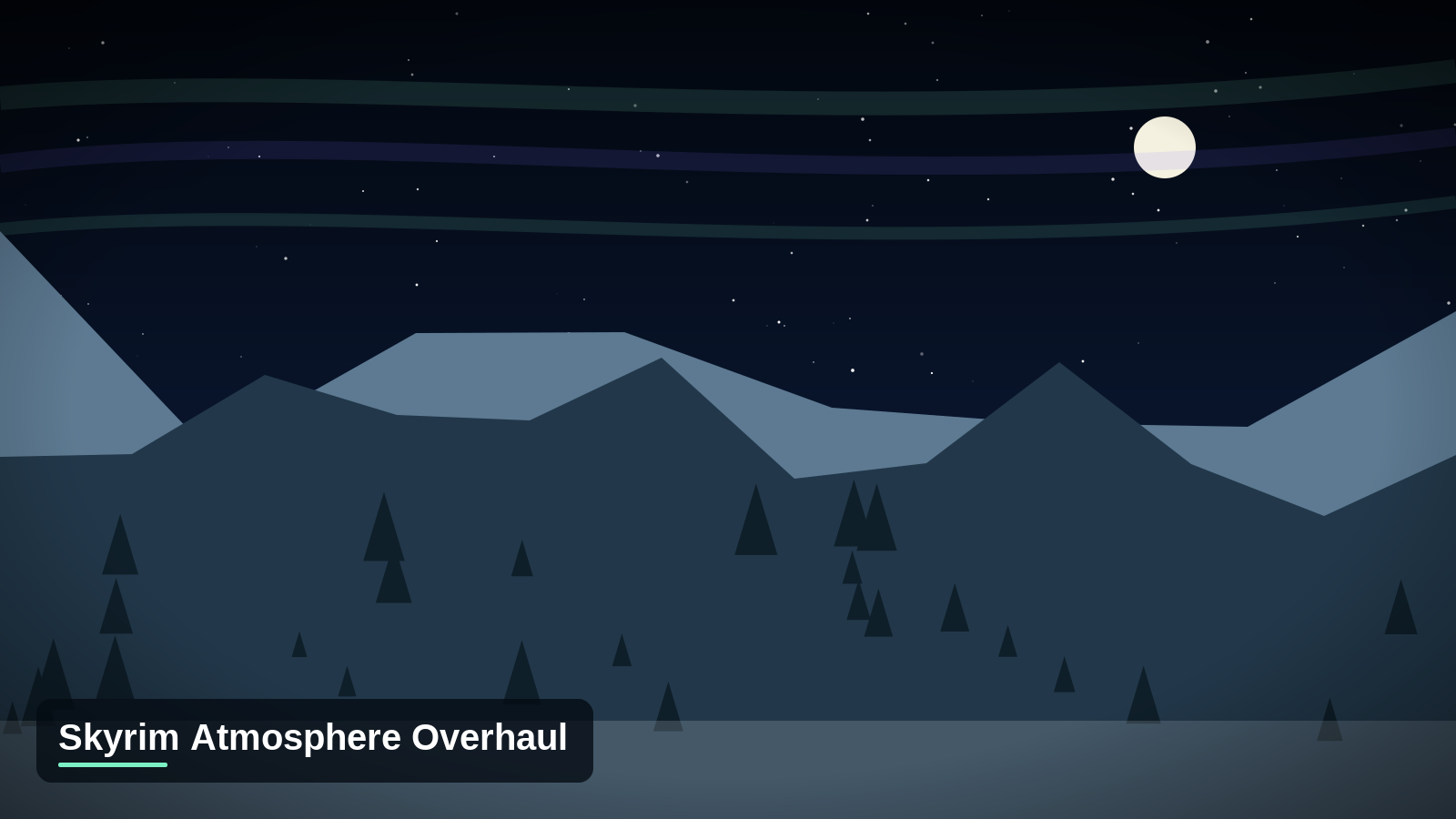
- Many small stars, a soft galaxy band, little color
- Pairs well with
- Darker weather mods, survival setups, muted ENB presets

Show prices in
Prices in other currencies are approximate. Card payments are charged in South African rand (ZAR).
 Log in
Skyrim Special Edition · Visual effect
A night sky overhaul replaces the low resolution stars, the two moons Masser and Secunda and the aurora with sharper, denser textures, and often adjusts how bright the sky is after dark. It is one of the cheapest visual upgrades in Skyrim because it is mostly textures. How good it looks depends on your weather mod, since weather decides how dark the night is and how much cloud hides the stars.
01Part 1 of 7
Stand on the road outside Whiterun on a clear night and look up. The vanilla sky has a thin layer of blurry star points, a faint band of the galaxy and two large moons that look soft at the edges. On many monitors the stars almost vanish behind the blue tint the game puts over night scenes.
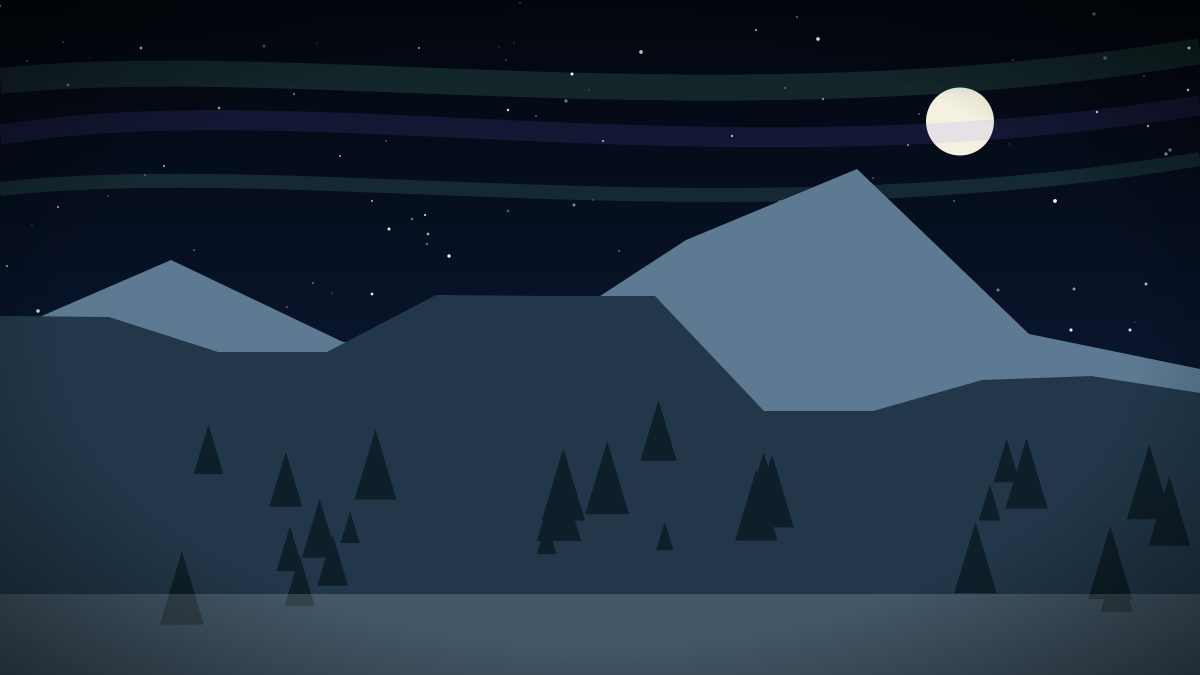
The aurora is the other weak spot. In the north, around Winterhold and Dawnstar, it appears as a few pale green ribbons. It moves, but it lacks color and detail, and in most weathers you never see it.
The reasons are simple
A night sky mod fixes the first point directly. The second and third depend on your weather setup, which is why sky mods and weather mods are usually chosen together.
02Part 2 of 7
Most night sky overhauls are texture and mesh replacers for a small group of files in the sky folder. They change four things:
Higher resolution star maps with more stars, sharper points and sometimes color variation, so some stars look blue white and others warmer.
A visible Milky Way style band or colored nebula clouds. Some mods go for a realistic look, others for a fantasy look with strong purple and teal clouds.
New textures for Masser and Secunda with clearer surface detail. Some mods also offer a smaller moon size option, since the vanilla moons are very large.
Brighter, more colorful aurora textures, sometimes with a new mesh so the ribbons cover more of the sky.
Well known free options include Stars of Nirn and Ethereal Cosmos, and you will find more on our free mods page. Some weather mods ship their own sky textures too, which means the two can overwrite each other. If you use a full weather overhaul, check whether it already includes stars before you add a separate sky mod.
Screens
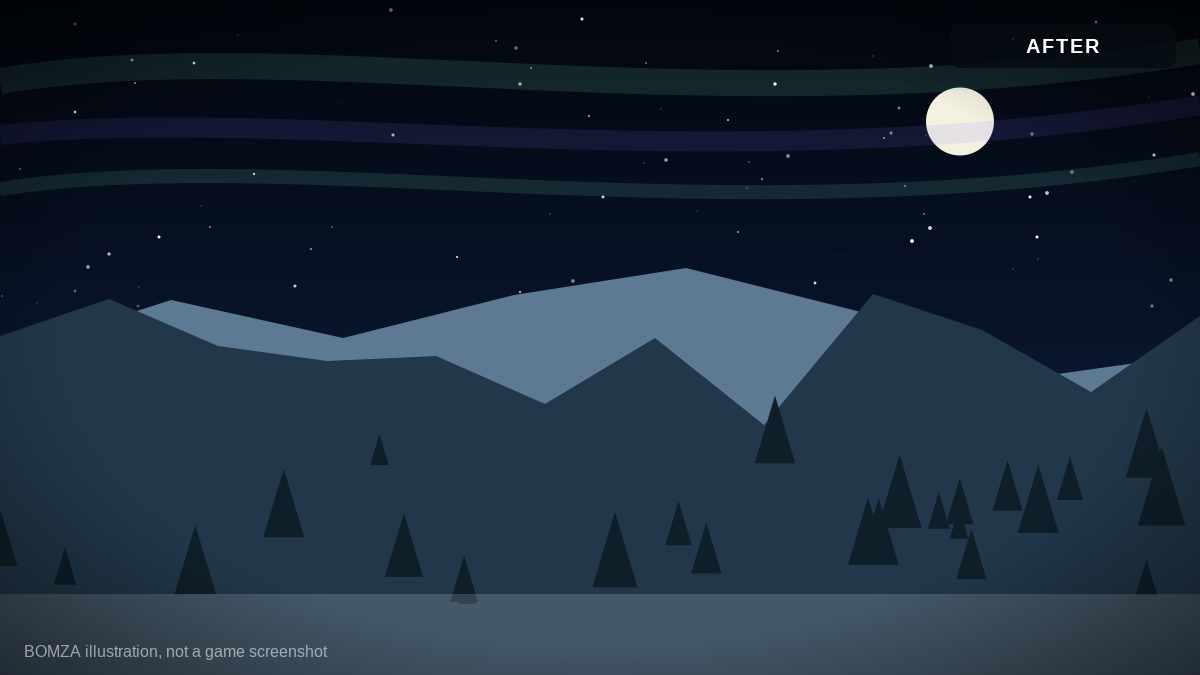
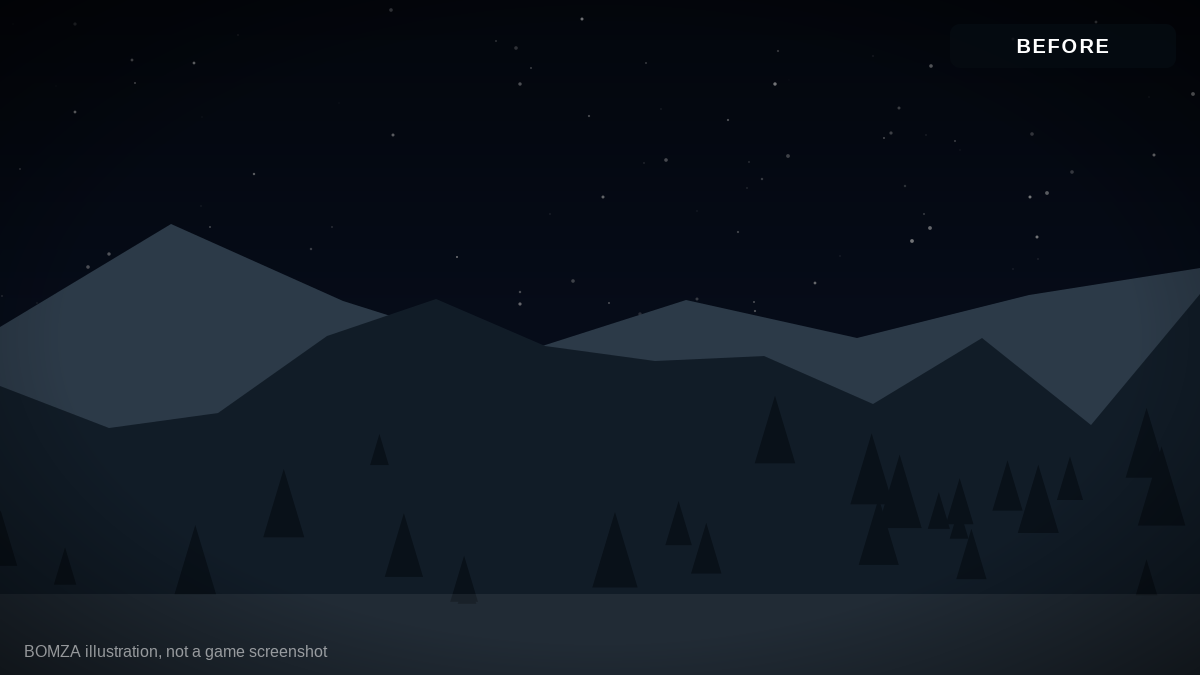
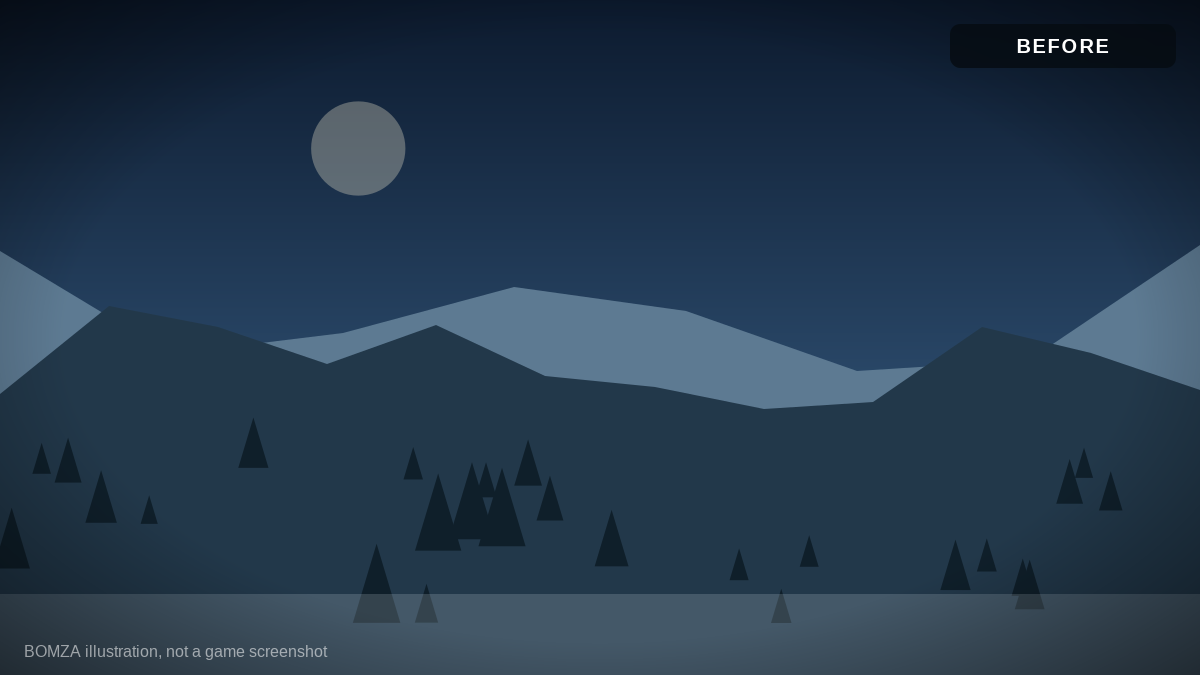
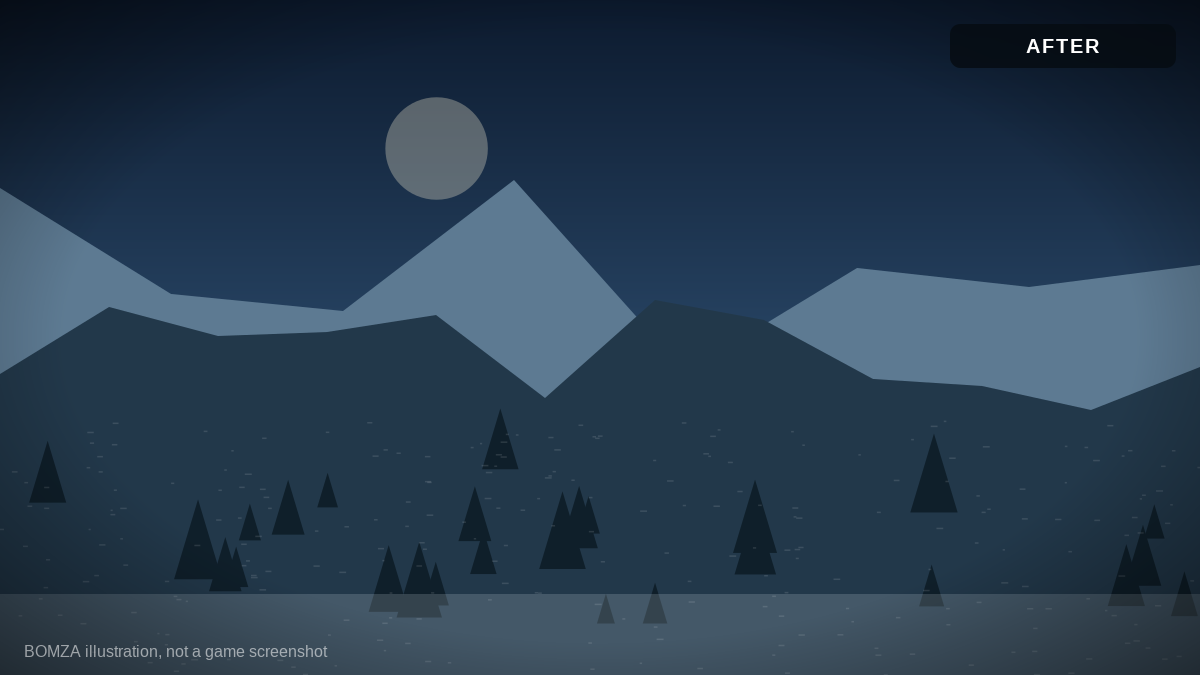
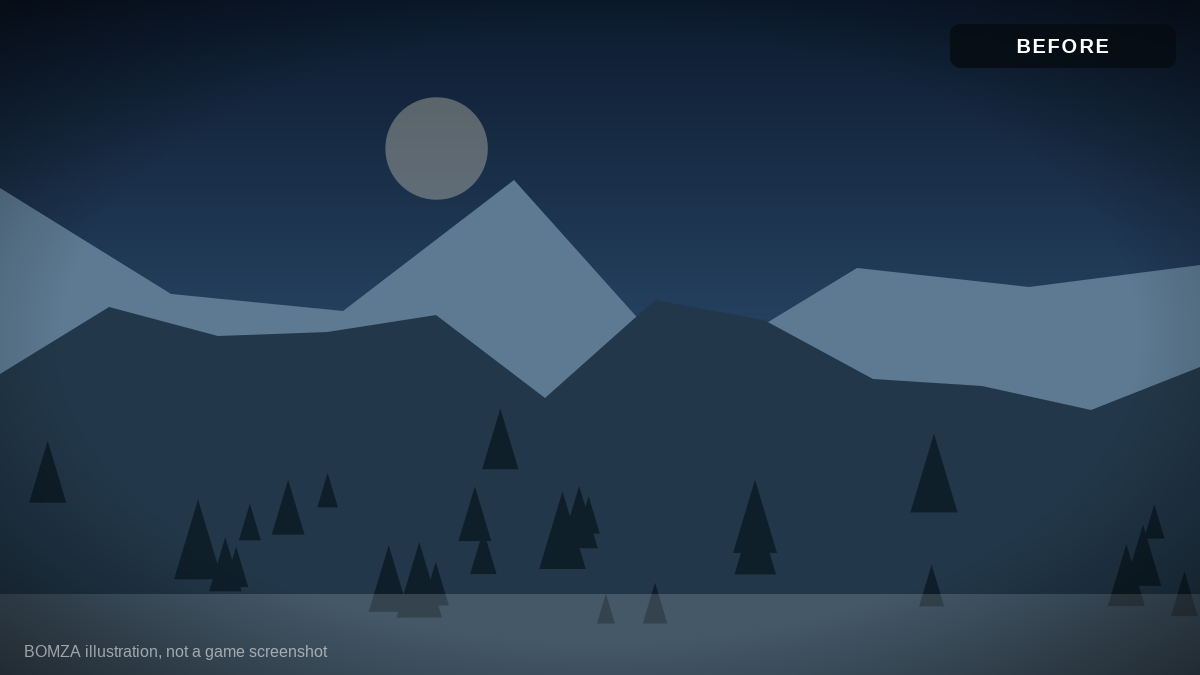
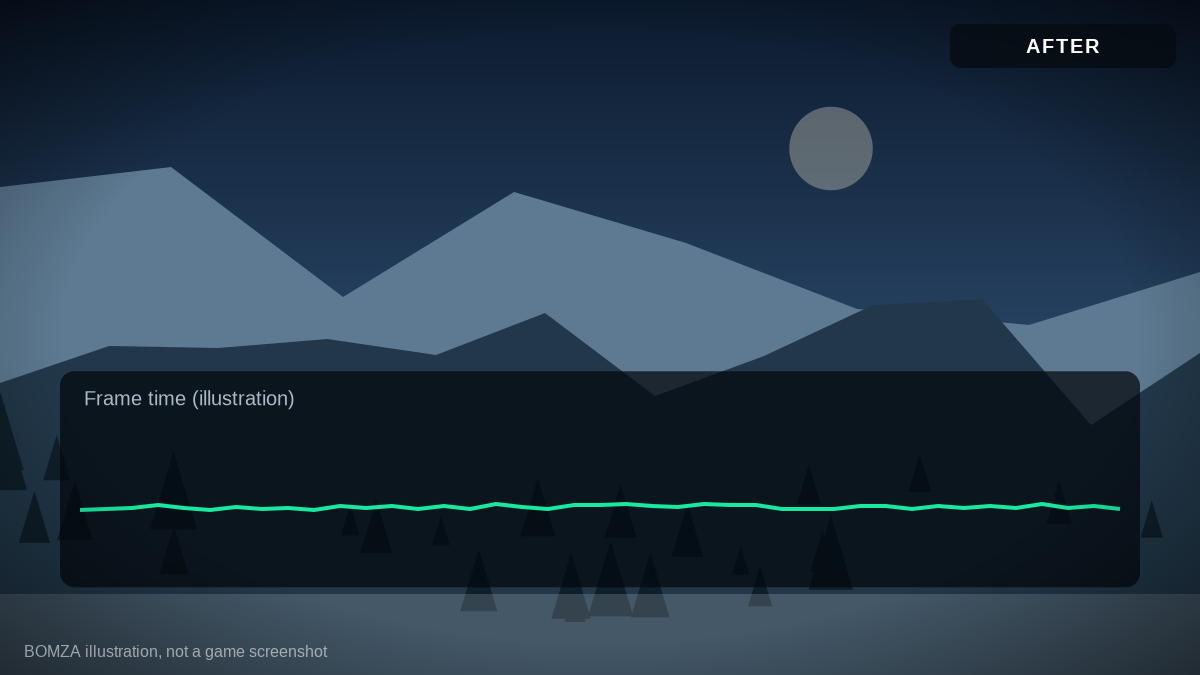
The same scene before and after, plus the spot we test this effect in.
In gameAurora over the northern coast. Weather and preset decide how bright it appears.BeforeThe base game look.AfterClear night over the tundra with the vanilla sky and with a sky overhaul.03Part 3 of 7
This is the main choice you make with a sky mod, and it is personal. There is no correct answer, but each style pairs better with some setups.
A strong fantasy sky looks great in screenshots but can make every night feel the same. A realistic sky is easy to miss in a bright weather mod because the stars disappear behind the blue ambient light.
If you play mostly at night with a torch, a brighter fantasy sky helps you orient yourself on the map. If you like a darker world where nights are a real obstacle, choose a realistic sky and a weather mod that makes nights dark.
04Part 4 of 7
A sky mod only shows its best side if the night is dark enough. That darkness comes from the weather records and, if you use one, from the ENB or Community Shaders preset.
Vanilla nights are bright and blue. You can see the road and the trees from far away. That is easy to play, but it kills the stars. Dark night weather mods lower the ambient light so the sky stands out, but then you need a torch or a light spell to walk through a forest.
Look at three spots to judge it
Can you see the stars and the horizon at the same time?
Aurora, snow and ice. Is the aurora visible or lost in fog?
Trees block the sky. Can you still find the path?
Many weather mods offer optional files for brighter or darker nights. Pick that option first, then choose the sky. For the weather side of this, read the Skyrim weather effects page.
05Part 5 of 7
Post processing has a big effect on how stars look, often bigger than the texture itself.
ENB has its own sky settings. A preset can raise star brightness, change the size of stars, add a glow around the moons and control how the aurora blends with clouds. Many ENB presets also tint nights blue or teal. If a preset was built with a particular sky mod in mind, a different sky can look too bright or too dim. Check the preset page for the sky mod it was tuned with.
Community Shaders does not replace the sky the way ENB does, but its lighting and fog features change how dark the horizon looks and how much the stars stand out.
ReShade can add bloom and contrast, which makes bright stars pop. It also brightens snow and other bright surfaces in the same frame, so be careful with bloom in winter areas.
Anti aliasing and resolution matter too. Small star points can flicker at low resolutions or with heavy temporal anti aliasing. Higher render resolution keeps them stable. More on the difference between these tools is in ReShade vs ENB.
06Part 6 of 7
Sky mods are simple, but because they replace a small set of shared files, two mods touching the sky will overwrite each other. The one that wins is whichever your mod manager puts last.
Watch out for these
Some include star and aurora textures. Decide which sky you want and let it win.
One may replace stars, the other the moons. That can work if they touch different files, but mixed styles often look odd.
These edit meshes or game settings. They usually work with a sky texture mod, but read the notes.
Some ENB presets ship their own sky files in the preset folder. Those can override your sky mod.
Plugin conflicts are rare because most sky mods have no plugin at all. If yours does, it likely edits weather records to change how stars fade at dawn, and then it needs to load after your weather mod. Our explainer on load order and mod conflicts covers how loose files overwrite each other.
07Part 7 of 7
Almost none. The sky is drawn once per frame as a few large textures, so the cost of sharper stars is very small. The main resource it uses is video memory.
Very large sky textures, such as 8K star maps, use more VRAM than you might expect. On a card with little memory, that space competes with landscape and armor textures. If you already run 4K landscape textures and a heavy ENB, a 4K sky is usually enough. You will not see the extra detail of 8K at normal screen resolutions anyway.
The aurora can add some cost if a mod uses a bigger mesh or several layers, but it only shows in certain weathers in the north.
Real frame rate costs at night come from somewhere else: ENB effects, volumetric fog and the number of lights in a city. If your nights feel slow, the sky is rarely the reason. See the Skyrim FPS boost page for what to check first.
Dial it in
How strongly stars stand out against the sky. Higher makes them visible in brighter weathers, too high looks artificial.
How many stars you see and how big each point is. Small and dense looks realistic, large and sparse reads better at low resolution.
Strength of the colored clouds and galaxy band. This is what moves a sky from realistic toward fantasy.
Changes how much of the sky Masser and Secunda cover and whether they have a halo around them.
Sets how visible and colorful the aurora is in northern weathers.
Set by the weather mod or preset. Lower means darker ground and more visible stars.
Before you install
Works with
Night sky mods work on both 1.5.97 and 1.6.x builds because they are mostly textures and do not need SKSE64. They conflict with weather mods and ENB presets that ship their own sky files, so pick one source for stars and let it win in your mod manager.
The Atmosphere Overhaul page lists the weather mods and presets it was checked with. Its tested game version is on the status page.
Install steps are in Guides, and the current state of each pack is on the status page.
Limitations
Tested packs
These BOMZA packs include this effect. Each one shows the game version it was last confirmed on. Options and checkout are in the shop.
FAQ
Short answers to what players ask us most. Open a question to read the answer.
Ask in our Discord. Include your game version and what you installed.
Open DiscordUsually not. Most sky mods are just textures and meshes. They keep working after game updates that break SKSE64.
Your weather may be cloudy, or night ambient light is too bright. Try a clear night, or pick a darker night option in your weather mod. Also check that no other mod overwrites the sky files.
Yes, but some presets brighten or tint the sky, and a few include their own sky textures. Check what the preset was tuned with.
Yes. Textures do not touch your save. You can add or remove them at any point.
Rarely. At normal screen resolutions the difference over 4K is hard to see, and it uses extra video memory that textures on the ground could use.
Keep exploring
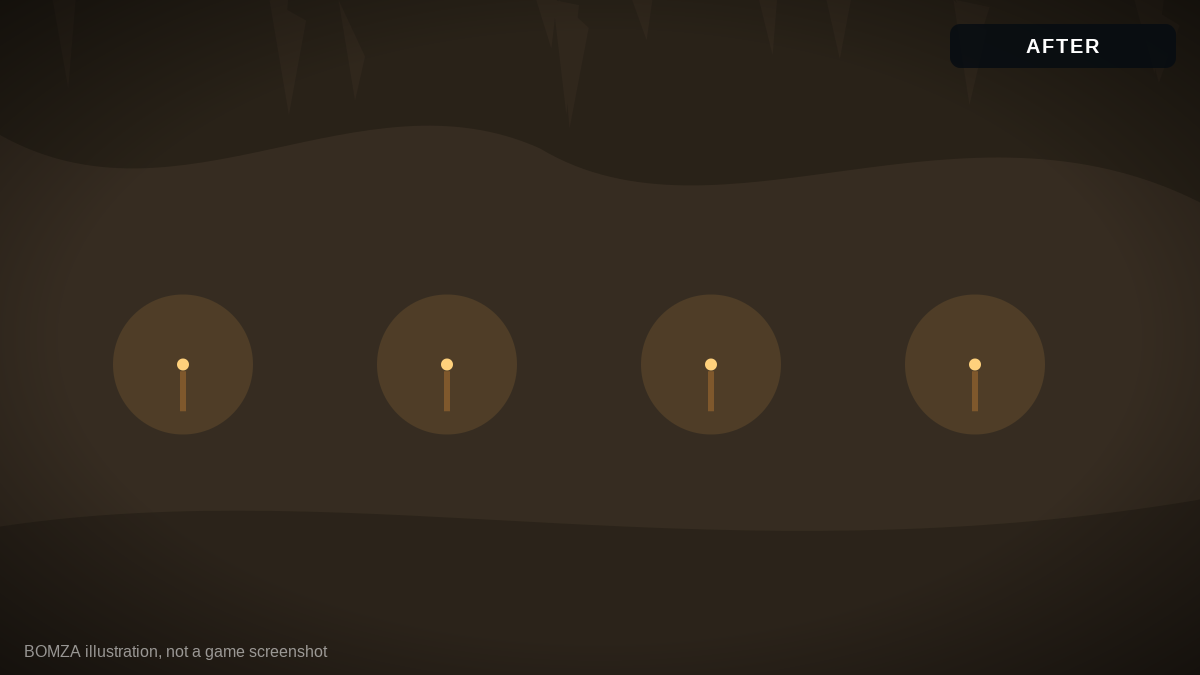
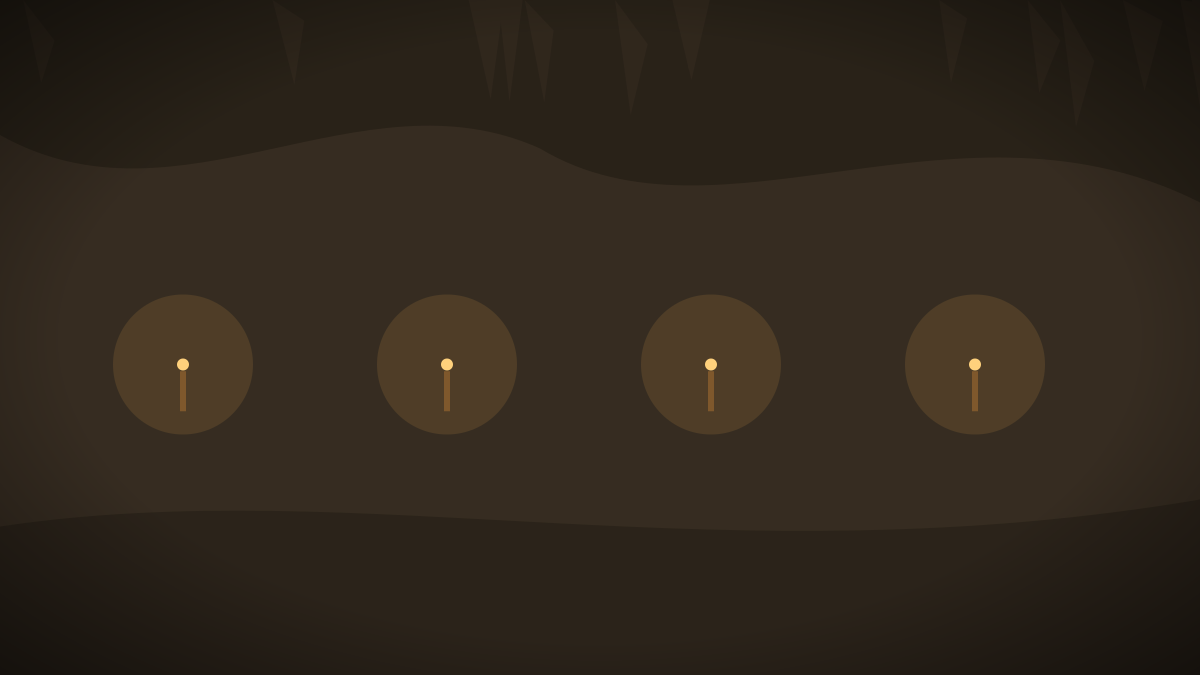
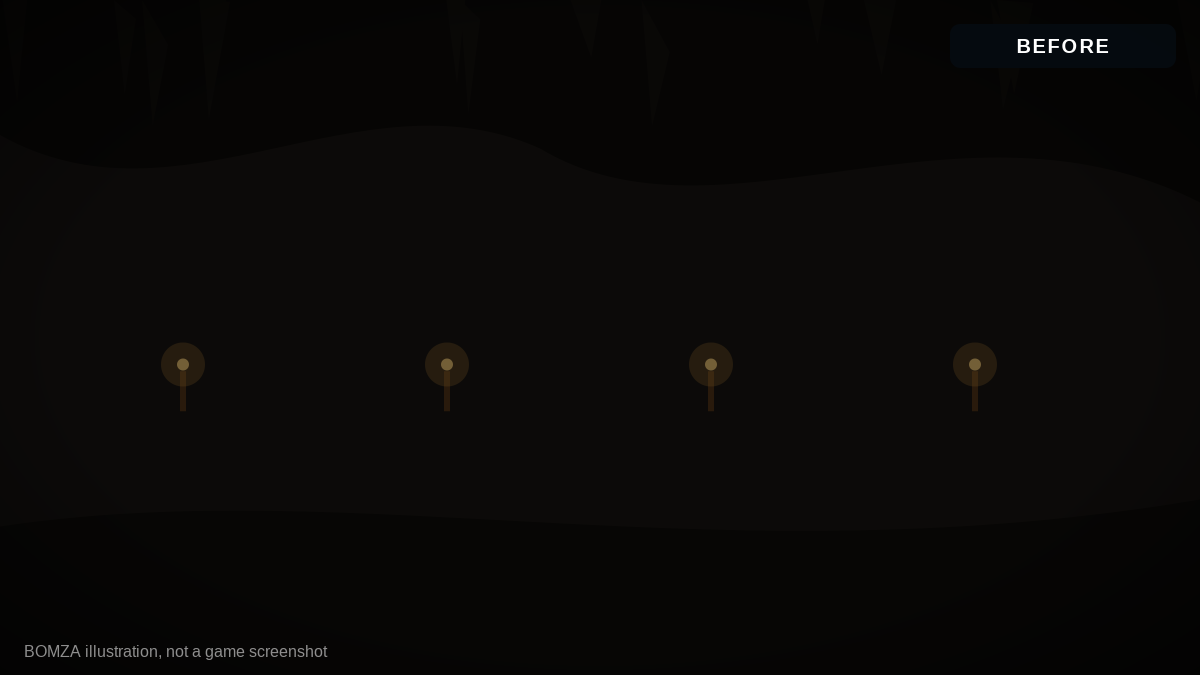 Brighter caves and dungeons in Skyrim Special EditionSkyrim caves look too dark because each interior cell has a fixed, very low ambient light and few real light sources. Lighting mods fix this by raising that ambient level a little and adding torches, braziers and light shafts that actually light the room. The goal is a cave you can read without a torch in hand, while the outside world keeps its normal day and night.
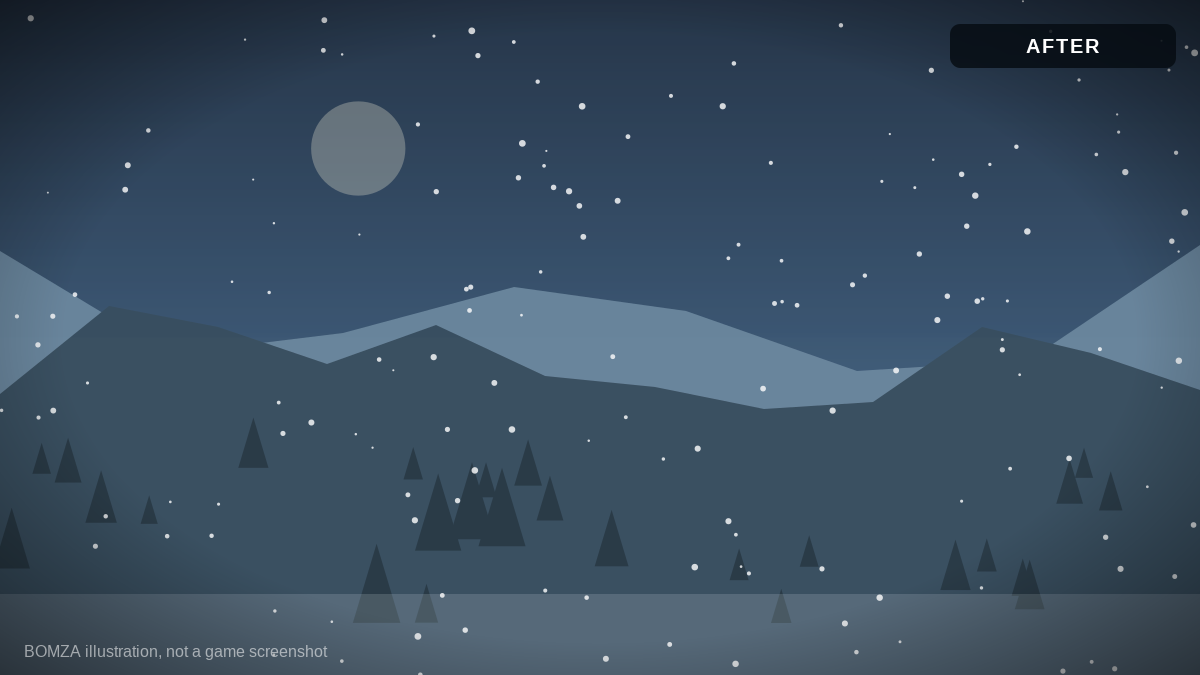
 Skyrim weather effects: rain, snow, fog and stormsSkyrim weather mods replace the weather records that set sky color, cloud layers, fog, light and precipitation for each region. A good one gives you more distinct weathers, storms that darken the world, snow that cuts visibility and fog that settles in valleys. You should run only one full weather mod at a time, and match your ENB or Community Shaders preset to it.
 Sharper landscape textures in Skyrim Special EditionLandscape texture mods replace the ground, rock, mountain, road and snow textures with sharper, higher resolution versions, so the world stops looking smeared when you stand close. For distant terrain to match, you also need updated LOD generated with tools such as xLODGen and DynDOLOD. The main cost is video memory, not raw GPU power, so pick a resolution your card can hold.
 Skyrim Special Edition FPS boost: what actually helpsSkyrim frame rate drops mostly come from shadows, grass, draw calls in cities and heavy post processing, not from textures. The biggest wins are lowering shadow distance and grass density, using fix plugins such as Engine Fixes and Display Tweaks, and choosing lighter post processing. Raising the frame rate above 60 also needs a physics fix, or objects start to jump.
 Full Skyrim Special Edition mods guideEvery effect, what it costs in FPS, what breaks after updates and how we check our packs.
Skyrim Special Edition · night sky overhaul
Our pack for this effect is tuned and tested by our team on a named game version, with setup guides and support on Discord.
Quick answers from our FAQ. Not solved? Open a ticket on Discord.