F4
 CP
 W3
 MC
 ETS2
 AC

Bright and natural
- What you see
- Clean skies, soft colors, readable nights
- Good for
- Long playthroughs, screenshots, lower end PCs

Show prices in
Prices in other currencies are approximate. Card payments are charged in South African rand (ZAR).
 Log in
Skyrim Special Edition · Visual effect
Skyrim weather mods replace the weather records that set sky color, cloud layers, fog, light and precipitation for each region. A good one gives you more distinct weathers, storms that darken the world, snow that cuts visibility and fog that settles in valleys. You should run only one full weather mod at a time, and match your ENB or Community Shaders preset to it.
01Part 1 of 7
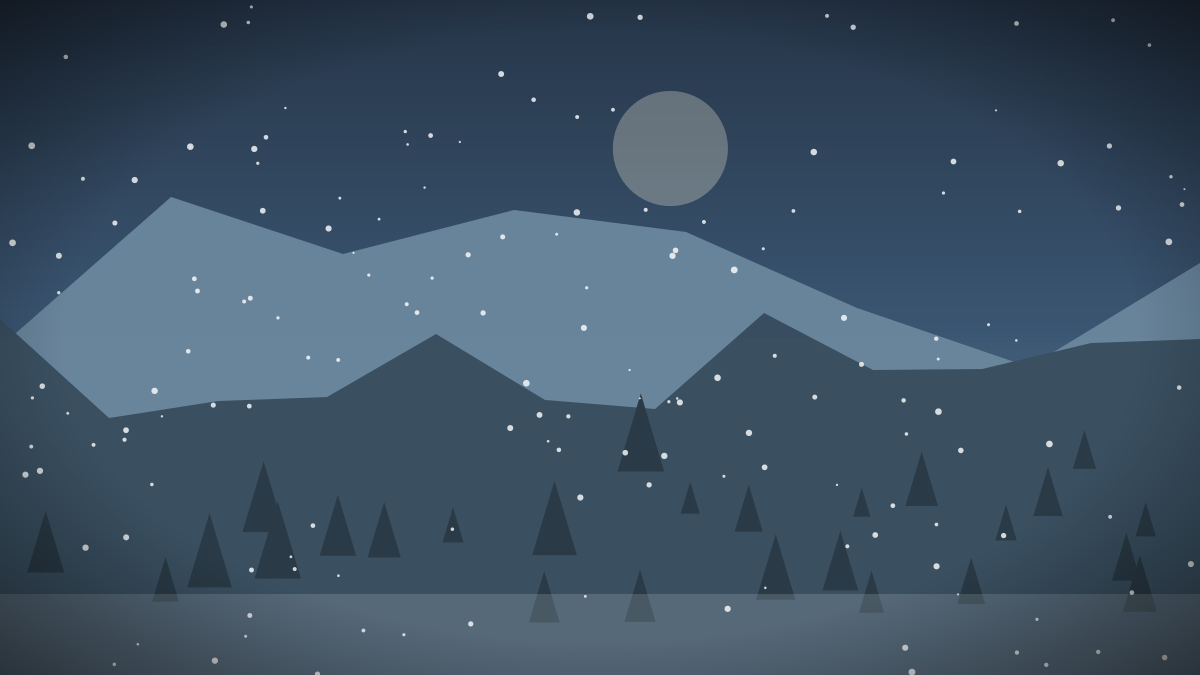
Vanilla Skyrim has a decent number of weather types, but many of them look alike. Overcast skies in Whiterun Hold and the Reach share the same gray. Rain barely changes the light. A blizzard near Winterhold is mostly a white haze with flakes in front of the camera, and the road ahead stays easy to see.
Three things hold it back
A storm should make the land darker and colder. In vanilla the sun light under heavy clouds stays close to a clear day.
It does not follow the ground, so mountains and valleys look the same.
Rain and snow particles are small and sparse, with few splashes or wet looking surfaces.
Weather mods rewrite those records. They change cloud textures, light colors through the day, fog distance and density, and the particle effects for rain and snow. Some add new weather types per region, such as ash storms on Solstheim or dense mist in the marshes of Hjaalmarch.
02Part 2 of 7
Skyrim weather is data, not scripts. Each weather record holds color values for sunrise, day, sunset and night, cloud layer textures and speeds, fog settings, wind, and links to precipitation and lightning effects. A climate record for each region picks which weathers can appear and how often.
A weather mod does its work by editing these records. That has some good side effects
The downside is that every weather mod edits the same records. Two full weather mods cannot be merged by simply loading both. One wins, and you get a mix of colors that neither author intended.
Some weather mods add extra pieces through SKSE plugins or scripts, for example visible breath in cold weather or wet skin in rain. Those parts need a matching SKSE64 build and are the first to stop after a game update.
Screens
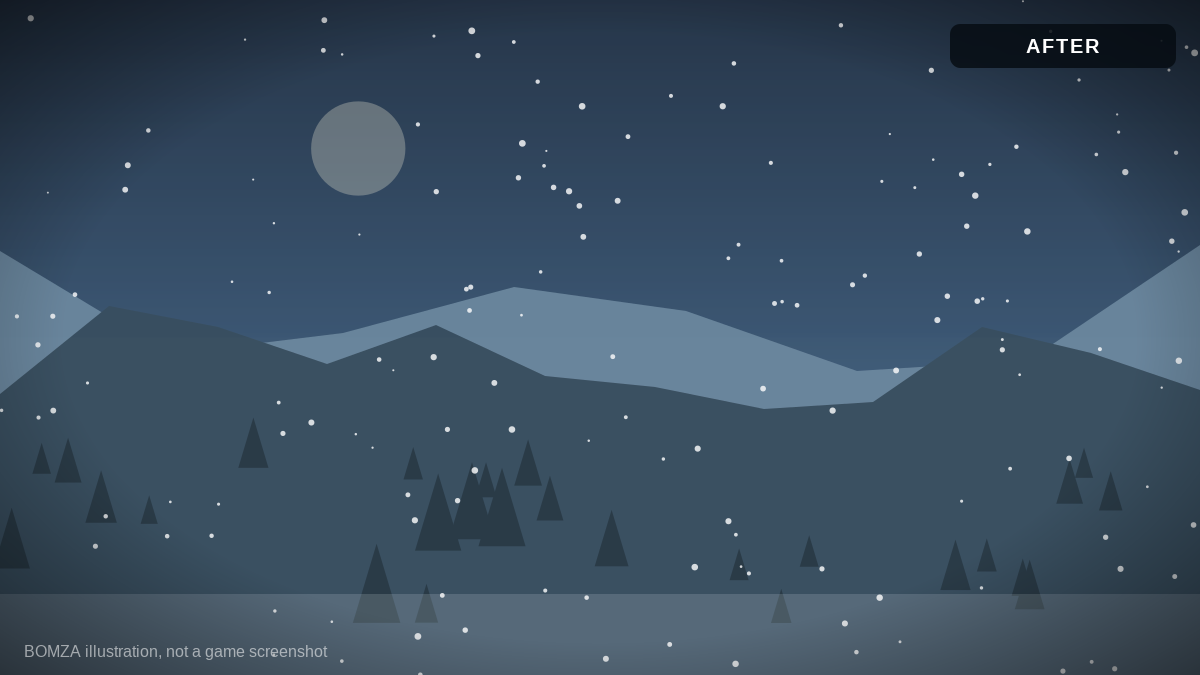
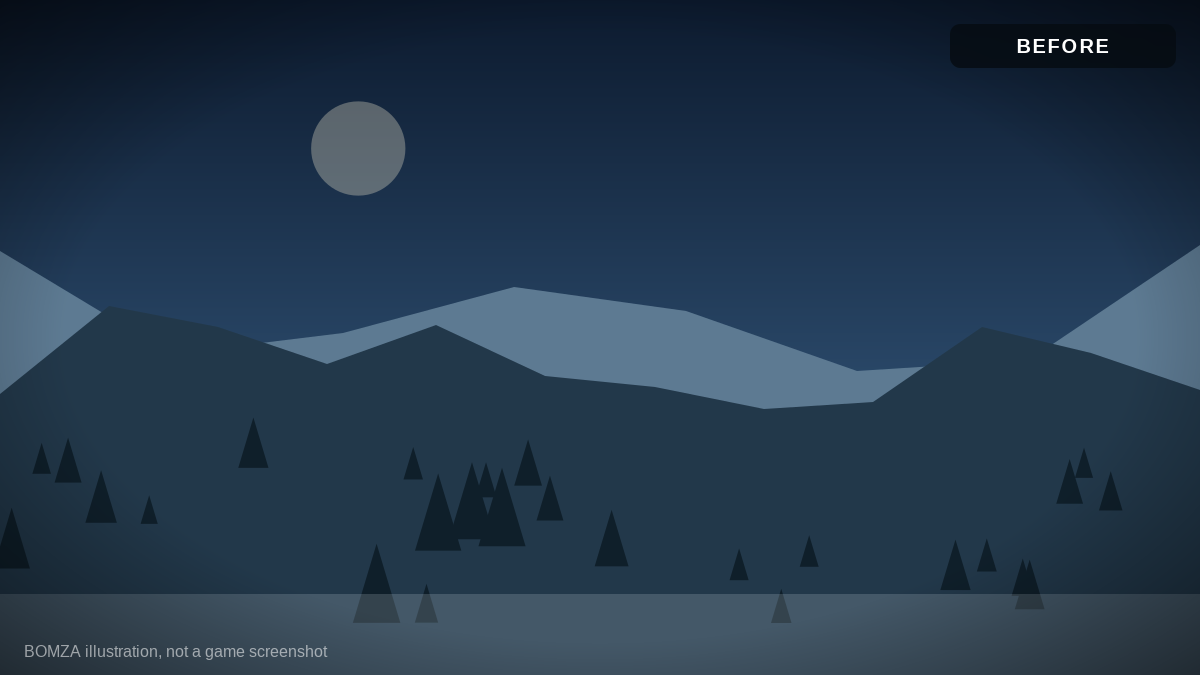
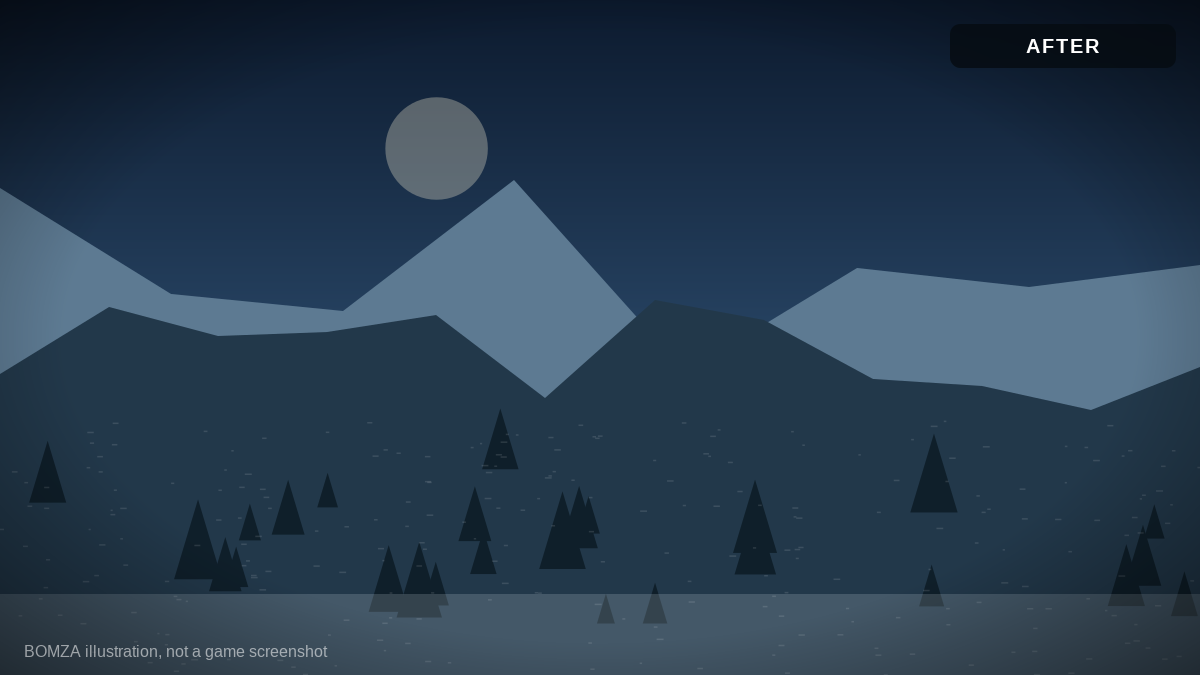
The same scene before and after, plus the spot we test this effect in.
In gameLow fog in the marshes of Hjaalmarch. Fog that follows the ground makes the landscape read better.BeforeThe base game look.AfterThe same road during a storm with vanilla weather and with a weather overhaul.Video coming soonA gameplay capture will be added here.03Part 3 of 7
The popular weather mods each aim for a different feel. Names change and new ones appear, so judge the style rather than the name.
Cathedral Weathers, Obsidian Weathers, Azurite Weathers and NAT are all widely used and cover different points on that table. Read each mod's page for its night brightness options, since nights are where they differ most. Also check which ENB or Community Shaders presets the author recommends.
If you want darker nights and a better sky above them, pair the weather mod with one from the night sky overhaul page.
04Part 4 of 7
Each effect gets better through a different part of the setup.
Rain. Weather mods add denser rain, darker clouds and lower light. Splash and ripple effects on water come from particle mods. Wet looking ground and armor need either ENB or Community Shaders, because vanilla has no wetness effect. Puddles that reflect the sky are a shader feature, not a texture.
Snow. Better snow weather lowers visibility, adds wind and makes flakes larger. Snowy ground and rocks come from landscape textures and snow shaders. Some setups use a sparkle effect on snow that ENB or Community Shaders draws.
Fog. Good fog lies lower in valleys and thins out on peaks. Supreme and Volumetric Fog style mods place fog volumes in the world. ENB and Community Shaders add height based fog and volumetric light, which produces the light shafts you see through trees in Falkreath.
Storms. Thunderstorms need dark light values, fast moving clouds and lightning that lights the land. Sound mods round it off with real thunder and wind.
Visit Riften in rain, the Throat of the World road in snow and Morthal in fog. Those three show most of what a weather setup can do.
05Part 5 of 7
In vanilla, no. Interiors are separate cells with their own lighting, so a storm outside does not reach inside a house or a cave. You hear nothing and see nothing.
Some mods change this in a limited way
Rain on the roof of an inn, wind in a cave entrance. These are scripted sound mods.
Some lighting mods change the light coming through windows based on the time of day and weather outside.
A few large interiors, such as certain ruins with open ceilings, can show a fake sky.
None of these makes a cave rainy. They make the switch between outside and inside feel less sudden. Because they often use scripts or SKSE plugins, they need more care when you remove them, and they need a matching SKSE64 build.
The lighting side of interiors is covered on the brighter caves page.
06Part 6 of 7
An ENB preset is tuned against specific weather colors. The author sets brightness, contrast, saturation and tone mapping while looking at one weather mod. Put a different weather mod under that preset and the colors shift. Days get too orange, nights too dark, or fog turns bright white.
Common signs of a mismatch
The fix is to use the weather mod the preset was built for, or a preset made for your weather mod. Many ENB presets also offer per weather settings, which some weather mods support with their own weather ids.
Community Shaders setups are less sensitive, because they usually do less color grading. ReShade presets sit on top of everything and can be adjusted live, but they apply the same correction to every weather. The ReShade vs ENB article explains the trade off.
07Part 7 of 7
The weather records themselves are cheap. Color values and cloud textures cost almost nothing. What costs frame rate are the effects that come with them.
These are the biggest cost, especially with ENB or Community Shaders volumetric features turned on.
More particles and larger particles add GPU work, mostly noticeable in blizzards.
These use some VRAM but little GPU time.
Brief and cheap, though it can cause a short stutter on slow drives when the effect loads.
A weather mod with no shader features usually costs little. The same weather with a full ENB on top can cost a lot during storms. If you need more frames in bad weather, lower volumetric quality first and leave the weather mod alone. The Skyrim FPS boost page covers other settings, and our test approach is in how BOMZA measures FPS impact.
Dial it in
Sun and ambient color for each time of day. Decides how warm a sunrise looks and how cold a storm feels.
Many weather mods ship bright, default and dark night files. Changes whether you need a torch outside at night.
How thick fog is and how close to the ground it sits. Changes how far you can see and how valleys look.
Number and size of rain and snow particles. Heavier makes storms feel real but costs some frame rate.
How often each weather appears in a region. Changes whether storms are rare events or part of daily travel.
Before you install
Works with
Use one full weather overhaul. Lighting mods for interiors, sky texture mods and sound mods can sit alongside it, but load sky textures so the one you want wins. Mods that add new regions, such as large landmass mods, may need weather patches.
Core weather mods do not need SKSE64, so they keep working after most game updates. Extras built as SKSE plugins need a matching build. The Atmosphere Overhaul lists what it was checked with, and the confirmed game version is on the status page.
Install steps are in Guides, and the current state of each pack is on the status page.
Limitations
Tested packs
These BOMZA packs include this effect. Each one shows the game version it was last confirmed on. Options and checkout are in the shop.
FAQ
Short answers to what players ask us most. Open a question to read the answer.
Ask in our Discord. Include your game version and what you installed.
Open DiscordNot two full overhauls. They edit the same weather and climate records, and only one can win. Pick one and use add ons made for it.
No. Weather mods edit records, not scripts. Back up your save, install it, then wait or sleep a few hours so the weather changes.
Many weather mods default to darker nights. Look for a brighter night option file, or lower the darkness in your ENB preset.
The core weather changes do not. Optional features such as breath in cold air or interior weather sounds may use scripts or SKSE plugins.
Usually your ENB or shader preset was tuned for a different weather mod. Match the preset to your weather mod or lower its fog brightness.
Keep exploring
 Brighter caves and dungeons in Skyrim Special EditionSkyrim caves look too dark because each interior cell has a fixed, very low ambient light and few real light sources. Lighting mods fix this by raising that ambient level a little and adding torches, braziers and light shafts that actually light the room. The goal is a cave you can read without a torch in hand, while the outside world keeps its normal day and night.
 Skyrim night sky overhaul: stars, moons and auroraA night sky overhaul replaces the low resolution stars, the two moons Masser and Secunda and the aurora with sharper, denser textures, and often adjusts how bright the sky is after dark. It is one of the cheapest visual upgrades in Skyrim because it is mostly textures. How good it looks depends on your weather mod, since weather decides how dark the night is and how much cloud hides the stars.
 Sharper landscape textures in Skyrim Special EditionLandscape texture mods replace the ground, rock, mountain, road and snow textures with sharper, higher resolution versions, so the world stops looking smeared when you stand close. For distant terrain to match, you also need updated LOD generated with tools such as xLODGen and DynDOLOD. The main cost is video memory, not raw GPU power, so pick a resolution your card can hold.
 Skyrim Special Edition FPS boost: what actually helpsSkyrim frame rate drops mostly come from shadows, grass, draw calls in cities and heavy post processing, not from textures. The biggest wins are lowering shadow distance and grass density, using fix plugins such as Engine Fixes and Display Tweaks, and choosing lighter post processing. Raising the frame rate above 60 also needs a physics fix, or objects start to jump.
 Full Skyrim Special Edition mods guideEvery effect, what it costs in FPS, what breaks after updates and how we check our packs.
Skyrim Special Edition · weather effects
Our pack for this effect is tuned and tested by our team on a named game version, with setup guides and support on Discord.
Quick answers from our FAQ. Not solved? Open a ticket on Discord.