 F4
 CP
 W3
 MC
 ETS2
 AC

1K
- Where it helps
- Small objects, distant surfaces
- Typical use
- Cards with little VRAM, laptops

Show prices in
Prices in other currencies are approximate. Card payments are charged in South African rand (ZAR).
 Log in
Skyrim Special Edition · Visual effect
Landscape texture mods replace the ground, rock, mountain, road and snow textures with sharper, higher resolution versions, so the world stops looking smeared when you stand close. For distant terrain to match, you also need updated LOD generated with tools such as xLODGen and DynDOLOD. The main cost is video memory, not raw GPU power, so pick a resolution your card can hold.
01Part 1 of 7
Walk along the road from Riverwood to Whiterun and look down. The dirt and grass ground textures in vanilla are low resolution and stretched across large areas, so you see soft, repeating smudges instead of stones and soil. Look at a cliff in the Reach and the rock texture tiles in an obvious pattern.
From a distance the problem flips. Far mountains use LOD, a simpler stand in model with its own textures. In vanilla, LOD terrain has a different color and sharpness from the ground near you, so there is a visible line where detailed land turns into a flat, blurry shape.
A few causes stack up
Landscape mods fix the first two. LOD tools fix the third. You usually need both to get a world that looks sharp near and far.
02Part 2 of 7
Landscape packs focus on surfaces you see all the time while traveling.
Dirt, grass ground cover, gravel, tundra moss and forest floor. These have the biggest effect because they fill most of the screen.
New textures and sometimes new meshes for boulders and cliff faces.
Mods such as Majestic Mountains replace mountain textures and add moss or snow layers.
Mods such as Blended Roads fix the hard edges where roads meet the ground.
Brighter, more detailed snow, sometimes with shader effects for sparkle.
Complete overhauls like Skyland or Noble Skyrim cover a wide range of surfaces in one style. Specialized mods do one thing very well. Mixing them works if you decide which mod wins for each surface and stick to it.
Some newer texture mods include parallax or complex material versions, which give surfaces a 3D look at shallow angles. These need ENB or Community Shaders to render, and some need matching meshes. Without them, the extra maps are ignored.
Screens
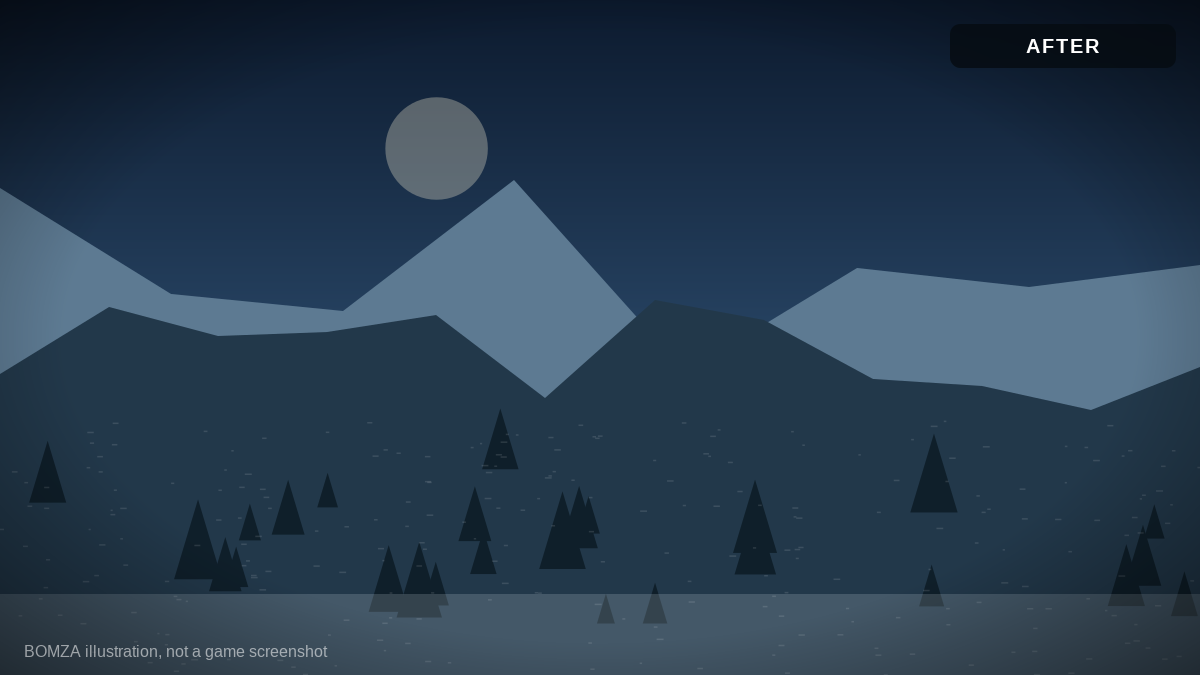
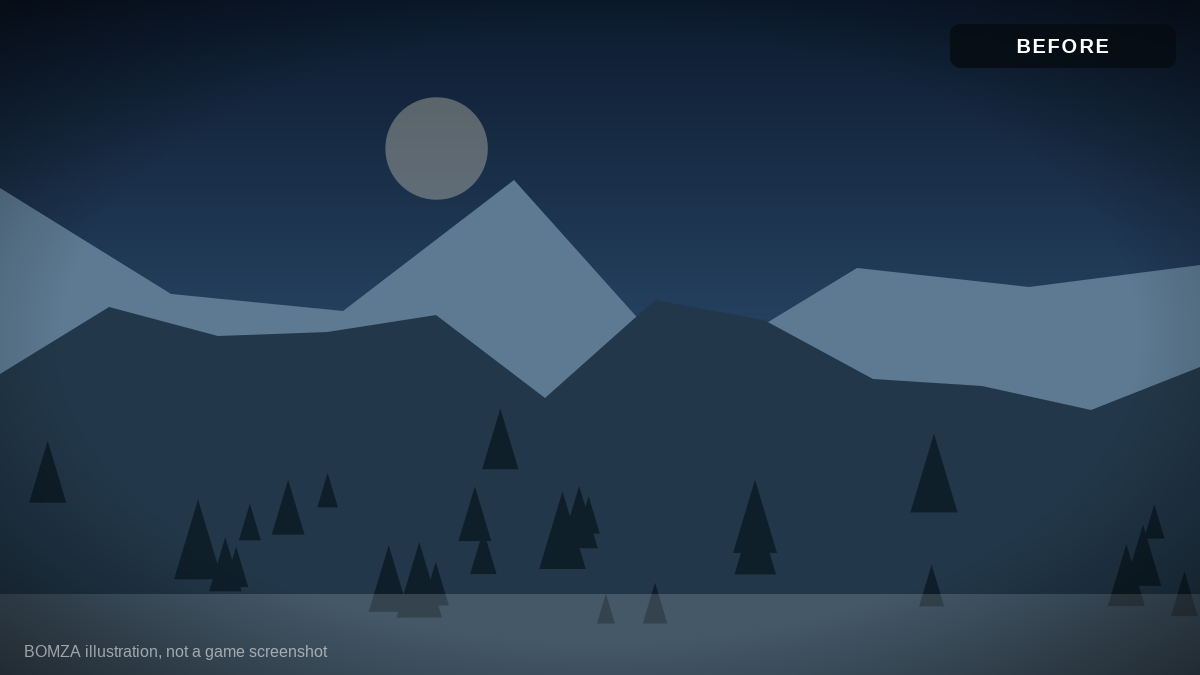
The same scene before and after, plus the spot we test this effect in.
In gameWith regenerated LOD, distant mountains share the color and detail of the ground you stand on.BeforeThe base game look.AfterRoad and hillside near Riverwood with vanilla textures and with a landscape texture setup.03Part 3 of 7
Resolution is the main choice, and it is mostly a video memory question. A 4K texture holds four times the pixels of a 2K texture, and so it takes about four times the memory.
You do not need every texture at the same resolution. A common approach is 2K for ground and roads and 4K for mountains and large cliffs, where the texture covers a big area.
When the card runs out of VRAM, the game moves textures in and out of system memory. You feel that as stutter while turning or riding, not as a lower average frame rate. Compressed formats such as BC7 keep quality close to the original at a smaller size, which is why many texture authors ship them.
04Part 4 of 7
New landscape textures only change the ground near you. To make the distant world match, you regenerate LOD after installing them. This is where many setups fall apart, because the near ground is sharp and green while the far hills are still the old brown blur.
Three tools cover this in most setups
builds terrain LOD: the shape and texture of distant ground.
, part of the DynDOLOD package, creates textures for distant objects based on your installed mods.
generates object and tree LOD so mountains, rocks and forests appear in the distance with your new textures.
Running these tools takes time and some reading, but the result is a world where mountains in the distance have the same color and detail as the ones you walk on. You also need to run them again after you change texture mods, because LOD is baked from what is installed at that moment.
If you only change ground textures and skip LOD, it still looks better up close. It just will not look finished from a high spot like the Throat of the World.
05Part 5 of 7
Grass and ground textures are separate, but they have to match. The ground texture under the grass shows through gaps. If your grass is lush green and the ground texture is brown dirt, the field looks patchy.
Most landscape overhauls are made with a specific grass mod in mind, or ship their own grass. Cathedral Landscapes, for example, covers both landscape and grass. If you add a separate grass mod, check that its colors suit your ground textures and that it covers the same regions.
Grass is also one of the largest performance costs in Skyrim. Dense grass in the Rift or Falkreath forests means thousands of small objects per frame. Two settings matter most:
, set by the grass mod and by the minimum grass size value in the game ini.
, which decides how far grass appears before it fades.
Some setups use grass LOD so distant fields look green instead of bare. That adds work for DynDOLOD and usually needs a grass cache step. For frame rate effects, the Skyrim FPS boost page goes into grass settings.
06Part 6 of 7
Texture conflicts are not crashes. They are simply one file overwriting another. If two mods both include the same rock texture, the one your mod manager places later is what you see.
That gives you control. In Mod Organizer 2 you can see exactly which files each mod overwrites, and drag mods up or down to change the winner. In Vortex you set rules to load one mod after another.
Problems appear in a few cases
A texture from one mod with a normal map from another can look bumpy in the wrong places.
Some rock and mountain mods ship meshes that point to their own textures. Overwrite only the textures and you get the wrong look.
Surfaces can look warped or shiny.
Changing textures without updating LOD gives a mismatch between near and far.
Plugin conflicts matter too for landscape mods that change land records or texture sets. The load order and conflicts explainer goes through how to check them.
07Part 7 of 7
Mostly not, as long as they fit in video memory. A GPU reads a 4K texture almost as fast as a 2K one. The average frame rate barely moves. What changes is how much memory the game needs.
You will notice texture problems as
, when textures stream in and out of VRAM.
, especially from a hard drive instead of an SSD.
before the sharp version loads.
Parallax and complex material textures do cost GPU time, because the shader does more work per pixel. The cost is modest on its own but adds up with ENB.
LOD from DynDOLOD can cost more than ground textures, because it adds distant objects and trees to every outdoor frame. Pick a lower LOD preset if your CPU is the limit. For how we approach performance testing without made up numbers, read how BOMZA measures FPS impact.
Dial it in
Picks 1K, 2K or 4K per surface. Higher shows more detail up close but uses more video memory.
Adds a 3D look to stones and cliffs at shallow angles. Needs ENB or Community Shaders to show.
Set when you generate LOD. Decides how sharp distant hills and mountains look.
Chooses how much detail distant rocks and forests keep. Higher looks fuller but costs frame rate outdoors.
How thick grass is and how far it reaches. Affects how much ground texture shows through and the frame rate in forests.
Before you install
Works with
Texture mods do not depend on the game executable, so they keep working on 1.5.97 and 1.6.x and after updates. LOD tools need to run again after you change landscape or object textures. Parallax and complex material versions need ENB or Community Shaders and matching meshes.
BOMZA has no Skyrim pack for landscape textures at this time. Free community options are listed on free mods, and setup help for BOMZA packs is in the Skyrim guides.
Install steps are in Guides, and the current state of each pack is on the status page.
Limitations
Tested packs
No BOMZA pack covers this effect yet. You can still browse the Skyrim Special Edition shop for the packs that exist.
There is no BOMZA pack for this yet. The guide above covers the free ways to get the effect, and the free mods overview explains how to judge a mod page.
FAQ
Short answers to what players ask us most. Open a question to read the answer.
Ask in our Discord. Include your game version and what you installed.
Open DiscordNo. Textures are just image files. You can add, swap or remove them at any time without risk to your save.
It depends on how many 4K packs you use and on ENB. Start with 2K for ground and add 4K only for mountains and cliffs, then watch for stutter.
No, but without new LOD the distant world will not match your new textures. Many players run xLODGen for terrain and skip object LOD at first.
Usually a parallax texture without a matching mesh or shader, or a normal map from a different mod. Check which mod wins for that file.
No. They do not depend on the executable. Only SKSE plugins and ENB are tied to the game version.
Keep exploring
 Brighter caves and dungeons in Skyrim Special EditionSkyrim caves look too dark because each interior cell has a fixed, very low ambient light and few real light sources. Lighting mods fix this by raising that ambient level a little and adding torches, braziers and light shafts that actually light the room. The goal is a cave you can read without a torch in hand, while the outside world keeps its normal day and night.
 Skyrim night sky overhaul: stars, moons and auroraA night sky overhaul replaces the low resolution stars, the two moons Masser and Secunda and the aurora with sharper, denser textures, and often adjusts how bright the sky is after dark. It is one of the cheapest visual upgrades in Skyrim because it is mostly textures. How good it looks depends on your weather mod, since weather decides how dark the night is and how much cloud hides the stars.
 Skyrim weather effects: rain, snow, fog and stormsSkyrim weather mods replace the weather records that set sky color, cloud layers, fog, light and precipitation for each region. A good one gives you more distinct weathers, storms that darken the world, snow that cuts visibility and fog that settles in valleys. You should run only one full weather mod at a time, and match your ENB or Community Shaders preset to it.
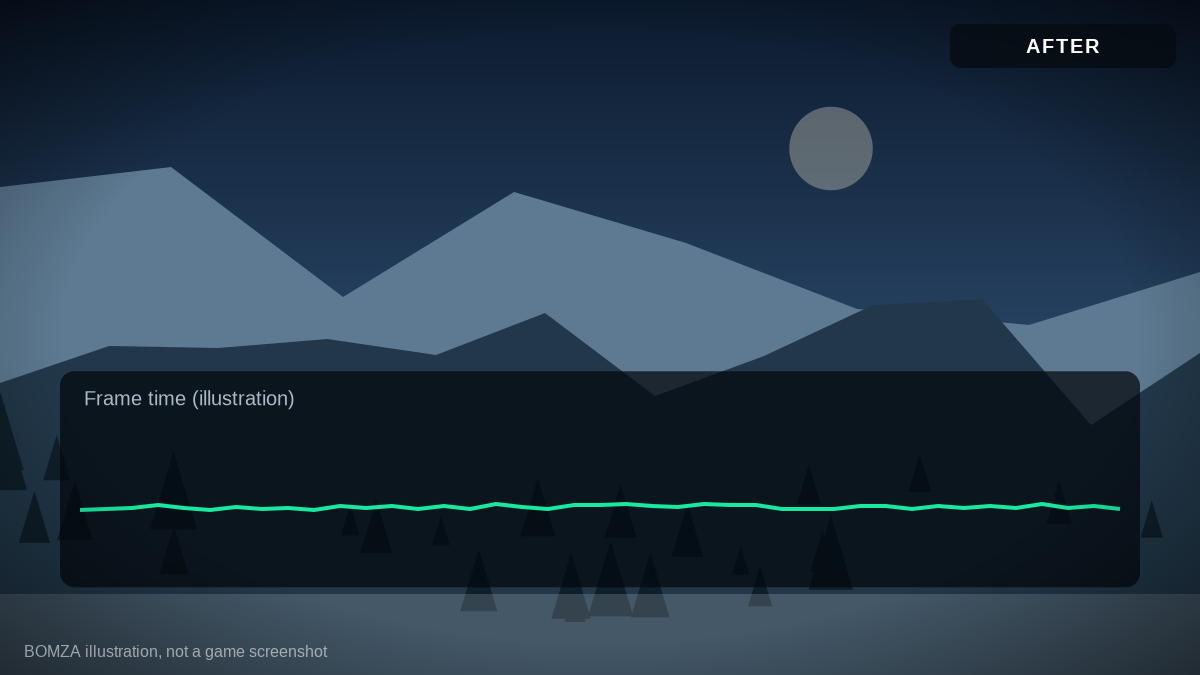
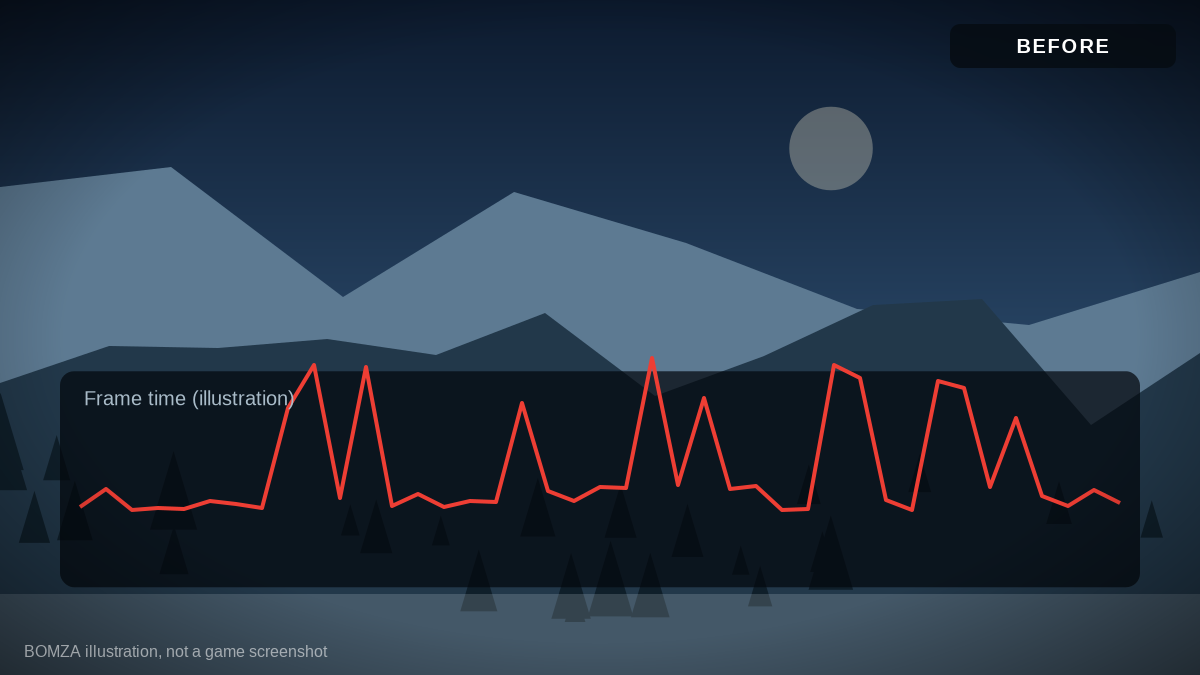 Skyrim Special Edition FPS boost: what actually helpsSkyrim frame rate drops mostly come from shadows, grass, draw calls in cities and heavy post processing, not from textures. The biggest wins are lowering shadow distance and grass density, using fix plugins such as Engine Fixes and Display Tweaks, and choosing lighter post processing. Raising the frame rate above 60 also needs a physics fix, or objects start to jump.
 Full Skyrim Special Edition mods guideEvery effect, what it costs in FPS, what breaks after updates and how we check our packs.
Skyrim Special Edition · sharper landscape textures
There is no BOMZA pack for this effect yet. The Skyrim Special Edition shop lists every pack we have for this game today.
Quick answers from our FAQ. Not solved? Open a ticket on Discord.